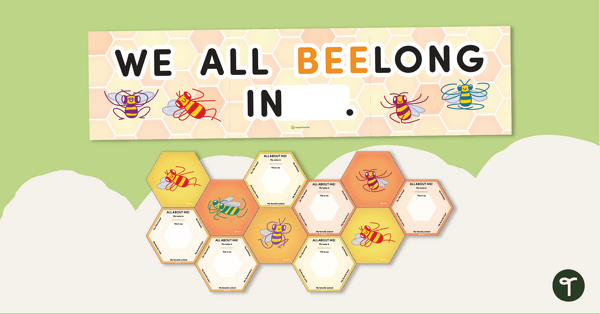
Create an inclusive 'All About Me' wall with this Bee Classroom Display kit.
Looking for a Busy Bee Classroom Display?
This busy bee classroom display is a great way for students to get to know their classmates! The bee-themed classroom or hallway display pack includes everything you need to make a fun bee classroom display to kick off the new school year.
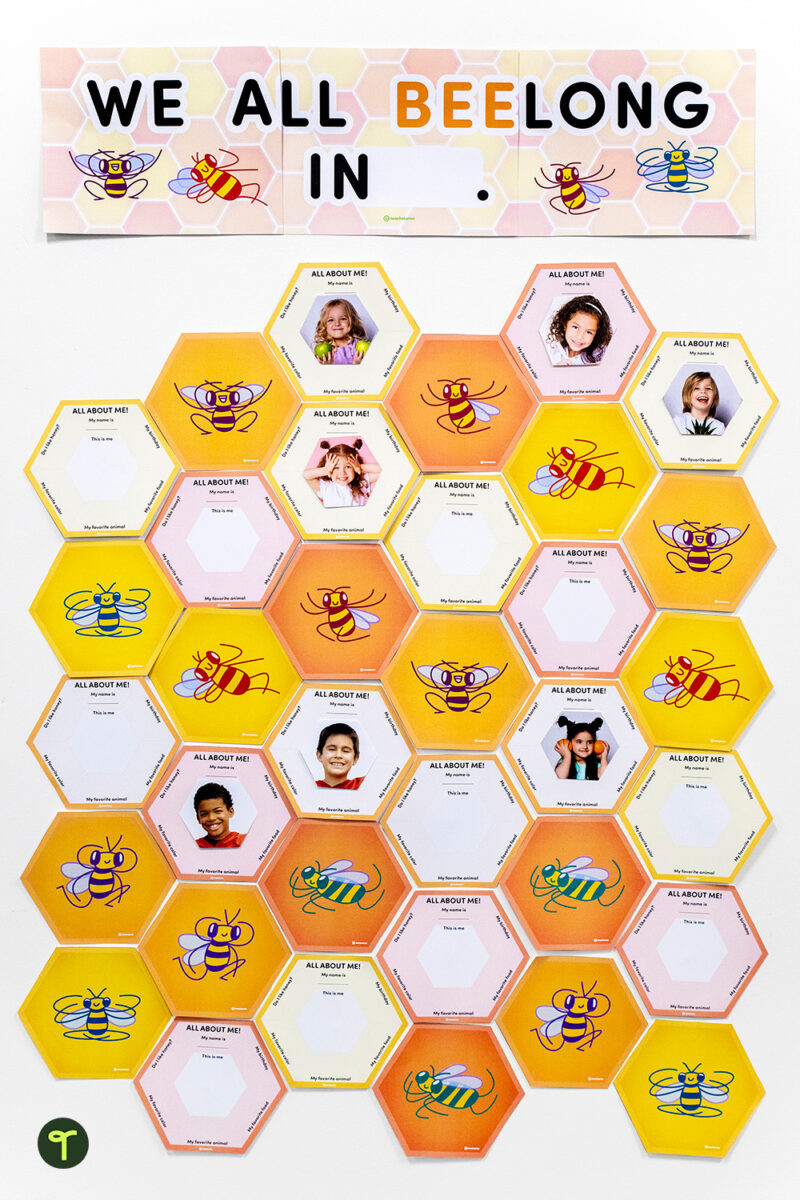
Easily Prepare This Beehive Classroom Display
This Beehive Classroom Display is easy to download, assemble, and use. To get started, use the dropdown icon on the Download button to choose between the colour or black-and-white version of this resource. From there, print the templates, elements, and lettering that you prefer and laminate for durability. We recommend printing the student templates on thick card to make them easier to handle and hang.
Build Your Classroom Beehive Board
This Classroom Beehive Board display pack includes:
- We All Belong In __ (display banner)
- 3 ‘All About Me’ honeycomb templates
- 6 bees in a honeycomb template (for building up the display)
- 3 empty honeycomb templates
- bee cutouts (for decoration)
Have each student complete an all-about-me honeycomb. Then, personalise the back-to-school display for your new students, snap photos of each student on the first day of school, and insert the photo into the center of their all-about-me honeycomb. When they arrive for school the next morning, they’ll be delighted to spot their personal honeycomb!
Print on thick card for added durability and longevity. After the back-to-school season is over, you can place all of the pieces in a folder or large envelope for easy access and reuse next school year.
More Resources to Add To Your Bee-Themed Classroom
Looking for more resources to add to your bee-themed classroom? We’ve got you covered! Make sure you check out these amazing bee-themed printables before you go!
teaching resource
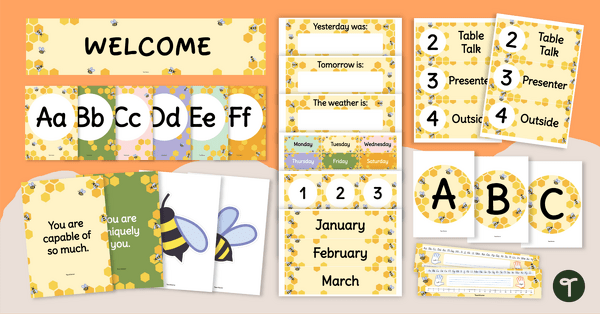
Bee Themed Classroom Decor Bundle
Create a bee-themed classroom with a decor bundle full of bulletin boards, student awards and more printable and digital bee decor for your hive!
teaching resource
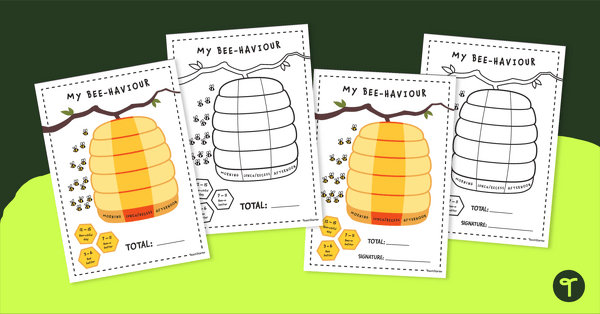
Our Daily Class Behaviour Beehive – Large Wall Display
A beehive themed classroom behaviour management wall display that can be adapted for your students.







0 Comments
Write a review to help other teachers and parents like yourself. If you'd like to request a change to this resource, or report an error, select the corresponding tab above.