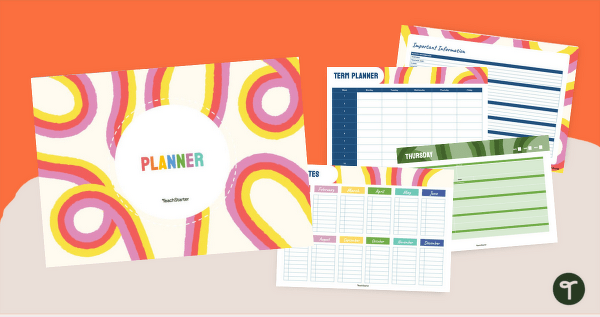
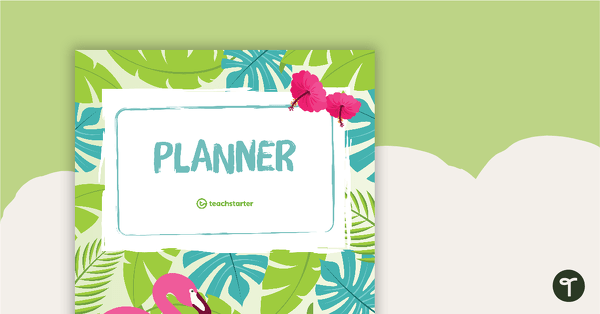
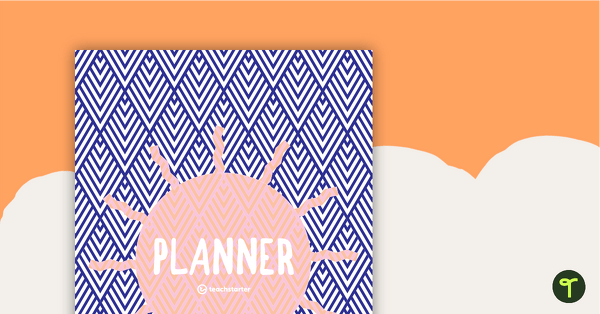
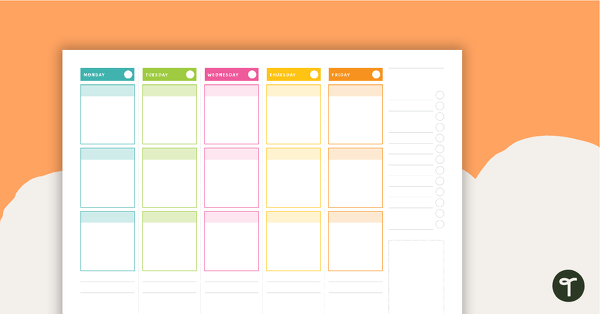
Organise your classroom planning in style with our Retro Digital Teacher Planner—where bold, nostalgic design meets practical, easy-to-use templates.
Using Microsoft PowerPoint for Digital Planning
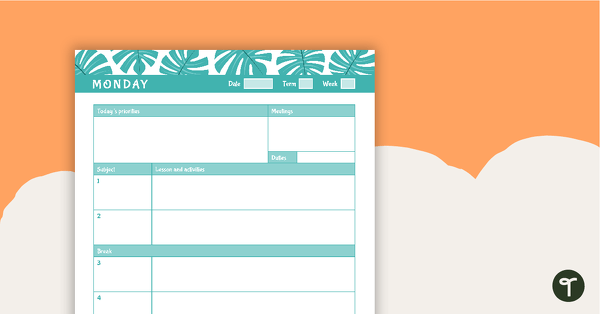
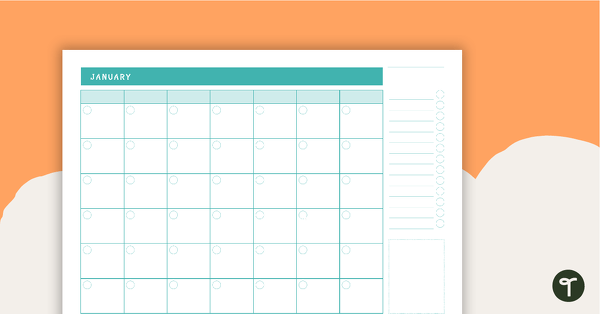
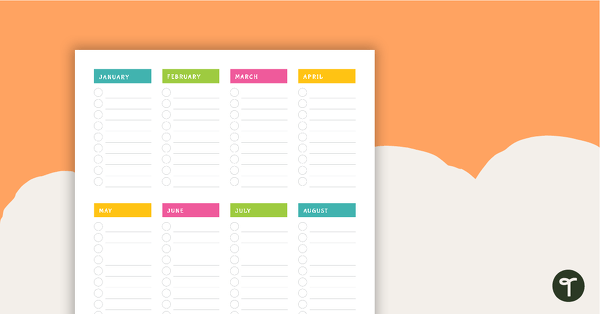
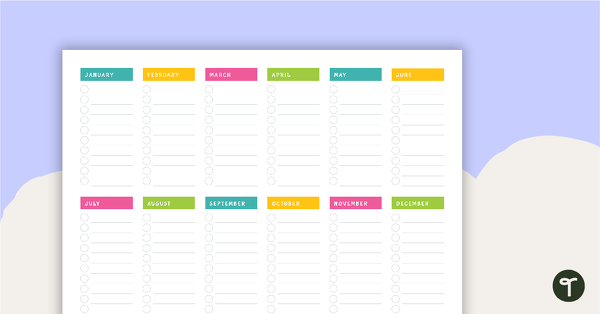
Bring a splash of retro style to your classroom planning with our Retro Digital Teacher Planner resource. Perfect for Australian primary teachers, this theme combines bold, wavy lines and vibrant colours with practical digital tools to make lesson planning simple and stylish.
This easy-to-use digital planner has been created in Microsoft PowerPoint and Google Slides, so you can start planning straight away. Simply download the planner, add your information to the editable templates, and you’re ready to go! Each slide includes pre-set text boxes, so there’s no need to worry about formatting—just type and plan. Easy!
Apps for Digital Teacher Planners
Want to take your planning to the next level? You can easily import our PowerPoint digital planners into apps like GoodNotes and use a stylus to write directly on the templates. This gives you the best of both worlds—digital convenience with a handwritten touch! Other apps that work perfectly with our planners include:
- Microsoft OneNote
- GoodNotes
- ZoomNotes
- Xodo
- Noteshelf
- Notability
Why Choose a Digital Planner for Teachers?
- Eco-friendly – Reduce paper waste and reuse your planner year after year.
- Customisable – Move things around, add links, and make it work for you.
- Shareable – Send your plans to a relief teacher in seconds.
- Cost-effective – Save money compared to buying printed diaries annually.
- Flexible – Use on desktop, laptop, or iPad.
- Creative – Add links, images, and even handwritten notes in compatible apps.
Download Your Retro Digital Teacher Planner Today!
This resource is available as an editable Google Slides or Microsoft PowerPoint file. Click the download button, choose your preferred version, and start planning today! (If you select Google Slides, you’ll be prompted to make a copy in your Google Drive.)
More Ways to Make Lesson Planning Easier
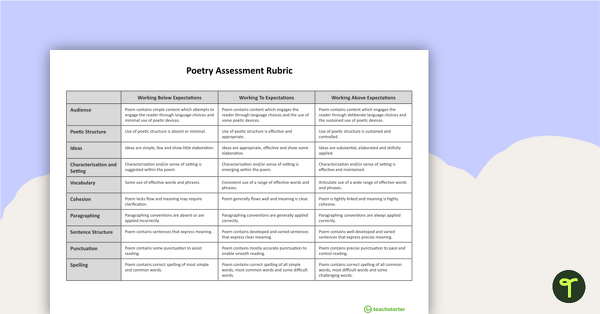
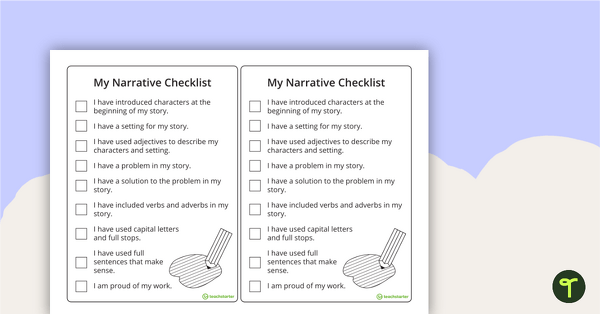
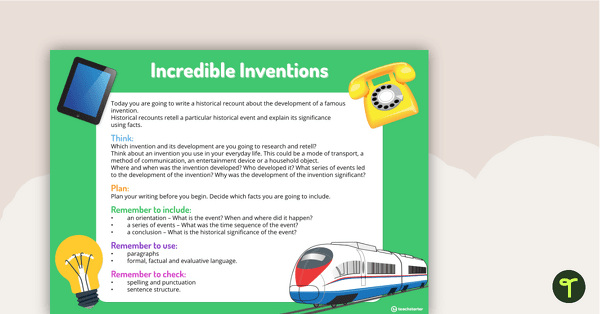
Don’t stop at your planner! Explore our full range of resources designed to help you save time and stay organised. From lesson plan templates to classroom organisation tools, we’ve got everything you need to make teaching stress-free.
[resource:5016466] [resource:5092529] [resource:5093902]

0 Comments
Write a review to help other teachers and parents like yourself. If you'd like to request a change to this resource, or report an error, select the corresponding tab above.