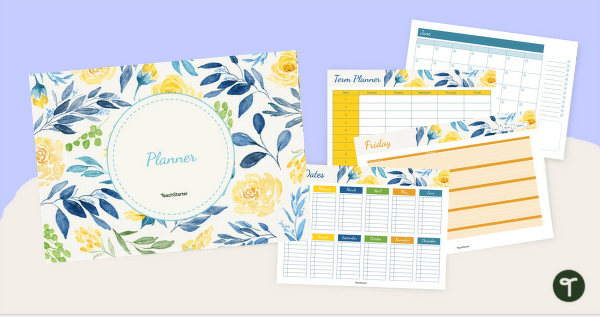
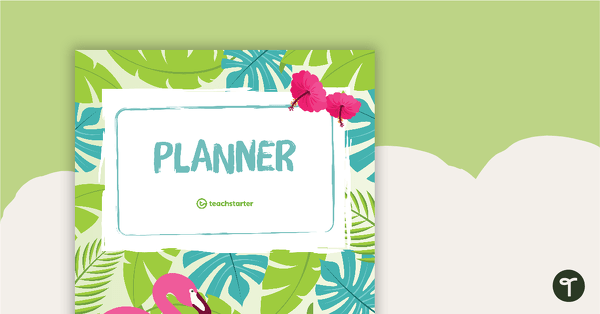
Stay organised all year using our vintage floral digital teaching planner—crafted for Aussie teachers who love timeless style and functionality.
Plan with Ease Using Our Vintage Floral Digital Teaching Planner
Bring timeless elegance to your classroom organisation with our Vintage Floral Digital Teaching Planner, designed specifically for Aussie primary teachers. This stylish and practical resource makes planning simple and stress-free, so you can focus on what matters most—teaching.
How to Use Your Teacher Daily Planner in Microsoft PowerPoint
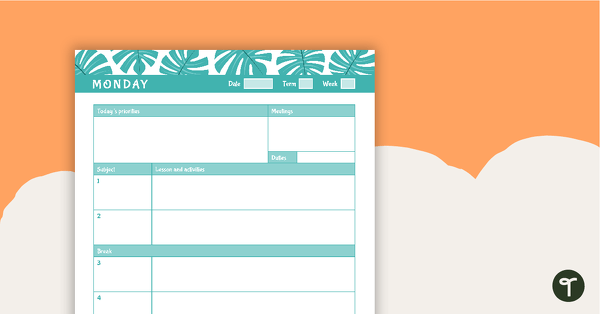
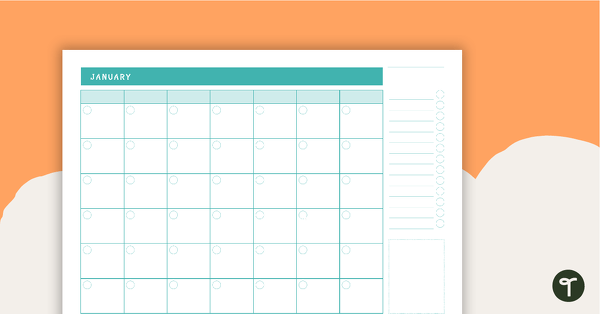
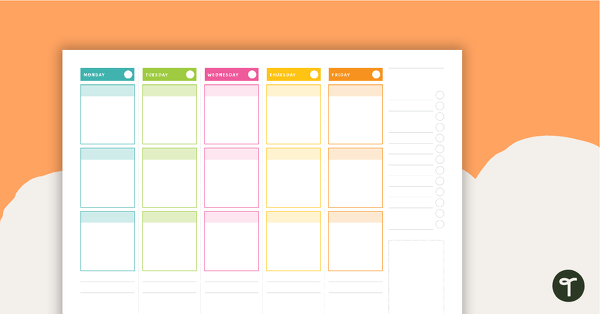
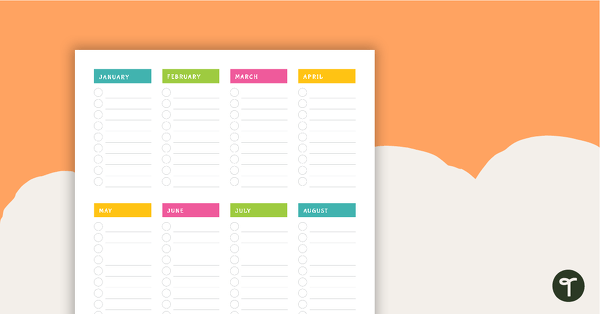
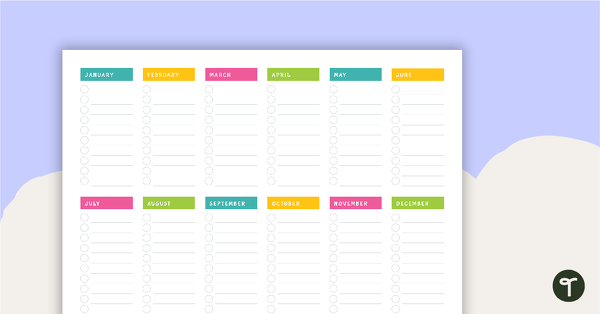
Our Vintage Floral Teacher Daily Planner has been created in Microsoft PowerPoint and Google Slides for ultimate ease of use. Simply download the planner, open it in PowerPoint (or Google Slides), and start planning! Each slide includes editable text boxes, so you can quickly add your information without fuss. No complicated setup—just straightforward digital planning.
Apps That Work with Your Digital Teaching Planner
Want to take your Vintage Floral Teaching Planner to the next level? Import your PowerPoint planner into apps like GoodNotes and use a stylus to write directly on the templates. This gives you the best of both worlds—digital convenience with a handwritten feel. Other compatible apps include:
- Microsoft OneNote
- GoodNotes
- ZoomNotes
- Xodo
- Noteshelf
- Notability
Why Choose a Digital Teacher Daily Planner?
Switching to a digital planner offers countless benefits:
- Eco-friendly: Reduce paper waste by avoiding printed diaries every year.
- Customisable: Easily move, edit, and adapt pages to suit your needs.
- Shareable: Send your daily plans to relief teachers in seconds.
- Cost-effective: Save money over time compared to printed planners.
- Versatile: Use on desktop or iPad, and add links for quick access.
- Stylish: Enjoy the beautiful Vintage Floral design while staying organised.
Download Your Vintage Floral Digital Teaching Planner Today!
Our Teacher Daily Planner is available as an editable Google Slides or Microsoft PowerPoint file. Click download, choose your preferred format, and start planning straight away! If you select Google Slides, you’ll be prompted to make a copy to your Google Drive—then you’re ready to go.
More Ways to Simplify Lesson Planning
Don’t stop at your Vintage Floral Teaching Planner! Explore our full range of resources to make lesson planning easier and reclaim your valuable time.
[resource:4421001] [resource:1833474] [resource:4984767]


0 Comments
Write a review to help other teachers and parents like yourself. If you'd like to request a change to this resource, or report an error, select the corresponding tab above.