Technology Teaching Resources for Year 6
- Plus Plan
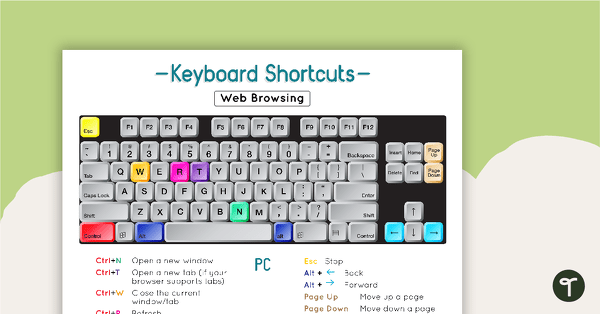
Using a PC Keyboard Poster
A set of 4 posters to remind students of the correct shortcuts for a PC keyboard.
- Plus Plan
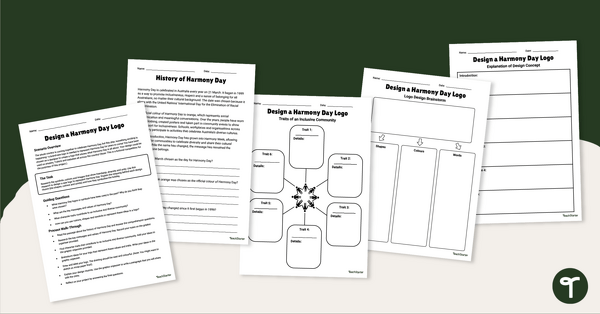
Design a Harmony Day Logo Project
Design a Harmony Day logo with your students using our inquiry-based learning project.
- Plus Plan
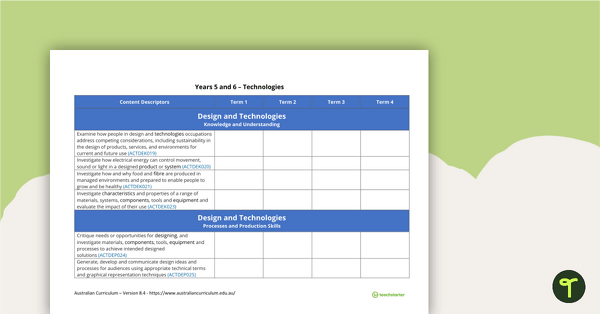
Technologies Term Tracker (Australian Curriculum) - Years 5 and 6
A Technologies term tracker using the Australian Curriculum Years 5 and 6 content descriptors and codes.
- Free Plan
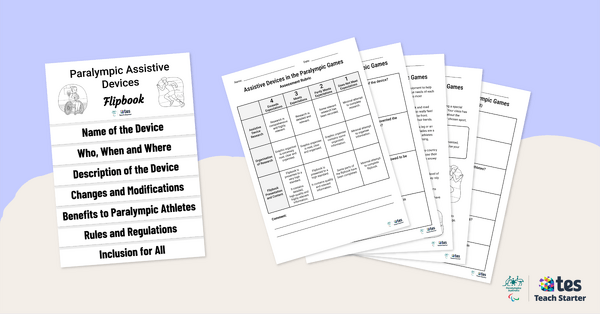
Assistive Devices in the Paralympic Games – Inquiry-Based Project
Have your students investigate the assistive devices used by Paralympians with this inquiry-based learning project.
- Free Plan
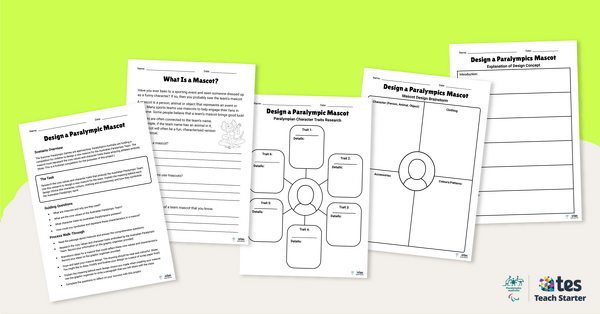
Design a Paralympic Mascot – Inquiry-Based Project
Have your students design a new mascot for the Australian Paralympic Team with this inquiry-based learning project.
- Free Plan
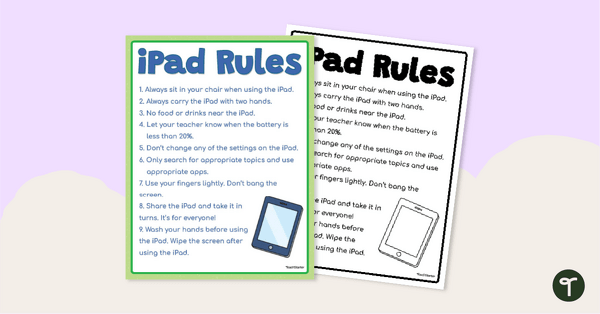
Free iPad Rules Classroom Poster
Display this classroom poster to set the boundaries and rules around using school iPads in the classroom.
- Free Plan
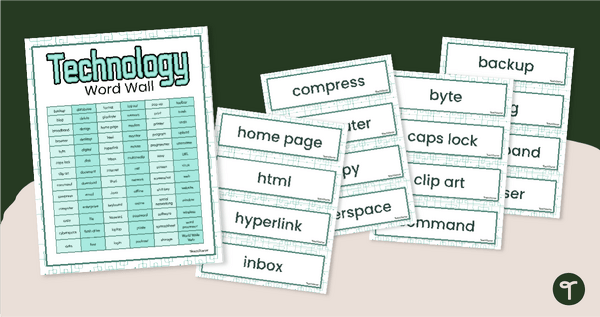
Technology Word Wall Vocabulary
Create a technology related vocabulary word wall for your classroom or computer lab with a printable and editable set of 72 Technology vocab cards.
- Plus Plan
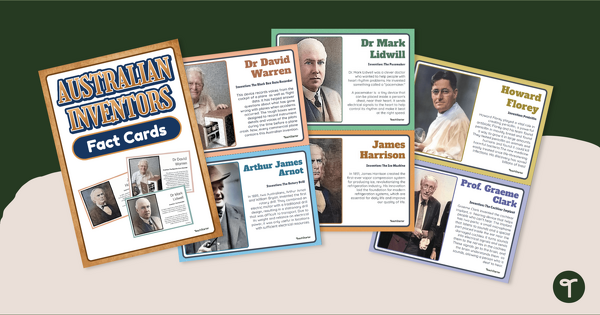
Australian Inventors Mini Anchor Charts
Learn about inventions that changed the world with a set of mini-classroom posters.
- Plus Plan
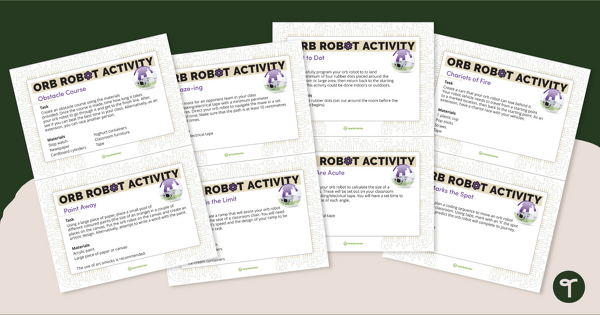
Orb Robot Task Cards
Practice coding concepts with orb robot task cards for students, suitable for middle and upper years.
- Plus Plan
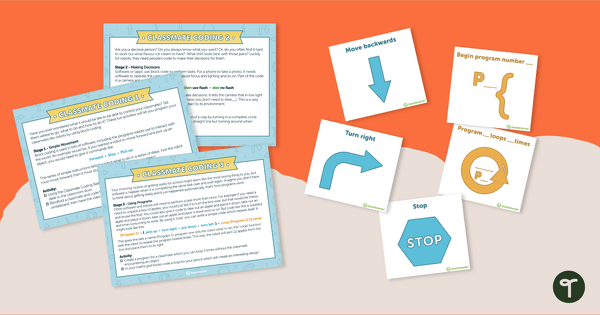
Classmate Coding - Flashcards and Activities
Introduce your students to the concept of coding by having them "program" a classmate using coding cards.
- Plus Plan
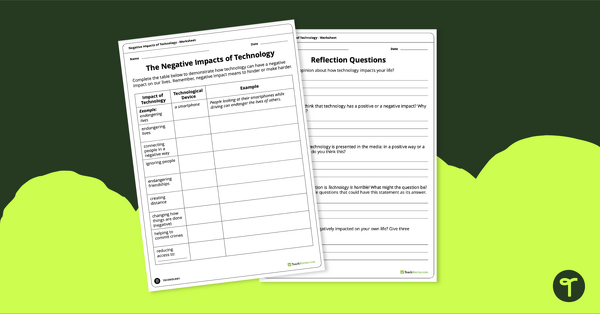
Negative Impacts of Technology Worksheet
Explore the negative impacts of technology in the community with a pair of printable worksheets.
- Free Plan
Virtual Meeting Icons
A set of flashcards and stickers to use when teaching virtual skills to students.
- Plus Plan
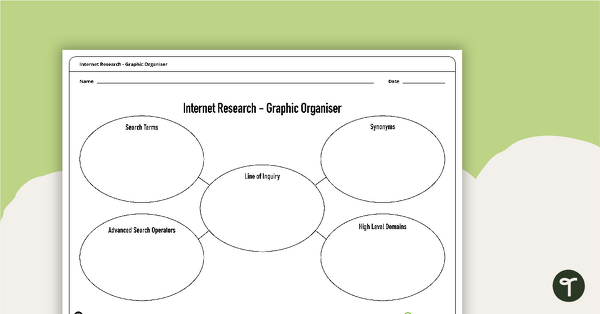
Internet Research - Graphic Organiser
A blank graphic organiser for students to use when planning an Internet research task.
- Free Plan
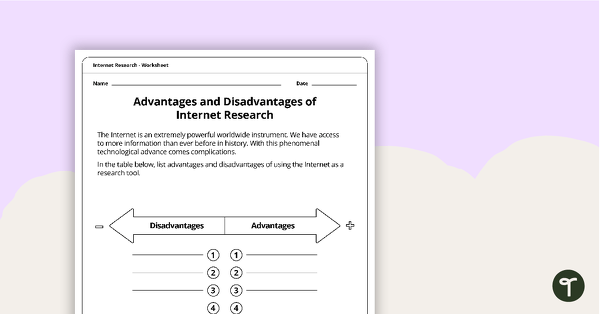
Advantages and Disadvantages of Internet Research Worksheet
A worksheet to use when considering the positive and negative impacts of Internet research.
- Plus Plan

Design a Popcorn Flavour Project
A project in which students design and write a persuasive advertisement for their own popcorn flavour as well as a 3D popcorn container.
- Plus Plan
Technology and Technologies Terminology - Word Wall
96 vocabulary word wall cards and a poster about technology, to display in your classroom.
- Plus Plan
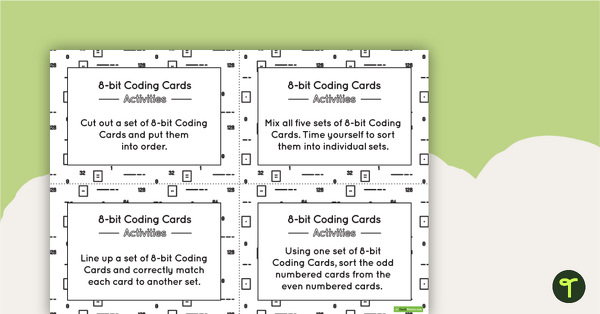
8-bit Coding Card Packs with Activities
A set of 8-bit coding cards with associated activities to assist students in understanding 8-bit coding.
- Plus Plan
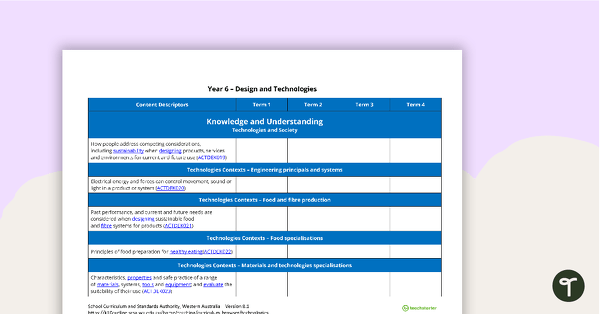
Technologies Term Tracker (WA Curriculum) - Year 6
A Technologies term tracker using the WA Curriculum Year 6 content descriptors and codes.
- Plus Plan
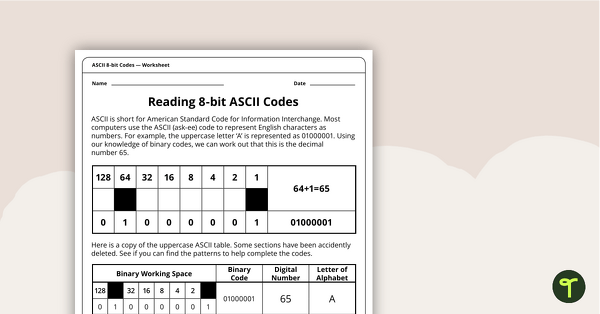
Reading 8-bit ASCII Codes - Worksheet
A worksheet to assist students in understanding what actual computer code (ASCII- current 8-bit version) looks like.
- Plus Plan
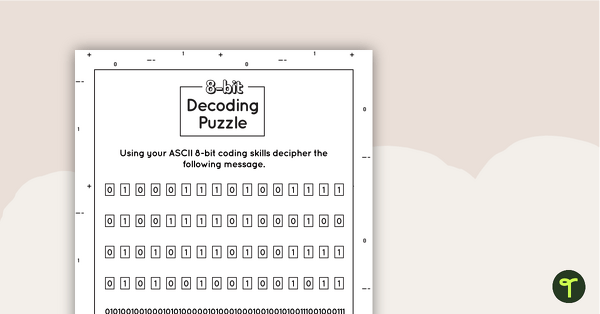
8-bit Decoding Puzzle
A puzzle for students to solve when consolidating their understanding of coding.
- Plus Plan
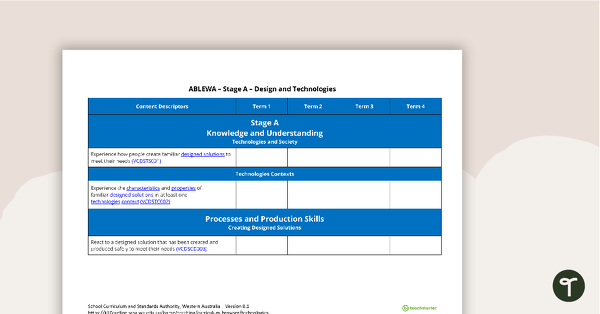
Technologies Term Tracker (WA Curriculum) - ABLEWA
A Technologies term tracker using the WA Curriculum ABLEWA content descriptors and codes.
- Plus Plan
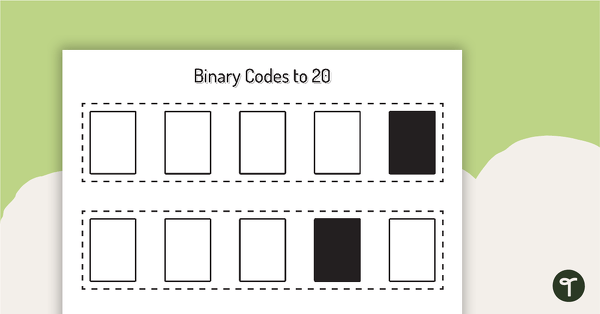
Binary Codes without Guide Dots to 20 Cards
Coding cards for teachers to use when teaching about the total numeric value of a bit code.
- Plus Plan
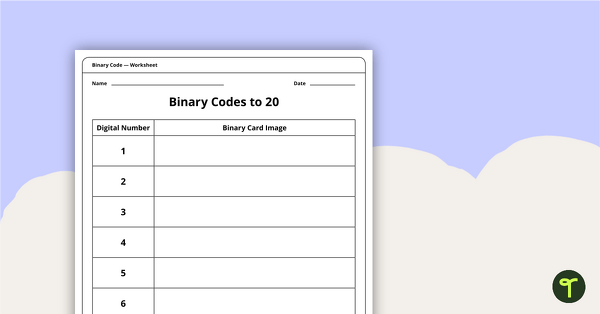
Binary Codes to 20 without Guide Dots - Worksheet
An activity for students to complete when learning how to read and write in code.
- Plus Plan
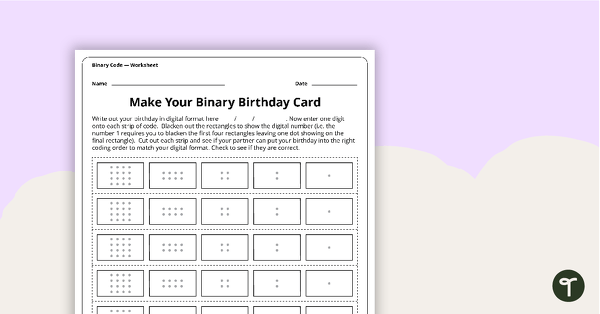
Make Your Binary Code Birthday Card Activity
A worksheet for students to use when learning about the total numeric value of a bit code.
- Plus Plan
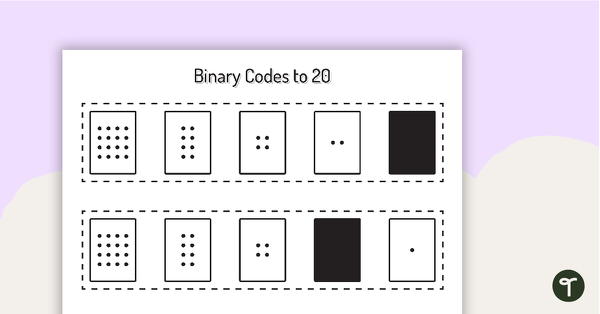
Binary Codes with Guide Dots to 20 Cards
Coding cards for teachers to use when teaching about the total numeric value of a bit code.
- Plus Plan
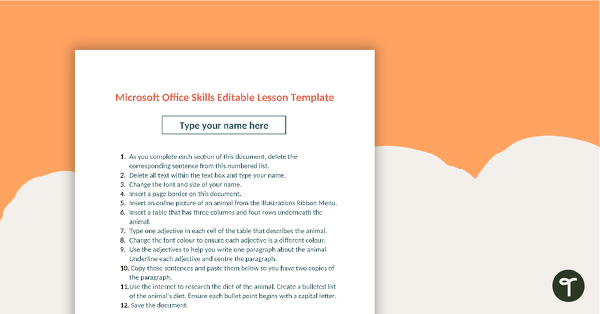
Editable Word Processing Template
An editable template for students to consolidate word processing skills.
- Plus Plan
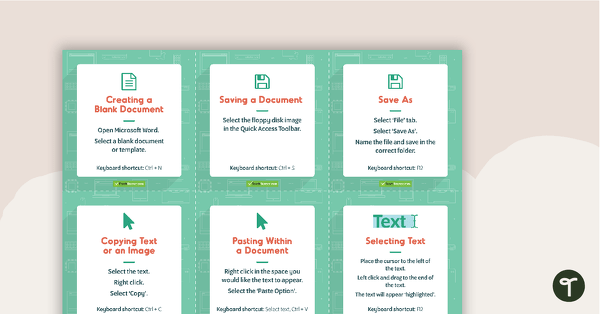
Word Processing Skills Task Cards
48 skills cards for students to use to enhance their word processing skills.
- Plus Plan
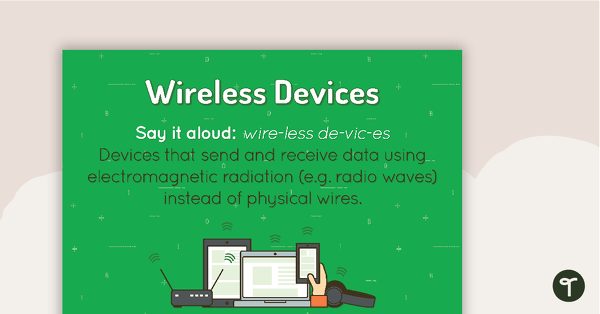
Wireless Devices Poster
A poster showing the definition and visual representations of wireless devices.
- Plus Plan
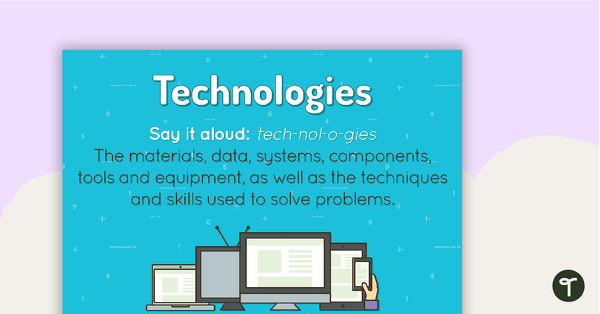
Technologies Poster
A poster showing the definition and visual representations of technologies.
- Free Plan
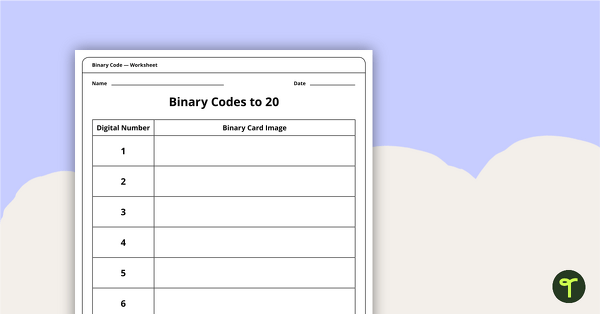
Binary Codes to 20 with Guide Dots - Worksheet
An activity for students to complete when learning how to read and write in code.
- Plus Plan
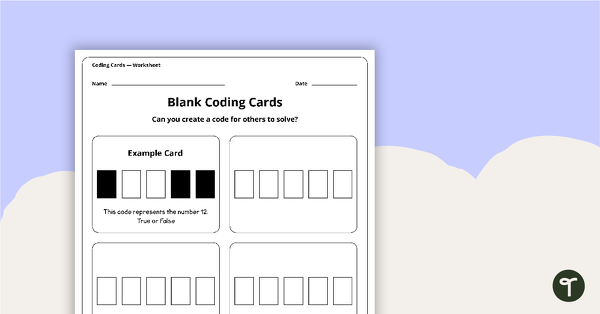
Blank Binary Coding Cards - Worksheet
A worksheet to assist students in creating their own binary codes.
- Plus Plan
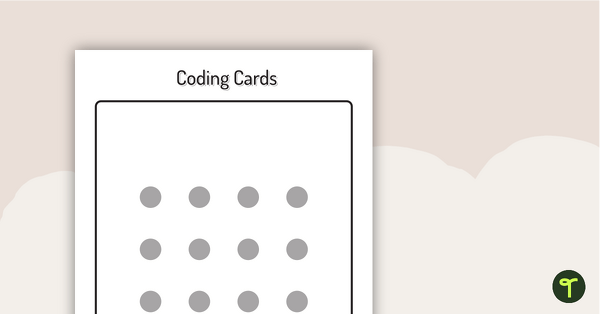
Binary Coding Cards
Use these binary coding cards to demonstrate how to ‘switch’ a ‘digit’ on or off.