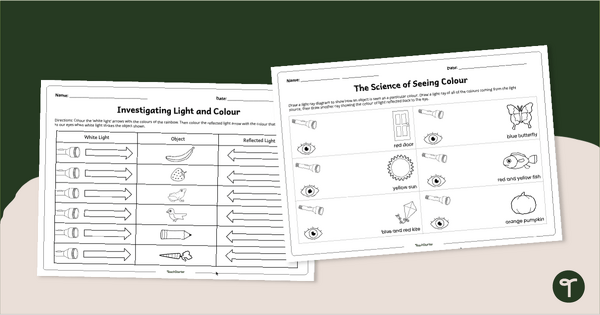
Explore how the human eye perceives colour with our Science of Seeing Colour Worksheet Pack.
Explore Light Rays With Our Science of Seeing Colour Worksheet Pack
Bring the science of light and colour perception to life with this pair of engaging, hands-on Science of Seeing Colour Worksheet Packs. Designed for upper primary school students, these activities help learners visualise how the human eye detects colour and understand the relationship between light, objects, and perception.
The Science of Seeing Colour Worksheet Pack will explore reflection, light rays, and colour, reinforcing important concepts in light and energy standards.
Colour White Light Rays and Identify The Reflected Colours
This worksheet pack includes two interactive activities:
- Worksheet 1: Light Ray Diagram – Students draw light rays leaving a light source, striking an object, and reflecting toward the human eye. They identify and colour the light reflected, reinforcing that different surfaces reflect specific wavelengths our eyes perceive as colour.
- Worksheet 2: Object Colour Observation – Students repeat the process with different objects, correctly colouring the white and reflected light paths.
Both worksheets guide students in applying their understanding of reflection, absorption, and human vision.
Download Your How We See Colour Worksheets
These no-prep, How We See Colour Worksheets are perfect for classroom instruction, science centres, or independent practice. They are available in both printable PDF and editable Google Slides format. To get your copy, click the dropdown arrow on the download button and select your preferred file type.
More Resources for Teaching Light and Colour
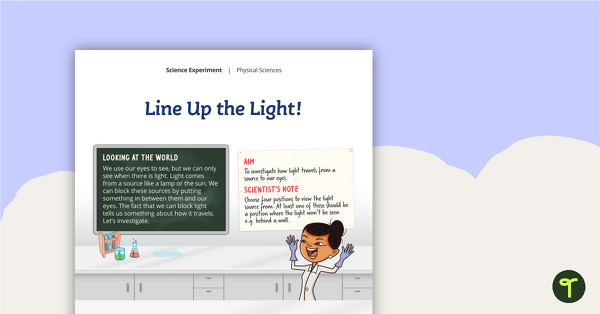
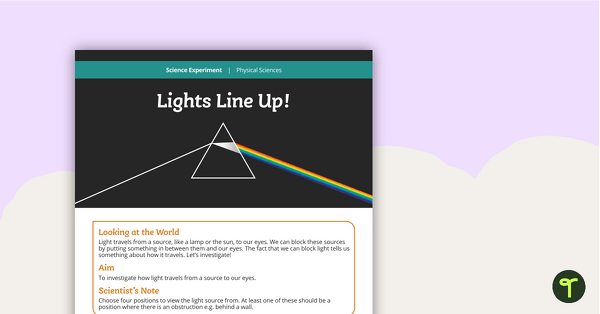
Pair these worksheets with more of our amazing light and colour resources to enhance your science lessons with ease! Make sure you check these out before you go.
[resource:2046354] [resource:5177689] [resource:2069474]



0 Comments
Write a review to help other teachers and parents like yourself. If you'd like to request a change to this resource, or report an error, select the corresponding tab above.