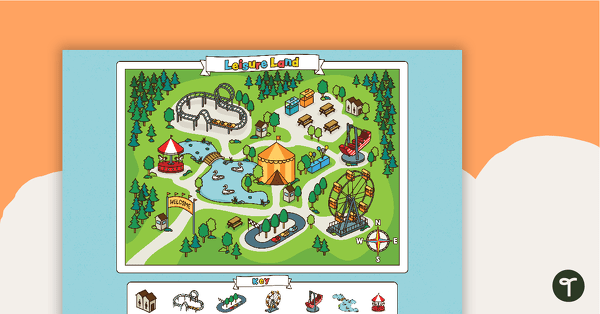
Explore map skills with a theme park compass rose activity for Years 2–3.
Teach Directions with a Compass Rose
Help your Year 2 and 3 students master the fundamentals of navigation with this engaging map skills resource. Using a theme park map, students practise identifying and comparing the locations of attractions while learning to read north, south, east, and west on a compass rose.
Teachers will appreciate this resource for its real-world application and curriculum alignment. It supports students in developing their understanding of spatial relationships, interpreting maps, and following or giving directions — all essential geography and maths skills.
How to Use This Resource in the Classroom
Use this activity as part of your lessons on maps, directions, and spatial awareness. Students will:
- locate and describe the positions of attractions on the theme park map
- use the compass rose to follow directions and pathways
- compare the relative positions of key features.
This resource is flexible and can be used for whole-class modelling, small group activities, or independent practice. An answer sheet is provided, making it easy for teachers to check work or guide students through corrections.
Download and Get Started Today!
Click the Download button above to access this resource as an easy-to-print PDF. Use the dropdown arrow on the button to choose between the full-colour, black-and-white, or editable Microsoft Word versions.
We recommend printing a single copy first, then selecting the format and pages that work best for your students.
More Mapping Fun
No need to stop at just one. We have some other really fun mapping activities your students will love!
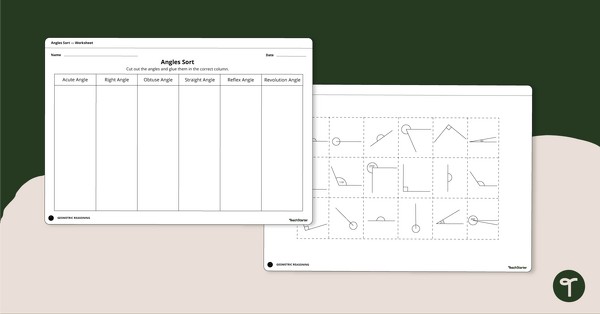
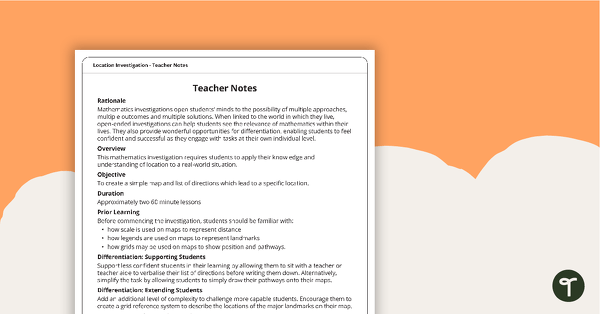
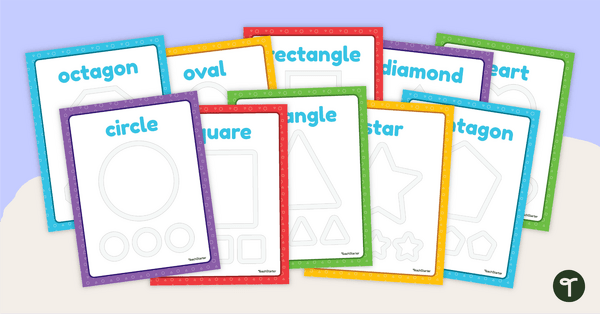
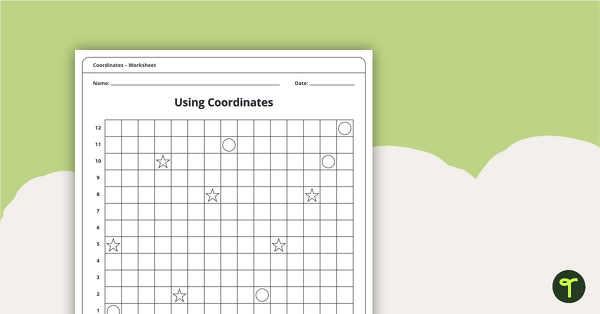
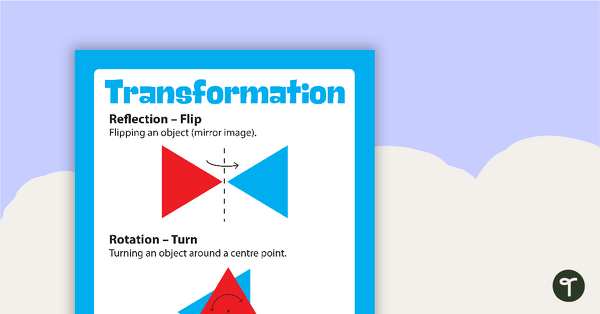
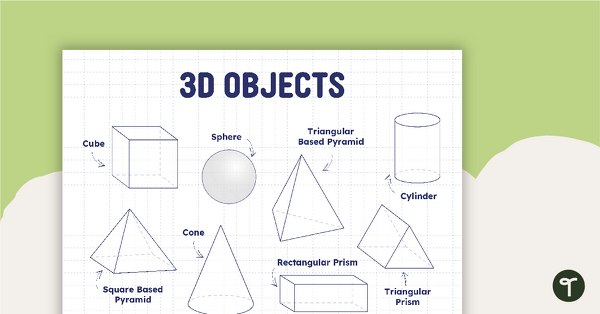
[resource:4935294] [resource:4937284] [resource:4885562]




This is a great resources, but I am using it with a vision impaired student. It would be great to have the option of having it electronically so they can type straight onto the document.
Hey Erin! We are so glad you like this resource. I have popped in a resource change request on your behalf. I have also spoken to our resource team about converting the worksheet into Microsoft Word so that the document is editable - we hope this would be suitable for what you are after. If you have already downloaded the resource - you'll get notified that a change has been made once our team gets to it. Have a lovely day!