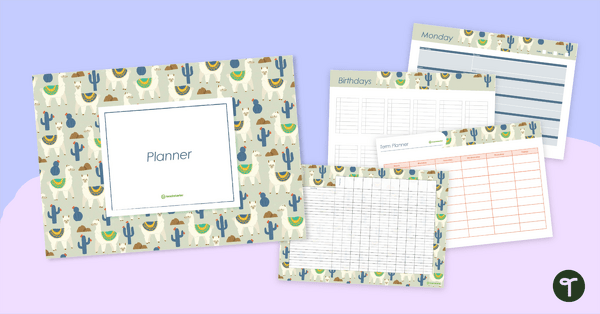
Plan your school year with ease and stay organised using this llama-and-cactus-themed digital teacher planner designed for AU primary classrooms.
Using Microsoft PowerPoint for Digital Planning
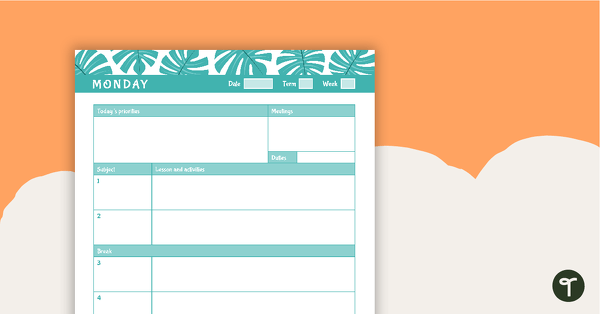
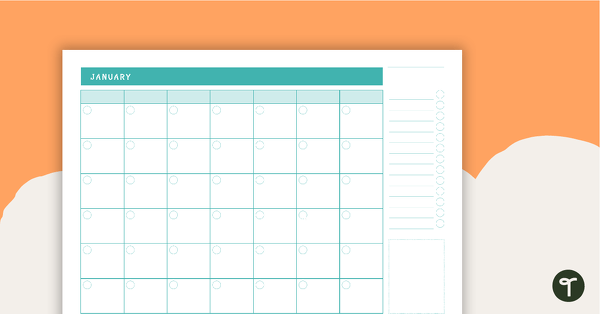
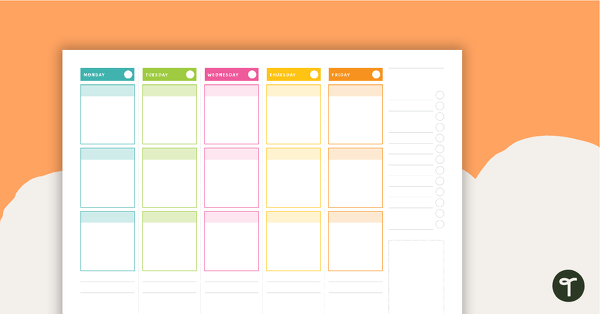
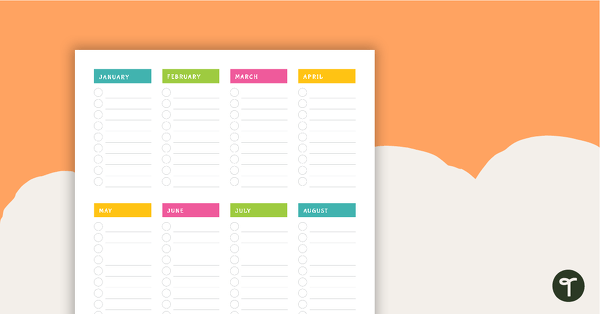
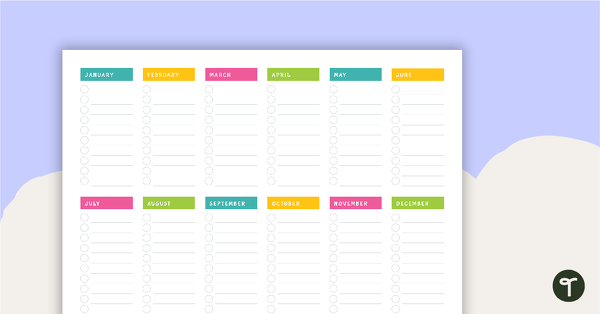
Use this llama and cactus themed teacher diary resource when planning in the classroom.
This easy to use digital planner for teachers has been created in Microsoft PowerPoint. With a PowerPoint Digital Planner, you can easily plan digitally by simply downloading our digital planners and adding your information to the templates. Each slide includes text boxes, so you don’t have to worry about formatting. Simple!
Apps for Digital Teacher Planners
If you do want to go a bit fancy and you have the tools to do this, then you can easily import our PowerPoint digital planners into apps such as GoodNotes and use a stylus to write over the top of each of the templates. This almost gives you the benefits of both team digital and team paper! Other apps that you can easily import our digital teacher planner templates into include:
- Microsoft OneNote
- Goodnotes
- Zoomnotes
- Xodo
- Noteshelf
- Noteability
What are the benefits of digital planners for teachers?
- It’s much more sustainable for the environment, rather than having a newly printed diary for every single teaching year.
- It’s much easier to type, move things around and make a digital planner suit your needs, rather than having an endless amount of pages left blank because you just don’t need them.
- You can easily send your daily plans to a relief teacher!
- It’s much cheaper in the long run.
- You can use our templates on a desktop computer or iPad.
- Going digital means you can easily add in links.
- You can get fancy and use our templates in apps such as GoodNotes.
Download and Use Your Digital Planbook for Teachers Today!
This downloadable digital teacher planner is available as an editable Google Slides or Microsoft PowerPoint resource. To access your digital planner, click the download button and select the version that best suits your needs. If you choose the Google Slides version, please note that you will be prompted to create a copy, which will be stored in your personal Google Drive. From there, open the file and start planning today!
More Ways to Make Lesson Planning Easier
Don’t stop there! We’ve got even more resources to help you streamline the lesson-planning process and earn back some of your precious free time! Make sure you check these out before you go.
[resource:5128823] [resource:4743037] [resource:5081147]

0 Comments
Write a review to help other teachers and parents like yourself. If you'd like to request a change to this resource, or report an error, select the corresponding tab above.