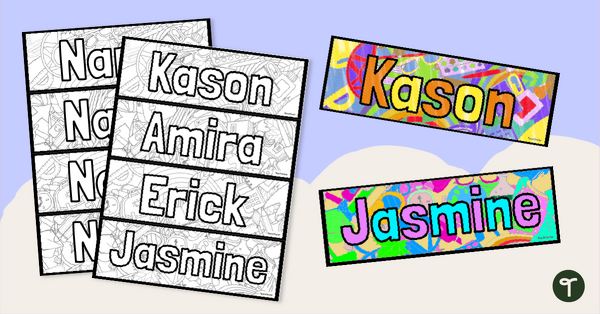
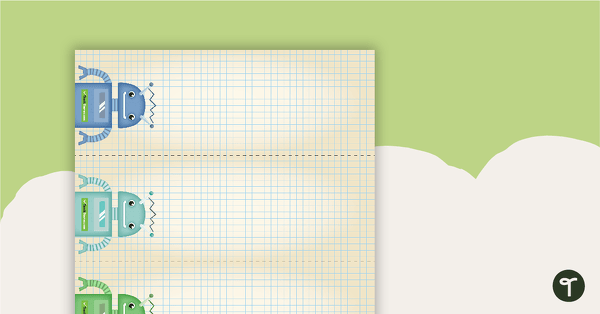
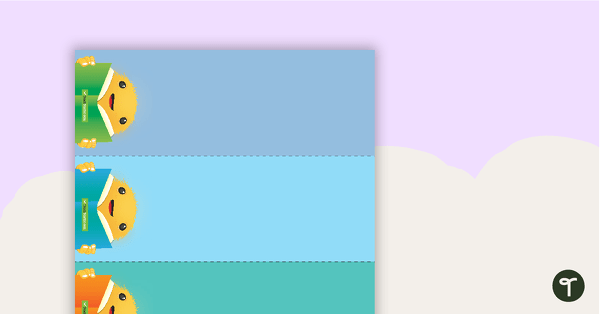
Inspire your new students to read, read, read with their very own personalised name bookmark to colour!
Start Growing Readers from Day 1 With Personalised Name Bookmarks!
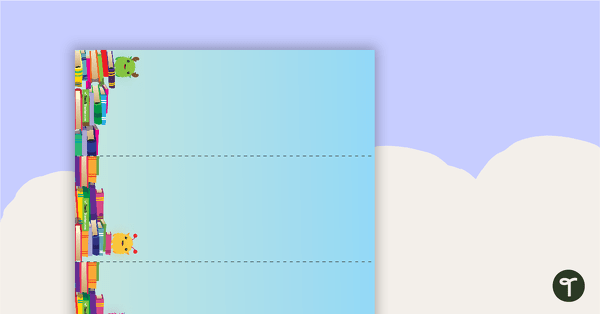
Are you looking for a cute, personalised way to get your students excited about reading? Get ready to mark some pages with these adorable personalised Editable Bookmarks! This resource will be a hit with your students, starting on the first day of school!
This printable template includes a fun set of editable bookmarks that you can personalise to feature your students’ names, and it only takes a few minutes to get them ready for first-day fun! Each page includes four editable bookmarks; you can make as many or as few as you like.
How to Create Your Student Name Bookmarks to Colour
Creating your personalised name colouring bookmarks is a breeze! To make them…
- Download the editable Google Slides or PowerPoint resource file. You will be prompted to make your own copy.
- Find a template/font combination that you like within the file, and delete the other slides.
- Duplicate the slide enough times to create a bookmark for each student.
- Double-click on each ‘Name’ label to open the word art window.
- Type the student’s name in the box and hit enter.
- Resize or re-center the student’s name if needed.
- Complete this process for each student.
- Download them as a PDF file to print, or you can print them from inside Google Slides.
Download, Edit, and Print Your Name Colouring Bookmarks!
This resource downloads as an editable PowerPoint or Google Slides resource file. You will need to make a copy of the file, edit it with student names, and print it. Click the download button to download your copy today!
This resource was created by Lisamarie Del Valle, a teacher and Teach Starter Collaborator.
Don’t stop there! We have more activities and resources to help you start your year right!
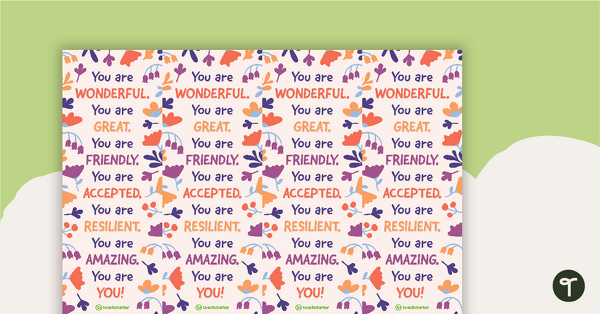
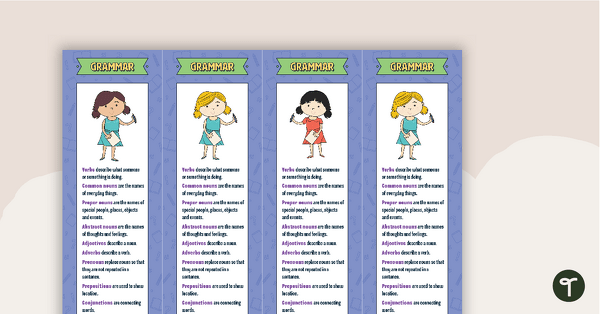
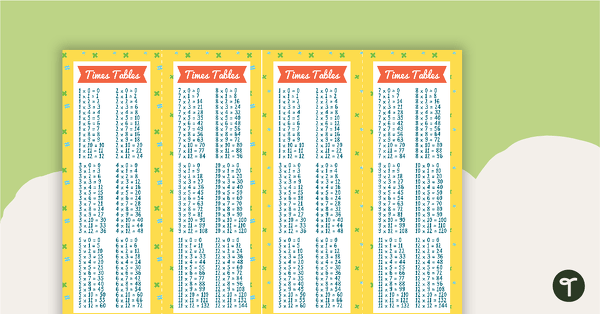
[resource:5164348] [resource:4860969] [resource:5040022]


0 Comments
Write a review to help other teachers and parents like yourself. If you'd like to request a change to this resource, or report an error, select the corresponding tab above.