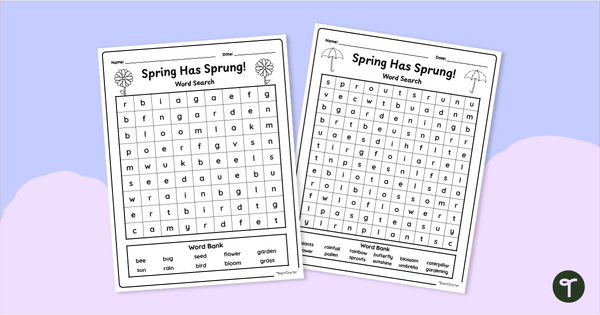
Slide into a Spring with a pair of differentiated ‘Spring Has Sprung’ Word Search Puzzles.
Start The Season With a Spring Has Sprung Word Search!
Celebrate the change of seasons with this cheerful Spring Has Sprung Word Search Puzzle! Perfect for morning work, early finishers, or literacy centres, this fun printable word search will have your students buzzing with excitement for all things spring.
This spring-themed vocabulary activity helps students strengthen their spelling, word recognition, and scanning skills while exploring words related to the season, such as “flower,” “bug,” “sunshine,” and “caterpillar.” The Spring Has Sprung Word Search engages and challenges students as they search for hidden words running vertically, horizontally, and diagonally.
Whether you’re looking to refresh seasonal vocabulary or simply add a touch of spring fun to your classroom, this word search makes an easy, low-prep addition to your day!
Download Your Spring Has Sprung Word Search + Answer Key
This printable Spring Has Sprung Word Search comes in two differentiated levels to suit a range of learners in your classroom:
- 🐣 Level 1: Fewer words and simpler vocabulary terms for younger students or those still building vocabulary and visual tracking skills.
- 🌷 Level 2: A more challenging version for older students, with advanced vocabulary and more words to find.
Ready to download your Spring Has Sprung Word Search & Answer Key? To get started, simply click the dropdown arrow on the Download button and choose between the PDF and Editable Google Slides Resource file.
This resource was created by Lindsey Phillips, a teacher and Teach Starter Collaborator.
Resources to Pair With This Springtime Word Find Puzzle
Looking for more ways to bring a bit of spring into your classroom? No worries! We recommend pairing this Springtime Word Find Puzzle with one of the following:
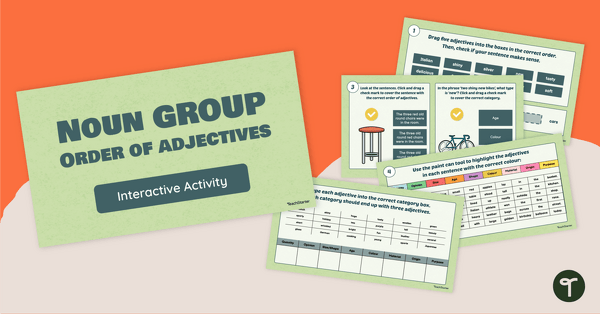
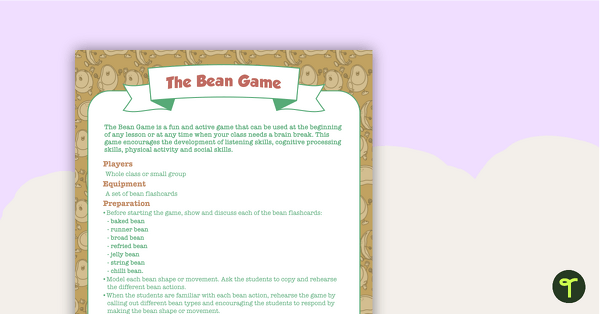
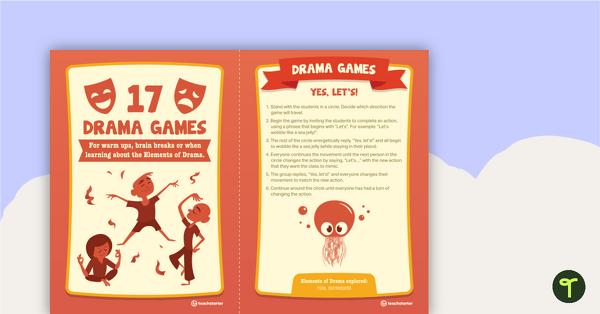
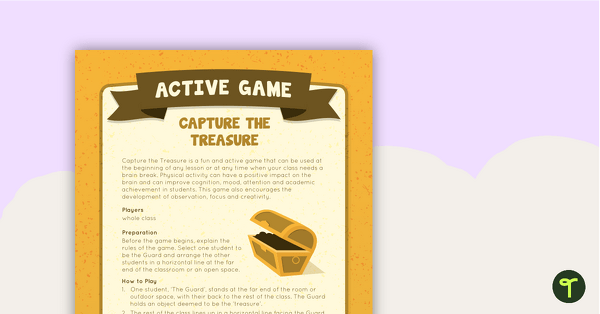
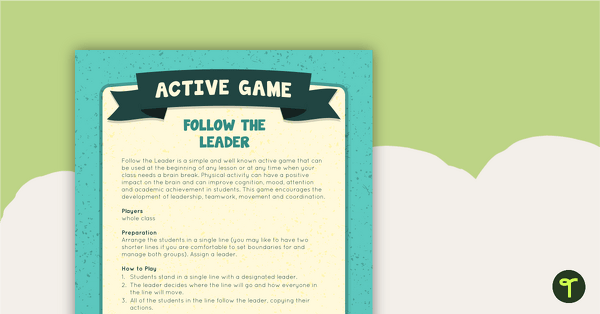
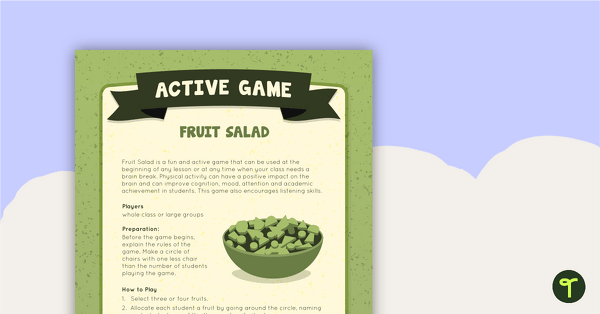
[resource:4221714] [resource:3791462] [resource:4963989]


0 Comments
Write a review to help other teachers and parents like yourself. If you'd like to request a change to this resource, or report an error, select the corresponding tab above.