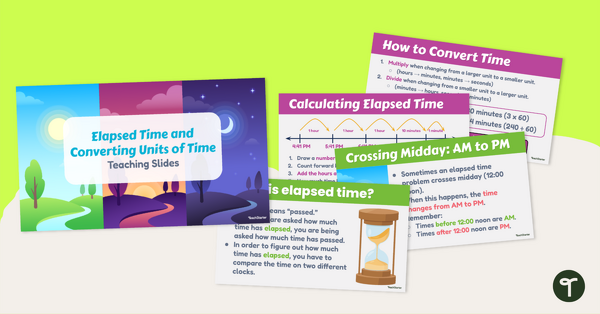
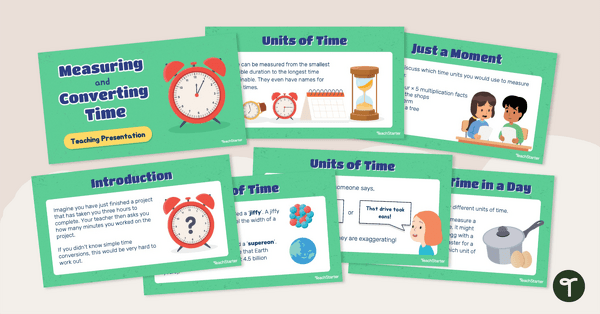
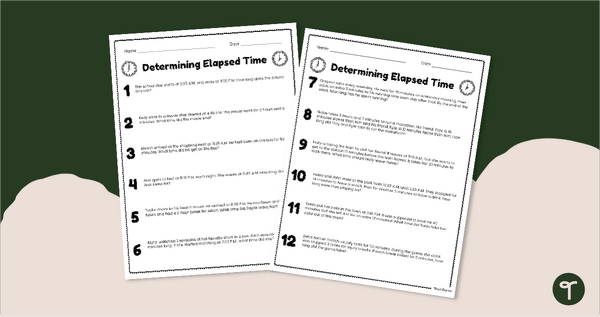
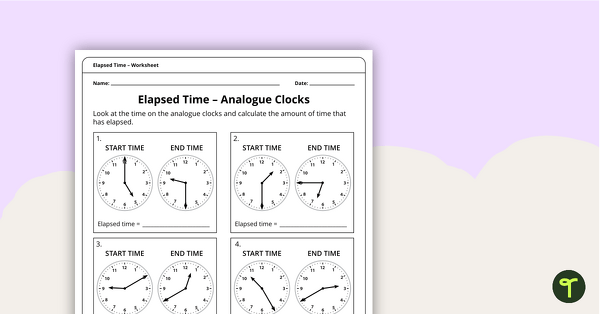
Teach your students how to calculate elapsed time and convert units of time with an engaging teaching presentation.
It’s Time to Master Elapsed Time and Time Conversions!
Are you preparing to teach elapsed time and converting units of time to your Year 4 students? This engaging teaching presentation is the perfect resource to build understanding and confidence with essential time concepts.
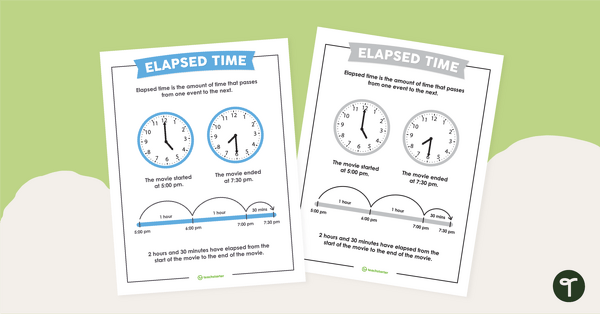
Designed to support whole-class instruction, this colourful and interactive slide deck guides students through calculating elapsed time, understanding AM and PM, crossing midday when finding elapsed time and converting between seconds, minutes, hours and days. Real-world examples and visual models help make abstract concepts easier to understand.
Increase Engagement with Practice and Problem-Solving Activities
Throughout the presentation, students actively participate in learning with:
- Guided examples and teacher-led discussions.
- “Show What You Know!” checkpoints.
- Independent “Now You Try!” activities.
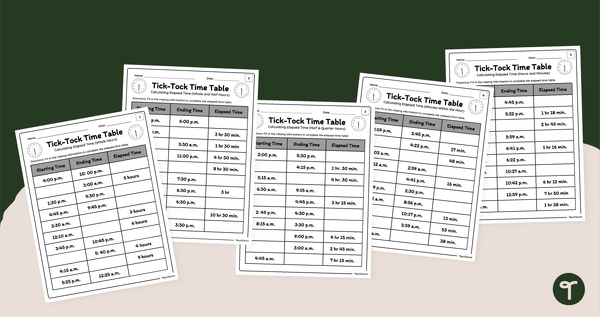
- Time conversion practice questions.
- A final exit ticket to assess understanding.
These opportunities encourage students to think critically, explain their reasoning and apply newly learned skills in meaningful ways.
Download Your No-Prep Elapsed Time Lesson
This resource is available in easy-to-use PowerPoint and Google Slides formats. Simply download your preferred file, display the slides and start teaching.
Perfect for Year 4 mathematics lessons, this presentation provides everything you need to introduce, practise and reinforce elapsed time and time conversion skills in an engaging and effective way.
Alyssa Peterson, a Teach Starter Collaborator, contributed to this resource.
Even More Year 4 Time Worksheets and Games!
Paired with the right resources, this elapsed time and converting units of time slide deck will boost your students’ maths skills. Grab these while you’re here!
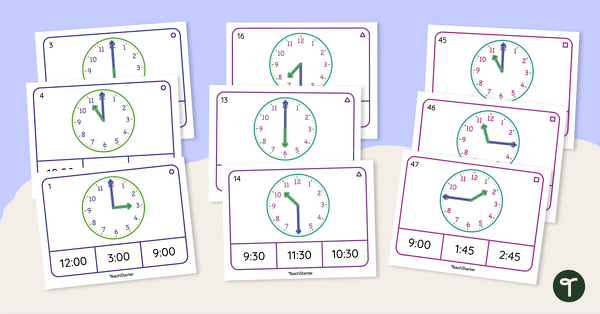
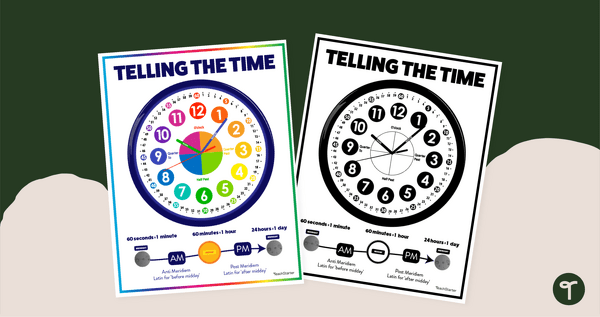
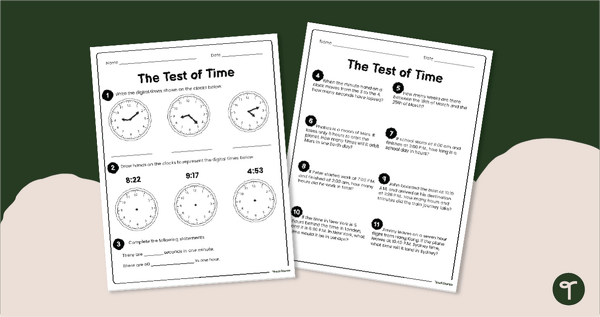
Administer a Telling Time Maths Test to determine mastery of year 2 clock reading skills. Guide your students to tell the time on an analog clock with this set of differentiated peg cards. Help your students learn to tell the time to the hour, half-hour, quarter, and minute with a printable Telling the Time anchor chart PDF.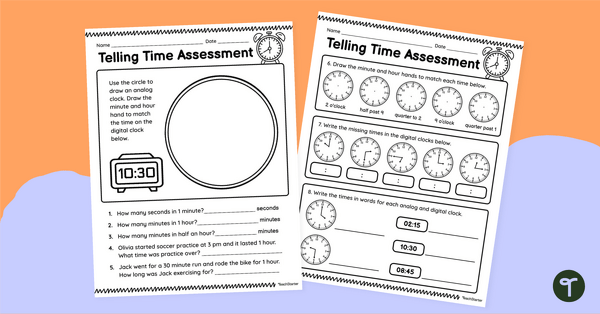
teaching resource
Telling Time - Year 2 Maths Test
teaching resource
Telling the Time Differentiated Peg Cards
teaching resource
Telling the Time Poster

0 Comments
Write a review to help other teachers and parents like yourself. If you'd like to request a change to this resource, or report an error, select the corresponding tab above.