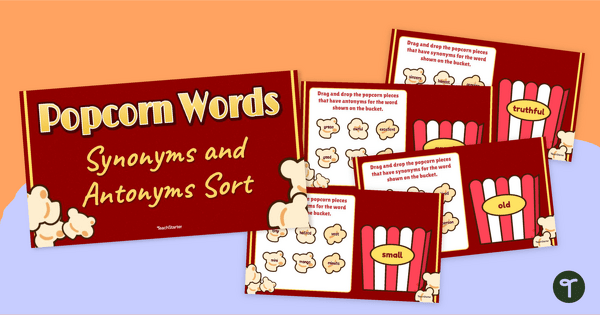
Make your students’ vocabulary skills ’POP’ with an interactive, drag-and-drop synonym and antonym activity.
Teaching Synonyms and Antonyms?
We can help! Make your students’ vocabularies ‘POP’ with this digital synonyms and antonyms sorting activity.
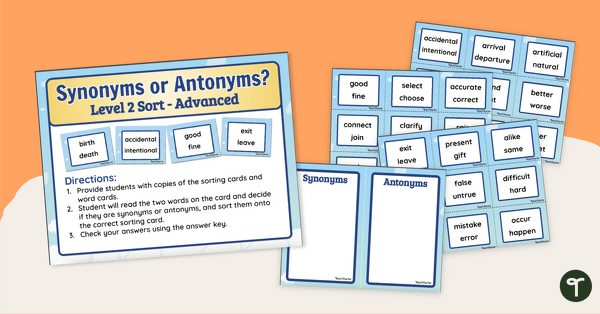
This synonym and antonym activity builds vocabulary skills and solidifies your students’ understanding of the meanings of words. This resource encourages students to grow their vocabularies in an interactive format, having them drag-and-drop synonyms and antonyms into the correct popcorn bucket.
Increase the Engagement Through Gamified Learning
This resource has been designed for independent practice but can also be done with assigned partners or as a whole-group instructional presentation.
Looking to increase student involvement and engagement? Try these suggestions from our team:
- Vote with whiteboards – Students hold up their chosen answer before you drag the correct word on the screen – perfect for involving the quieter students!
- Peer teaching moments – After each slide, choose a student to explain why the answer fits. Kids love being the teacher!
- Add a challenge timer – For classes that respond well to a bit of fun pressure, give them 10–15 seconds to decide the answers as a group.
Download This Synonyms and Antonyms Sorting Activity
Use the Download button to access the Google Slides resource file. Be sure to use the presentation in Edit mode to enable to interactive features.
This resource was created by Lisamarie Del Valle, a Teach Starter collaborator.
More Great Resources for Teaching Synonyms and Antonyms
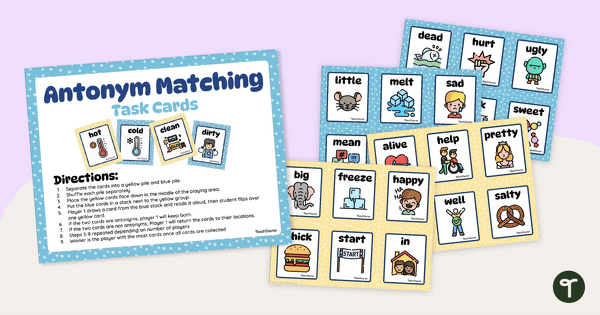
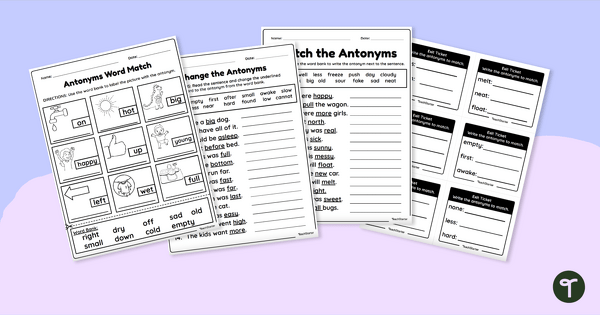
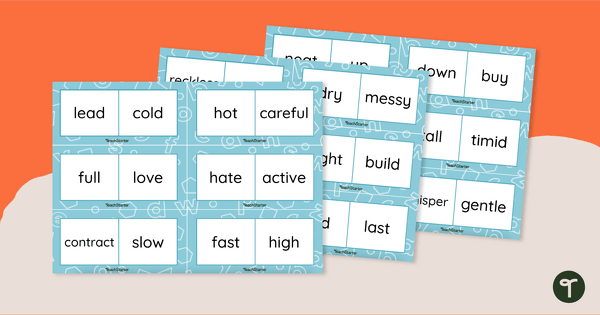
Don’t sign out before getting your hands on more great synonyms and antonyms resources from the Teach Starter library:
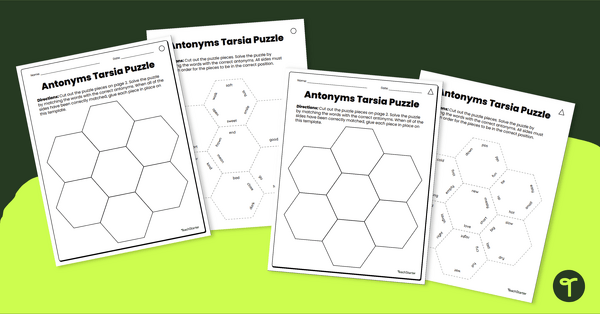
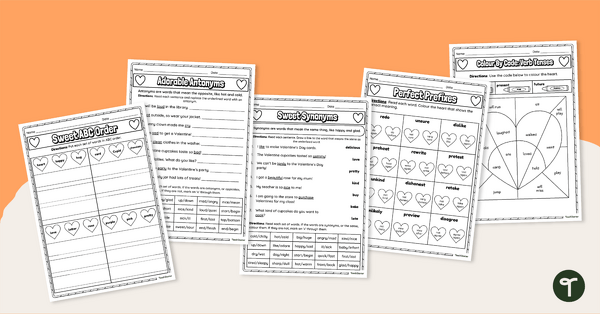
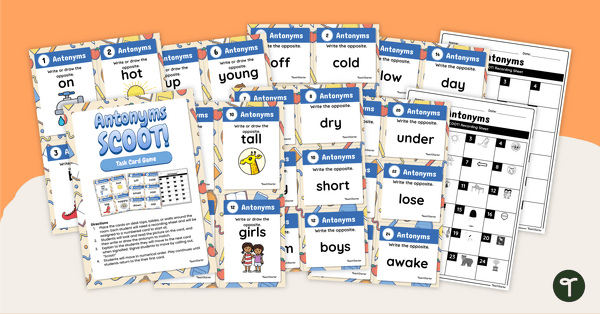
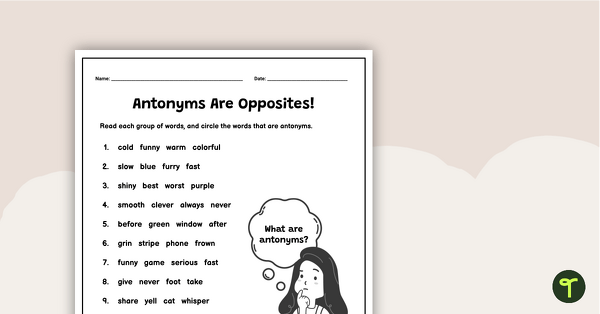
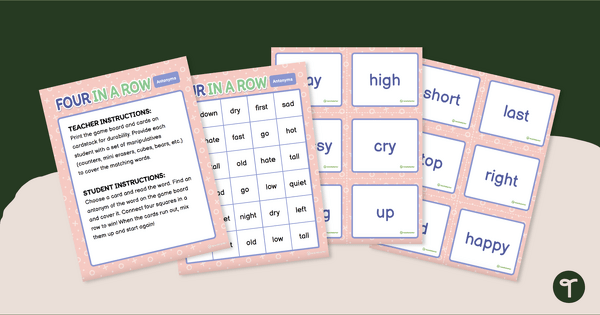
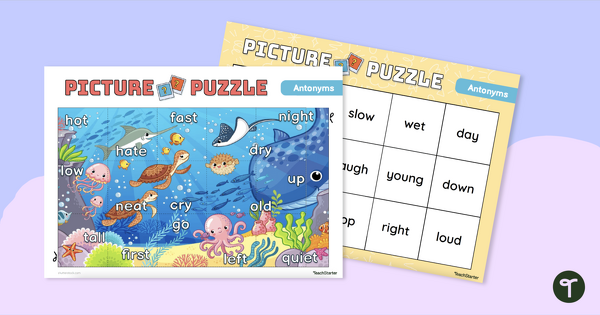
[resource:4945184] [resource:4931227] [resource:4936565]

The words represented on the popcorn pieces are not clear enough to read. Fabulous resource if this could be fixed. Many thanks
Hi Melissa, Thank you for your feedback! I’ve submitted a suggested change for this resource on your behalf. If there are any other resources you’d like to give feedback on or suggest changes to, feel free to click ‘Suggest a change’ or ‘Report an error’ at the bottom of the resource page. Thanks again for your valuable input!