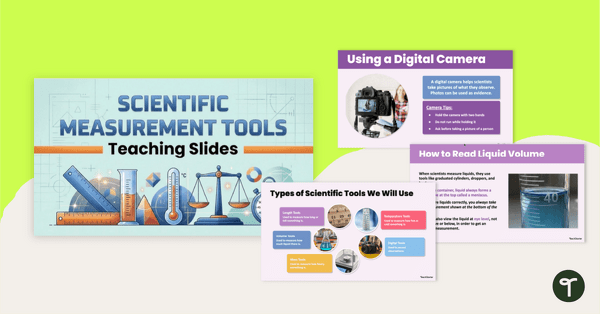
Explore and use a variety of scientific measurement tools with an interactive Scientific Measurement PowerPoint.
Explore Science Tools With a Scientific Measurement PowerPoint
Introduce your upper primary students to the tools scientists use to measure and observe the world with this engaging, interactive Scientific Measurement PowerPoint. This brand-new resource is the perfect way to teach students how to identify, use, and read a variety of scientific measurement tools.
This Scientific Measurement PowerPoint presentation is designed for students in Years 3-6.
Teach Students How to Use Science Tools
This slide deck helps students become familiar with essential classroom and laboratory tools, including:
- Graduated cylinder
- Centimetre ruler
- Balance scale
- Thermometer
- Beaker
- Digital Scale
- Spring Scale
- Digital Camera
- Voice Recorder
- And more!
Each slide includes visual examples, clear information, and simple step-by-step guidance to help students understand the tool’s purpose and its use in real science experiments. We have also included interactive practise problems to help your students practise measuring using the different tools.
This slide deck encourages scientific inquiry, pays attention of ways to collect data from measurements, and provides kids with hands-on practise, helping them master how to collect, use, and interpret data from different scientific tools.
Download Your Scientific Measurement Slide Deck
This Scientific Measurement Slide Deck is available in both PowerPoint and editable Google Slides format. To get your copy, click the dropdown arrow on the download button and choose your preferred file type.
This resource was created by Kaylyn Chupp, a teacher and Teach Starter Collaborator.
More Science Resources for Upper Primary
Looking for more engaging Science resources for upper primary students? We’ve got you covered! Here are just a few of our favourites that you should grab before you go!
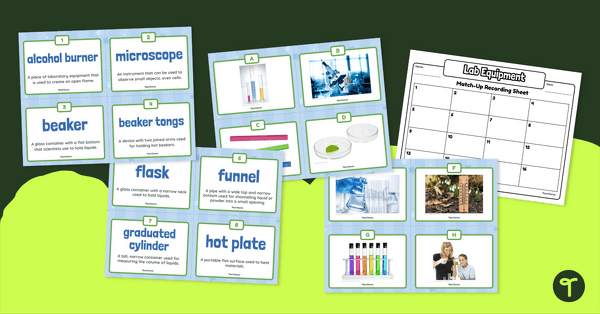
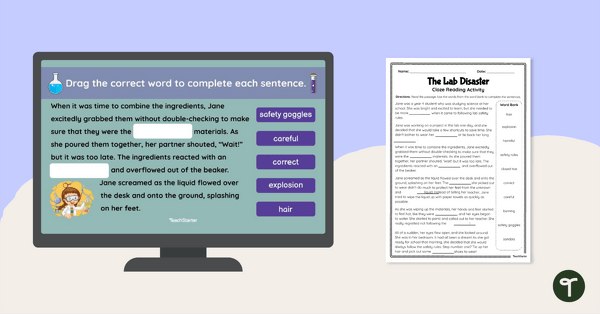
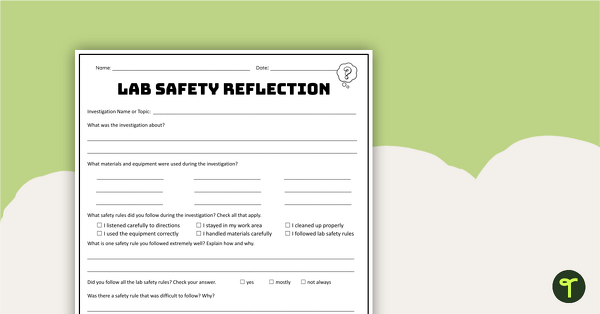
[resource:5182211] [resource:5183110] [resource:5182465]

0 Comments
Write a review to help other teachers and parents like yourself. If you'd like to request a change to this resource, or report an error, select the corresponding tab above.