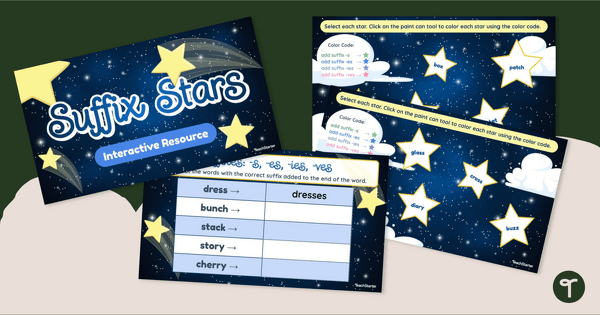
Practice reading and spelling plural nouns with an engaging Google Slides digital learning activity.
Teach Suffixes and Plurals with This Digital Activity
Supplement your printable resources, worksheets, task cards and games covering the concept of suffixes with this digital suffixes activity!
This resource allows your students to practice reading and spelling plural nouns with the suffixes -s, -es, -ies and -ves.
Color by Code with Plurals
This resource can be used in multiple ways. It can be completed in a whole-group learning session by having your students come up to the board to interact with the elements on each slide, or your students can complete it independently.
Each slide features a group of stars that have lost their color! Students must:
- Read the base word inside each star.
- Determine if the word shown would need -s, -es, -ies or -ves in order to make it plural.
- Use the paint can tool in Google Slides to recolor each star according to a color key.
Each ‘star’ slide is followed by a table slide. Students must pluralize the five nouns in the table by applying the correct suffix, then typing the word into the table.
Download This Digital Color by Code Activity
Use the Download button to access this interactive Google Slides resource.
Assign this interactive activity to Google Classroom. Please be sure to open in Edit mode, not Presentation mode. Students will use the paint can tool and type responses to complete the activities.
This resource was created by Lisamarie Del Valle, a teacher in Florida and Teach Starter Collaborator.
More Suffix Resources for Your Classroom
You might like these suffix activities too!
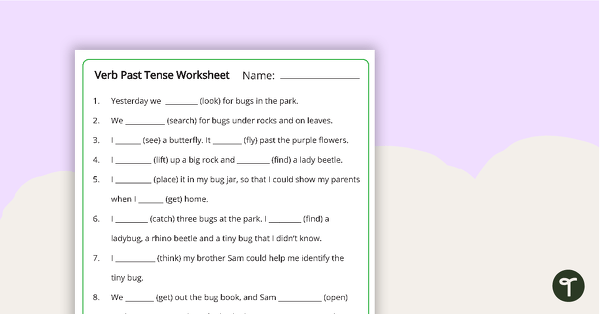
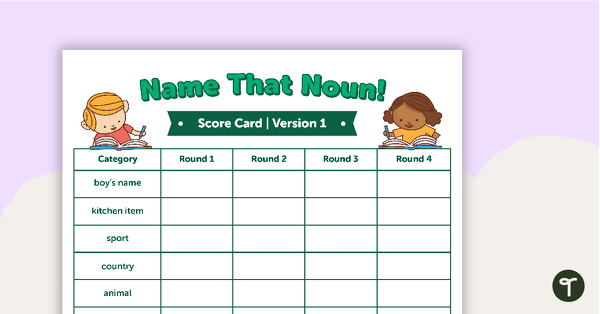
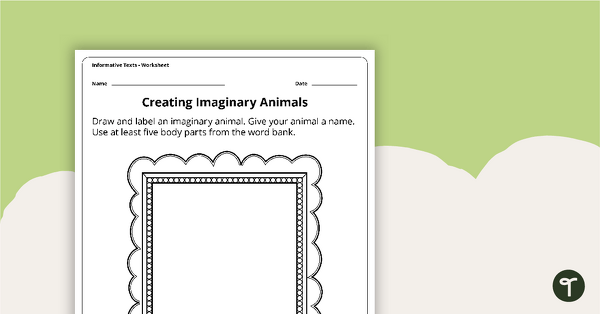
[resource:2665694] [resource:2654774] [resource:4956528]

0 Comments
Write a review to help other teachers and parents like yourself. If you'd like to request a change to this resource, or report an error, select the corresponding tab above.