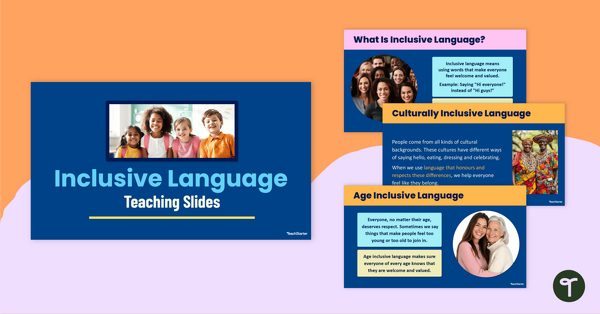
Teach inclusive language to help your students embrace diversity with this engaging slide deck packed with examples and review activities.
What Is Inclusive Language?
“Inclusivity” is a word used frequently in modern schools and classrooms, but do our students really know what inclusivity means?
We can make this concept real for our students by teaching them what inclusive language is using authentic, age-appropriate examples. Teaching our students what inclusive language is (and why it matters!) can make a real difference in fostering a truly welcoming and respectful classroom environment.
This comprehensive 21-slide teaching presentation has been created by our team to make teaching inclusive language a breeze. The resource covers some broad definitions, then focuses on six specific kinds of inclusive language:
- Gender inclusive language
- Culturally inclusive language
- Ability inclusive language
- Age inclusive language
- Family inclusive language
- Socio-economic inclusive language
This thoughtfully designed slide deck introduces inclusive language in a clear, age-appropriate way. The structured layout supports explicit instruction, with opportunities for student review and class discussion. By using this resource, you’ll give your students the tools to communicate respectfully and inclusively, boosting classroom harmony and social awareness.
Activity Ideas to Explore the Definition of Inclusive Language
Inclusive language becomes real for students when they can apply it in practical ways. This slide deck isn’t just a teaching aid, it’s also a springboard for thoughtful conversations, personal reflections and hands-on learning.
Here are some ideas you might like to explore to extend your students’ learning:
- Drama Activity – Divide your class into small groups of three or four students. Provide each group with an everyday scenario and a type of inclusive language from the presentation, e.g. playing a game at recess and gender inclusive language. Have the students create a role play showing how the focus type of inclusive language can be applied in the scenario they were assigned.
- Classroom Poster – Have your students demonstrate their learning about the meaning of inclusive language by creating a classroom poster featuring inclusive words and phrases. Students could choose to focus on a specific kind of inclusive language or could use a variation of the different types of inclusive language featured in the presentation. Once finished, these could be displayed in the classroom or even around the school.
Download to Teach the Meaning of Inclusive Language
This slideshow downloads as either a Microsoft PowerPoint or Google Slides presentation. Use the dropdown menu on the Download button to access your preferred version. (Note: You will be prompted to make a copy of the Google Slides presentation before accessing it.)
These editable file formats can be easily adapted to suit your teaching style and your students’ needs.
In just a few clicks, you can access the slides, display them on your interactive whiteboard or projector, and start exploring inclusive language with your class.
This resource was created by Kaylyn Chupp, a teacher in Florida and Teach Starter collaborator.
More Resources for Teaching Inclusivity Language
Click below to browse more teacher-created, curriculum-aligned resources for teaching your students about including others through the language they use.
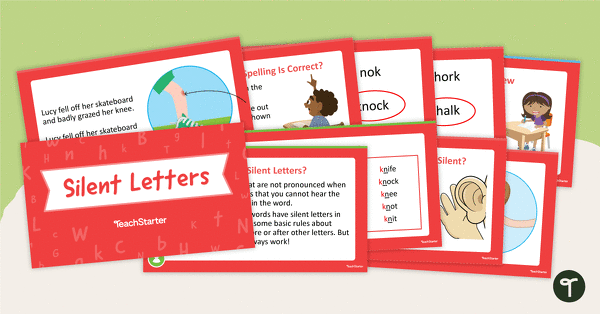
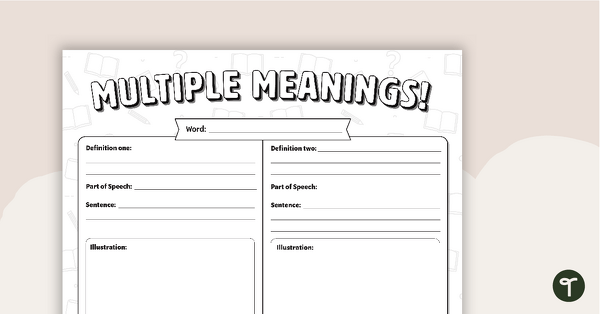
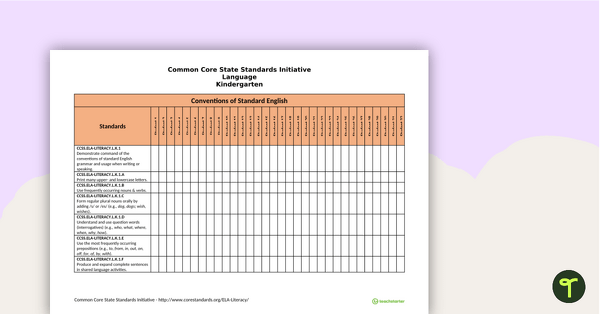
[resource:5164770] [resource:5165180] [resource:4933453]

0 Comments
Write a review to help other teachers and parents like yourself. If you'd like to request a change to this resource, or report an error, select the corresponding tab above.