ACELA1450
Understand concepts about print and screen, including how different types of texts are organised using page numbering, tables of content, headings and titles, navigation buttons, bars and links
Elaborations
- learning about how books and digital texts are organised including page numbers, table of contents, headings, images with captions and the use of scrolling to access digital texts (Skills: Literacy, Numeracy, Information and Communication Technology (ICT) Capability, Critical and Creative Thinking)
- Plus Plan
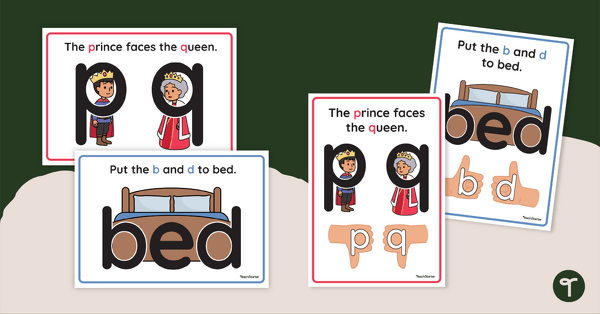
Letter Reversal Posters
Display these posters highlighting the differences between b, d, p and q letterforms.
- Free Plan
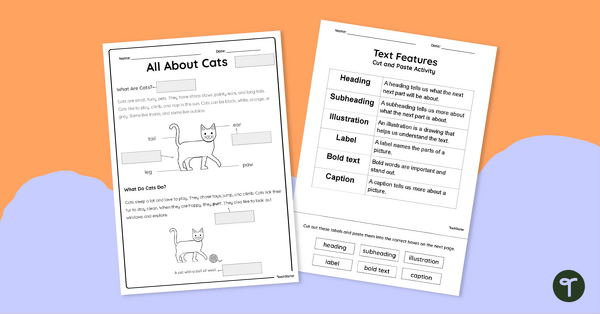
Sorting Text Features Cut and Paste
Build confidence and comprehension with this ready-to-use Text Features Cut and Paste Worksheet!
- Plus Plan
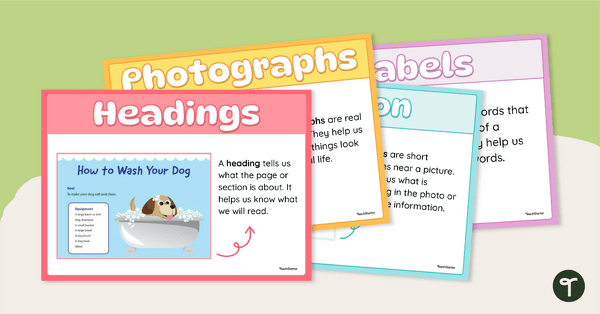
Non-Fiction Text Features Poster Set
Build your students’ confidence in navigating informational texts with this engaging Text Features of a Non-Fiction Book Poster Set.
- Plus Plan
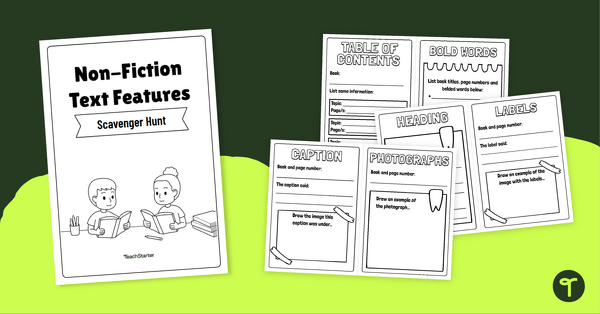
Nonfiction Scavenger Hunt – Mini Book Activity
Explore nonfiction text features with this Nonfiction Scavenger Hunt activity - the perfect mix of hands-on learning and foundational literacy skills.
- Plus Plan
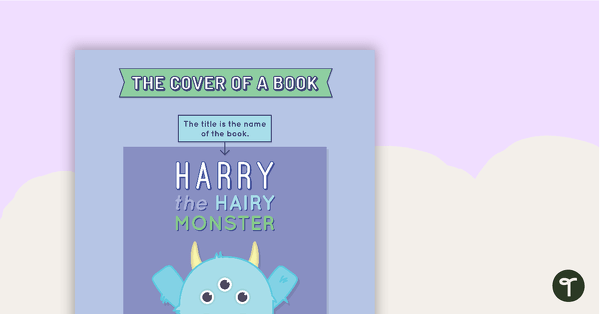
Features of a Book Cover Poster
A poster highlighting the main features of the front cover of a book.
- Plus Plan
Exploring Procedural Texts Unit Plan
This English unit has been designed to introduce procedural texts to younger students. It addresses the purpose, structure and language features of instructions and recipes.
- Plus Plan
Procedural Texts - Text Structure
A 60 minute lesson in which students will identify and explore the structure of procedures.