Technology Teaching Resources
An extensive collection of teaching resources to use during Technology lessons. Within this resource collection, you will find everything you need to teach Technology in a primary classroom, including worksheets, posters, teaching presentations, comprehension texts, customisable display banners, unit and lesson plans and much more. Also provided are resources that will assist your students when learning about coding, algorithms, design concepts and technology and occupations. Use the comprehensive set of technology posters when learning new content vocabulary.
- Plus Plan

Design a Popcorn Flavour Project
A project in which students design and write a persuasive advertisement for their own popcorn flavour as well as a 3D popcorn container.
- Plus Plan
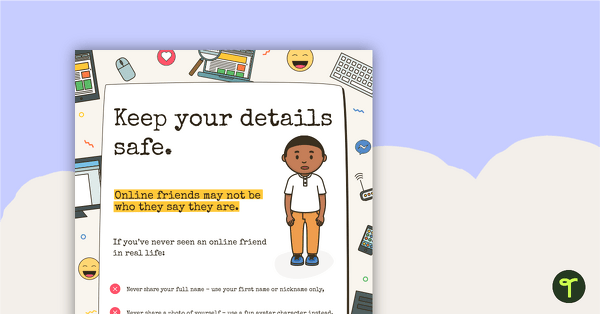
Cyber Safety Poster – Keep Your Details Safe
A cyber safety poster to help the students understand correct online behaviour.
- Plus Plan
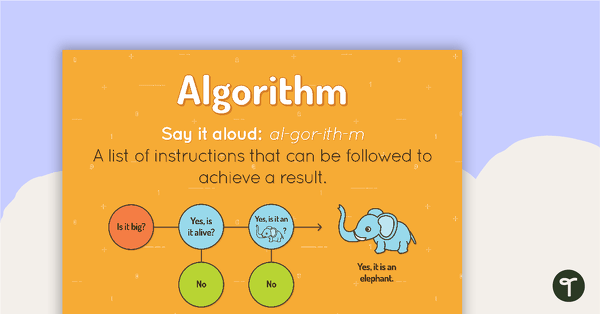
Algorithm Poster
A poster showing the definition and an example of an algorithm.
- Plus Plan
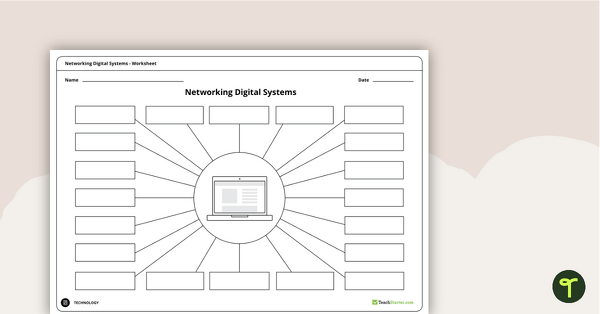
Networking Digital Systems Brainstorming Worksheets
A brainstorming sheet that encourages students to consider all possible devices that can be networked with a laptop, a computer and a tablet.
- Free Plan
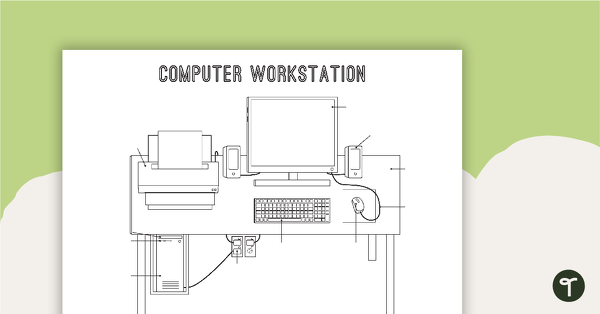
Technology Workstation Worksheet - Desktop Computer
A worksheet for students to label the key components of a desktop computer workstation.
- Plus Plan
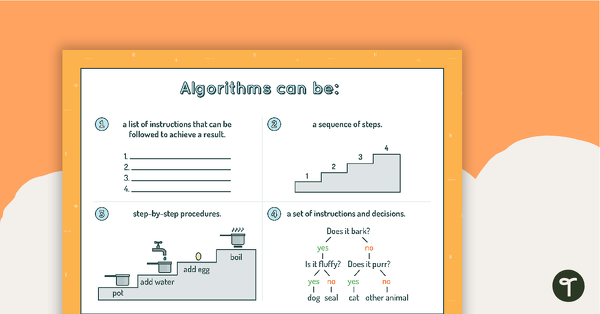
Algorithms Can Be... Poster
A poster showing the different forms algorithms can take.
- Free Plan
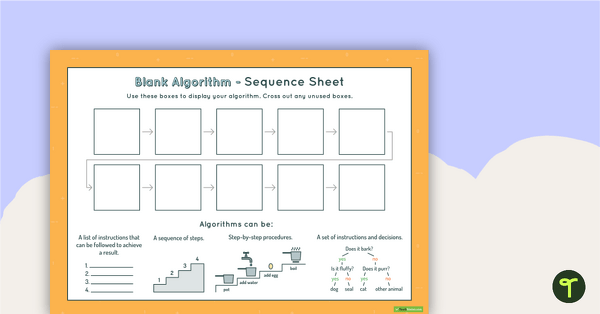
10-Step Algorithm Sequence Sheet - Middle Primary
A worksheet for students to use when writing an algorithm.
- Free Plan
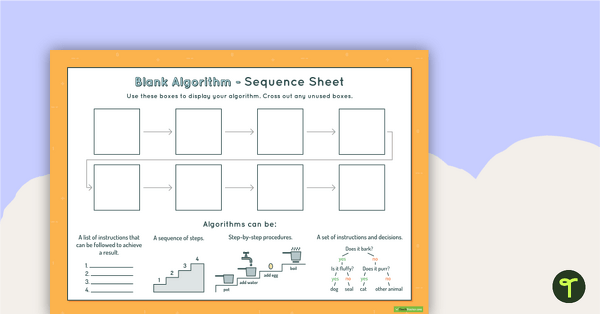
8-Step Algorithm Sequence Sheet - Middle Primary
A worksheet for students to use when writing an algorithm.
- Plus Plan
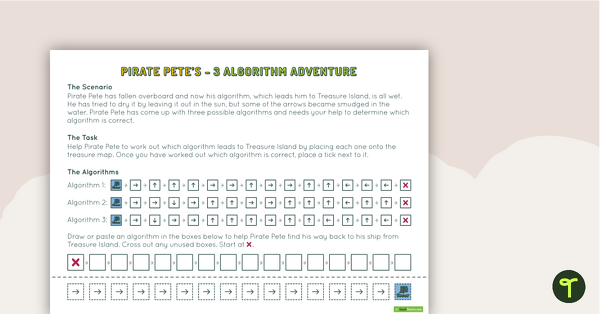
Pirate Pete’s Three Algorithm Quest
A worksheet for students to use when consolidating their understanding of algorithms.
- Plus Plan
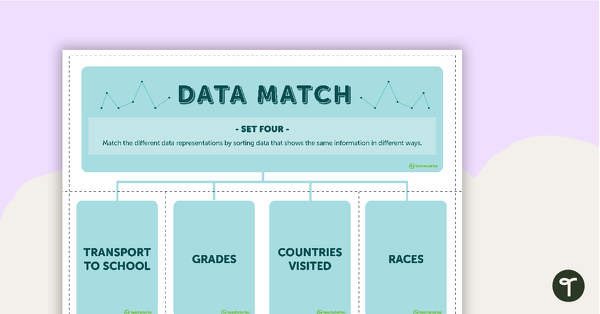
Data Match-Up Cards (Set 4)
A match-up activity for students to use when exploring data.
- Plus Plan
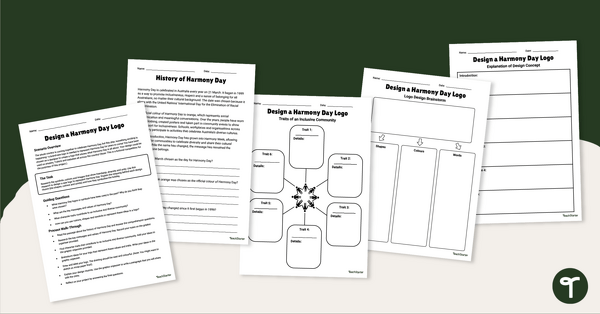
Design a Harmony Day Logo Project
Design a Harmony Day logo with your students using our inquiry-based learning project.
- Free Plan
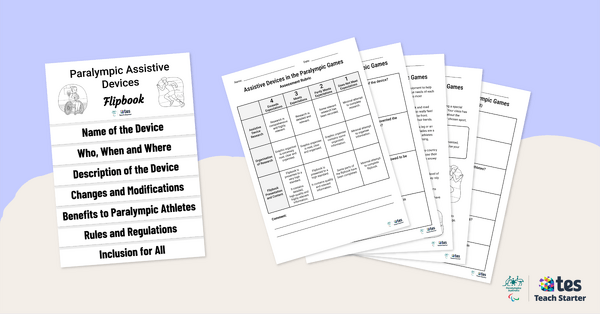
Assistive Devices in the Paralympic Games – Inquiry-Based Project
Have your students investigate the assistive devices used by Paralympians with this inquiry-based learning project.
- Plus Plan
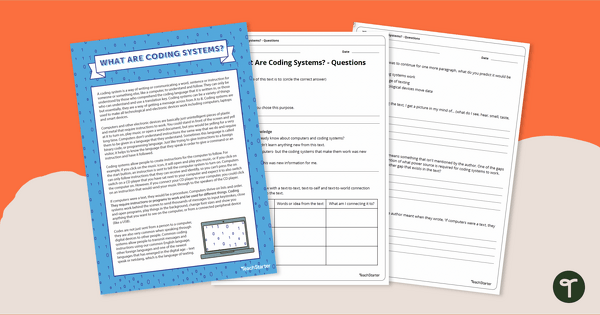
Comprehension - What Are Coding Systems?
Discover the history of technologies and coding systems with a reading comprehension activity.
- Plus Plan
Computer Student Login Cards
Computer login cards for students to use during computer time.
- Free Plan
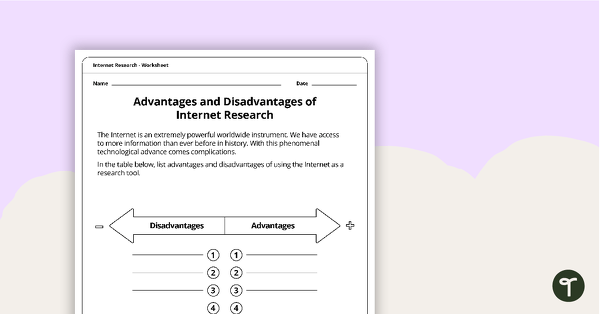
Advantages and Disadvantages of Internet Research Worksheet
A worksheet to use when considering the positive and negative impacts of Internet research.
- Plus Plan
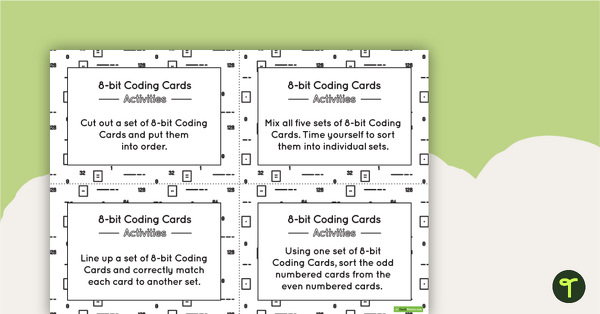
8-bit Coding Card Packs with Activities
A set of 8-bit coding cards with associated activities to assist students in understanding 8-bit coding.
- Free Plan
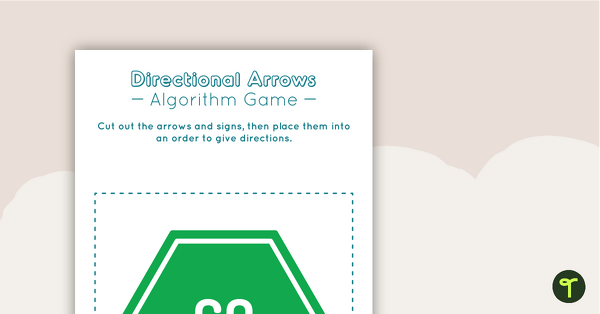
Directional Arrows Algorithm Game
A game to help teach your students directional instructions in sequencing (algorithms).
- Plus Plan
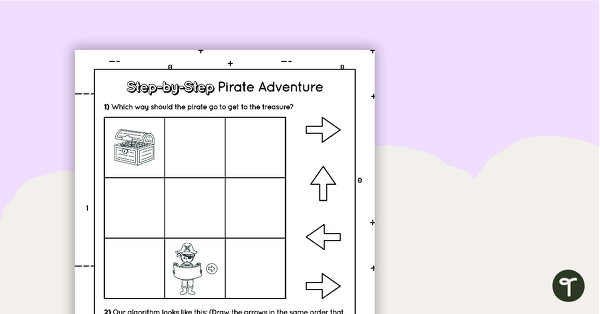
Step by Step Introductory Worksheet for Algorithms - Pirate Adventure
A 1 page worksheet for students to use when learning how to write an algorithm.
- Plus Plan
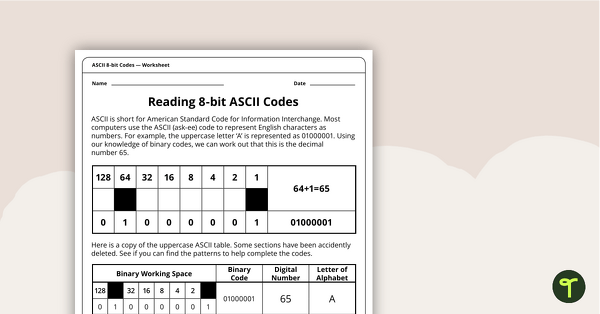
Reading 8-bit ASCII Codes - Worksheet
A worksheet to assist students in understanding what actual computer code (ASCII- current 8-bit version) looks like.
- Plus Plan
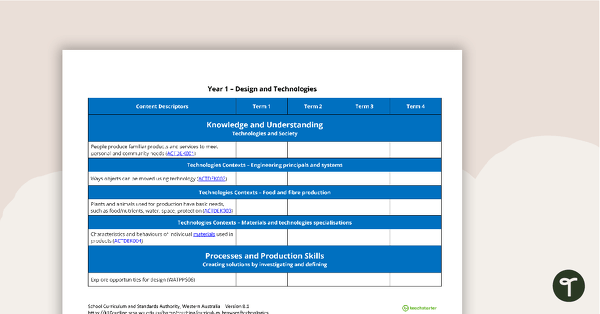
Technologies Term Tracker (WA Curriculum) - Year 1
A Technologies term tracker using the WA Curriculum Year 1 content descriptors and codes.
- Free Plan
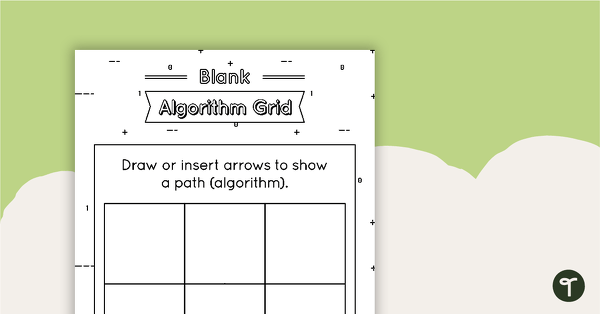
Blank Algorithm Grid - Black and White
An activity for students to use when learning about algorithms (directions).
- Plus Plan
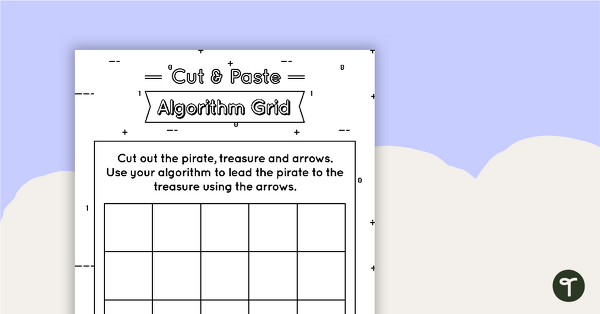
Cut and Paste Algorithm Grid - Black and White
An activity for students to use when learning about algorithms (directions).
- Plus Plan
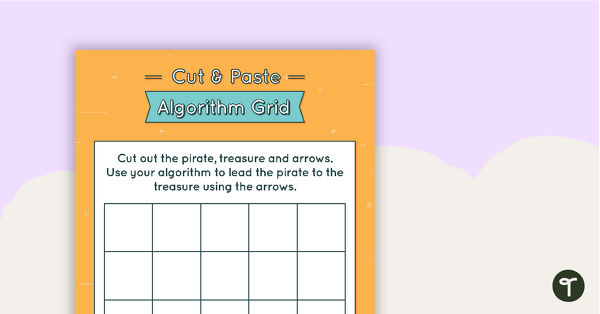
Cut and Paste Algorithm Grid - Colour
An activity for students to use when learning about algorithms (directions).
- Plus Plan
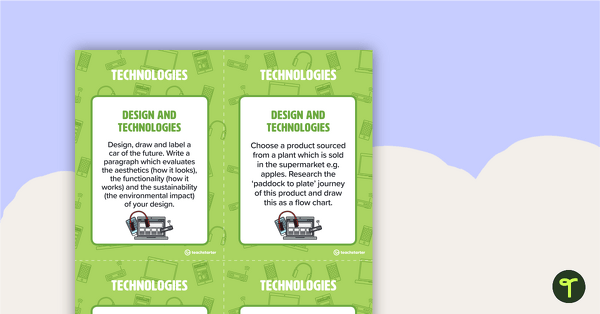
Fast Finisher Technologies Task Cards - Year 5
A set of 10 Technologies task cards.
- Plus Plan
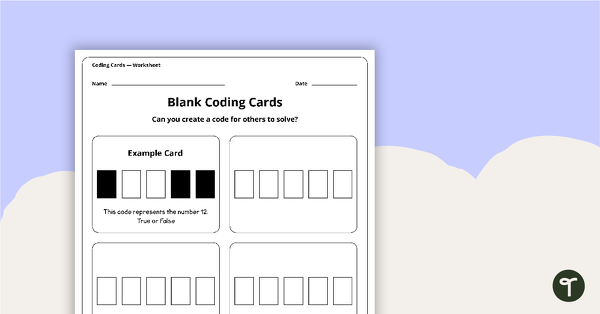
Blank Binary Coding Cards - Worksheet
A worksheet to assist students in creating their own binary codes.
- Free Plan
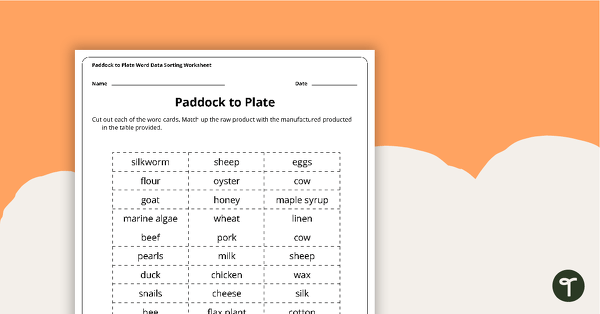
Paddock to Plate Data Sorting Worksheet
A cut and paste sorting worksheet for use when learning about raw and manufactured products.
- Free Plan
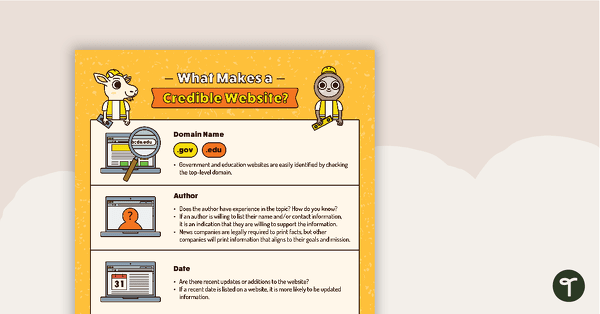
What Makes a Credible Website Poster
A poster to help students evaluate the credibility of a website.
- Plus Plan
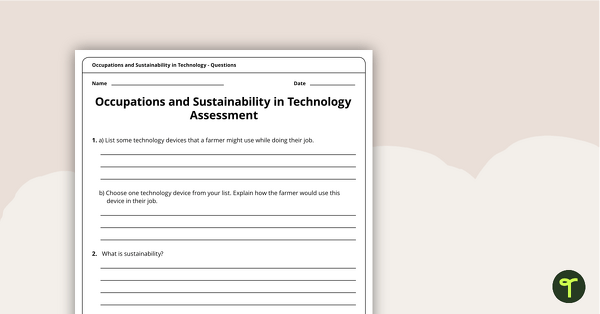
Occupations and Sustainability in Technology Assessment
A four-page assessment task covering occupations and sustainability in technology.
- Plus Plan
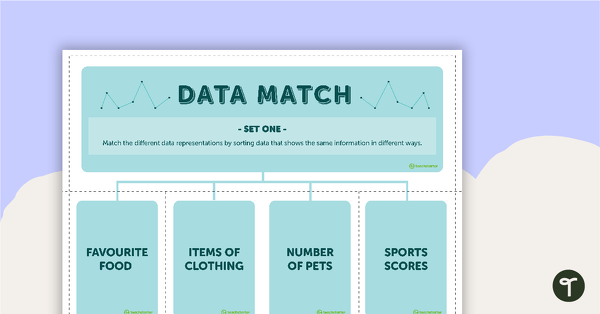
Data Match-Up Cards (Set 1)
A match-up activity for students to use when exploring data.
- Free Plan
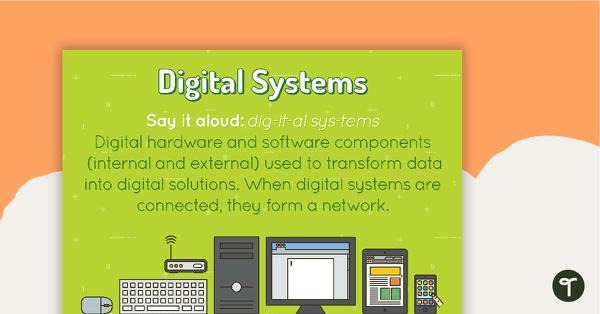
Digital Systems Poster
A poster showing the definition and an example of a digital system.
- Plus Plan
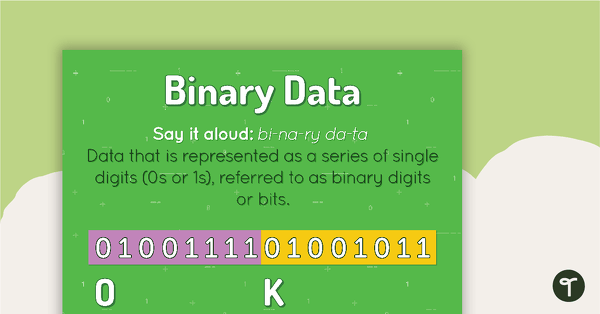
Binary Data Poster
A poster showing the definition and an example of binary data.
- Plus Plan
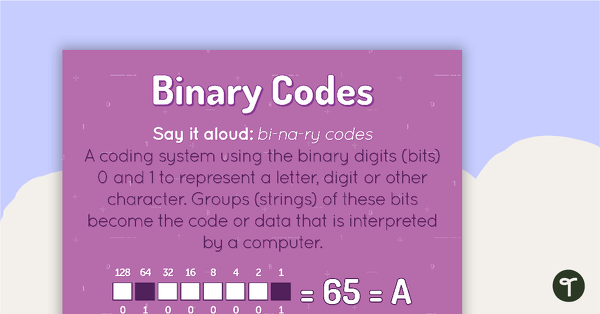
Binary Codes Poster
A poster showing the definition and an example of binary codes.