Teaching Slides for Teachers
Cut your lesson planning time in half with teaching slides created by teachers for teachers! Download hundreds of ready-made lessons created in Google slides or PowerPoint so they integrate seamlessly with your district LMS to supplement instruction in English, science, maths, HASS and more!
Each curriculum-aligned slide deck template in this collection has undergone rigorous review by our expert teachers to ensure it's classroom-ready, so you don't have to spend hours fact-checking, spell-checking and making major edits to make it work for your students.
What Is a Slide Deck?
Maybe you call them teaching presentations? Maybe you call them slideshows? Or maybe you're more familiar with the term PowerPoint. A slide deck is a series of slides used as a visual aid while you're teaching a lesson.
Our slide decks are designed with teachers' various needs in mind so you'll find Google Slides which can also be used by Microsoft PowerPoint users.
Oh, and did we mention that these slide decks for primary teachers are easy to customise? Make simple edits to differentiate instruction for your individual students' needs and include important definitions, explanations of key concepts, review questions and activities, links to additional worksheets and much more.
4 Ways to Use Google Slides in Your Classroom
So, how do you use Google Slides in the classroom? We realize this may sound obvious ... you use them to teach a lesson, of course.
But there are countless additional ways to make use of this tool that you may not already have in your plans, so let's dive in.
- After a lesson is complete, add your teaching slides to your students' Google Classroom. This way students who were absent can review the slides to catch up, and even students who were in class that day can use them as a reference tool.
- Send slides to parents. Parents often reach out, asking how they can help their children who are struggling to comprehend a particular topic. This is where teacher slides come in handy. You can easily email a link to parents so that they can review the content with their kids.
- Use Google Slides to flip your classroom. Are you trying a flipped classroom approach? Send your Google Slides out to students!
- Use Google Slides with small groups. You don't have to limit your slide deck presentations to whole class instruction. This format is also perfect for reviewing content with your small groups.
How Do You Use Google Slides in Google Classroom?
The best part about our step-by-step instructions for using Google Slides in Google Classroom is that there isn’t any time spent explaining the 'how to' in regards to the design and creation of Google Slides. That’s because we’ve already done the hard work for you with our collection of beautifully designed Google Slides ready to go!
All you have to do is:
- Download the Google Slide resource.
- Make a copy.
- Create an assignment in Google Classroom.
- Add the Google Slide from your Google Drive.
- Make a copy for each student.
- Assign!
What Are the Benefits of Using Google Slides in the Classroom?
With templates designed by teachers and rigorously reviewed by the expert teachers on the Teach Starter team, you'll find slides for just about everything you can think of in your classroom and then some. Here are some of the great benefits you'll quickly find!
Google Slides are easy to grade — you can grade from anywhere ... even your own kids' after-school practice!
- With Google Slides, it's easy to tell when kids are missing work.
- Because of the digital nature, parents can easily see their students' assignments.
- There's increased accountability.
- There are extra supports in place for a teacher when parents question a student's grade.
- You can quickly shift from in-person to remote learning when necessary.
- Individual pages in Google Slides can be downloaded as documents, PDFs, jpgs, and in other formats so you can easily print and edit!
- Our students are growing up in an increasingly digital world, and the use of slides — along side good, old-fashioned paper and pencil — will help prepare them for using technology tools in their future.
- Plus Plan
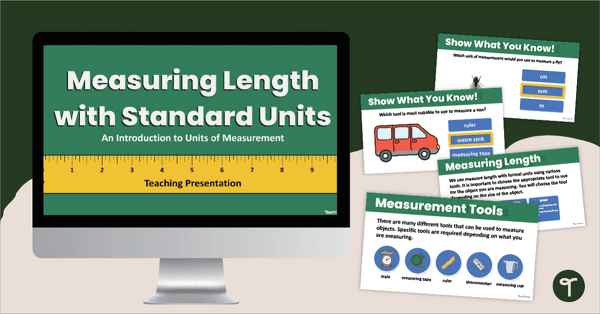
Measuring Length with Formal Units Teaching Slides
Introduce your students to the formal units to measure length with an engaging, interactive teaching slide deck.
- Plus Plan
Year 2 Editing Passages
Use this set of Year 2 editing passages to help your students demonstrate their spelling, punctuation and grammar knowledge.
- Plus Plan
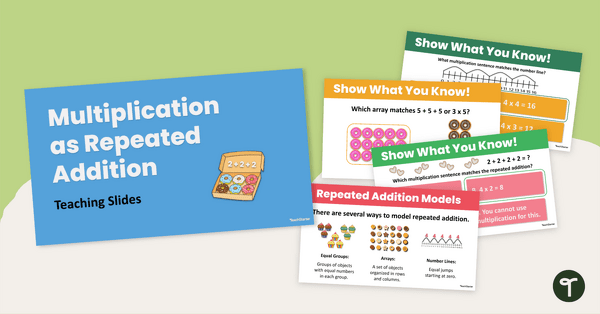
Multiplication as Repeated Addition PowerPoint
Teach multiplication as repeated addition with this easy-to-use PowerPoint presentation.
- Plus Plan
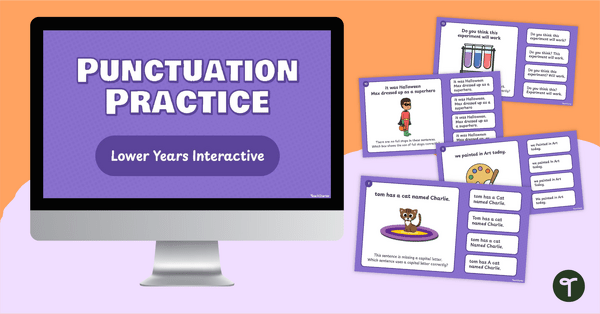
Punctuation Practice Interactive Activity (Lower Primary)
Use this interactive quiz to review key punctuation concepts with your primary students.
- Plus Plan
Year 4 Editing Passages
Use this set of Year 4 editing passages to help your students demonstrate their spelling, punctuation and grammar knowledge.
- Plus Plan

Money and Financial Mathematics - Middle Years Interactive PowerPoint
An engaging 44 slide interactive PowerPoint to use in the classroom when learning about money and financial mathematics
- Plus Plan
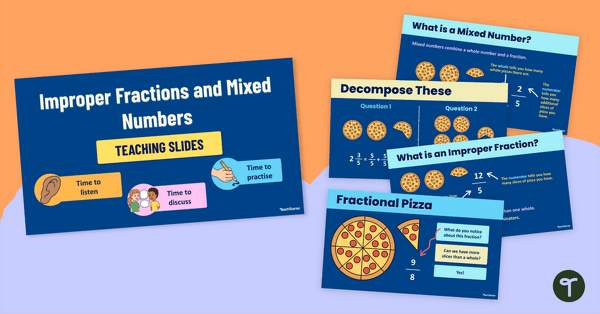
Improper Fractions PPT (Teaching Slides)
Utilise our colourful Improper Fractions PPT to introduce your students to improper fractions and mixed numbers.
- Plus Plan
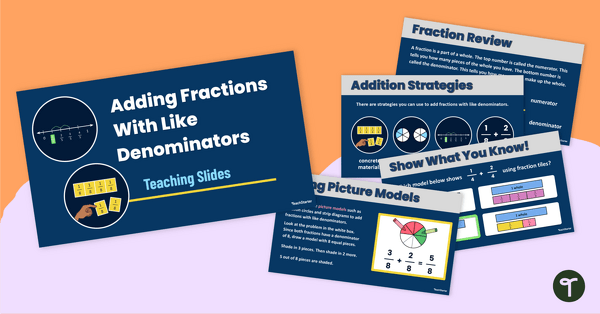
Adding Fractions With Like Denominators Teaching Slides
Teach your students how to add fractions with like denominators using a variety of strategies with this comprehensive slide deck.
- Plus Plan
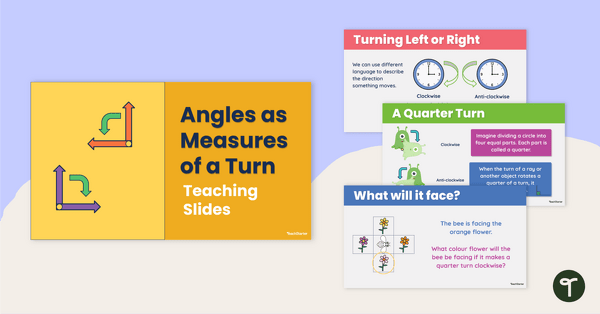
Angles as Measures of a Turn Teaching Slides
Teach your students about the relationship between measures of a turn and right angles with this teaching presentation for Year 3 students.
- Plus Plan
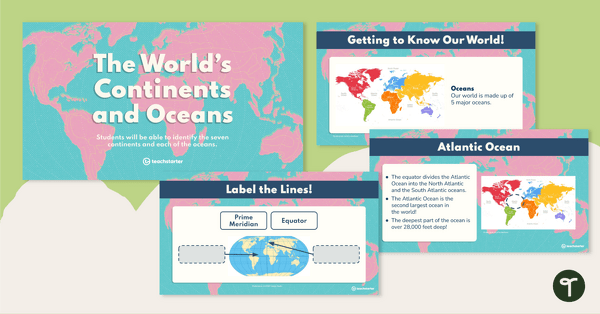
The World's Continents and Oceans – Teaching Presentation
Explore the seven continents and five oceans of the world with this comprehensive teaching presentation.
- Plus Plan
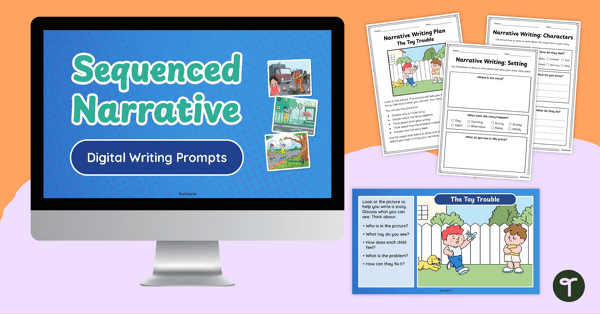
Guided Narrative Writing Prompts for Beginning Writers
Help your young writers build confidence with this set of engaging narrative writing prompts, available as both printable worksheets and digital slides.
- Plus Plan
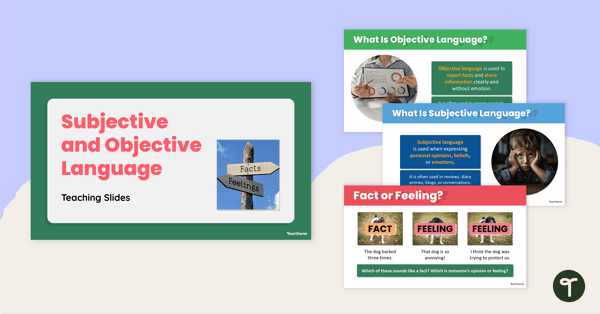
Subjective and Objective Language Teaching Slides
Teach your students how to confidently identify subjective and objective language in texts with this engaging, age-appropriate slide deck.
- Plus Plan
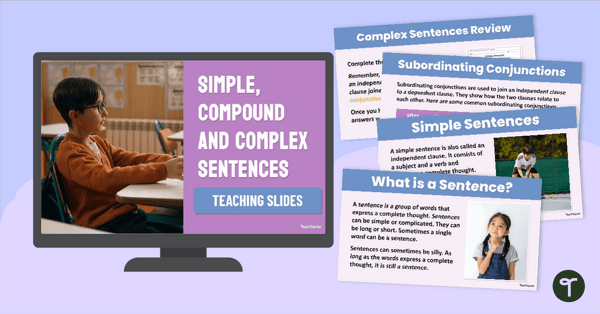
Compound, Complex and Simple Sentences PowerPoint
Introduce your students to compound, complex and simple sentences with an engaging types of sentences PowerPoint.
- Plus Plan
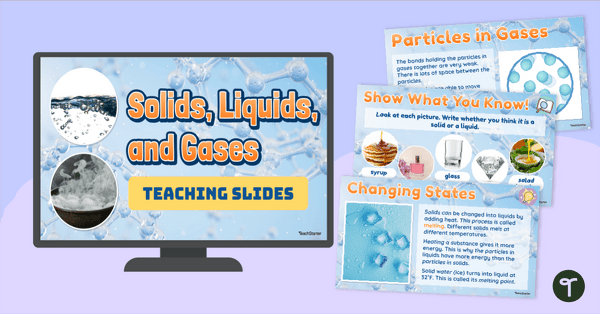
Solids, Liquids and Gases PowerPoint
Teach your students about matter with a Solids, Liquids and Gases PowerPoint.
- Plus Plan
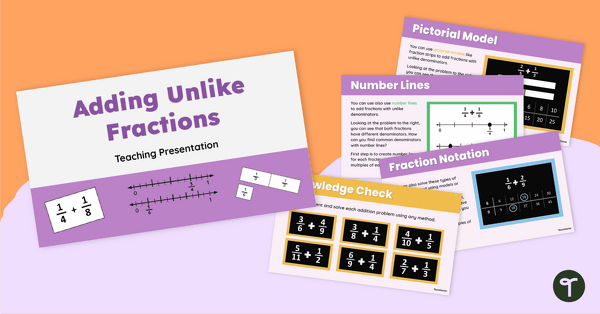
Adding Fractions With Unlike Denominators Slide Deck
Teach your students how to add fractions with unlike denominators using a variety of strategies with this comprehensive slide deck.
- Plus Plan
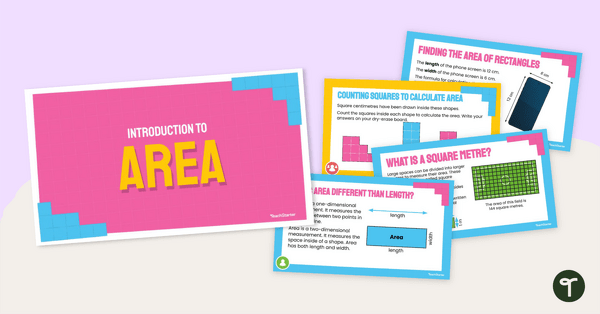
Introduction to Area Teaching Slides
Introduce the concept of measuring the area of regular shapes with this 22-slide instructional slide deck.
- Plus Plan
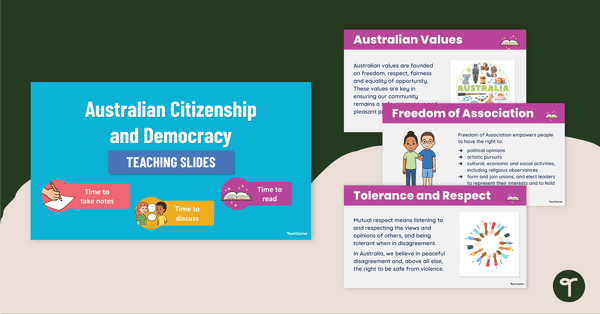
Australian Citizenship and Democracy - Teaching Slides
Explore what it means to be an Australian citizen with this in-depth teaching presentation.
- Plus Plan
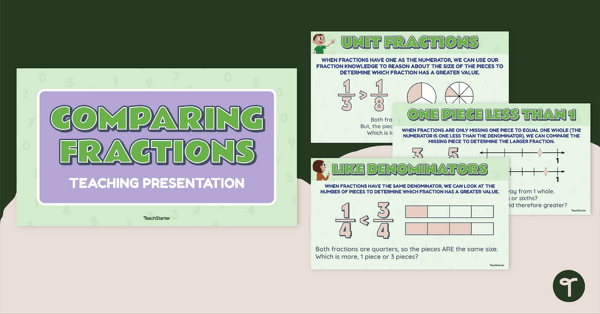
Comparing Fractions – Teaching Presentation
Teach your students about comparing fractions with like numerators or denominators by means of visual models, number lines and mathematical reasoning.
- Plus Plan
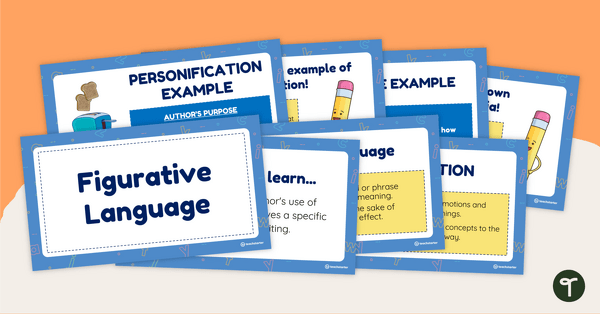
Figurative Language PowerPoint
Explore figurative language with your students using this comprehensive teaching presentation.
- Plus Plan
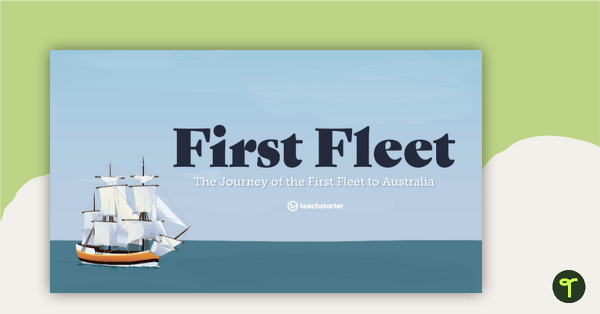
The First Fleet PowerPoint
A 15 slide editable PowerPoint presentation to use when teaching students about the First Fleet.
- Plus Plan
5-Digit Place Value Warm Up - Interactive PowerPoint
An engaging 44 slide interactive PowerPoint to use when learning about place value to 5-digits.
- Plus Plan
Year 1 Editing Passages
Use this set of Year 1 editing passages to help your students demonstrate their spelling, punctuation and grammar knowledge.
- Plus Plan
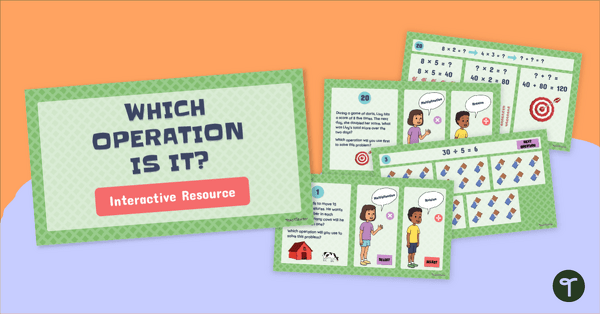
Multiply and Divide! Word Problems Interactive
Practise solving one and two step worded maths problems and have fun with our Multiply and Divide Word Problems Interactive Activity.
- Plus Plan
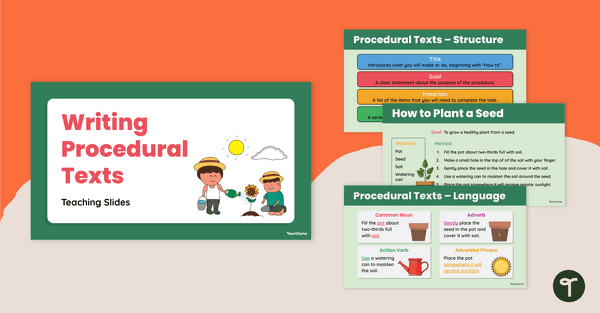
Writing Procedural Texts Teaching Slides
Use this procedural writing PowerPoint to teach your students about the purpose, structural elements and language features of procedure texts.
- Plus Plan
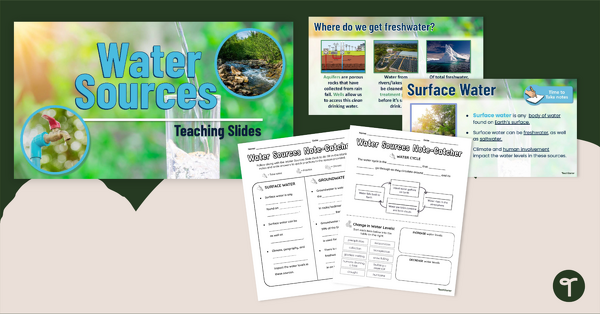
Water Sources Teaching Slides and Workbook
Learn all about water sources and how it relates to the water cycle with this teaching presentation and matching workbook.
- Plus Plan
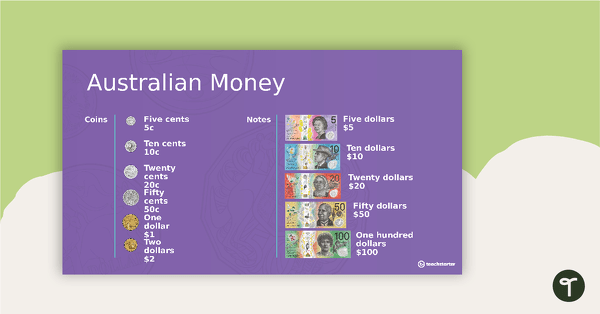
Money and Financial Mathematics – Lower Years Interactive PowerPoint
An engaging 44-slide interactive PowerPoint to use in the lower years classroom when learning about money and financial mathematics.
- Plus Plan
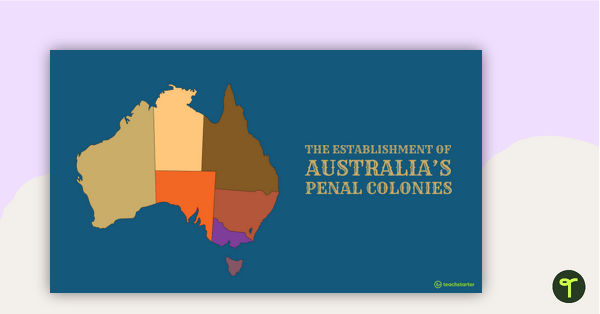
The Establishment of Australia's Colonies PowerPoint
A 32 slide editable PowerPoint to use in the classroom when learning about the establishment of British colonies in Australia.
- Plus Plan
Middle Years Morning Work PowerPoint
An engaging 77 slide PowerPoint to use in the classroom for independent morning work.
- Plus Plan
Year 6 Editing Passages
Use this set of Year 6 editing passages to help your students demonstrate their spelling, punctuation and grammar knowledge.
- Plus Plan
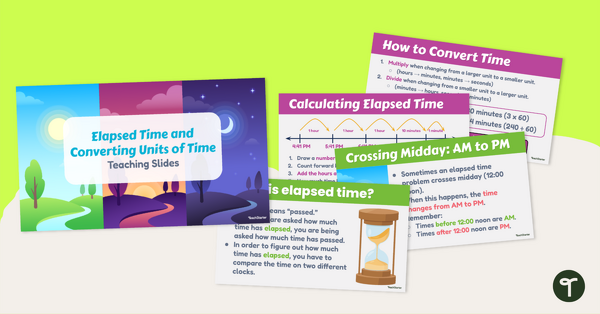
Elapsed Time and Converting Units of Time Teaching Slides
Teach your students how to calculate elapsed time and convert units of time with an engaging teaching presentation.
- Plus Plan
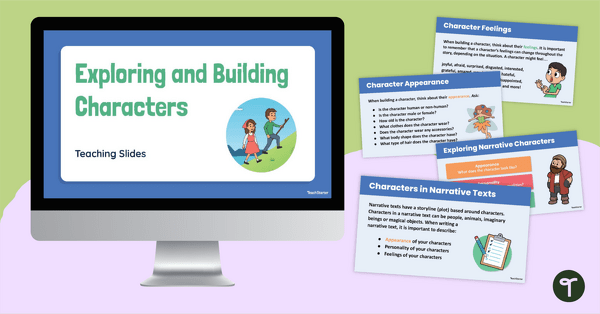
Exploring and Building Narrative Characters PowerPoint
Use this editable PowerPoint template when teaching younger students about how to build a character for a narrative text.
- Plus Plan
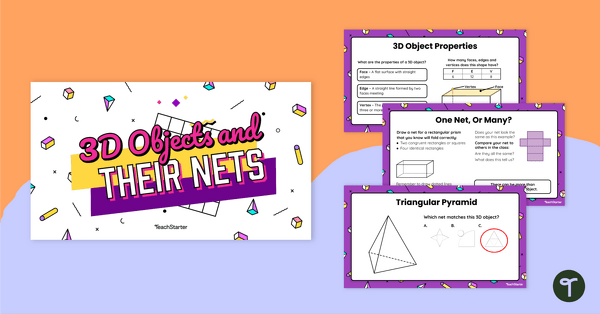
3D Objects and Their Nets - Teaching Presentation
Explore the connection 3D objects have with their nets and other 2D representations with this comprehensive set of teaching slides.