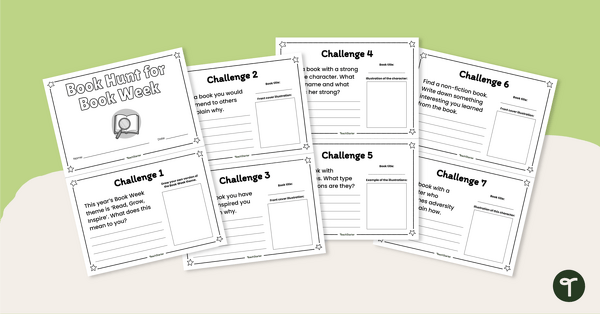
Send your students on a book hunt either in your classroom or the school library with this fun minibook activity.
A Book Week Activity That Inspires the Love of Books
With an already overcrowded curriculum, it can be challenging to find the time to engage with events such as Book Week in a purposeful and meaningful way. Add to this a classroom full of highly excitable students dressed as monsters, superheroes and would-be wizards and this task becomes almost impossible!
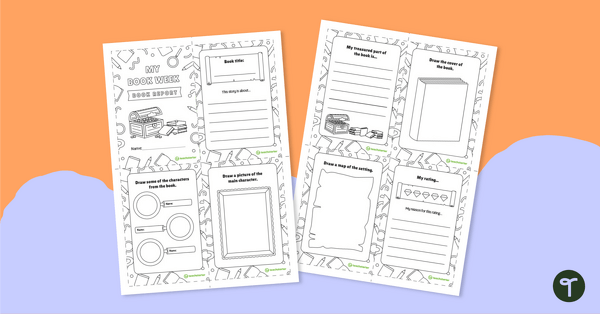
Never fear, the Teach Starter book hunt is here! We’ve found a way to capitalise on that electric Book Week energy by creating a fabulous mini-book that will guide your students through a theme-inspired book hunt full of literature-related challenges!
In this mini-book, students will be asked to find books that include things like:
- a strong female character
- illustrations
- a non-fiction text
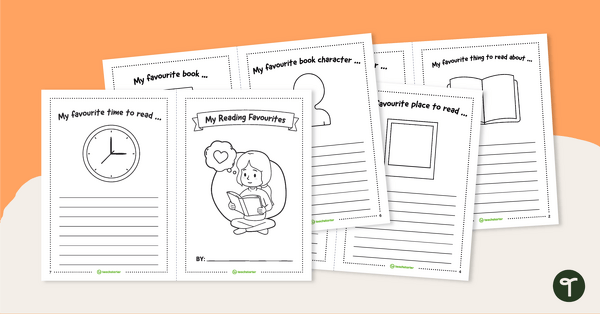
Each page includes room for a student’s illustration and written response related to the topic.
How to Create This Mini-Book for Book Week
This resource contains four pages. Each page includes two mini-book pages (eight pages in total). To assemble the mini-book, follow these simple steps.
- Print out the resource. Create copies as required.
- Cut each page along the dotted line.
- Compile the pages in order.
- Staple the pages along the left-side margin to create a booklet.
- Distribute to the students.
Choose Your Preferred File Format
Use the dropdown arrow on the Download button to select between the editable Google Slides or easy-print PDF version of this resource.
This resource was created by Caitlyn Philips, a Teach Starter collaborator.
Click below for more great resources to help you celebrate Book Week in your classroom!
[resource:4982876] [resource:4680479] [resource:17439]

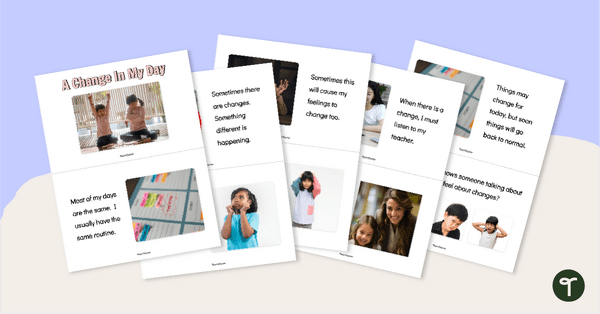
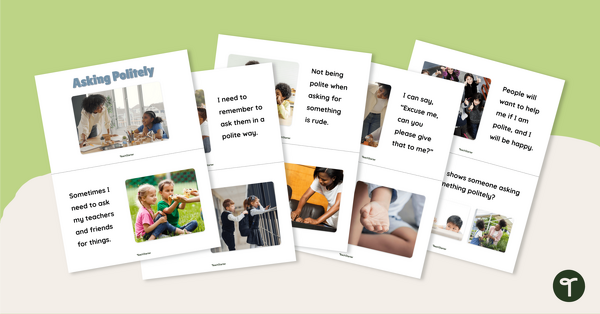
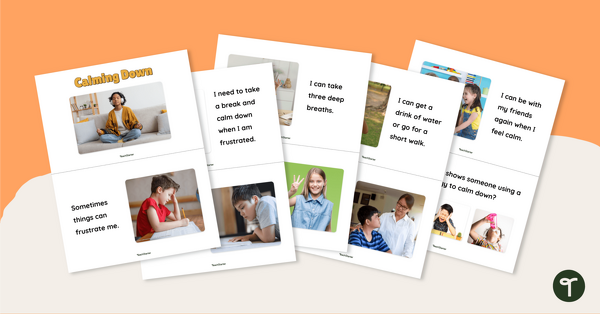
0 Comments
Write a review to help other teachers and parents like yourself. If you'd like to request a change to this resource, or report an error, select the corresponding tab above.