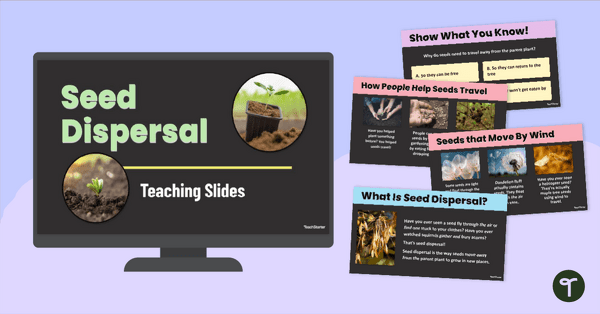
Make teaching seed dispersal for kids easy with our interactive Seed Dispersal PowerPoint.
How Do Seeds Travel? Let’s Find Out!
Ready to teach your students all about seed dispersal for kids in a way that’s fun, visual, and easy to understand? This interactive seed dispersal presentation is designed just for early learners, helping them answer the question, ‘ How Do Seeds Travel?’ With age-appropriate explanations, colourful visuals, and built-in discussion questions, this seed dispersal for kids resource brings science to life!
Early Years Seed Dispersal PowerPoint
This Seed Dispersal PowerPoint takes students through the different ways seeds are spread—from wind and water to animals and people. The slides break down each method with real-world examples and visuals that help students connect their learning to what they see outdoors. Use the built-in checks for understanding and simple vocabulary to spark curiosity and boost comprehension. Students will learn about the following in this slide deck:
- What is seed dispersal?
- What are the different methods of seed dispersal?
- Why do seeds need to travel away from the parent plant?
- How do seeds travel by wind, water, animals, humans, and explosion?
- And more!
We have also included a linked summarising activity and a handy seed dispersal video embedded to help you teach this content.
Download Your Seed Dispersal PPT Today!
This Seed Dispersal PPT is ready to use! It is available in both PowerPoint and Google Slides formats and can be easily downloaded by clicking the dropdown arrow next to the download button. Click, select, and you’re ready to teach!
More Resources to Teach Your Plant Lessons
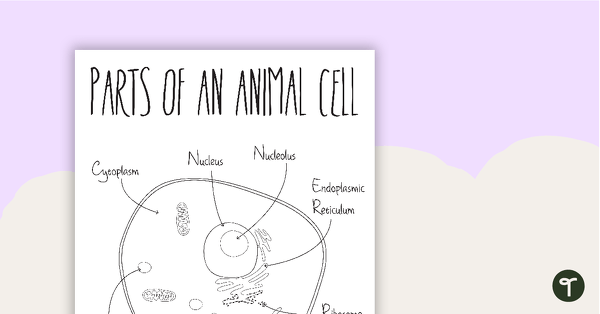
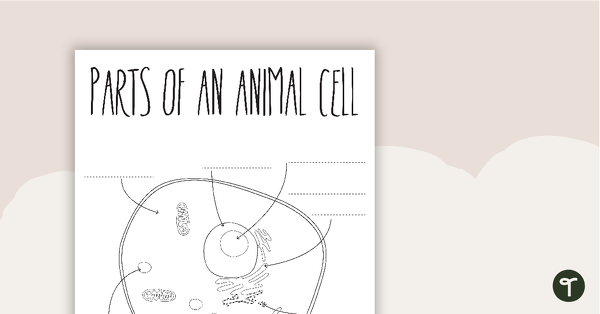
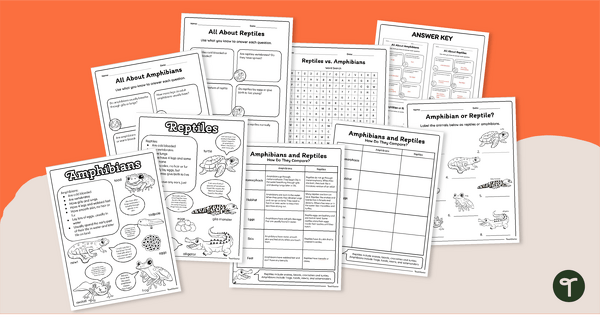
Looking for more ways to design lessons surrounding seed dispersal and plants? No worries! We’ve got you covered with these amazing resources. Make sure you check them out before you go!
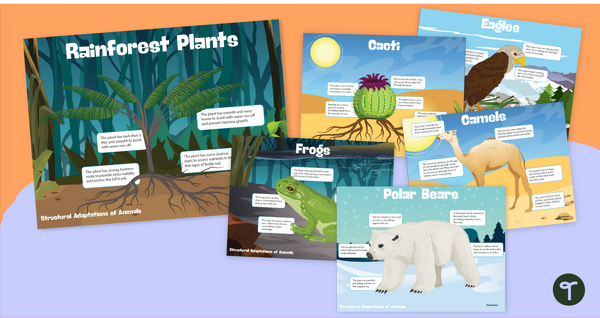
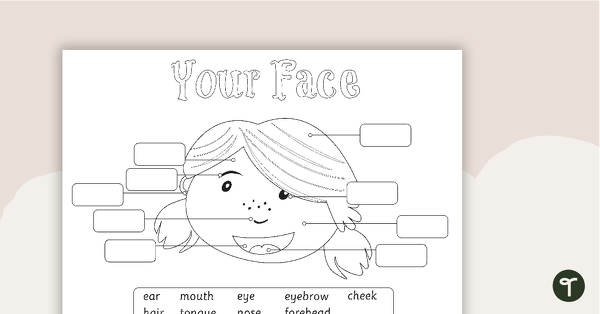
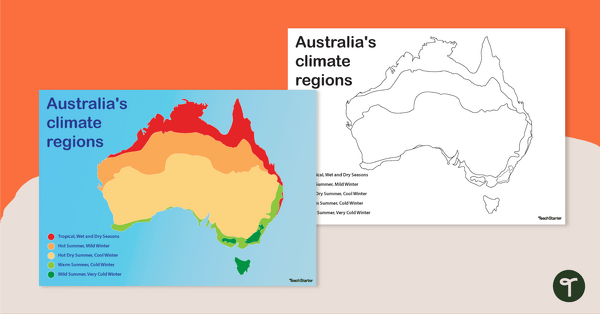
[resource:4963989] [resource:1973346] [resource:5185571]

0 Comments
Write a review to help other teachers and parents like yourself. If you'd like to request a change to this resource, or report an error, select the corresponding tab above.