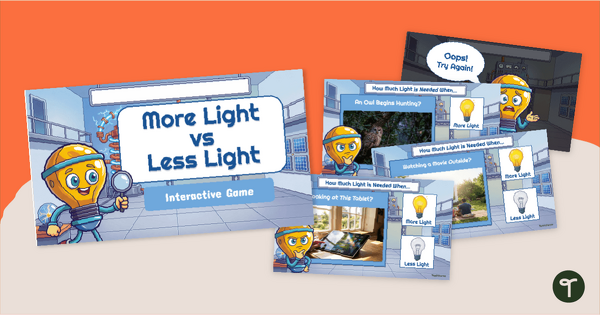
Compare the effects of different amounts of light on the appearance of objects and have fun with our More Light vs Less Light Interactive Game.
Have Fun With Our More Vs. Less Light Game for Kindergarteners
Help young scientists explore how light affects what they can see with this More vs. Less Light Game for Kindergarteners! As students investigate real-world situations, they learn that objects can be seen only when a light source is present and that varying amounts of light can change how clearly objects appear. This More vs. Less Light Game for Kindergarteners gives children meaningful practice in analyzing everyday scenarios and deciding whether more or less light is needed to improve visibility.
Through repeated exposure to familiar situations, students build a stronger understanding of light, visibility, and observation skills while strengthening science vocabulary and critical-thinking abilities.
Compare the Effects of Different Light Levels on Visibility
Designed to support kindergarten students’ learning about light and visibility, this interactive Google Slides game presents students with illustrated real-world scenarios and simple teacher-read descriptions. Students click to decide whether more light or less light is needed in each situation. The self-checking format provides immediate feedback, encouraging students to learn from mistakes and continue practising as they compare the effects of different light levels on visibility.
This interactive game features:
- 24 self-checking questions
- Real-world light and visibility scenarios
- Immediate feedback for correct and incorrect responses
- Kindergarten science practice aligned to the TEKS Science Curriculum Standards.
Download This Effects of Light Interactive Game
This Effects of Light Interactive game is available in both PowerPoint and editable Google Slides format. To get your copy, click the dropdown arrow on the download button and select your preferred file type.
This resource was created by Brittany Kellogg, a teacher in Ohio and Teach Starter collaborator.
More Kindergarten Light Printables and Resources
Don’t stop there! We’ve got loads of Kindergarten Light Printables and resources for you to add to your lessons this week. Make sure you check these out before you go!
teaching resource
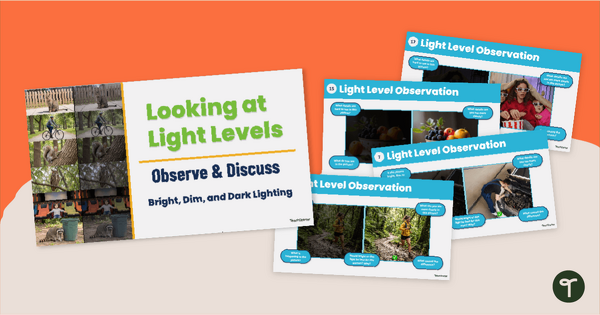
Dark, Dim, or Bright? Light Observation Activity Slides
Help your kindergartners see the usefulness of light energy and how it helps us see things clearly with our ‘Dark, Dim, or Bright’ Light Observation Activity slides.
teaching resource
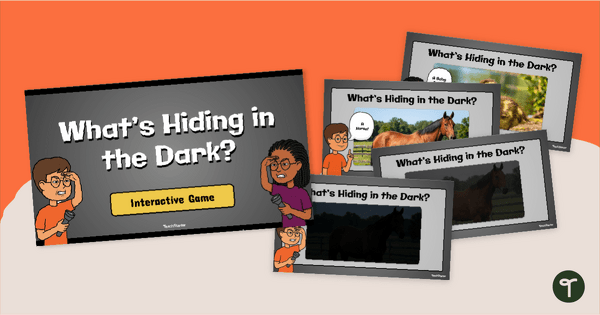
What’s Hiding in the Dark? Light Game (K)
Help your young learners discover the need for light to see objects with our ‘What’s Hiding In The Dark? Light Game for Kindergarteners.
teaching resource
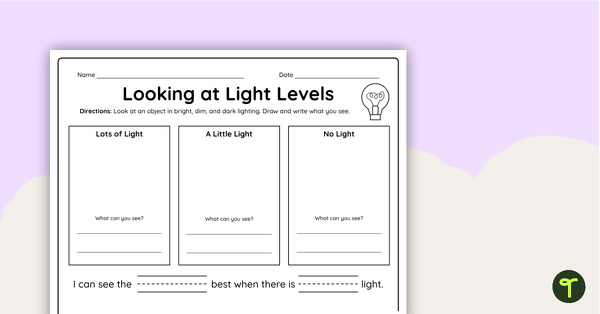
Light Level Observation Worksheet (K)
Explore and observe the importance of appropriate lighting with a ‘Looking at Light Levels’ Observation Worksheet for Kindergarten.


0 Comments
Write a review to help other teachers and parents like yourself. If you'd like to request a change to this resource, or report an error, select the corresponding tab above.