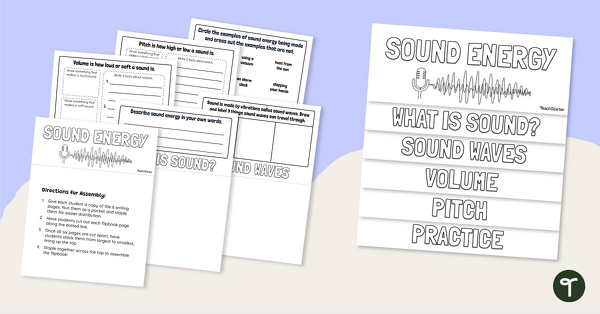
Encourage your students to record their knowledge about sound energy using this Sound Energy Flip Book for 2nd Grade.
Sound Energy Flipbook
If your students are exploring sound energy, its sources and how we perceive it, then this flip book activity is the perfect task for them! Use it as an end-of-unit activity to bring together and record all of their knowledge in one fun package, or have them complete one page at a time during the unit to record newly acquired knowledge!
Included in this resource:
- An instructions page,
- Directions for assembly, and
- Five activity pages.
By completing this activity, students will demonstrate their understanding that sound is produced by a range of sources and can be sensed.
How to Prepare This Sound Energy Flipbook
Preparing this sound energy activity is quick and easy with these simple tips:
- Download either the Google Slides or PDF version of this resource. Print one copy first, single-sided.
- On your copier, select “Collate Pages” in your print settings, and load all pages of the first copy into the feed tray.
- You may wish to pre-staple them for easier distribution.
- Have students cut out each flipbook page along the dotted line.
- Enjoy
This resource was created by Lindsey Phillips, a teacher in Michigan and Teach Starter Collaborator.
More Great Sound Energy Teaching Resources:
teaching resource
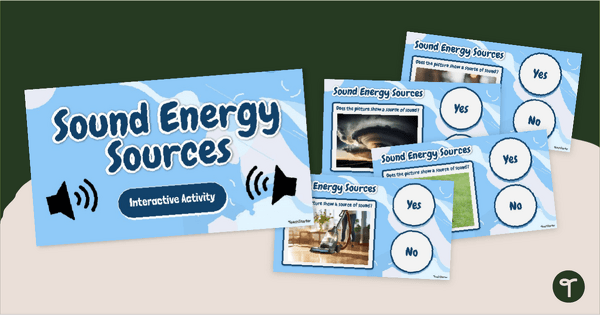
Sound Energy Sources Interactive
With your students, explore the sources of sound energy and how we sense them using this interactive science activity.

teaching resource
Exploring Sound Energy PowerPoint (2nd Grade)
Explore sound energy, how it is produced, and more with our Year 2 Exploring Sound Energy PowerPoint teaching presentation.
teaching resource
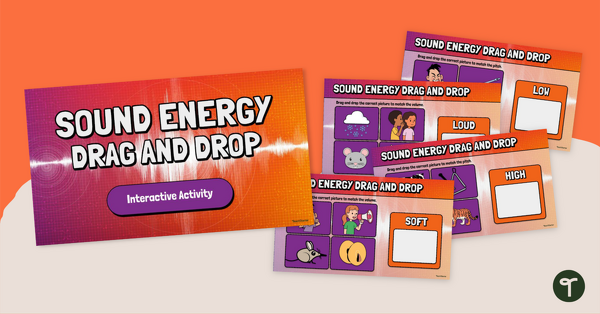
Sound Energy Drag and Drop Interactive Activity
Enhance students' ability to identify and describe sound energy concepts in a hands-on and immersive manner with this interactive slide deck.



0 Comments
Write a review to help other teachers and parents like yourself. If you'd like to request a change to this resource, or report an error, select the corresponding tab above.