Teaching Slides for Teachers
Cut your lesson planning time in half with teaching slides created by teachers for teachers! Download hundreds of ready-made lessons created in Google slides or PowerPoint so they integrate seamlessly with your district LMS to supplement instruction in English, science, maths, HASS and more!
Each curriculum-aligned slide deck template in this collection has undergone rigorous review by our expert teachers to ensure it's classroom-ready, so you don't have to spend hours fact-checking, spell-checking and making major edits to make it work for your students.
What Is a Slide Deck?
Maybe you call them teaching presentations? Maybe you call them slideshows? Or maybe you're more familiar with the term PowerPoint. A slide deck is a series of slides used as a visual aid while you're teaching a lesson.
Our slide decks are designed with teachers' various needs in mind so you'll find Google Slides which can also be used by Microsoft PowerPoint users.
Oh, and did we mention that these slide decks for primary teachers are easy to customise? Make simple edits to differentiate instruction for your individual students' needs and include important definitions, explanations of key concepts, review questions and activities, links to additional worksheets and much more.
4 Ways to Use Google Slides in Your Classroom
So, how do you use Google Slides in the classroom? We realize this may sound obvious ... you use them to teach a lesson, of course.
But there are countless additional ways to make use of this tool that you may not already have in your plans, so let's dive in.
- After a lesson is complete, add your teaching slides to your students' Google Classroom. This way students who were absent can review the slides to catch up, and even students who were in class that day can use them as a reference tool.
- Send slides to parents. Parents often reach out, asking how they can help their children who are struggling to comprehend a particular topic. This is where teacher slides come in handy. You can easily email a link to parents so that they can review the content with their kids.
- Use Google Slides to flip your classroom. Are you trying a flipped classroom approach? Send your Google Slides out to students!
- Use Google Slides with small groups. You don't have to limit your slide deck presentations to whole class instruction. This format is also perfect for reviewing content with your small groups.
How Do You Use Google Slides in Google Classroom?
The best part about our step-by-step instructions for using Google Slides in Google Classroom is that there isn’t any time spent explaining the 'how to' in regards to the design and creation of Google Slides. That’s because we’ve already done the hard work for you with our collection of beautifully designed Google Slides ready to go!
All you have to do is:
- Download the Google Slide resource.
- Make a copy.
- Create an assignment in Google Classroom.
- Add the Google Slide from your Google Drive.
- Make a copy for each student.
- Assign!
What Are the Benefits of Using Google Slides in the Classroom?
With templates designed by teachers and rigorously reviewed by the expert teachers on the Teach Starter team, you'll find slides for just about everything you can think of in your classroom and then some. Here are some of the great benefits you'll quickly find!
Google Slides are easy to grade — you can grade from anywhere ... even your own kids' after-school practice!
- With Google Slides, it's easy to tell when kids are missing work.
- Because of the digital nature, parents can easily see their students' assignments.
- There's increased accountability.
- There are extra supports in place for a teacher when parents question a student's grade.
- You can quickly shift from in-person to remote learning when necessary.
- Individual pages in Google Slides can be downloaded as documents, PDFs, jpgs, and in other formats so you can easily print and edit!
- Our students are growing up in an increasingly digital world, and the use of slides — along side good, old-fashioned paper and pencil — will help prepare them for using technology tools in their future.
- Plus Plan
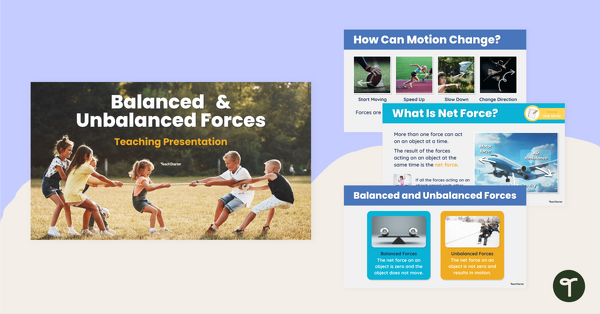
Balanced and Unbalanced Forces Teaching Slides
Teach your students about balanced and unbalanced forces with this comprehensive and age-appropriate teaching presentation for Year 7 science lessons.
- Plus Plan
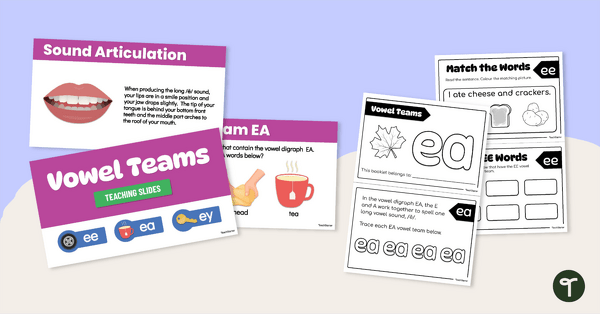
EE, EA and EY Vowel Team Lesson Resource Pack
Introduce students to EE, EA and EY vowel digraphs with this set of teaching slides and mini activity book.
- Plus Plan
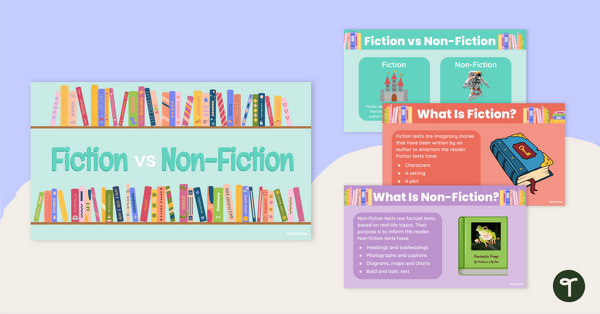
Fiction vs Non-Fiction Teaching Slides
Teach your students the difference between fiction and non-fiction books with this age-appropriate teaching presentation for early years literacy lessons.
- Plus Plan
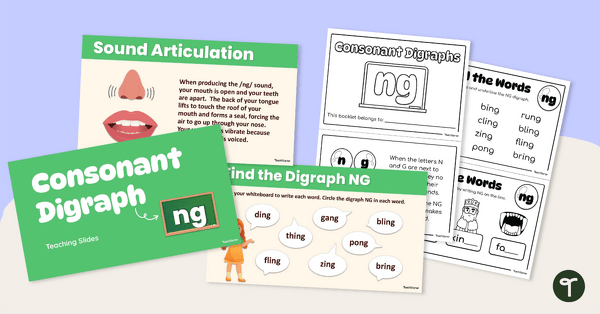
Ng Digraph Lesson Resource Pack
Introduce students to the ng digraph with this set of teaching slides and mini activity book.
- Plus Plan
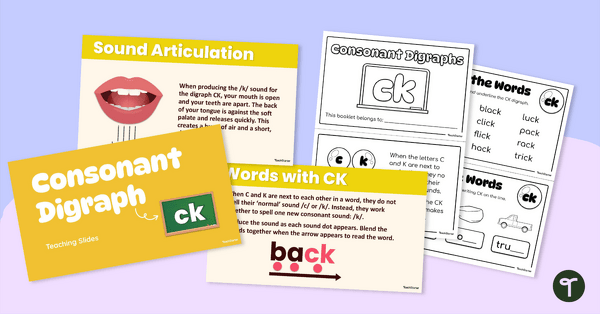
Ck Digraph Lesson Resource Pack
Introduce students to the ck digraph with this set of teaching slides and mini activity book.
- Plus Plan
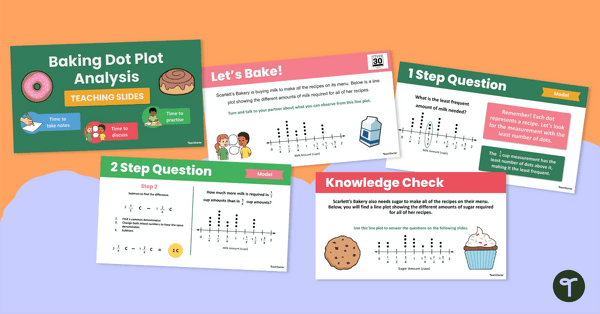
Baking Dot Plot Analysis Teaching Slides
Explore the sweet side of graphs and data with this bakery-themed dot plot resource, supporting your students' abilities to interpret dot plots!
- Plus Plan
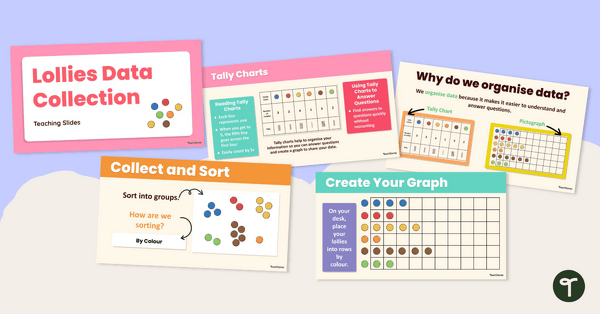
Lollies Data Collection Instructional Slide Deck
Explore this sweet-themed data collection teaching presentation to teach students the basics of recording data and creating a pictograph.
- Plus Plan
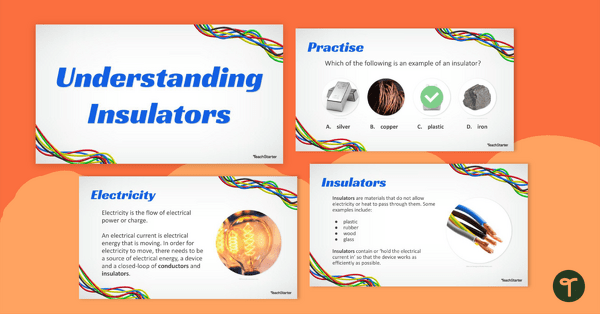
Understanding Insulators Teaching Slides for Year 6
Teach your students about electrical and thermal insulators with this teaching presentation.
- Plus Plan
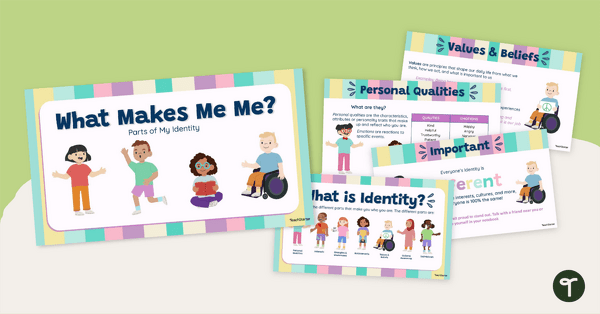
My Personal Identity Teaching Slides (What Makes Me Me?)
Explore what makes each student an individual and help them explore their own identity with this set of teaching slides.
- Plus Plan
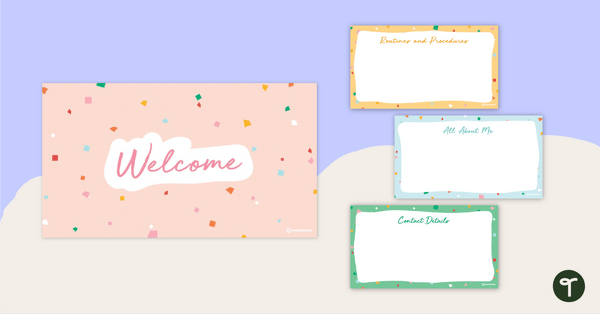
Parent Information Night PowerPoint Template
Prepare for your parent information night with a customisable slideshow template.
- Plus Plan
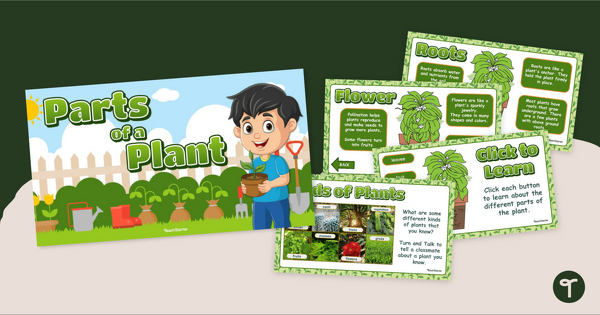
Parts of a Plant PowerPoint Teaching Presentation
Explore the features and functions of the different parts of a plant with an interactive Parts of a Plant PowerPoint.
- Plus Plan
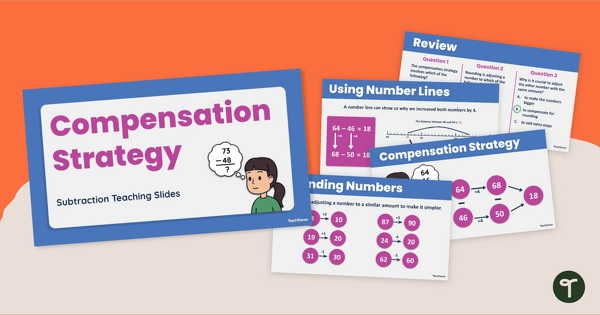
Compensation Strategy for Subtraction - Teaching Slides
Teach your students to use the compensation strategy for subtraction with an interactive teaching slide deck.
- Plus Plan
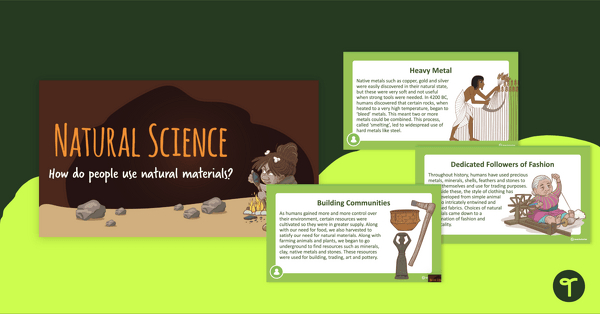
Natural Science PowerPoint - How Do People Use Natural Resources?
A teaching presentation discussing natural resources and how humans interact with them.
- Plus Plan
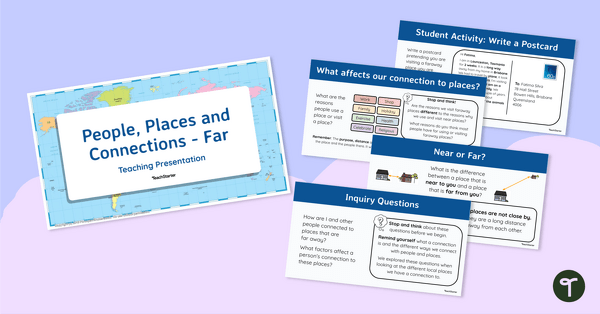
People, Places and Connections (Far) - Teaching Presentation
Explore your students’ connections with distant people and places with this comprehensive 20-slide editable teaching presentation.
- Plus Plan
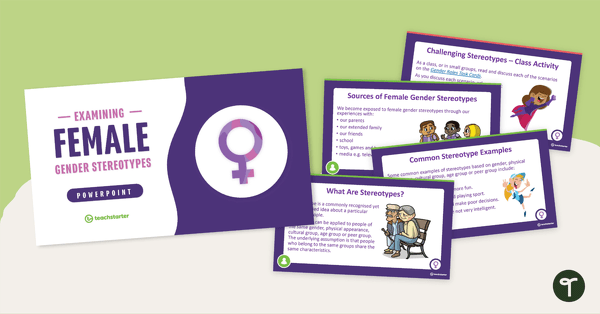
Examining Female Gender Stereotypes PowerPoint
A 14 slide editable PowerPoint template to use when examining female gender stereotypes with your students.
- Plus Plan
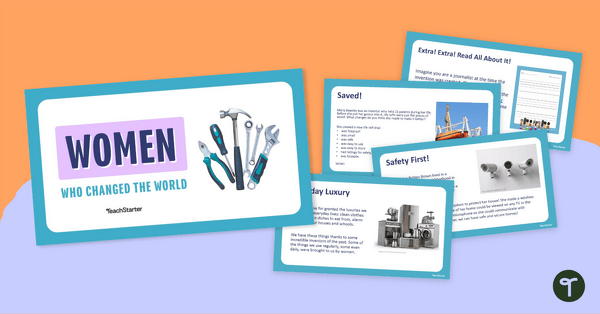
Famous Women in History – Female Inventors Teaching Presentation
Teach about the most influential female inventors in history with this 15-slide PowerPoint.
- Plus Plan
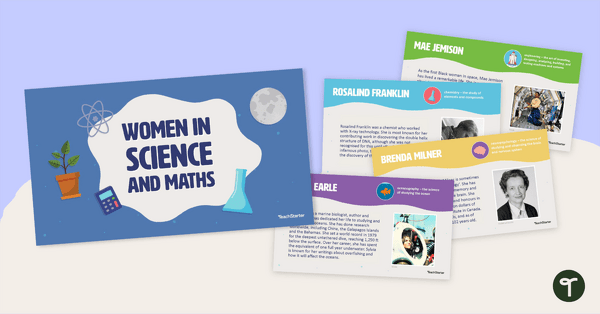
Influential Women — Female Scientists and Mathematicians Teaching Slides
Teach students about brilliant female scientists and mathematicians with this 14-slide teaching deck.
- Plus Plan
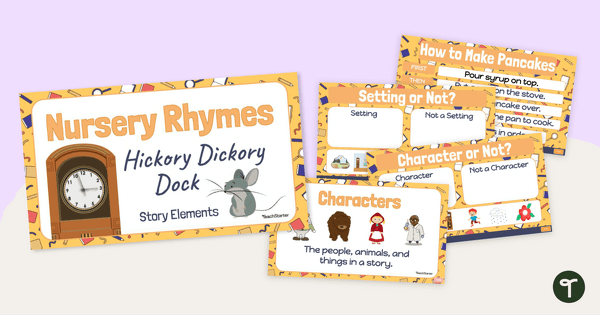
Narrative Features Teaching Presentation - Hickory Dickory Dock
Engage young readers in texts and discover parts of a story with an interactive version of Hickory Dickory Dock.
- Plus Plan
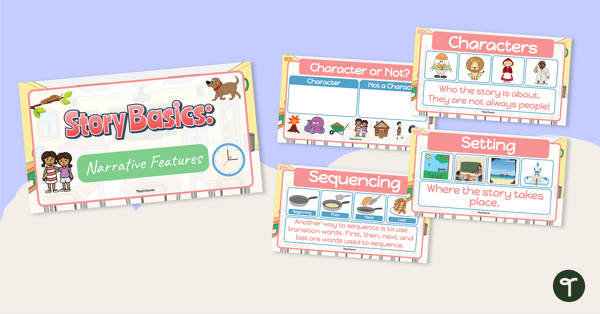
Story Basics: Narrative Features - Teaching Presentation
Use this interactive teaching presentation to introduce your early years students to the basic features of stories.
- Plus Plan
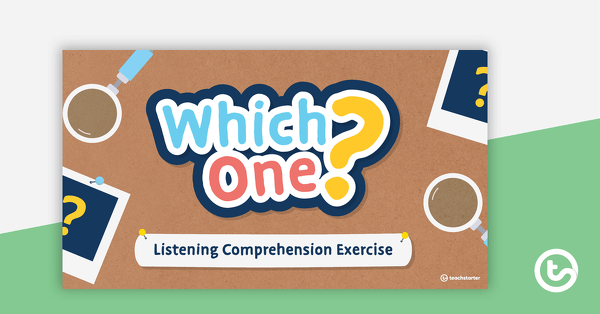
Which One? Listening Comprehension Exercise
An Interactive PowerPoint where students choose an image to match an aural description.
- Plus Plan
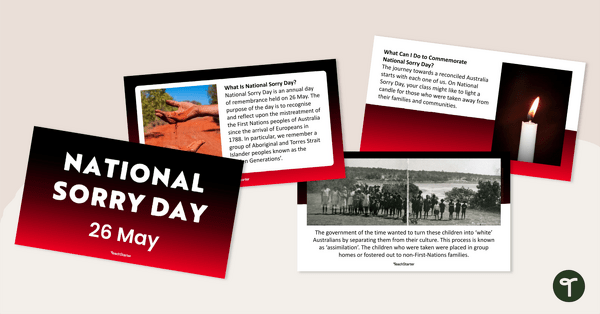
National Sorry Day Teaching Presentation
A 13-slide editable PowerPoint template that provides an overview of National Sorry Day.
- Plus Plan
Year 3 Daily Warm-Up – PowerPoint 2
A 78-slide PowerPoint presentation containing a variety of quick warm-up activities.
- Plus Plan
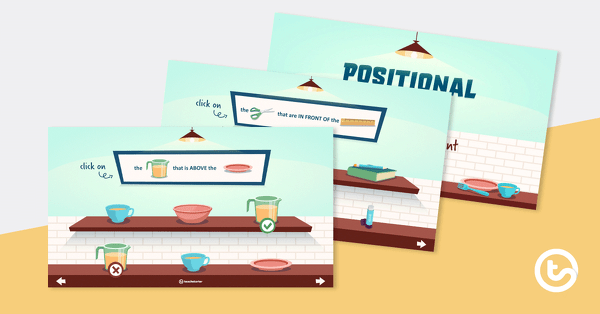
Positional Words Interactive PowerPoint
A game-like interactive PowerPoint that explores positional language.
- Plus Plan
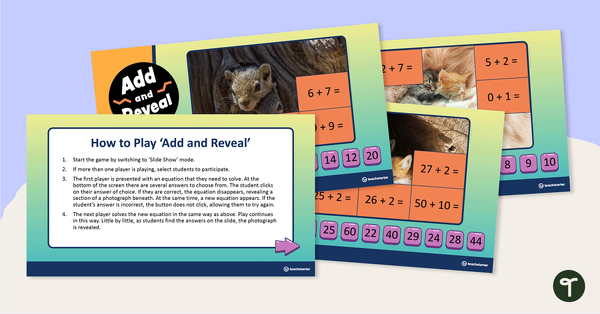
Add and Reveal the Picture PowerPoint – Addition Practice (Basic)
An appealing PowerPoint for students to interact with when practising addition facts.
- Plus Plan
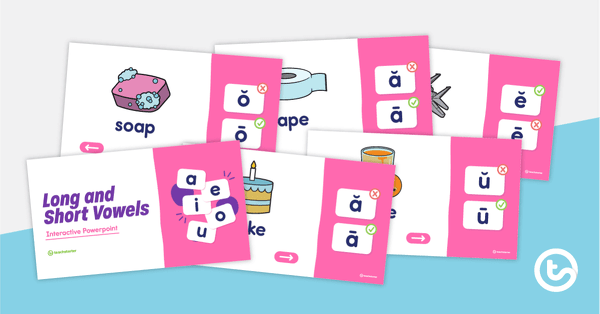
Differentiating Long and Short Vowels Interactive PowerPoint
An interactive quiz to practise differentiating between long and short vowel sounds in words.
- Plus Plan
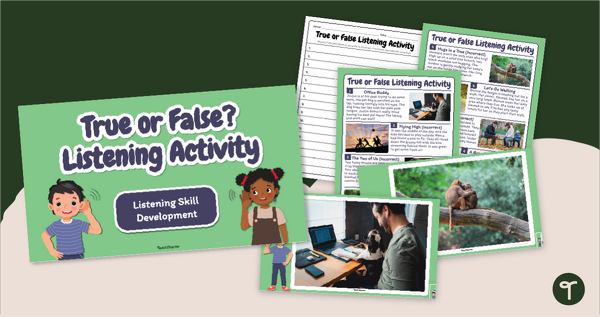
True or False? Active Listening Exercises
Improve listening skills in the classroom with an engaging True or False Active Listening Activity.
- Plus Plan
Visual Arts Elements Shape and Form PowerPoint - Middle Years
A 27 slide teaching presentation to use when investigating shape and form in Visual Art.
- Plus Plan
Year 6 Daily Warm-Up – PowerPoint 1
A 79-slide PowerPoint presentation containing a variety of quick warm-up activities.
- Plus Plan
Year 2 Daily Warm-Up – PowerPoint 4
A 68-slide PowerPoint presentation containing a variety of quick warm-up activities.
- Plus Plan
Famous Faces Interactive PowerPoint
An interactive 'Who Am I? trivia quiz about some of the world's most famous people.
- Plus Plan
Year 4 Daily Warm-Up – PowerPoint 4
A 73-slide PowerPoint presentation containing a variety of quick warm-up activities.
- Plus Plan
Year 3 Dictation Passages PowerPoint
Use this set of Year 3 dictation passages to promote listening and transcription skills in your students.