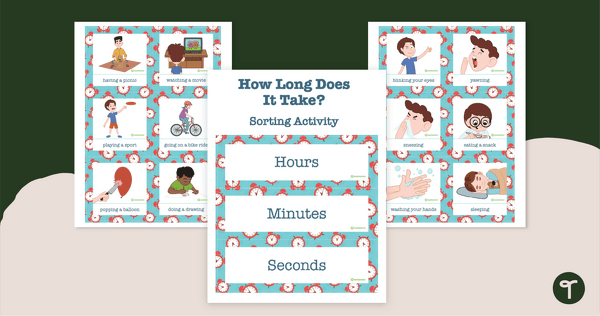
Identify activities that take about an hour, minute, or second with a sorting activity.
A Duration Sorting Activity That Builds Real-World Time Awareness
Understanding how long activities take is an important part of learning about time. This duration sorting activity helps students classify everyday events into seconds, minutes or hours using familiar examples such as blinking, brushing teeth and watching a movie.
Students sort illustrated cards onto the correct heading (seconds, minutes or hours), building their understanding of time concepts while making connections to real-life experiences. The activity also supports the development of time vocabulary and estimation skills.
Flexible Ways to Use This Duration Sorting Activity
- Whole-class sorting – Sort activity cards together and discuss reasoning.
- Movement activity – Students move to different areas labelled seconds, minutes, hours.
- Maths rotations – Use as a hands-on small group task.
- Discussion prompts – Compare how long different activities take.
- Sequencing extension – Order activities from shortest to longest duration.
Download This Duration Sorting Activity
This resource is available as a ready-to-print PDF. Simply download, print and cut out the sorting mats and cards to begin using in your classroom.
More Time Resources
Don’t stop there! Your lesson plan wouldn’t be complete without these activities and teaching resources too:
teaching resource
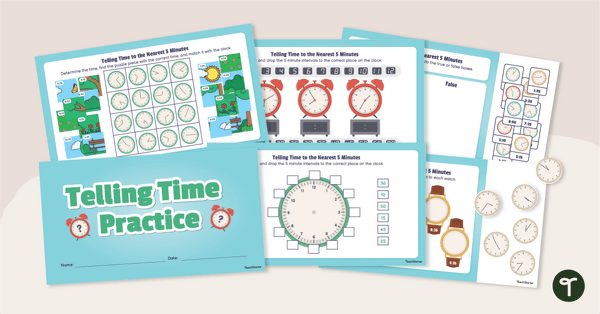
Telling Time to the Nearest Five Minutes – Interactive Activities
Read different clock faces to the nearest 5 minutes with two difficulty levels for varied abilities.
teaching resource
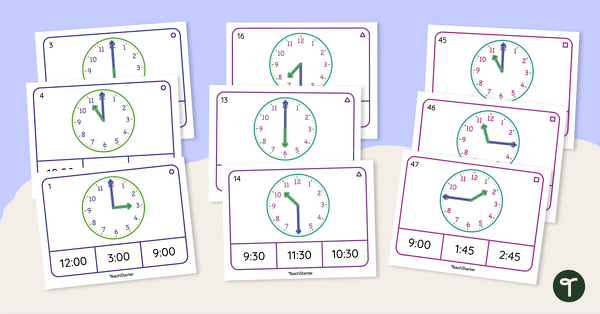
Telling the Time Differentiated Peg Cards
Guide your students to tell the time on an analog clock with this set of differentiated peg cards.
teaching resource
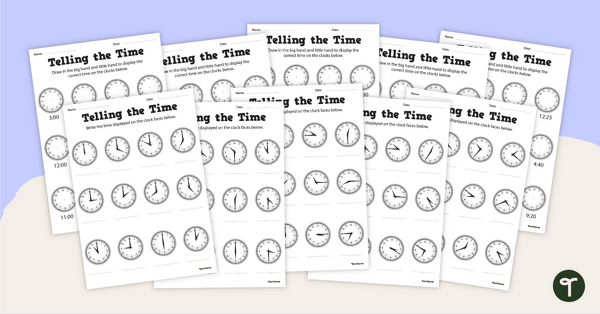
Telling Time Years 2 & 3 Worksheets
Practise telling time on a clock with a set of 5 printable telling time Year 2 & 3 worksheets.

0 Comments
Write a review to help other teachers and parents like yourself. If you'd like to request a change to this resource, or report an error, select the corresponding tab above.