Computing
Pupils should be taught to: design, write and debug programs that accomplish specific goals, including controlling or simulating physical systems; solve problems by decomposing them into smaller parts; use sequence, selection, and repetition in programs; work with variables and various forms of input and output; use logical reasoning to explain how some simple algorithms work and to detect and correct errors in algorithms and programs; understand computer networks including the internet; how they can provide multiple services, such as the world wide web; and the opportunities they offer for communication and collaboration; use search technologies effectively, appreciate how results are selected and ranked, and be discerning in evaluating digital content; select, use and combine a variety of software (including internet services) on a range of digital devices to design and create a range of programs, systems and content that accomplish given goals, including collecting, analysing, evaluating and presenting data and information; use technology safely, respectfully and responsibly; recognise acceptable/unacceptable behaviour; identify a range of ways to report concerns about content and contact.
- Plus Plan
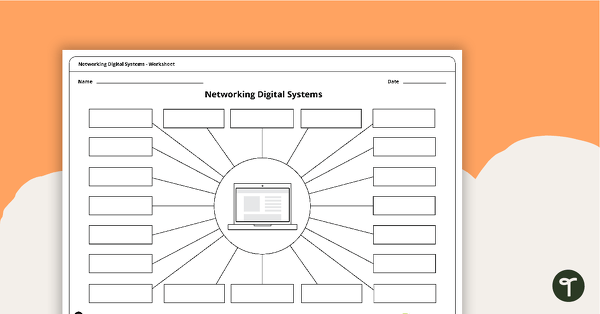
Networking Digital Systems Brainstorming Worksheets
A brainstorming sheet that encourages students to consider all possible devices that can be networked with a laptop, a computer and a tablet.
- Plus Plan
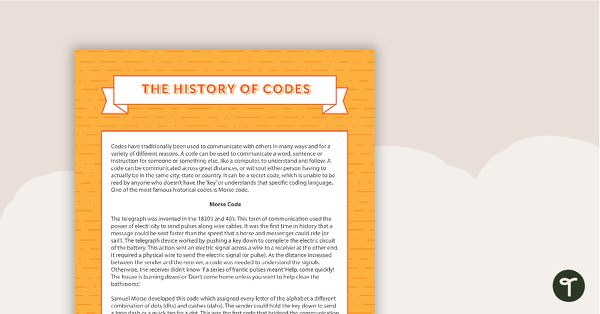
Comprehension - The History of Codes
A comprehension activity relating to technologies and codes.
- Plus Plan
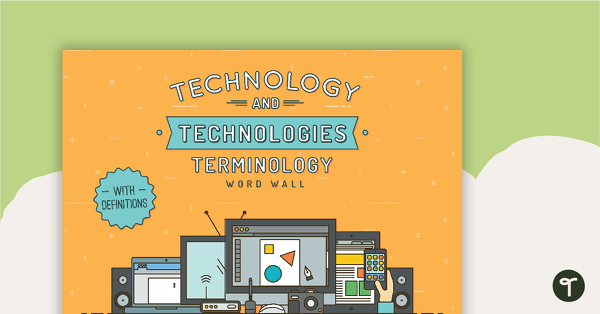
Technology and Technologies Word Wall Definitions
A set of definition word wall cards to display in your classroom when learning about technology and technologies.
- Plus Plan
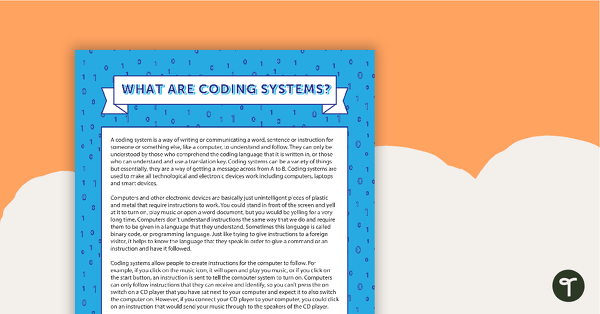
Comprehension - What Are Coding Systems?
A comprehension activity relating to technologies and coding systems.
- Plus Plan
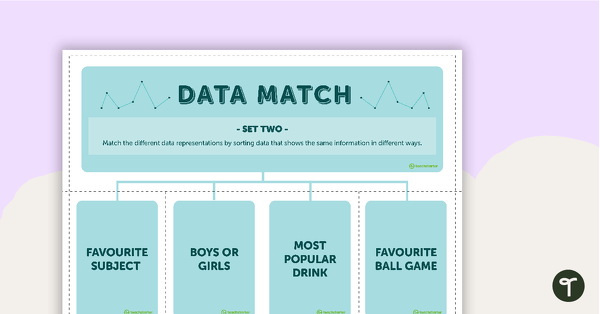
Data Match-Up Cards (Set 2)
A match-up activity for students to use when exploring data.
- Plus Plan
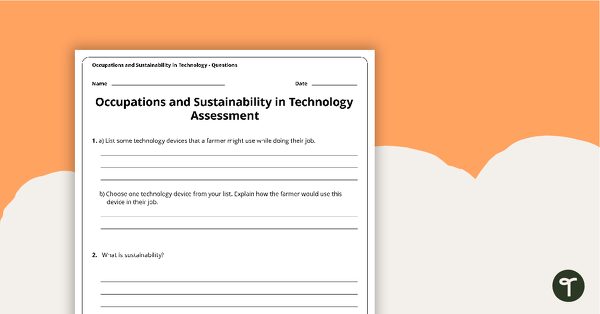
Occupations and Sustainability in Technology Assessment
A four-page assessment task covering occupations and sustainability in technology.
- Plus Plan
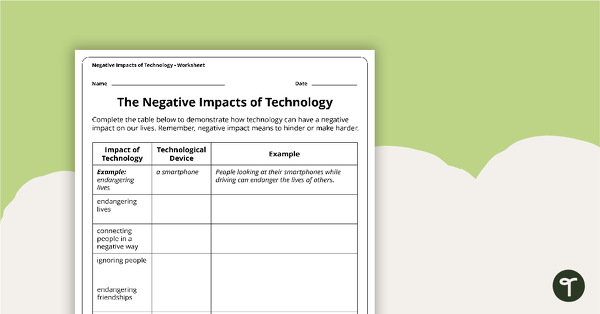
Negative Impacts of Technology Worksheet
A worksheet exploring the negative impacts of technology in the community.
- Plus Plan
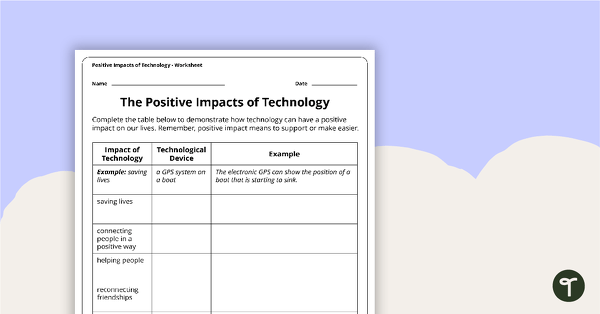
Positive Impacts of Technology Worksheet
A worksheet exploring the positive impacts of technology in the community.
- Plus Plan
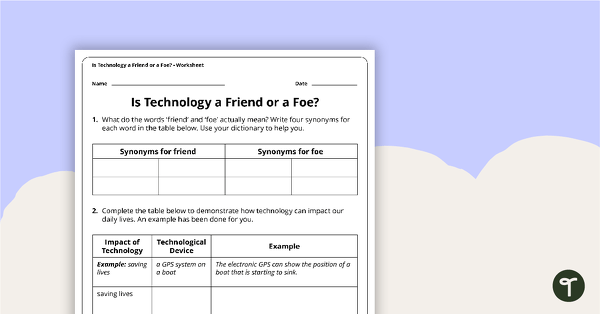
Is Technology a Friend or a Foe? Worksheet
A worksheet exploring the positive and negative impacts of technology in the community.
- Plus Plan
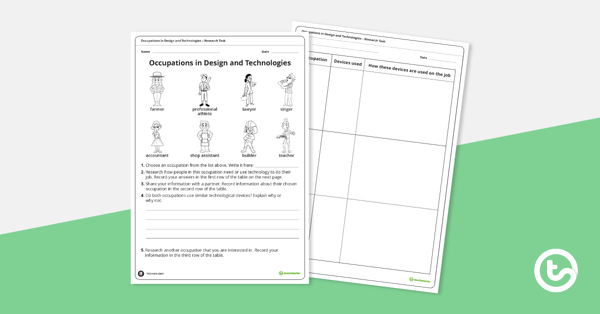
Occupations in Design and Technology Research Task
A research task exploring how people in various occupations need technology to perform their job successfully.
- Plus Plan
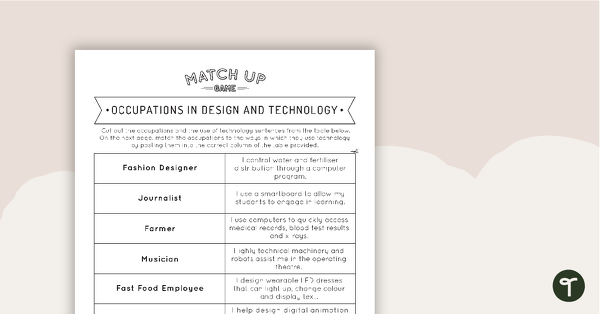
Occupations in Design and Technology Match-Up Activity
A match-up game linking occupations and the technologies required to successfully perform the job.
- Plus Plan
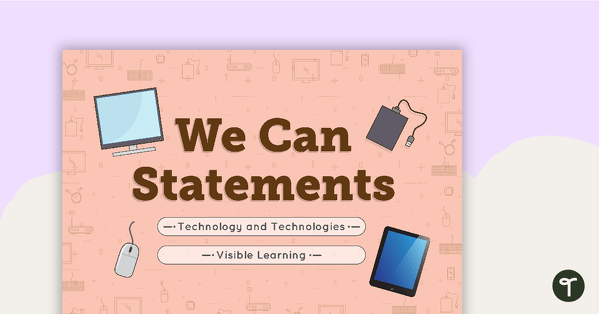
Class 'We Can' Statements - Technology and Technologies (Middle Primary)
A set of 7 class 'We can' statement cards linked to the Australian Digital Technologies Curriculum.
- Plus Plan
'I Can' Statements - Technology and Technologies (Middle Primary)
A set of 53 'I can' statement cards linked to the Australian Digital Technologies Curriculum.
- Plus Plan
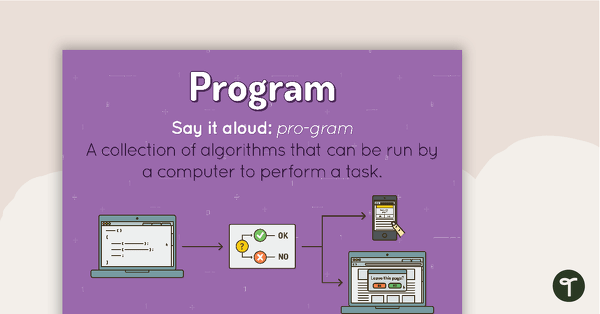
Program Poster
A poster showing the definition and an example of a program.
- Plus Plan
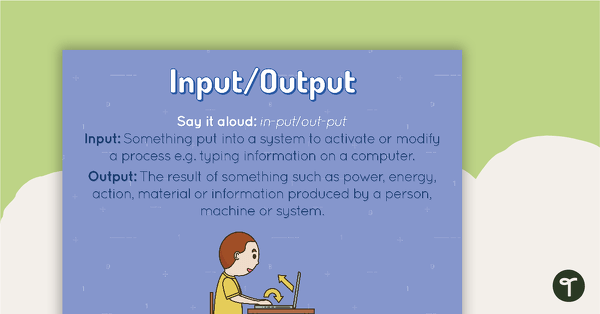
Input/Output Poster
A poster showing the definition and an example of an input and an output.
- Plus Plan
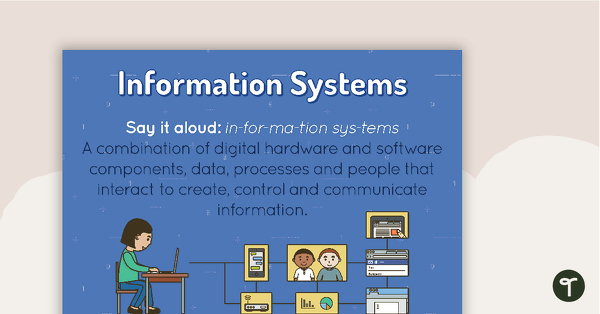
Information Systems Poster
A poster showing the definition and an example of Information Systems.
- Plus Plan
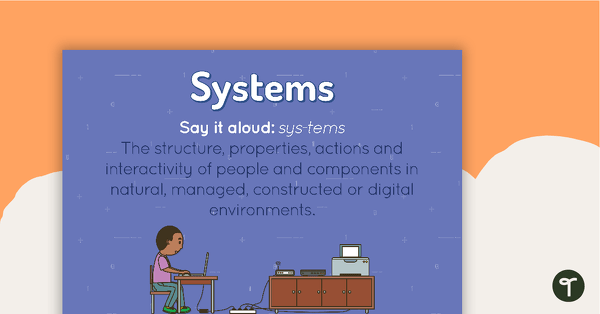
Systems Poster
A poster showing the definition and an example of a system.
- Plus Plan
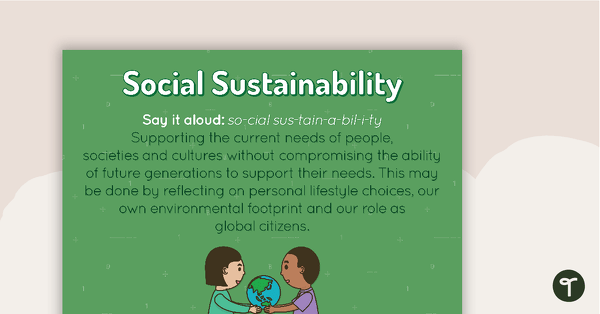
Social Sustainability Poster
A poster showing the definition and an example of social sustainability.
- Plus Plan
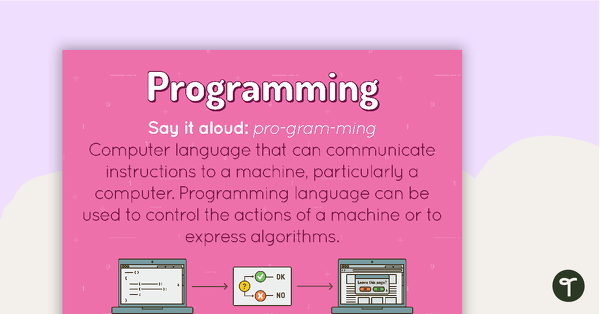
Programming Poster
A poster showing the definition and an example of programming.
- Plus Plan
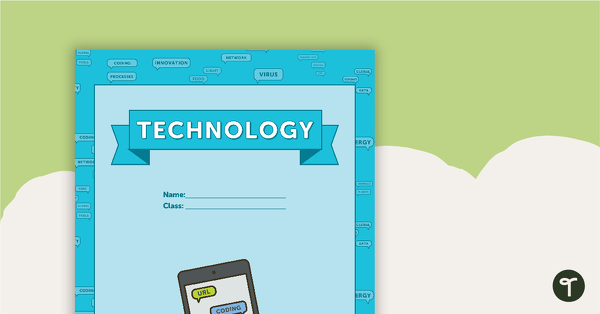
Technology - Vocabulary Themed Title Page and Personal Vocabulary Sheet
Technology vocabulary themed title page and vocabulary template.
- Plus Plan
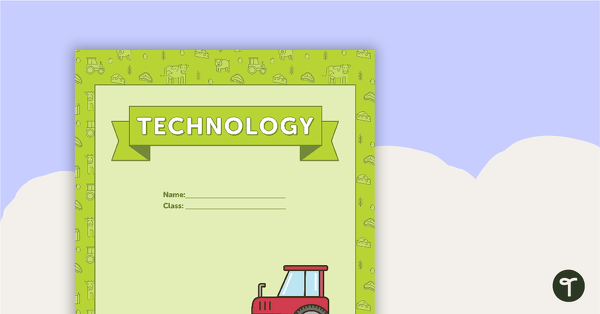
Technology - Plant and Animal Themed Title Page and Personal Vocabulary Sheet
Plant and animal themed title page and vocabulary template to use when learning about technology content vocabulary.
- Plus Plan
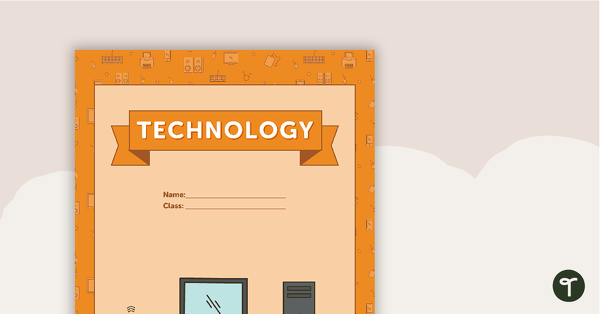
Technology - Hardware Themed Title Page and Personal Vocabulary Sheet
Hardware themed title page and vocabulary template to use when learning about technology content vocabulary.
- Plus Plan
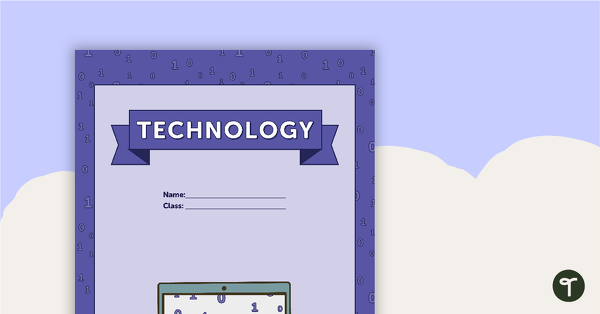
Technology - Coding Themed Title Page and Personal Vocabulary Sheet
Coding themed title page and vocabulary template to use when learning about technology content vocabulary.
- Plus Plan
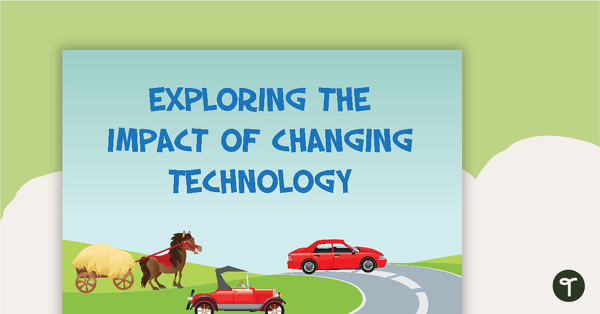
Impact of Changing Technology - History Word Wall Vocabulary
Twenty-six impact of technology vocabulary cards.
- Plus Plan
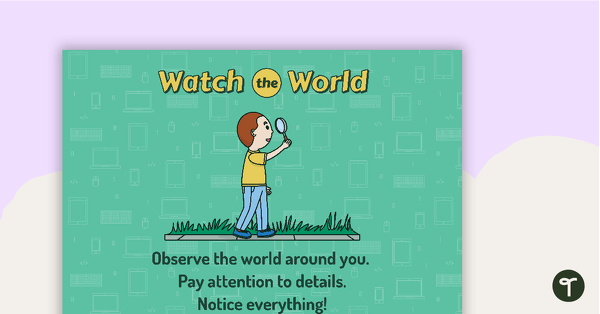
8Ws of Project Development (Technologies) - Individual Posters
A poster for teachers to display and discuss when helping students to develop a project.
- Plus Plan
Technology Book Cover - Version 1
A Technology book cover to use on your students' workbooks.
- Plus Plan
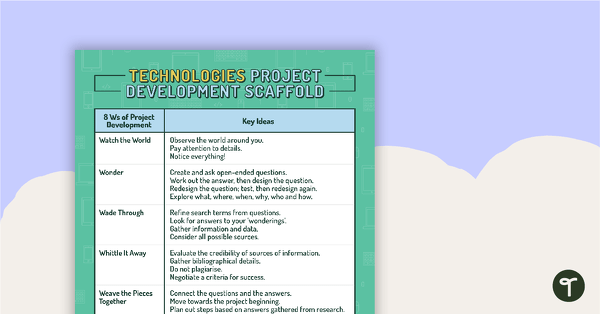
8Ws of Project Development Poster (Technologies)
A poster for teachers to display and discuss when helping students to develop a project.
- Plus Plan
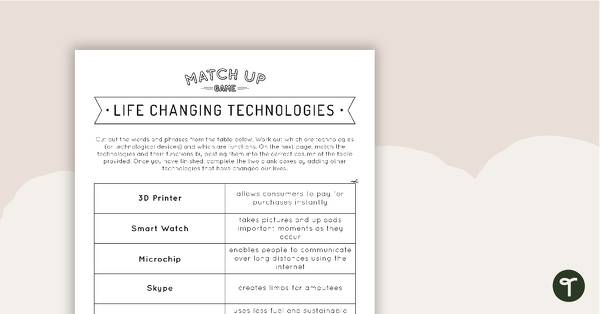
Life Changing Technologies - Match-Up Activity
A match-up activity linking technologies and technological devices with the function they perform.
- Plus Plan
Class 'We Can' Statements - Technology and Technologies (Lower Primary)
A set of 7 class 'We can' statement cards linked to the Australian Digital Technologies Curriculum.
- Plus Plan
'I Can' Statements - Technology and Technologies (Lower Primary)
A set of 44 'I can' statement cards linked to the Australian Digital Technologies Curriculum.
- Plus Plan
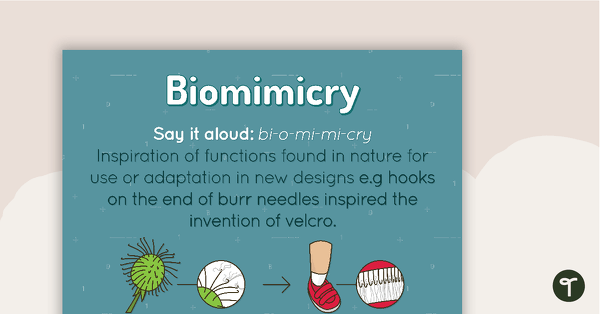
Biomimicry Poster
A poster showing the definition and an example of biomimicry.
- Plus Plan
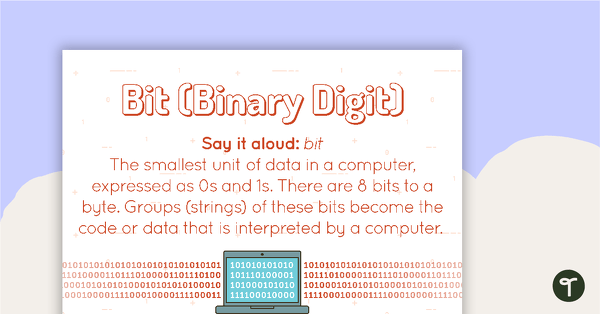
Bit Poster
A poster showing the definition and an example of a bit.