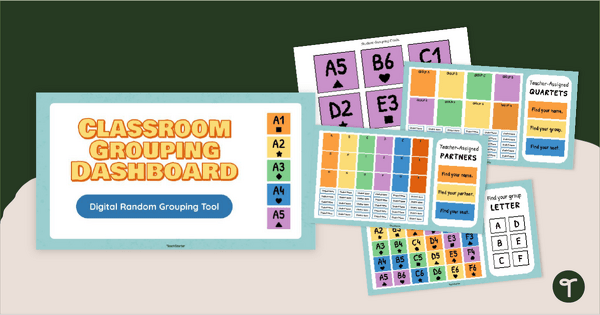
Quickly and easily group your students into random teams with a digital Classroom Random Grouping Tool.
Go Digital With Our Classroom Student Grouping Tool
Make student grouping fast, fair, and engaging with this Google Slides–based Classroom Student Grouping Tool. If you need a seamless way to form groups, this digital resource helps you display student groups on screen and provides printable student and classroom materials to keep your classroom movements running smoothly.
Whether you’re organizing centers, projects, partner work, or team-building challenges, this Classroom Student Grouping tool takes the stress out of grouping and adds a fun, visual element your students will love.
Using This Tool to Form Equal Student Groups
This resource is designed to make grouping your students quick and easy. To use this resource, you will do the following:
- Print and cut out the student grouping cards on Slides 7–11.
- Select enough cards so each student in your class has one. Aim to choose an even number of each color so groups stay balanced. Set aside the remaining cards for later use or to accommodate any new students who join your class.
- Print and cut out the circular group location labels and keep them for repeated use.
- Give each student one grouping card. Ask students to note the letter, number, symbol, and color shown on the card.
- Choose how you want to group students for the activity — by letter, number, shape, or color — and decide where each group will meet in the classroom.
- Place the circular location labels around the room so students know where to sit. For example, if grouping by number, place labels 1–5 in different areas of the classroom.
- Project the matching digital grouping slide (Slides 3–6) that corresponds to the grouping method you selected.
- Explain the grouping method to students and point out the labelled group locations around the room.
- Have students check their grouping card and the on‑screen slide to determine where they should move and who will be in their group. If you have an odd number of students, simply have those students join one of the other groups for the activity.
📝We have also created these so that you can manipulate the slides directly, so if your students need a better visual or a (not-so) random grouping, you can move the student names around yourself!
Note: You can collect the grouping cards after each use, or have students store them in a folder at their desks for quick access whenever you need to form groups. You can also use your printer to print small versions of the cards and tape them to student desktops.
Download Your Digital Student Grouping Tool
This resource is available in both PowerPoint and Google Slides formats. To get your copy, click the dropdown arrow on the download button and select your preferred file type.
This resource was created by Lindsey Phillips, a Teacher in Michigan and Teach Starter Collaborator.
More Random Grouping Resources
If you’re building a full toolkit for flexible grouping, you may also enjoy:
teaching resource
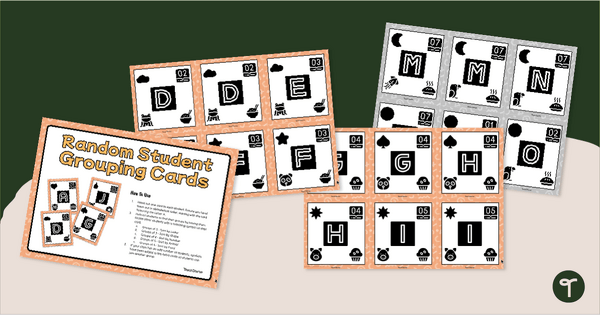
Random Student Grouping Cards (Upper)
Make assigning groups quick, easy, and fun with a set of printable Random Student Grouping cards for older students.
teaching resource
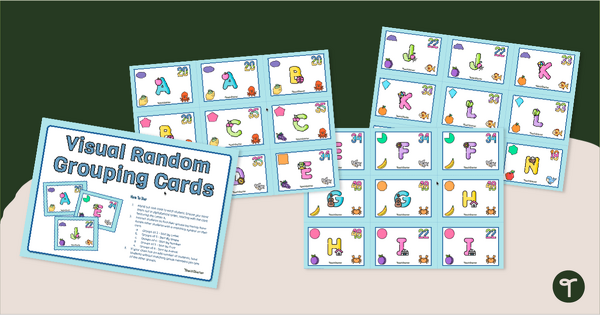
Visual Random Student Grouping Cards
Quickly form groups of 2-6 students in the classroom with a set of printable Visual Random Grouping Cards
teaching resource
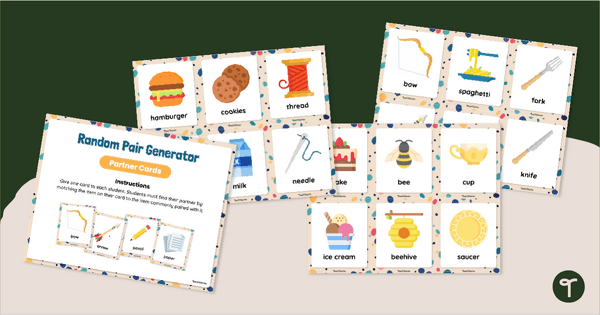
Random Pairing Generator - Partner Cards
Use these printable partner cards as a randomized pair generator when grouping students in the classroom.

0 Comments
Write a review to help other teachers and parents like yourself. If you'd like to request a change to this resource, or report an error, select the corresponding tab above.