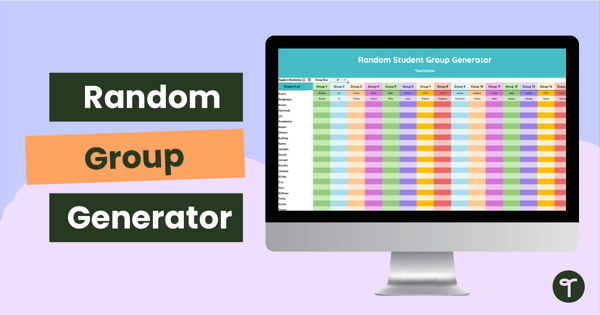
Group your students with a single click using our Google Sheets Random Group Generator Tool for teachers.
Click and Go! Google Sheets Random Group Generator Tool
At the start of a new school year, you spend plenty of time setting up class lists, organizing rosters, and preparing for group activities. But as soon as a new student arrives, or a schedule changes, your carefully planned groups are suddenly off balance. This Google Sheets Random Group Generator Tool solves that problem instantly. With one click, you can generate perfectly equal, random student groups of different sizes anytime you need them.
Due to formatting and programming limitations, this Google Sheets Random Group Generator Tool is ONLY available in Google Sheets. Differences in capabilities prevent this resource from working correctly when opened in Microsoft Excel.
You Need a Random Grouping Spreadsheet!
This Random Grouping Spreadsheet automatically sorts your students into equal groups, saving you time and eliminating the hassle of hand‑drawing groups or rearranging names every time something changes. Simply enter your students’ names once, and the spreadsheet steps in and evenly distributes them across the number of groups you choose.
To use this self-randomizing spreadsheet, simply type your student names in the first column. From there, all you have to do is click the dropdown arrow to tell the spreadsheet how many students you want in each group!
Download Your No-Prep Google Sheets Student Randomizer
This downloadable Google Sheets Student Randomizer is available as an Interactive Google Sheets file. To get your new resource, click the download button. You will be prompted to make your copy. From there, plug in your student names and start tracking today!
Even More Back-to-School Teacher Tools!
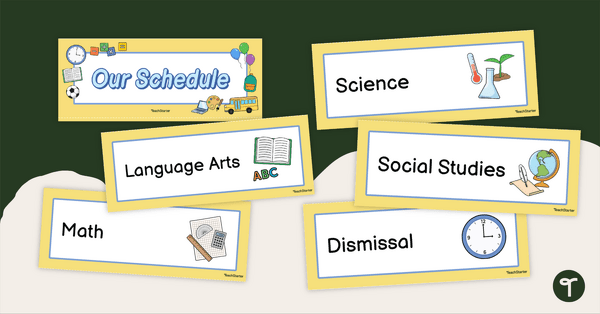
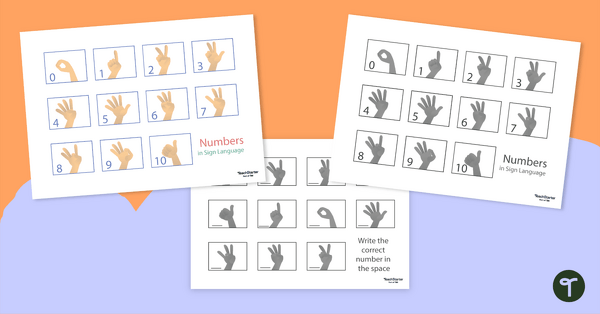
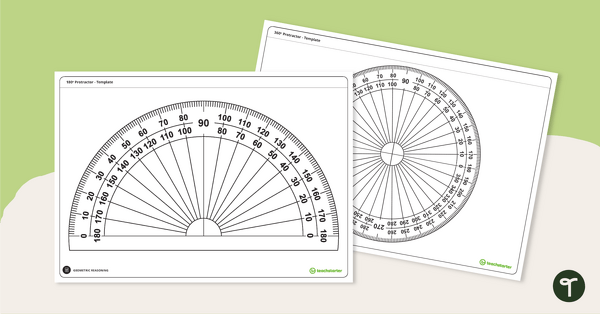
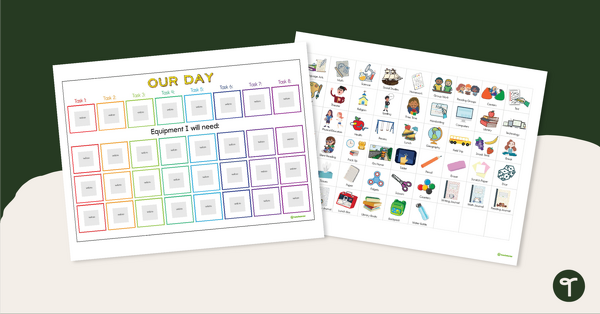
Don’t go yet! We have even more teacher tools to start your school year off on the right foot. Make sure you grab these before you go!
[resource:5008097] [resource:5082396] [resource:5088726]

0 Comments
Write a review to help other teachers and parents like yourself. If you'd like to request a change to this resource, or report an error, select the corresponding tab above.