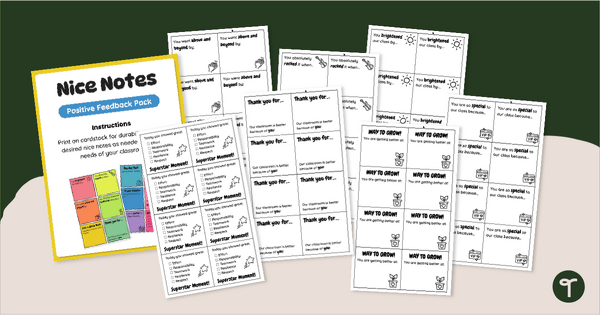
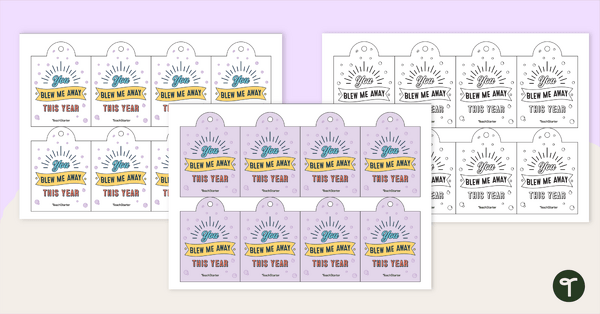
Promote positivity and celebrate your students with printable Positive Student Feedback Note Templates.
You’ll Love These Positive Student Feedback Notes
Celebrate your students, boost confidence, and reinforce classroom relationships with this pack of Printable Positive Student Feedback Notes. Designed to make motivation easy and meaningful, these notes help you share quick, thoughtful messages that brighten a student’s day and reinforce positive behavior and growth.
With 14 different templates for Positive Student Feedback Notes, you’ll have a range of cheerful, student‑friendly designs ready to use whenever you want to recognize hard work, kindness, improvement, or persistence.
A Variety of Printable Positive Notes for Students
This pack includes 14 Printable Positive Notes for Students, each offering a different style, layout, and message space so you can choose the perfect one for any moment. Use them to:
- celebrate academic achievements
- acknowledge positive behavior
- encourage students who need a confidence boost
- recognize effort, persistence, and growth
- and more!
Print them on colorful paper, tuck them into folders, place them on desks, or display them on a celebratory bulletin board. They’re the perfect way to promote positivity!
Download Your Positive Notes for Kids Today
Your printable pack of Positive Notes for Kids includes:
- 14 different feedback note templates
- Full editability in Google Slides
This resource is available in both PDF and editable Google Slides format. To get your copy, click the dropdown arrow on the download button and choose your preferred file type.
This resource was created by Lindsey Phillips, a teacher in Michigan and Teach Starter Collaborator.
More Ways to Celebrate Your Students
If you’re building a classroom culture filled with encouragement and connection, you may also enjoy:
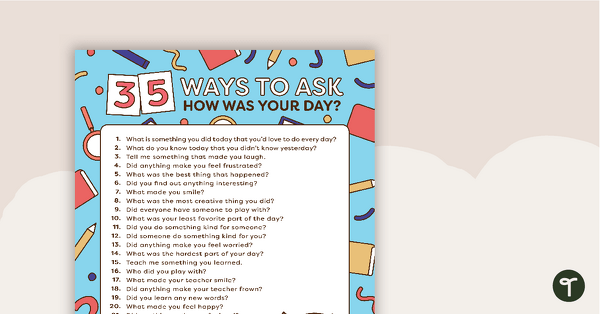
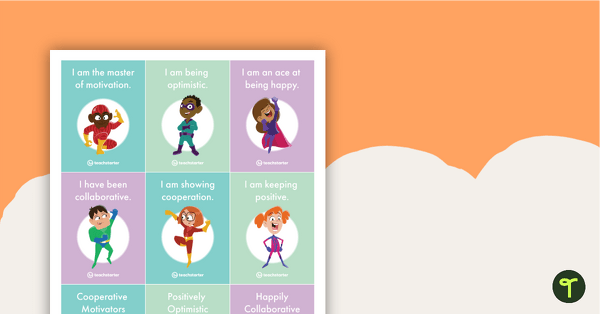
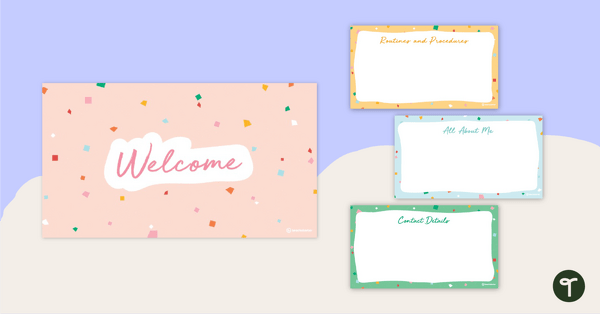
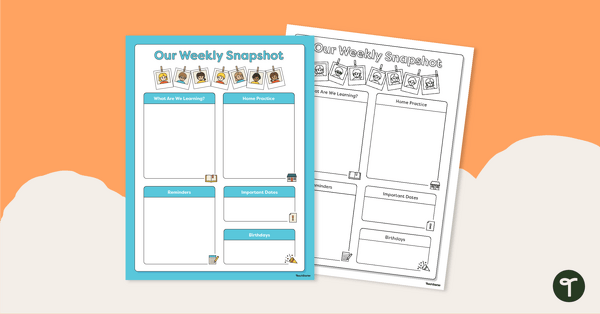
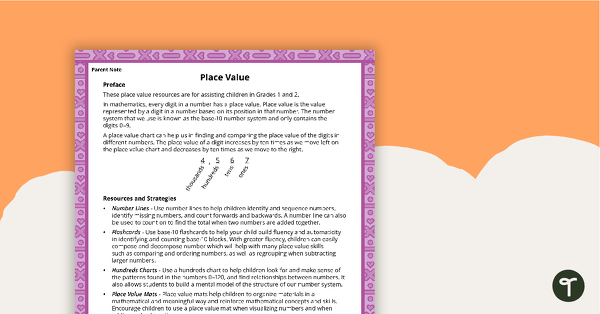
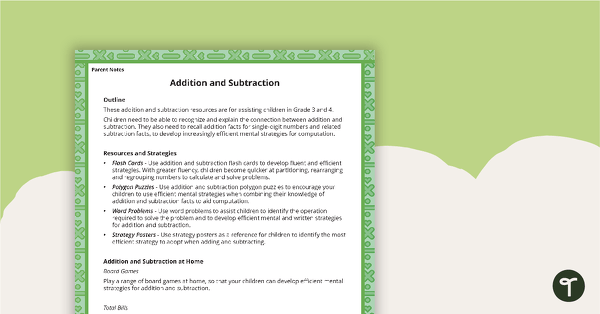
[resource:4983446] [resource:4902885] [resource:3750270]

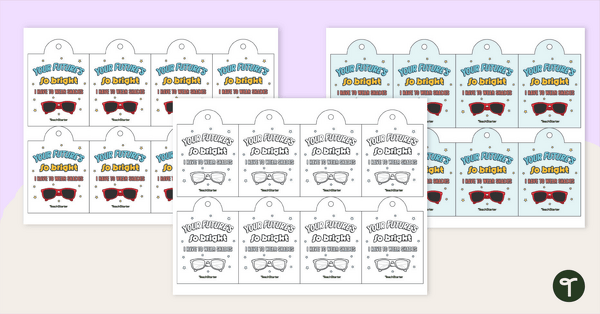
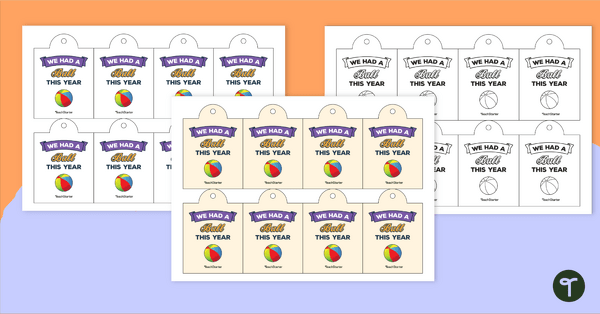
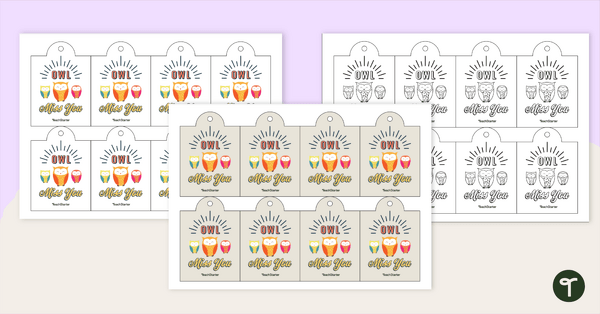
0 Comments
Write a review to help other teachers and parents like yourself. If you'd like to request a change to this resource, or report an error, select the corresponding tab above.