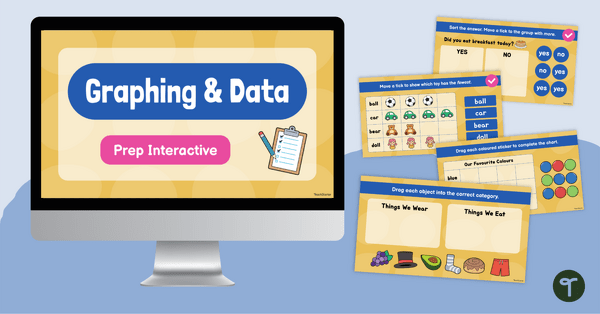
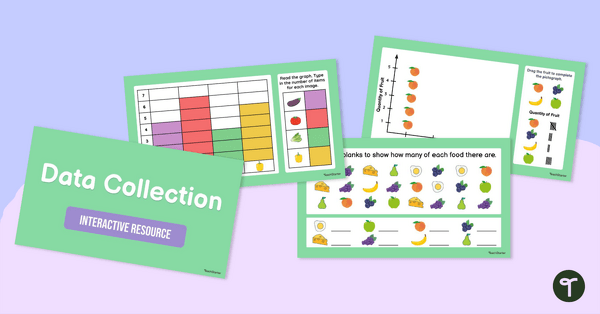
Explore collecting, sorting and comparing data with this engaging interactive resource, designed to help students organise information.
Activities for Collecting, Sorting and Comparing Data
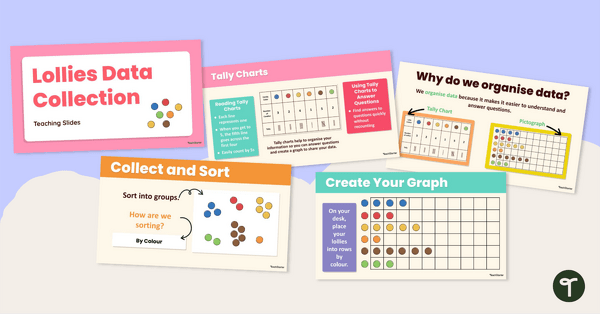
Developing an understanding of data begins with hands-on experiences that allow students to investigate questions, organise information and compare results. This interactive resource encourages students to collect and sort data, identify categories and discuss what the data reveals about familiar situations.
Through interactive activities and class discussions, students learn how information can be organised and represented using objects and images. Students compare groups, identify similarities and differences, and use data to answer simple investigative questions.
The resource includes opportunities for students to:
- Collect and sort data into categories.
- Compare groups using visual representations.
- Answer yes/no investigative questions.
- Create and interpret classroom charts.
- Use objects and images to represent data.
- Discuss and explain data findings.
These activities help students build foundational data skills while developing mathematical reasoning and communication.
Collect, Sort and Compare Data Through Real-World Investigations
This resource can be used in a variety of engaging ways:
- Classroom Surveys – Students collect information about favourite foods, animals, colours or classroom preferences before sorting and comparing the results.
- Sorting Challenges – Use familiar classroom objects to sort data into categories and discuss how different grouping methods can answer different questions.
- Story-Based Investigations – Connect literacy and mathematics by collecting and comparing data from books, images and classroom texts.
By using meaningful contexts and familiar experiences, students can see how data is collected and used in everyday life.
Interactive Data Activities Ready to Download
Make teaching early data concepts simple with this ready-to-use interactive resource.
This resource is available as an editable PowerPoint presentation and an editable Google Slides version. Use the Download button to access your preferred format. Please note that you will be prompted to make your own copy of the Google Slides file before editing.
This resource must be used in edit mode to enable the interactive features.
This resource was created by Lindsey Phillips, a teacher and a TeachStarter collaborator.
More Data and Graphing Resources
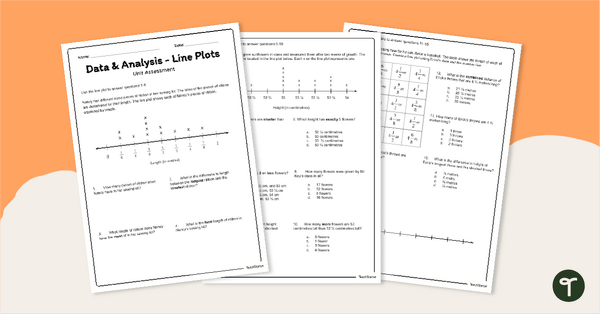
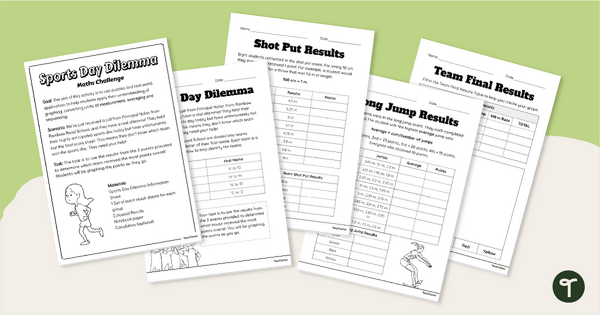
Discover more curriculum-aligned resources that help students collect, sort, compare and interpret data through engaging hands-on investigations.
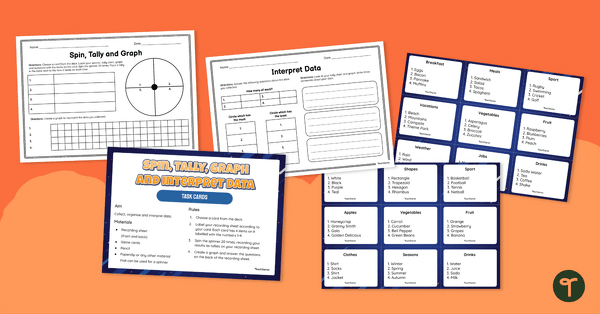
[resource:4694413]
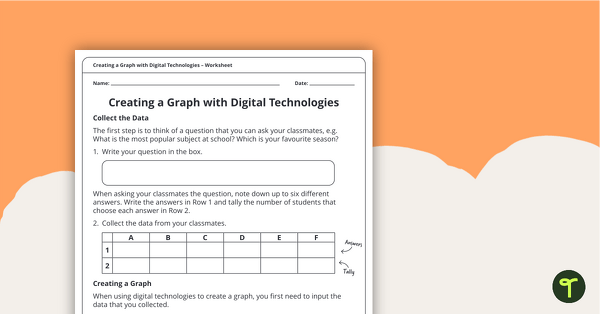
[resource:5199848]
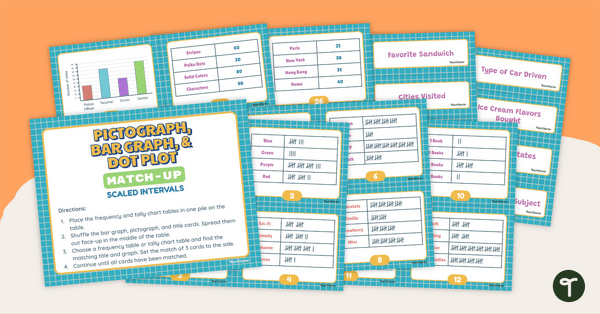
[resource:4692357]

0 Comments
Write a review to help other teachers and parents like yourself. If you'd like to request a change to this resource, or report an error, select the corresponding tab above.