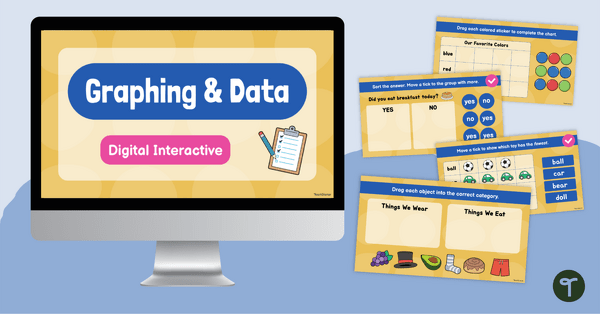
Support early data and graphing skills with this interactive digital resource that helps students sort, classify, compare, and organize information.
Classifying and Counting Data
Help students build confidence with data by exploring how objects can be sorted, grouped, counted, and compared. Through interactive activities, students learn to organize information, identify categories, and discuss what the data shows.
This resource includes:
- Sorting and categorizing activities.
- More and fewer comparisons.
- Counting and classifying tasks.
- Data recording activities.
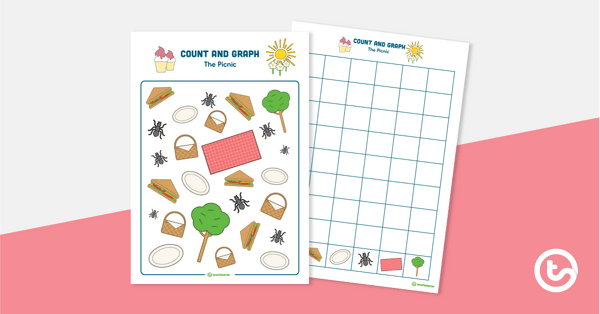
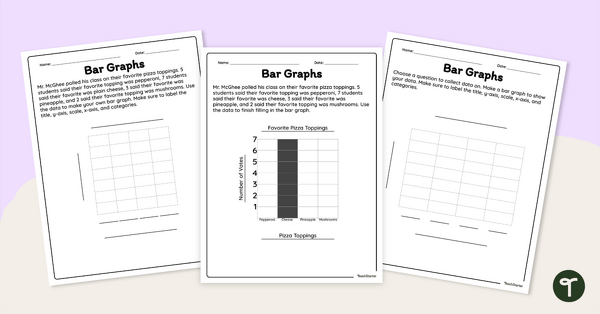
- Simple graphing challenges.
- Question-and-answer data tasks.
Students strengthen their understanding of data while developing important mathematical thinking skills.
Data Analysis Activities for Interactive Learning
This resource can be used in a variety of engaging ways:
- Whole-Class Lessons – Complete activities together using an interactive whiteboard or projector.
- Math Centers – Reinforce sorting, classifying, and comparing skills in small-group settings.
- Data Discussions – Encourage students to explain their thinking and compare results with classmates.
The interactive format helps keep students engaged while building foundational data skills.
Download This Data Analysis Resource
This resource is available as an editable PowerPoint presentation and Google Slides resource, making it perfect for whole-class instruction, math centers, and independent practice. Please note that you will be prompted to make your own copy of the Google Slides file before editing.
This resource must be used in edit mode to enable the interactive features.
This resource was created by Lindsey Phillips, a teacher from Michigan and a Teach Starter collaborator.
More Data and Sorting Resources
Check out more of our data and sorting activities below!
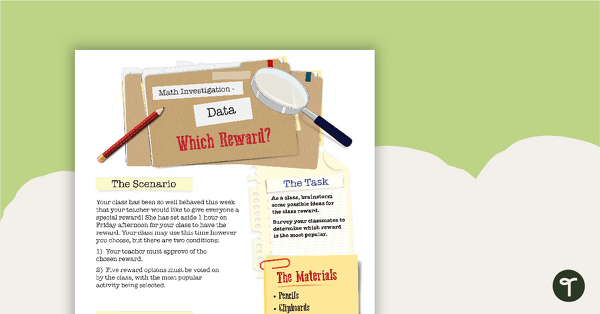
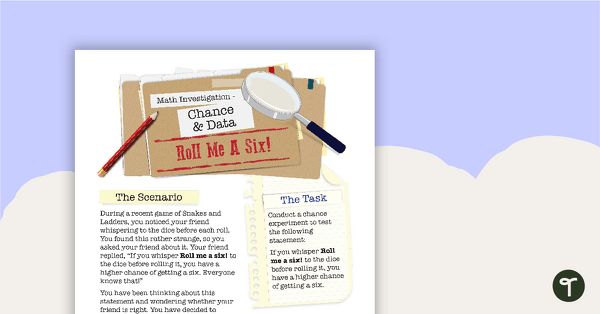
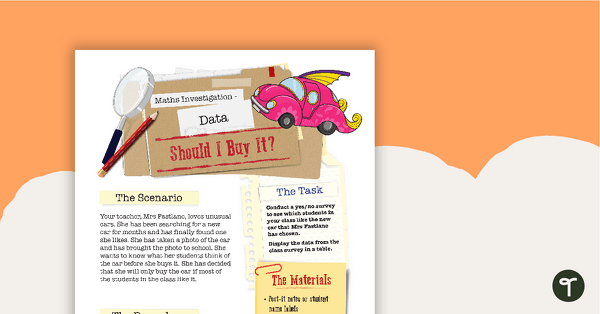
[resource:4715563] [resource:2654502] [resource:5062684]


0 Comments
Write a review to help other teachers and parents like yourself. If you'd like to request a change to this resource, or report an error, select the corresponding tab above.