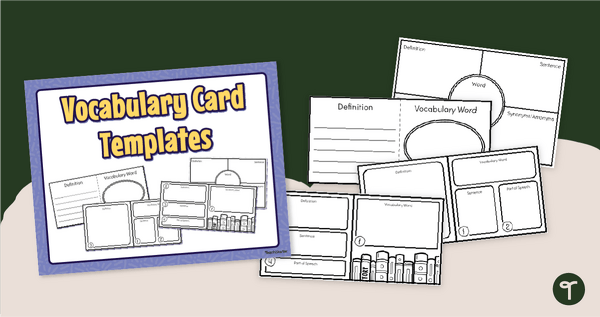
Create English vocabulary cards to help your students study new vocabulary terms with our editable Vocabulary Card Template pack.
Create Your Own English Vocabulary Cards with Ease!
Creating English vocabulary cards can sometimes feel tedious, but they are an easy and effective way to help students own their vocabulary growth. Creating their own English vocabulary cards allows students to engage with new words in a hands-on way, improving retention and reinforcing study skills. That’s why we’re excited to help you out with a fun set of Editable Vocabulary Card Templates!
Printable Study Cards – Customise for Any List
Our Printable Study Cards Template Pack includes a set of four editable blank study card templates, allowing you or your students to create custom study aids. Each card provides space for:
- The vocabulary word
- A student-friendly definition
- A sentence using the word in context
- An illustration or mnemonic to aid retention
- Part of speech
These printable study cards for vocabulary words are a great tool to help your students study their Tier 2 and content-related terms.
Get Your Vocabulary Card Template Pack
This Editable Vocabulary Card Template Pack is available in two formats:
- PDF – Ready to print and use as is
- Google Slides (Editable Version) – Customise the templates before printing
To print and use:
- Select your preferred format (PDF or Google Slides).
- Click the download button.
- Print the vocabulary card template you prefer for each student. Then, have them complete their cards and cut them out.
- Finally, put glue on the backside of each card and fold the two halves together, creating a double-sided flashcard!
Pair Your Vocab Card Template with More Engaging Resources
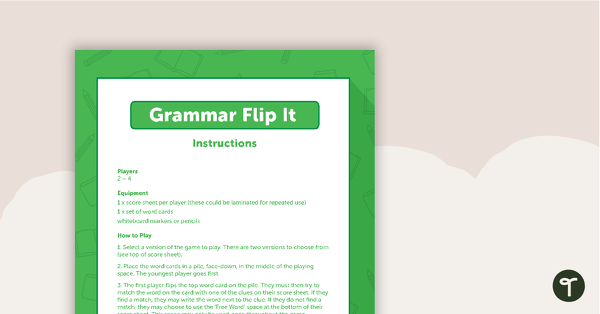
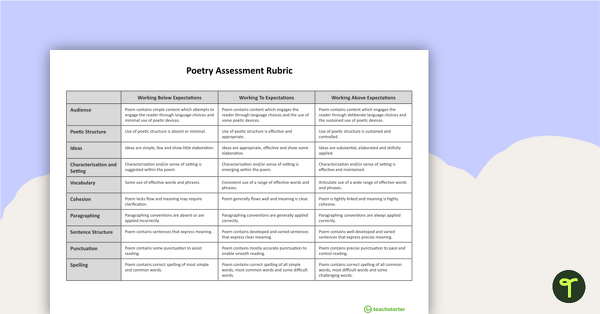
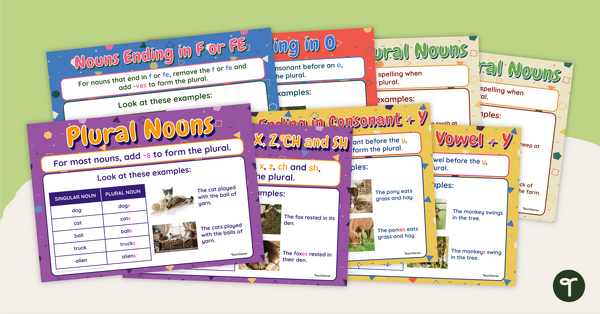
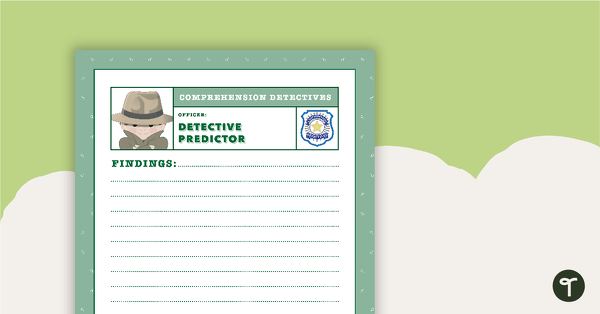
Make vocabulary practice even more effective by pairing a Vocab Card Template with another of our fun and interactive word study tools. Try one of these engaging learning tools:


0 Comments
Write a review to help other teachers and parents like yourself. If you'd like to request a change to this resource, or report an error, select the corresponding tab above.