

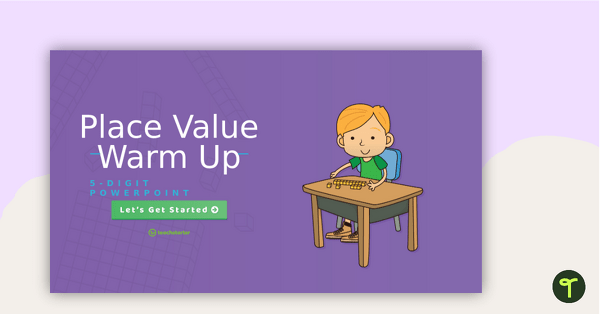
Use this interactive activity with your students to practice expanded form through to the hundreds place.
Let’s Practise Expanded form in 2-digit and 3-digit Numbers!
If you’re looking for something a little ‘extra’ to help your students practise expanding 2-digit and 3-digit numbers, this interactive activity is for you! With a simple drag-and-drop function, students will practise matching numbers with their expanded forms. Why not have students write them down at the end of each slide?

Looking for a no-prep maths centre activity for your students to practise expanded form? This activity is just the thing!
How to Use This Expanding Numbers Activity in Your Classroom
- Make a copy of the Google Slides activity and assign it to your students in Google Classroom. Then, during maths centres, assign it as one of your rotations. It can be completed on a desktop or a tablet. Students will drag the standard form of a number to its matching expanded form.
- This activity would make an excellent formative assessment after your expanded form lesson. Either assign the activity to your entire class using Google Classroom and have them complete it using a class set of tablets. Or, if Google isn’t your thing, download the Microsoft PowerPoint version and project onto the screen. Have your students write their answers in their books. Then, easily glance over their work to see which students need extra support on the skill.
- Use it as a maths warm-up with your entire class! Project the slide on the screen and have your students decide which star needs to go where. If you have a Smartboard, the students can come and drag and drop the stars themselves!
This version focuses specifically on tens and hundreds, but it can be easily adapted to meet the needs of all learners. The resource includes six slides, each containing eight problems that gradually increase in difficulty. The first two slides feature two-digit numbers, slides three and four focus on three-digit numbers, and the final two slides include a mix of both two- and three-digit numbers.
Download and Use Today!
This resource is available to download as either Microsoft PowerPoint or Google Slides. Use the dropdown arrow on the download button to choose the version that works best for you and your students.
This resource was created by Talia Buonopane, a Teach Starter Collaborator.
More Expanded Form Resources
Looking for more resources to add to your lesson planning? We have you covered…
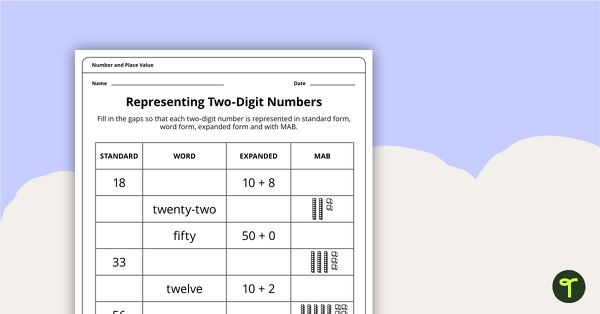
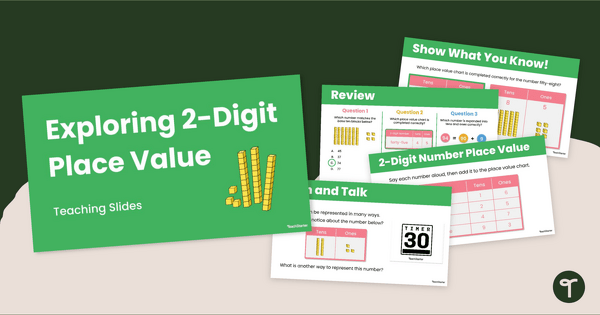
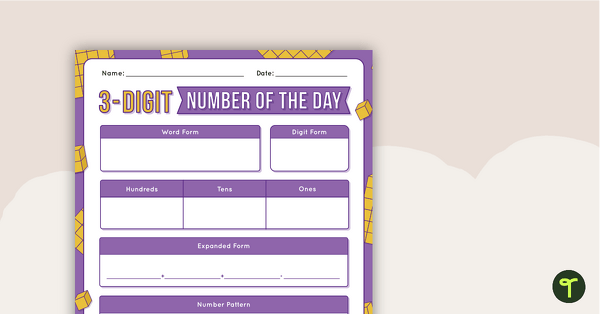
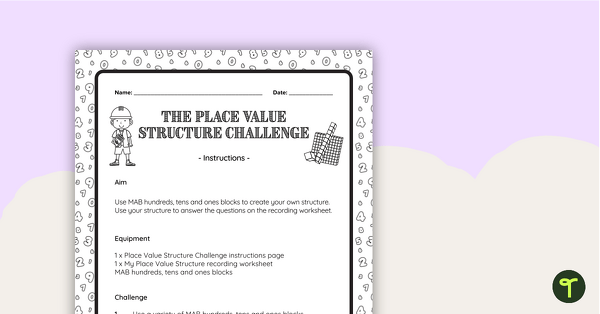
[resource:449190] [resource:4979971] [resource:5016986]



0 Comments
Write a review to help other teachers and parents like yourself. If you'd like to request a change to this resource, or report an error, select the corresponding tab above.