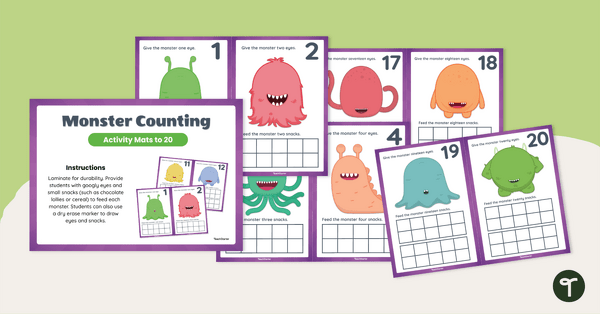
Count monster eyes up to 20 with this fun counting activity for the early years classroom.
Alien Counting Mats: Out-of-This-World Learning!
This set of alien counting mats has been created by a teacher and features adorable alien creatures ready to help students practise their counting skills. Each mat presents a different alien needing a specific number of eyes, with counting values ranging up to 20. Students can place googly eyes or draw the required number of eyes on the monsters, making counting interactive, hands-on and engaging.
These mats have been designed for repeated use in the classroom. For durability, we recommend laminating the mats. Once laminated, students can use whiteboard markers to draw the eyes on the aliens, easily wiping them clean for the next use.
Different Ways to Use These Mats in the Classroom
- Counting Station Activity: Set up a maths station where students rotate through and complete the mats. Students can practise counting collections from 1 to 20 as they add the correct number of eyes to each alien.
- Race to 20 Challenge: Have students work in pairs and take turns selecting a mat. The first student to accurately count and create their alien earns a point. This adds a playful element while reinforcing counting fluency.
- Interactive Whiteboard Counting: Display the mats on your interactive whiteboard and invite students to come up and draw the correct number of eyes. Encourage the class to count aloud together to build confidence with numbers to 20.
Download and Count Today!
Use the dropdown menu to choose between the editable Google Slides version of this resource or the easy-to-print PDF version.
This resource was created by Lindsey Phillips, a Teach Starter collaborator.
More Counting Resources for the Classroom
Looking for more counting resources to use in the classroom? You can count on us…
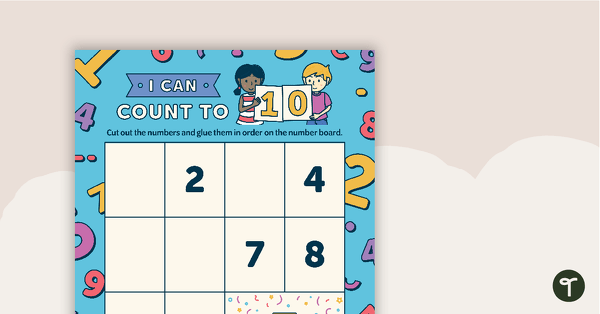
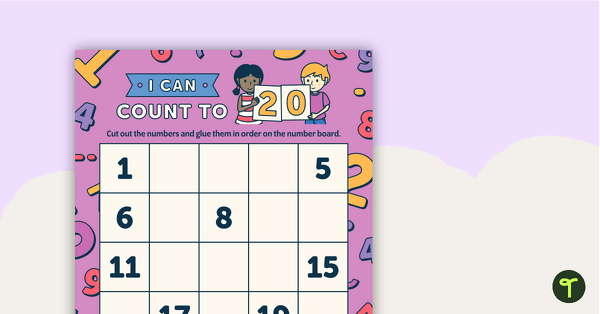
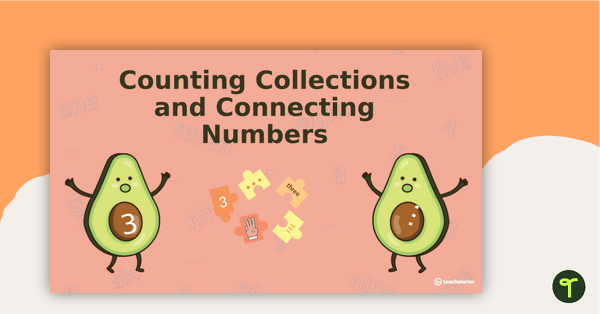
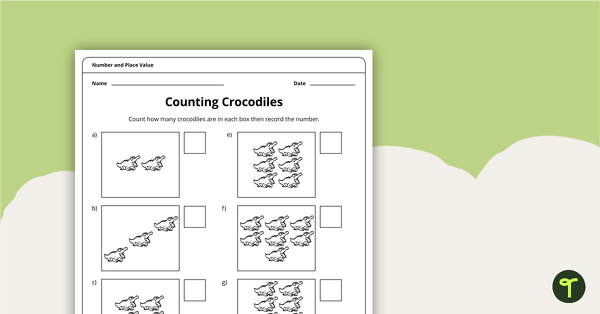
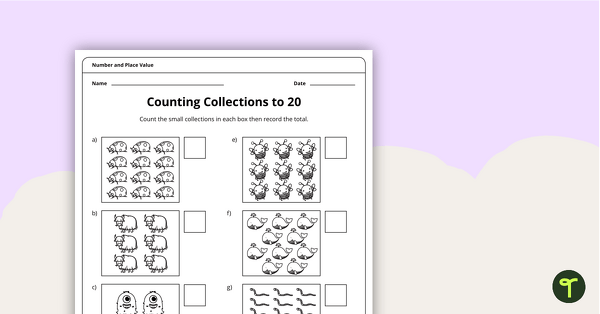
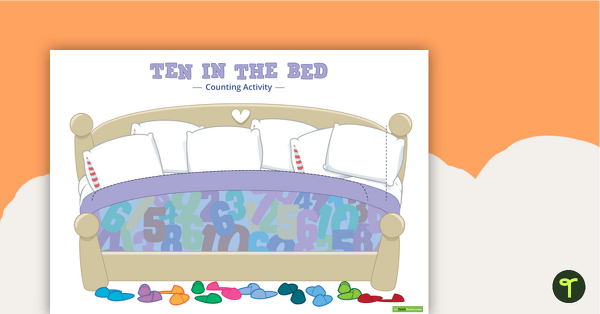
[resource:5094081] [resource:5093033] [resource:5089548]

0 Comments
Write a review to help other teachers and parents like yourself. If you'd like to request a change to this resource, or report an error, select the corresponding tab above.