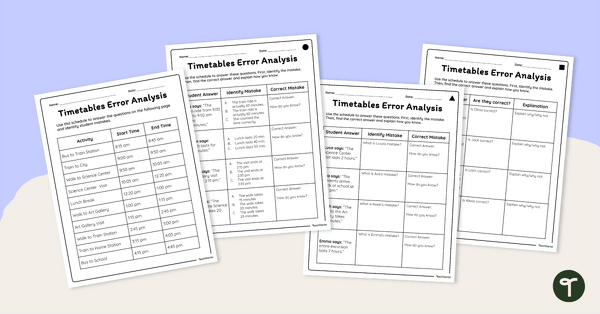
Practice with elapsed time worksheets that challenge students to identify mistakes, justify their thinking, and strengthen their understanding of time and schedules.
Elapsed Time Worksheets That Build Mathematical Thinking
Help students develop essential time-telling and problem-solving skills with these engaging elapsed time worksheets. Using a detailed field trip schedule, students analyze incorrect answers, identify mistakes, and explain their reasoning. This error-analysis approach encourages deeper mathematical thinking while reinforcing key elapsed time concepts.
The pack is differentiated with three levels of worksheets, allowing students to work at their point of need and providing targeted support and challenge for a range of ability levels. Answer keys are included to make grading quick and easy.
Creative Ways to Use These Elapsed Time Activities
This resource can be used in a variety of classroom settings, including:
- Math warm-ups using a single student statement for discussion
- Small-group problem-solving challenges
- Fast-finisher activities where students create their own errors to analyze
- Real-world math lessons connected to schedules, travel, and daily routines
Download These Elapsed Time Worksheets
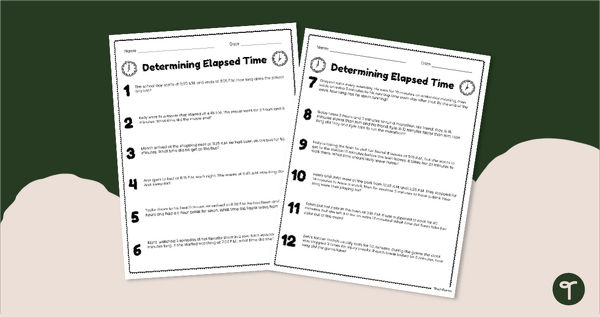
These elapsed time worksheets are available as a ready-to-download PDF and an editable Google Slides version. Simply download, print, or assign digitally to get started.
Please note that you will be prompted to make your own copy of the Google Slides file before editing.
This resource was created by Alyssa Peterson, a teacher from Texas and a TeachStarter collaborator.
More Ways to Help Your Students Practice Elapsed Time
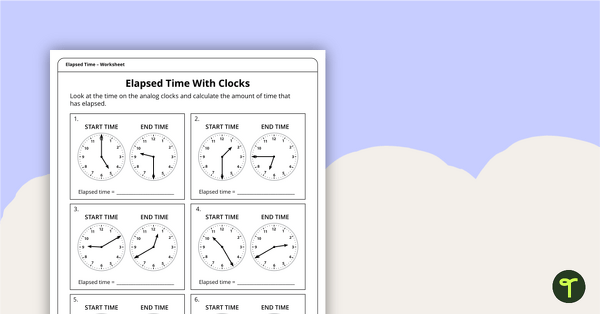
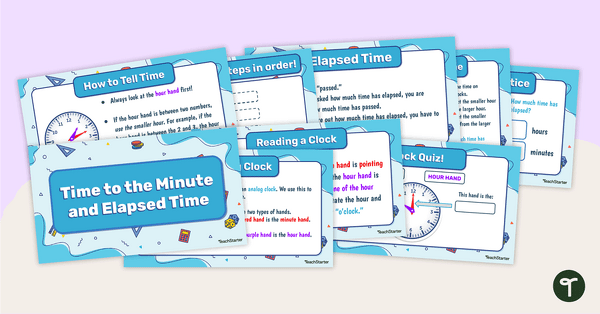
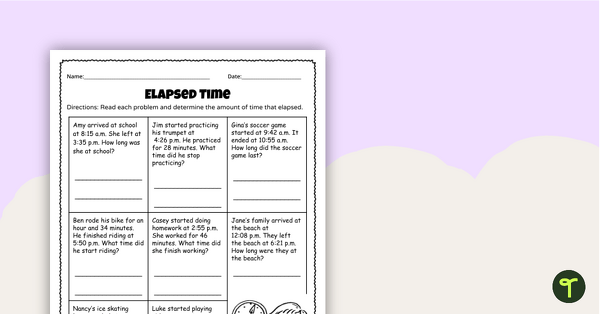
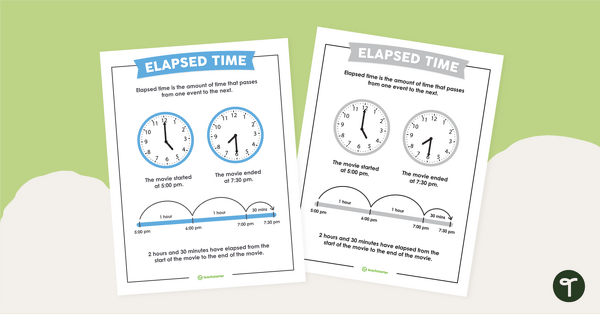
Has this resource sparked your interest in our teacher-created elapsed time activities? Explore the resources below for more engaging ways to reinforce time concepts and problem-solving skills.
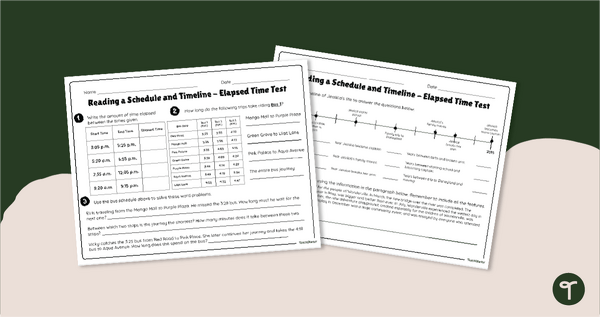
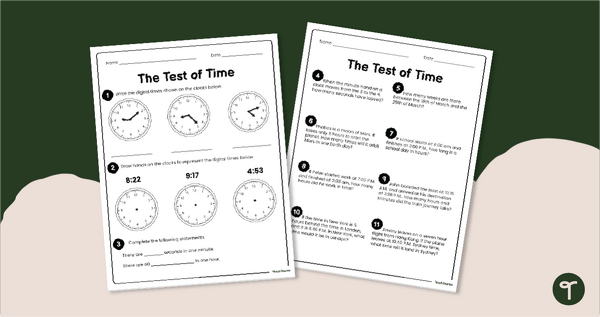
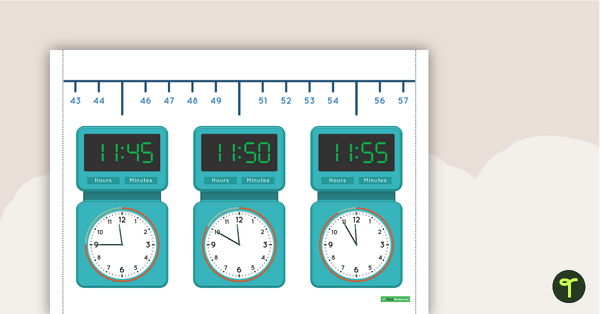
[resource:5206779] [resource:5074009] [resource:5065230]


0 Comments
Write a review to help other teachers and parents like yourself. If you'd like to request a change to this resource, or report an error, select the corresponding tab above.