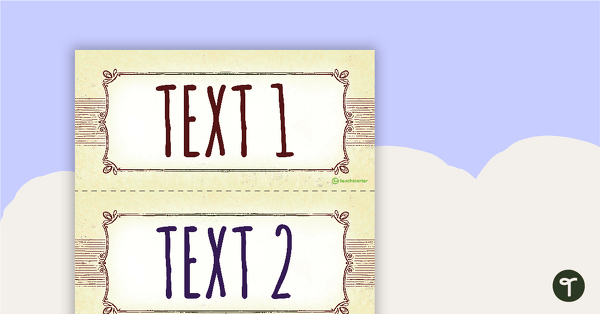
Use this visual display in your classroom to help students ‘bump up’ their biography writing.
‘Bump Up’ Your Students’ Biography Writing!
The aim of this visible learning classroom display is to help students ‘bump up’ their biography writing. The display enables students to identify the approximate level of a biographical text they have written, then use the goals provided to ‘uplevel’ their writing.
Print and cut each component of the display. This display includes:
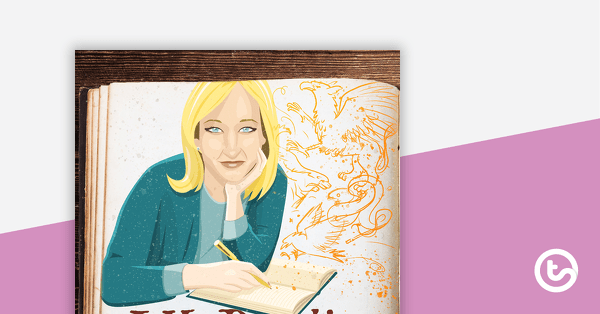
- A title banner
- Three example texts of varying levels (simple to complex)
- Statements describing the structural and language features included in each example text
- Goals for ‘bumping up’ each example text
Create a Biography Writing Classroom Display
To create the display:
- Print out all of the components.
- Place the title banner at the top of the display.
- Place the texts in order (1-3) horizontally.
- List the ‘This piece of writing includes…’ statements vertically underneath the corresponding text.
- List the ‘This piece of writing could be improved by…’ goals vertically underneath the corresponding text.
To print the banner:
- Open the PDF file you have just downloaded, in Adobe Reader.
- In Adobe Reader, click on the printer icon to bring up the print dialogue box.
- With the print dialogue box opens, click on the ‘Poster’ tab.
- Next, adjust the ‘Tile Scale’ until you have the desired layout displaying in the preview section.
- Once you’re happy with the preview layout, click ‘Print’!
Download to Create This Biography Writing Bump-It-Up Wall
Use the menu on the Download to select the files you would like to use to create your biography writing bump-it-up wall classroom display. The following files can be downloaded:
- Example Texts (Colour PDF)
- Example Texts (Low colour PDF)
- Banner (Colour PDF)
- Banner (Low colour PDF)
- Example Texts (Colour Word)
- Example Texts (Low colour Word)
More Resources for Biography Writing
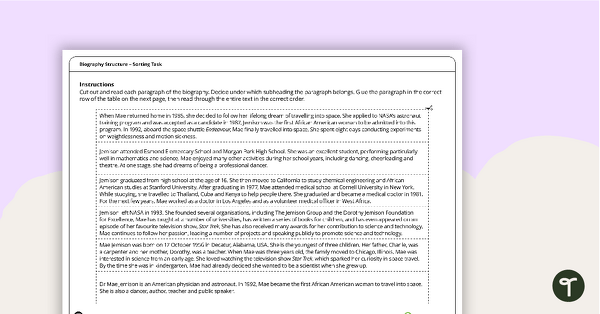
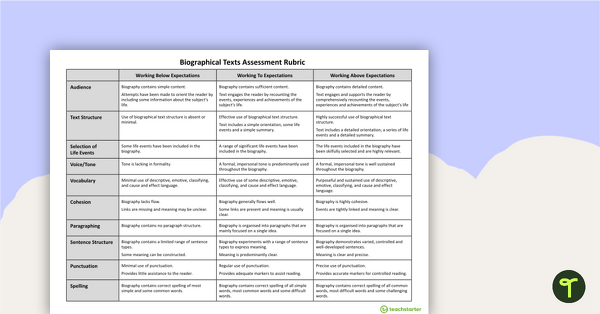
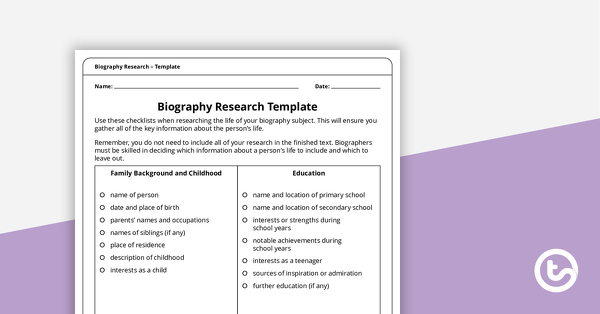
Click below to explore more engaging, teacher-created resources to use when teaching biography writing to your students:
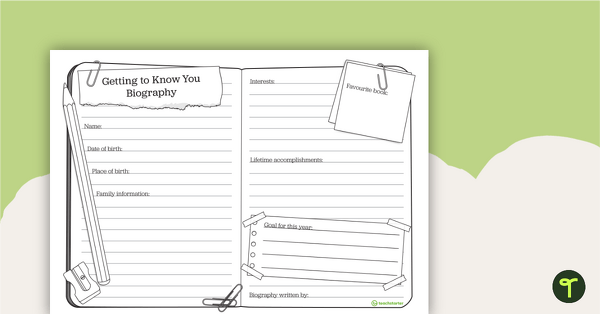
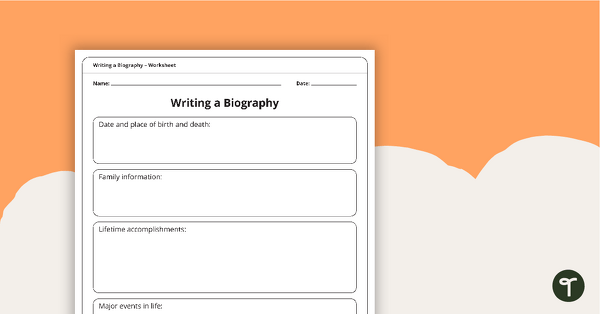
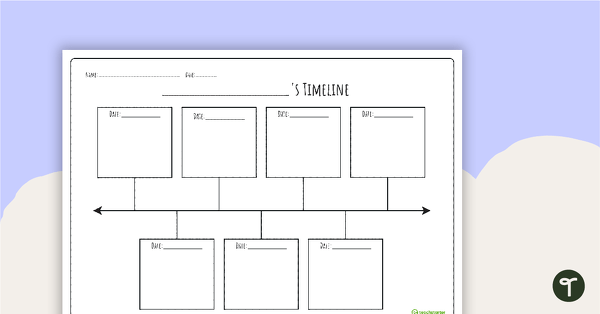
[resource:4426492] [resource:4426213] [resource:5139564]

2 Comments
Write a review to help other teachers and parents like yourself. If you'd like to request a change to this resource, or report an error, select the corresponding tab above.
No comments yet.