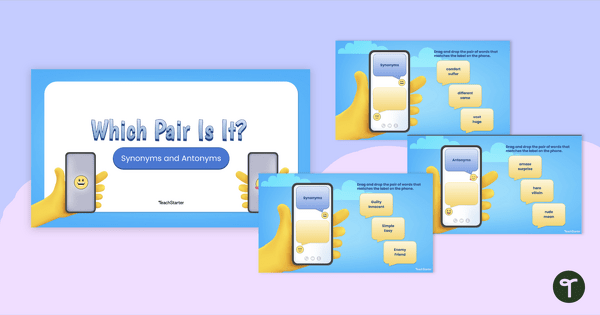
Engage your students with this digital synonyms and antonyms activity that helps them practice vocabulary in a fun and engaging way.
A Synonyms and Antonyms Activity to Engage Your Students
Don’t waste time at the photocopier copying another synonyms and antonyms worksheet! This synonyms and antonyms activity takes vocabulary practice out of the notebook and places it into a gamified digital quiz. Using this resource, your students will build their vocabulary knowledge while participating in an engaging interactive activity. It’s a win-win!
The resource has been themed as a smartphone messaging app. On each slide, students are presented with a short text message containing an underlined word. They are required to choose the most appropriate synonym or antonym to replace the underlined word from three possible options. For example:
Choose the best synonym to replace the underlined word in the sentence.
Do you have any ideas about what to buy Hallie for her birthday?
a) suggestions
b) instructions
c) directions
The correct answer, of course, is option a!
If students choose the incorrect answer, they are directed to a slide that encourages them to go back and try again. If they choose the correct answer, they progress to the next question.
This resource downloads as a Microsoft PowerPoint or Google Slides file. Simply project the resource onto your screen and work through the slides as a class. Students will love the “real‑life” feel of reading messages, reinforcing vocabulary skills in a contextual, meaningful way.
Creative Twists for This Digital Synonyms and Antonyms Game
This digital synonyms and antonyms game has been designed by our team to keep your students engaged while they explore or revise this key grammar concept. If you’re keen to make it even more interactive for your students, you might like to try the following adaptations:
- Incorporate Movement – Display the question on the screen and assign each answer option to a different corner of the room. Students walk to their chosen answer. This provides a great energy reset after sitting for too long!
- Think-Pair-Share – Have students work out the answer individually, then pair up to justify their choice. This helps students stay on task as they are required to engage in peer discussions throughout the activity.
- Group Challenge – Run the activity like a trivia quiz. Place the students into small groups, then have the groups work together to agree on each answer. This task encourages collaboration and brings a dose of friendly competition into the lesson!
These quick twists make this learning activity even more engaging without compromising the learning goal.
Download to Teach Synonyms and Antonyms
To get your hands on this digital activity for synonyms and antonyms, use the Download button above to access your preferred version of this resource. (Note: You will be prompted to make a copy of the Google Slides template before accessing it.)
Once downloaded, you can use it straight away on an interactive whiteboard or assign it to students on laptops or tablets. It’s designed to slot smoothly into your existing literacy program, giving you an effective, student‑approved way to reinforce vocabulary, without adding to your workload!
Be sure to operate the presentation in Slideshow mode to enable the self-checking features.
This resource was created by Lindsey Phillips, a teacher in Michigan and a Teach Starter collaborator.
More Resources for Exploring Synonyms and Antonyms
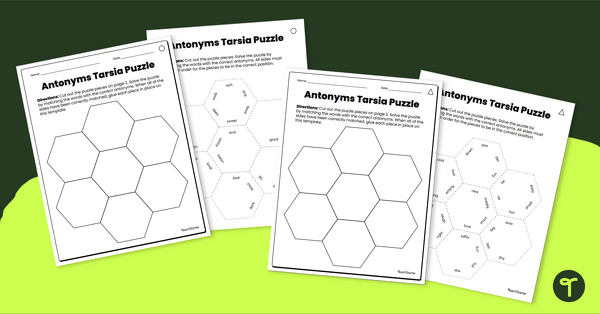
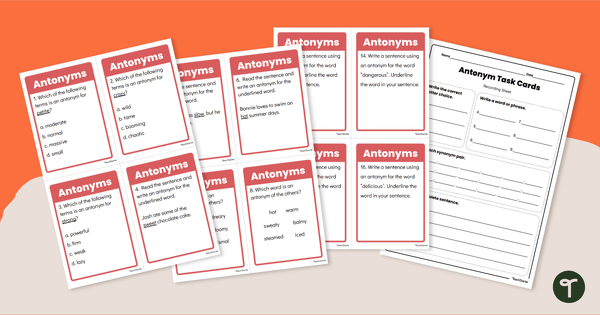
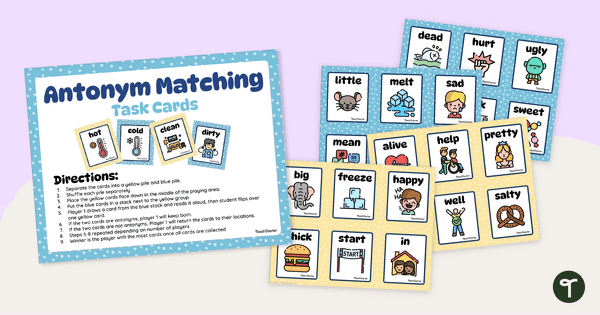
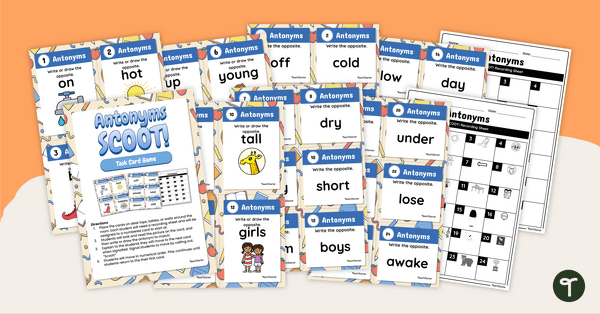
If you’re teaching synonyms and antonyms to your students, you’ll want to check out more of Teach Starter’s teacher-created, curriculum-aligned resources. Click below to explore a selection from our library.
teaching resource
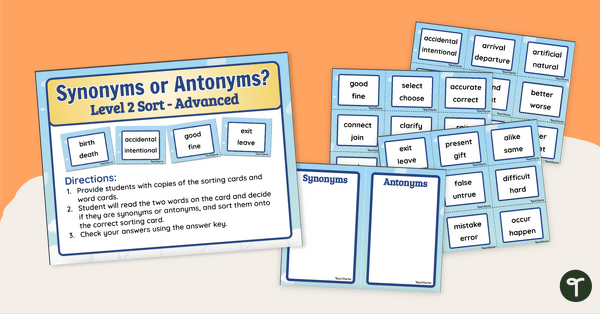
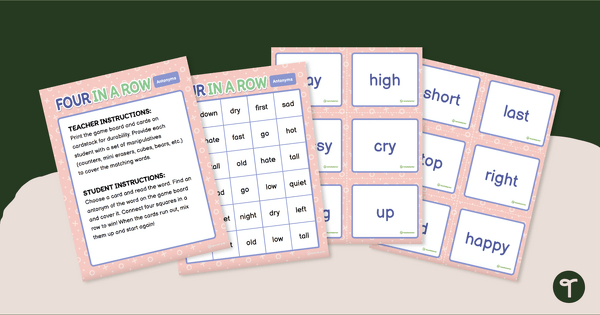
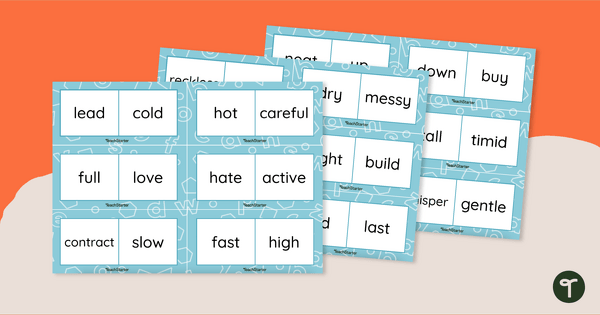
Antonyms and Synonyms Sorting Activity
Teach antonyms and synonyms with this hands‑on sorting activity that helps students confidently identify word relationships through meaningful, active learning.
teaching resource
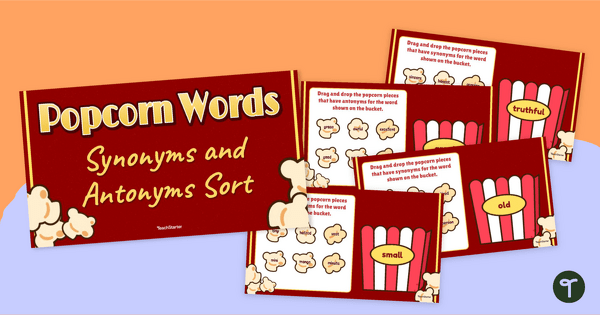
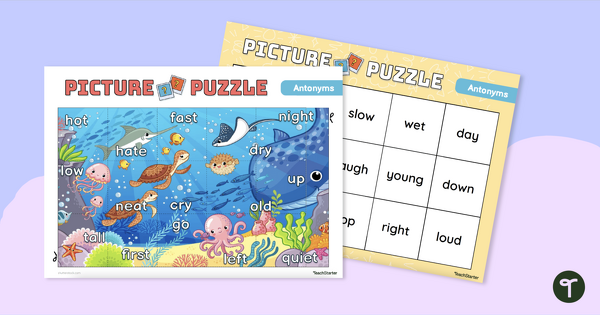
Popcorn Synonyms and Antonyms - Interactive Sort
Make your students’ vocabulary skills “POP” with an interactive, drag-and-drop synonym and antonym activity.
teaching resource
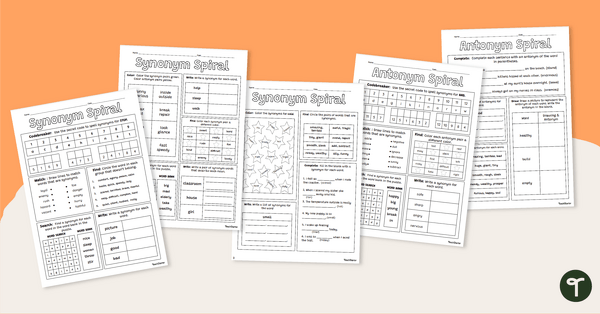
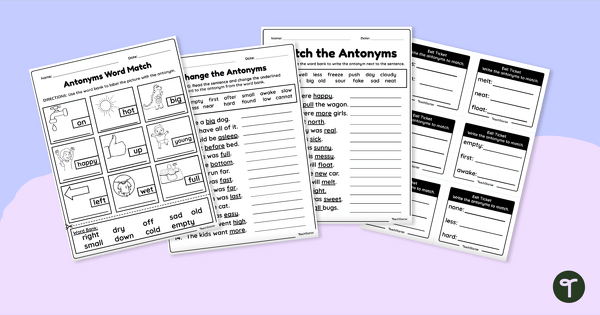
Synonyms and Antonyms Practice - Worksheets
Boost vocabulary skills with daily review worksheets on synonyms and antonyms.

0 Comments
Write a review to help other teachers and parents like yourself. If you'd like to request a change to this resource, or report an error, select the corresponding tab above.