Technology Teaching Resources for Foundation Year
- Plus Plan
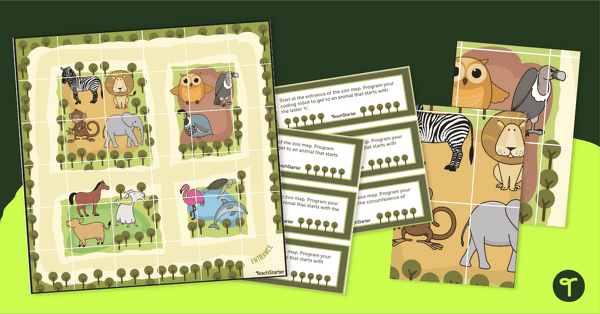
Coding Robot Zoo Mat
Implement coding for kids with coding robots and a printable coding robot map activity.
- Plus Plan
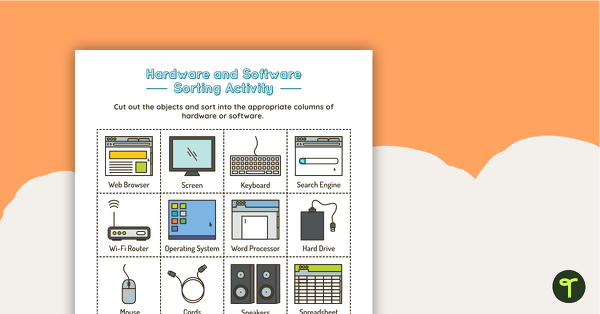
Introduction to Hardware and Software Sorting Activity
Guide students in understanding the difference between hardware and software with this cut and sort activity.
- Free Plan
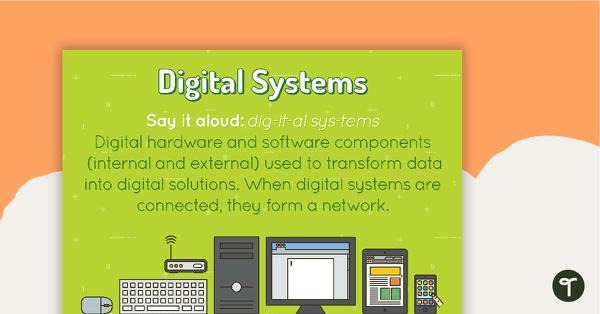
Digital Systems Poster
A poster showing the definition and an example of a digital system.
- Plus Plan
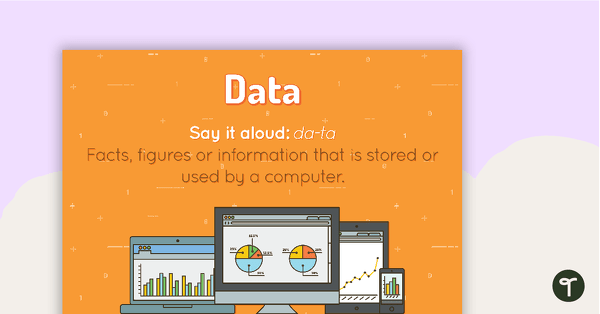
Data Poster
A poster showing the definition and an example of data.
- Plus Plan
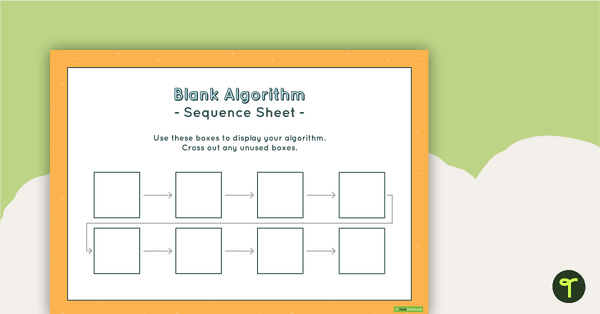
8-Step Algorithm Sequence Sheet - Lower Primary
A worksheet for students to use when writing an algorithm.
- Plus Plan
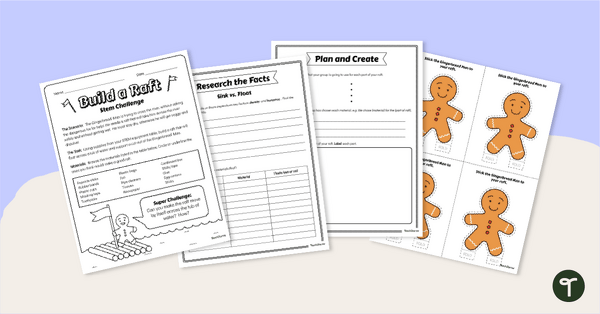
Gingerbread STEM Investigation - Build A Gingerbread Boat
Explore floating and waterproof materials in this Gingerbread STEM investigation embedded in a fun fairy tale story.
- Free Plan
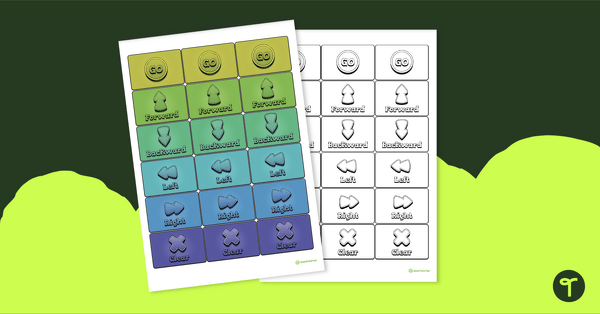
Coding Robot Direction Cards
Use these directional robot cards to help your student program their coding robots.
- Free Plan
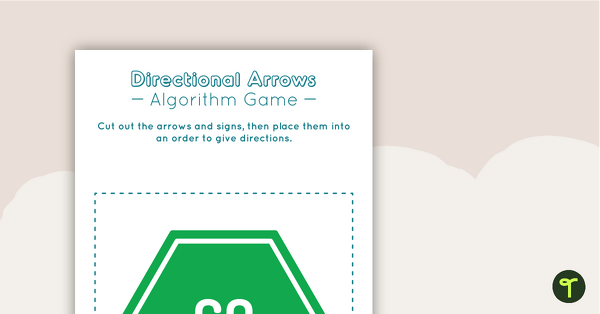
Directional Arrows Algorithm Game
A game to help teach your students directional instructions in sequencing (algorithms).
- Free Plan
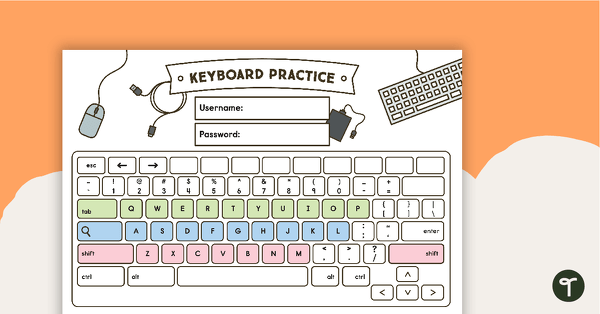
Colour-Coded Computer Keyboard Template
A colour-coded keyboard template to assist students with logging in during computer time.
- Plus Plan
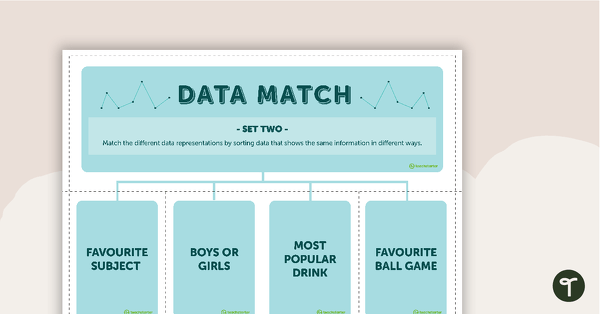
Data Match-Up Cards (Set 2)
A match-up activity for students to use when exploring data.
- Plus Plan
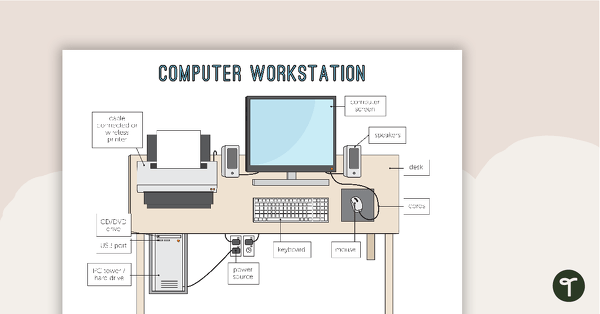
Technology Workstation Posters - Computer, Laptop & Tablet
Three posters highlighting the key components of a desktop, laptop or table workstation.
- Free Plan
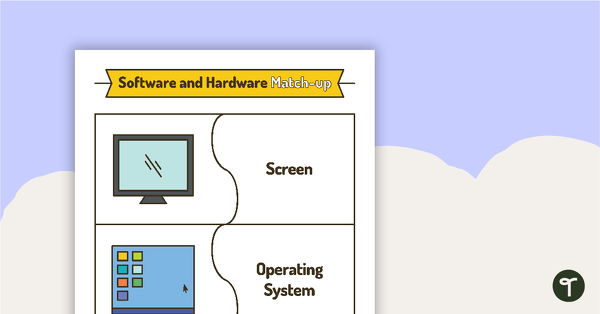
Software and Hardware Match-Up Activity
Consolidate students’ understanding of various software and hardware with this word and image match-up activity.
- Plus Plan
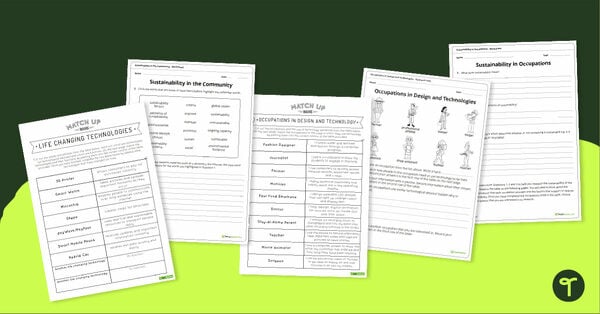
Occupations and Sustainability in Technologies Activity Pack
A set of four resources exploring life changing technologies, occupations, research, and sustainability in the community.
- Plus Plan
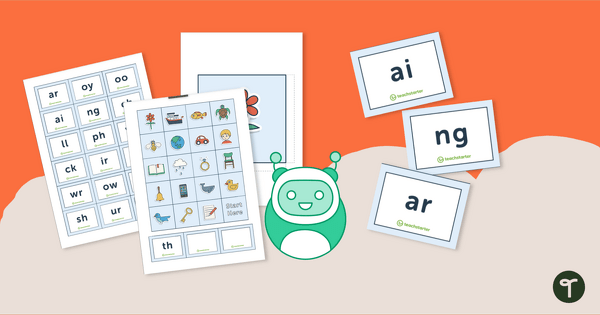
Digraph Coding Robot Mat
Practise identifying digraphs with the help of a coding robot and mat.
- Plus Plan
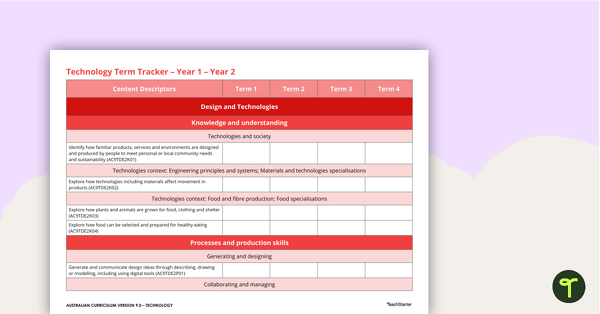
Technologies Term Tracker (Australian Curriculum) - Foundation to Year 2
A Technologies term tracker using the Australian Curriculum Foundation to Year 2 content descriptors and codes.
- Plus Plan
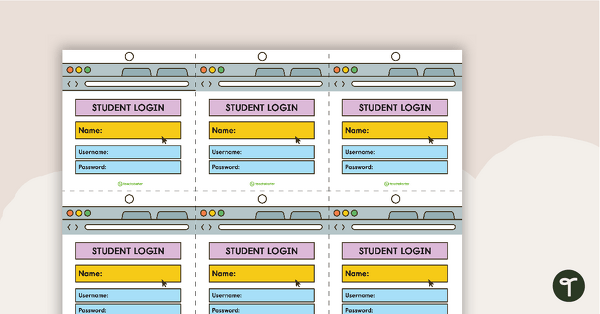
Computer Student Login Cards
Computer login cards for students to use during computer time.
- Free Plan
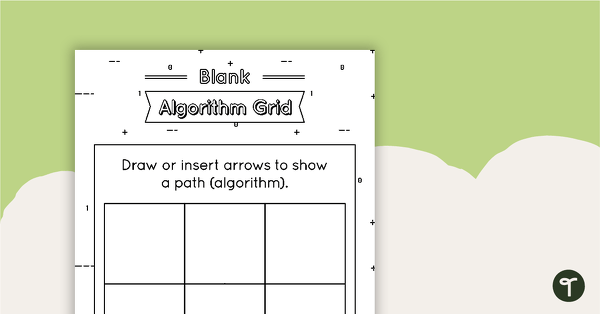
Blank Algorithm Grid - Black and White
An activity for students to use when learning about algorithms (directions).
- Plus Plan
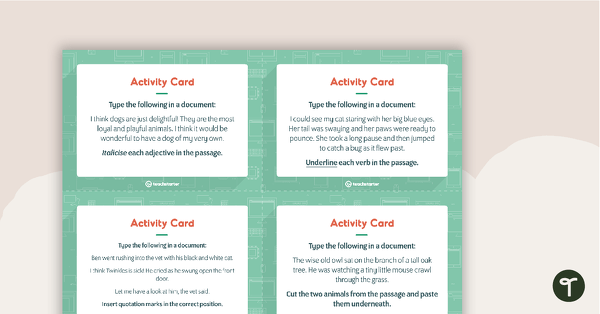
Word Processing Activity Cards
16 activity cards for students to use to practise their word processing skills.
- Free Plan
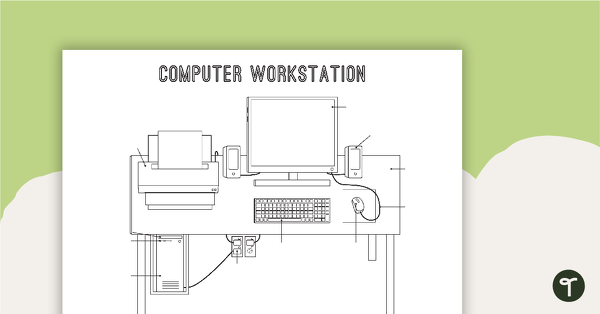
Technology Workstation Worksheet - Desktop Computer
A worksheet for students to label the key components of a desktop computer workstation.
- Plus Plan
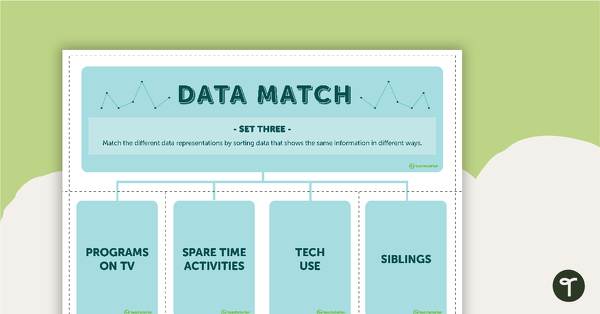
Data Match-Up Cards (Set 3)
A match-up activity for students to use when exploring data.
- Plus Plan
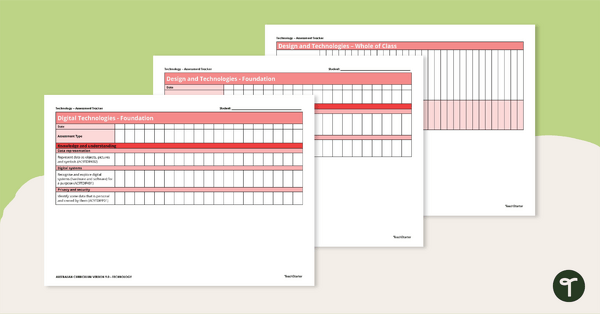
Technologies Foundation to Year 2 Assessment Trackers
A 4 page set of assessment trackers using the Australian Curriculum codes to monitor student progress in Technologies.
- Plus Plan
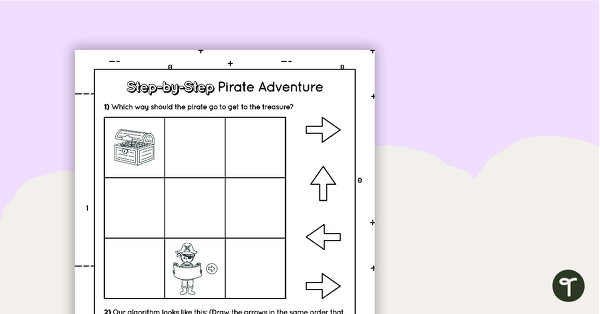
Step by Step Introductory Worksheet for Algorithms - Pirate Adventure
A 1 page worksheet for students to use when learning how to write an algorithm.
- Plus Plan
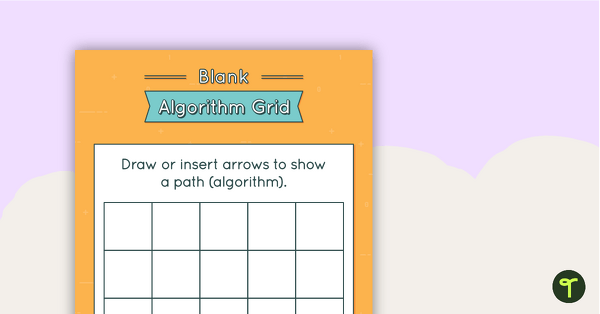
Blank Algorithm Grid - Colour
An activity for students to use when learning about algorithms (directions).
- Plus Plan
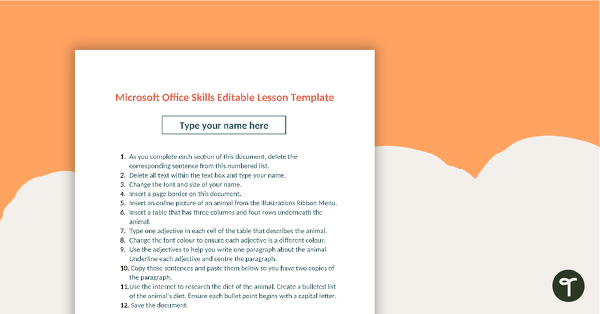
Editable Word Processing Template
An editable template for students to consolidate word processing skills.
- Free Plan
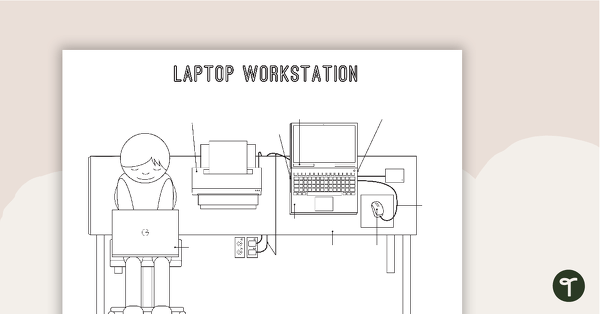
Technology Workstation Worksheet - Laptop Computer
A worksheet for students to label the key components of a laptop workstation.
- Free Plan
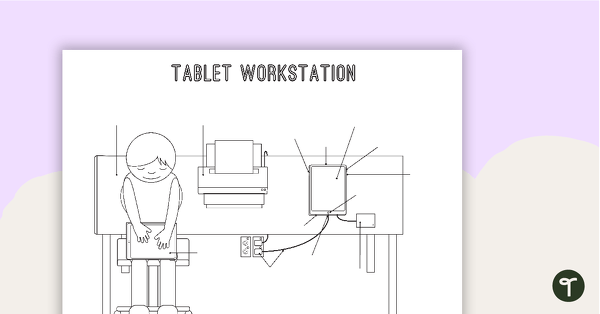
Technology Workstation Worksheet - Tablet
A worksheet for students to label the key components of a tablet workstation.
- Plus Plan
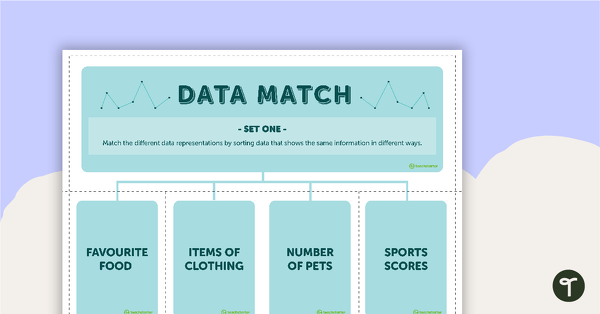
Data Match-Up Cards (Set 1)
A match-up activity for students to use when exploring data.
- Plus Plan
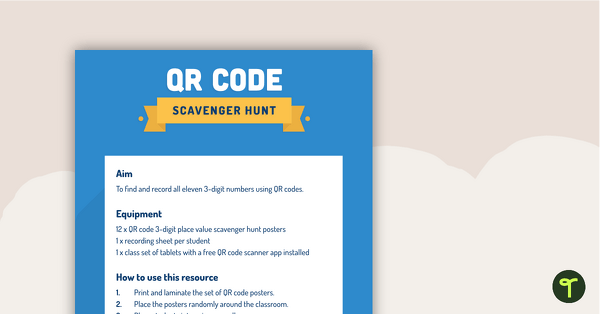
QR Code Scavenger Hunt Template Posters
A set of blank templates to create a fun scavenger hunt in the classroom using QR codes.
- Free Plan
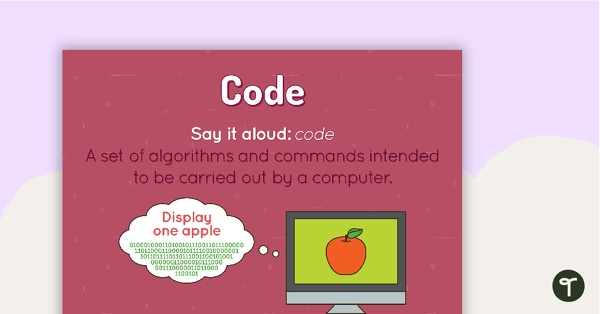
Code Poster
A poster showing the definition and an example of code.
- Free Plan
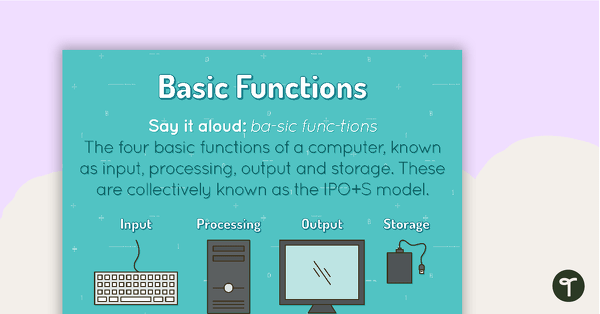
Basic Functions Poster
A poster showing the definition and an example of basic functions.
- Plus Plan
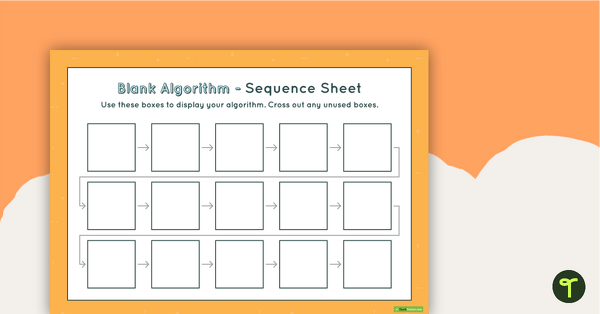
15-Step Algorithm Sequence Sheet - Lower Primary
A worksheet for students to use when writing an algorithm.
- Plus Plan
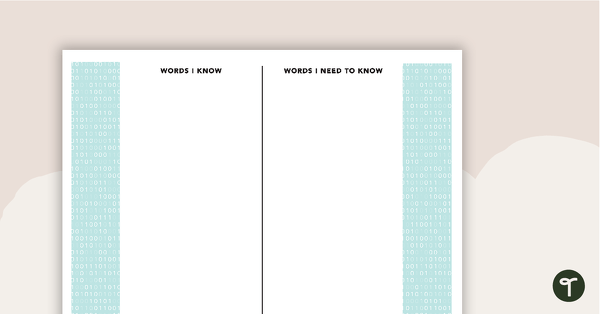
Personal Vocabulary - Technology
4 themed pages to use when learning about technology content vocabulary.