Text Features Teaching Resources
Help students use text features in nonfiction and fiction texts with printable worksheets, activities and more teaching resources created by our teacher team just for Australian teachers.
This teaching resource collection includes Australian English curriculum-aligned activities and worksheets designed to help students identify and explore the various features writers and authors use to make text more readable. These components of texts — whether they're nonfiction or fiction — enhance comprehension, provide visual cues and organise the content of a text, so it's important that our students know what they are and how to use them!
Has it been a while since you taught this particular part of the curriculum? Read on for a primer from our teacher team about teaching text features! Maybe you already know this, but bear with us. Just like our students, sometimes we could use a little refresher!
What Are Text Features? A Kid-Friendly Definition
You know what a text feature is ... but how do you explain the concept to your students? Here's a simple definition you can use with your students!
Text features are the parts of a text that give the reader additional information. They help make the text more organised and easier to read.
16 Text Feature Examples to Share With Students
So what are some text features you can identify in your lesson plans? Let's look at the most common examples students can use to navigate various types of texts effectively.
Title
Another word for the name of the text, the title is usually found at the beginning. It provides a general idea of the topic or subject matter.
Heading/Subheading
Headings and subheadings are titles within a text that indicate different topics or subtopics covered. They help our students locate specific information. They also provide an overview of the text's structure.
Subtitles
Subtitles are smaller headings within a section of text that divide the content into smaller, more manageable parts. These features help students to identify and comprehend specific ideas or sections within a larger text.

Table of Contents
The table of contents can be found at the beginning of a book or long text. This handy tool lists the main sections or chapters and their corresponding page numbers. This table is especially helpful if you're trying to find specific information quickly!
Glossary
If a text introduces new vocabulary words, students can head to the glossary. This list of important terms and their definitions is typically found at the end of a book or text.
Index
The index is also typically located at the end of a book. This tool is mostly found in nonfiction texts, and it provides an alphabetical list of topics or keywords covered in the text, along with the corresponding page numbers. Like the table of contents, the index is useful when you need to find information fast.
Captions
Captions are brief explanations or descriptions located near images or illustrations. These lines of text provide additional information about the visual content and help readers understand its relevance to the text.
Illustrations/Photographs
Visual representations, such as drawings or photographs, are all features that can support the text and provide additional information or clarification.
Diagrams/Charts/Graphs
Like photos and illustrations, charts, diagrams and graphs offer a visual representation of data or information to make it easier for the reader to comprehend. This text feature helps the writer present it in a more organised and understandable format.
Maps
Another form of visual representation that shows up in text is the map, a text feature that shows geographic locations or regions. Maps help readers understand the spatial relationships between places mentioned in the text.
Labels
Sometimes a text will have words or phrases attached to specific parts of an illustration or diagram to identify or explain them. These labels can help readers understand the different elements or components within the visual representation.
Bullets/Numbered Lists
Lists are sometimes used in texts to present information in an organised manner. Bullets are typically used for items that are not in a specific order, while numbered lists indicate a sequence or hierarchy.
Sidebar
A small section of text that is included alongside the main text is called a sidebar.
This type of text feature contains additional information related to the main topic, such as interesting facts, definitions or examples that can enhance the reader's understanding.
Bold/Italicised/Underlined Text
Formatting features such as bolding or italicising words or adding an underline can help draw the reader's attention to specific words or phrases.
- Bold text — Indicates important or emphasised information
- Italicised text — Used for titles of books or works and words written in other languages
- Underlined text — Used for hyperlinks in digital texts
Footnotes/Endnotes
Another helpful text feature most often seen in non-fiction texts, footnotes and endnotes are additional explanations, comments, or references located at the bottom of a page (footnotes) or at the end of a text (endnotes). They provide supplementary information without interrupting the flow of the main text.
Text Boxes
A final example of text features is the text box. These separate sections within a text highlight important or additional information. Because they're visually distinct from the main text, they help draw the reader's attention to specific details or ideas.
- Plus Plan
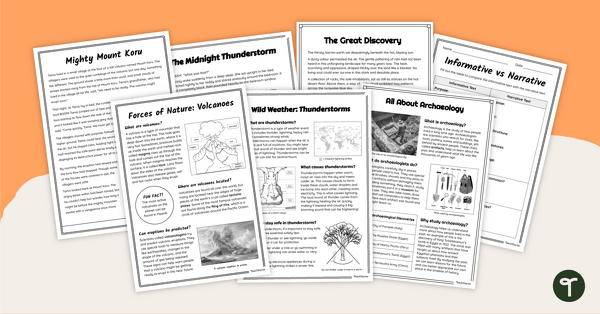
Comparing Narrative and Informational Text Worksheets
Use this set of comparing narrative and informational text worksheets to examine the purpose and features of these two common genres.
- Plus Plan
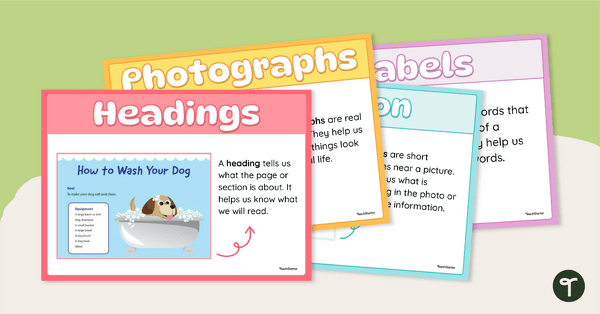
Non-Fiction Text Features Poster Set
Build your students’ confidence in navigating informational texts with this engaging Text Features of a Non-Fiction Book Poster Set.
- Plus Plan
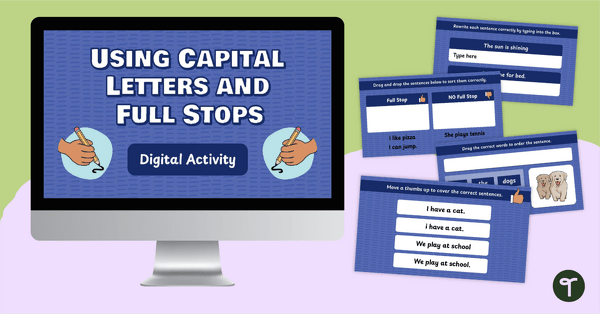
Using Capital Letters and Full Stops Interactive
Help students understand the use of capital letters and full stops with this interactive and engaging digital activity.
- Free Plan
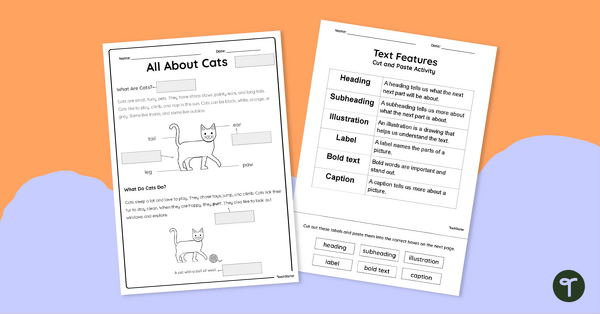
Sorting Text Features Cut and Paste
Build confidence and comprehension with this ready-to-use Text Features Cut and Paste Worksheet!
- Plus Plan
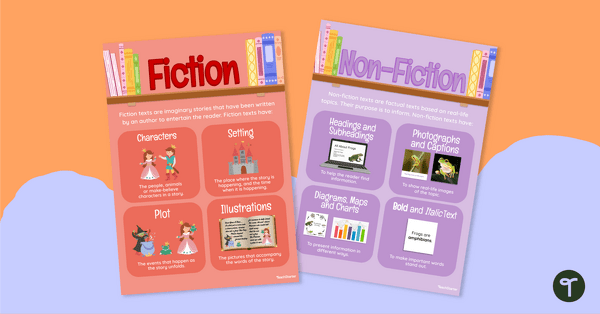
Fiction vs Non-Fiction Posters
Teach students the difference between fiction and non-fiction with this set of two classroom posters perfect for early years classrooms.
- Plus Plan
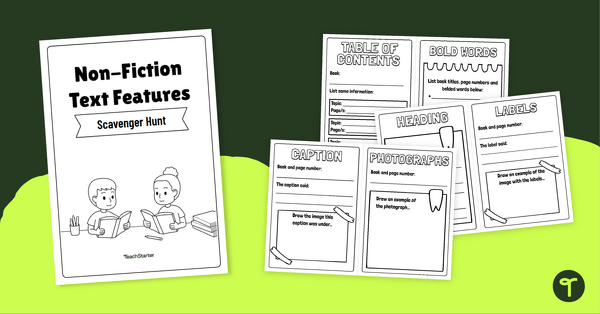
Nonfiction Scavenger Hunt – Mini Book Activity
Explore nonfiction text features with this Nonfiction Scavenger Hunt activity - the perfect mix of hands-on learning and foundational literacy skills.
- Plus Plan
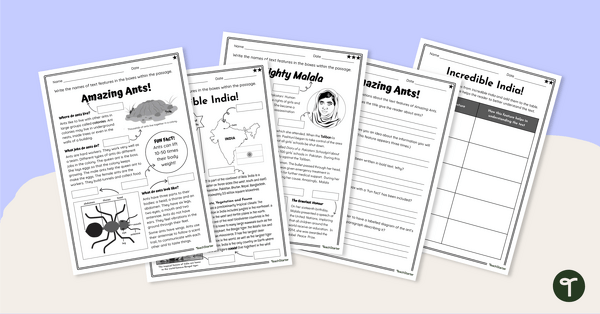
Label the Non-Fiction Text Features Worksheets
Have your students label text features in non-fiction texts with this set of three differentiation text features worksheets.
- Free Plan
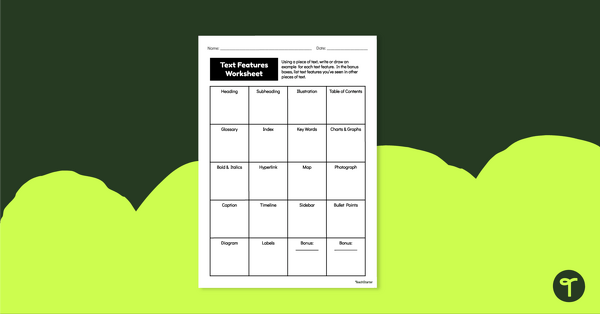
Nonfiction Text Features Worksheet
Download this nonfiction text features worksheet so students can practice locating different types of text features found in an information text.
- Plus Plan
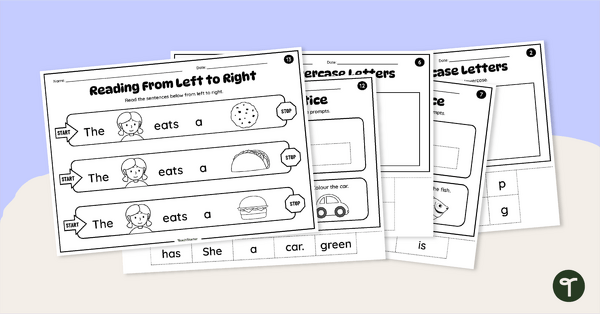
Concepts of Print Worksheet Pack
Help students master the fundamentals of reading with this Concepts of Print Worksheet pack.
- Plus Plan
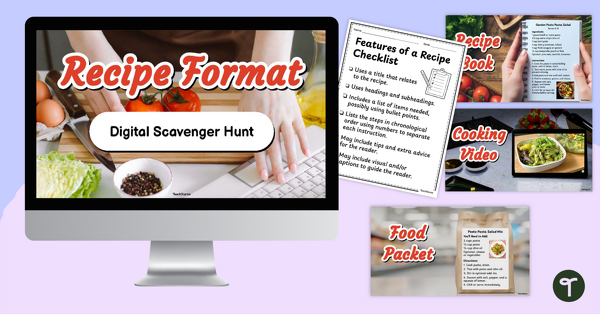
Year 2 Recipe Text Features Scavenger Hunt
Explore recipe text features on a food packet, recipe book, short video clip and digital form and teach their shared purpose with this scavenger hunt.
- Plus Plan
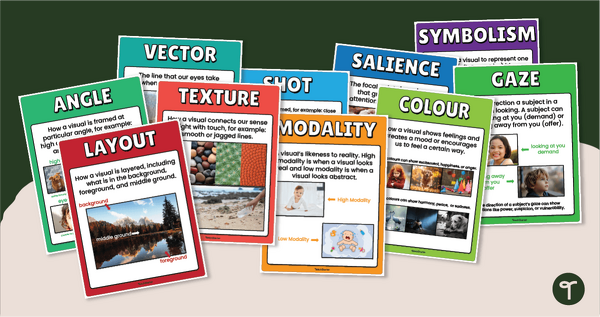
Visual Literacy Techniques Poster Pack
Teach your students how to uncover hidden meanings in images with this vibrant set of Visual Literacy Technique Posters!
- Plus Plan
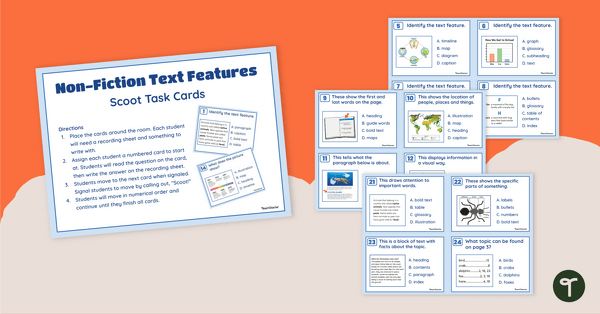
Non-Fiction Text Features Task Cards
Get students exploring text feature examples with this set of tack cards perfect for literacy groups.
- Plus Plan
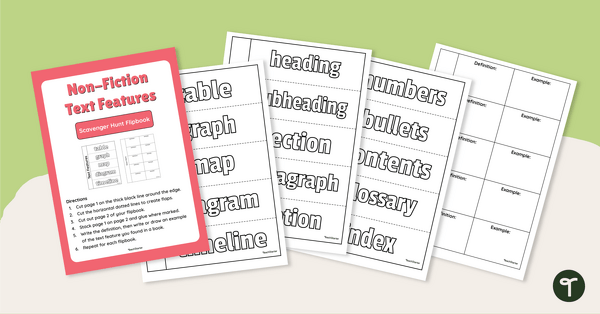
Non-Fiction Text Features – Scavenger Hunt Flipbook
Get students exploring informational text features with this set of scavenger hunt flipbooks perfect for primary students.
- Plus Plan
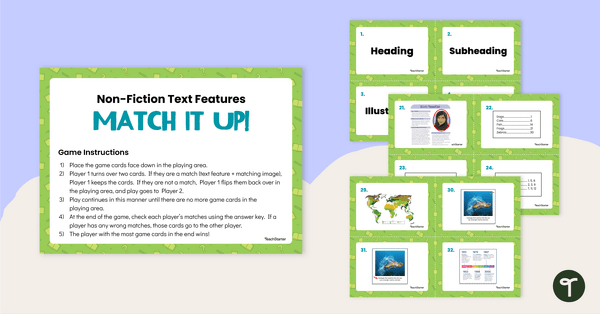
Informational Text Features: Match It Up!
Download this informational text features game to teach primary school students about the common text features of informational texts.
- Plus Plan
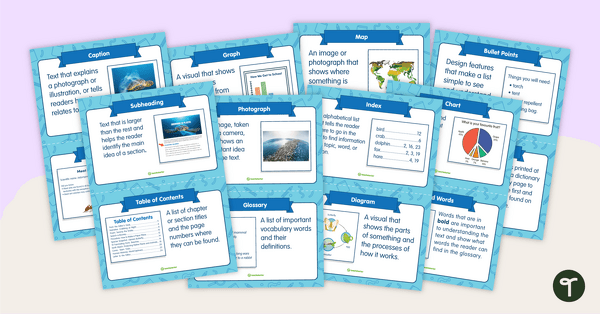
Text Features Flashcards
Teach students the features of nonfiction texts such as headings, sidebars, captions and many more with this set of flashcards for primary students.
- Free Plan
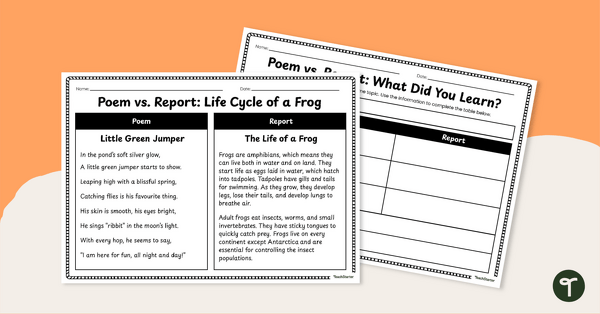
Comparing Texts on the Same Topic Worksheet
Explore the purpose of poem texts and report texts with clear guidance that helps students' interpretive skills.
- Plus Plan
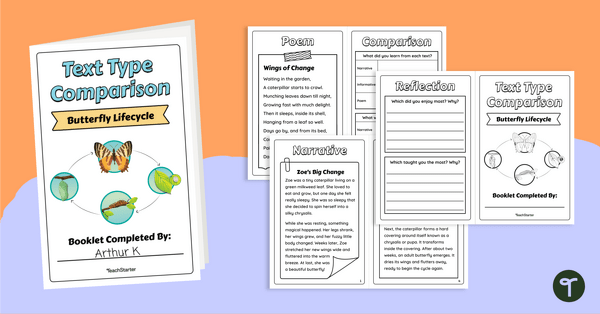
Different Types of Texts Booklet - Butterfly Lifecycle
Identify how similar topics and information can be presented in different types of texts with this Butterfly Lifecycle Text Comparison booklet.
- Plus Plan
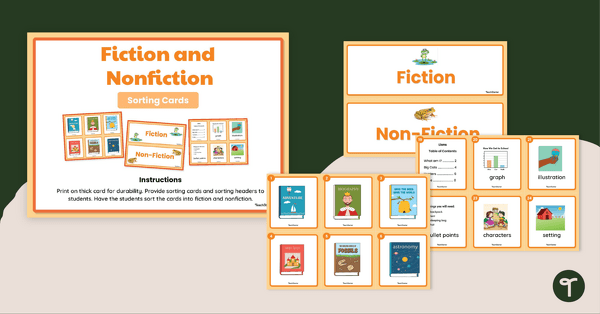
Fiction and Nonfiction Sorting Cards
Explore fiction and nonfiction book features with this sorting activity.
- Plus Plan
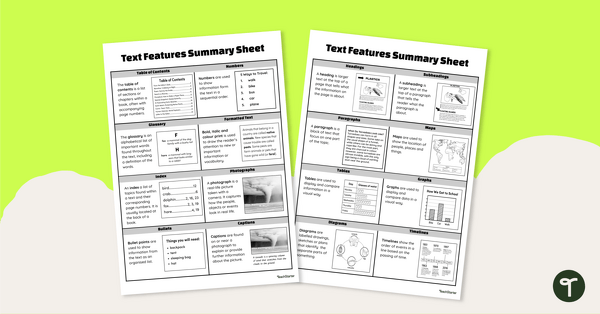
Informational Text Features Cheat Sheet
Download this list of text feature examples to teach your students about the purpose of these important textual elements.
- Free Plan
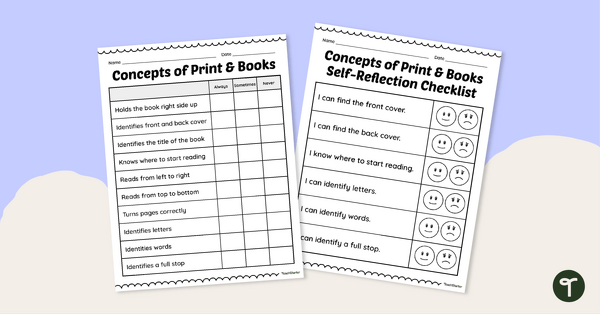
Concepts About Print Assessment Checklists
Use these concepts of print assessment checklists to check all aspects of print are understood.
- Plus Plan
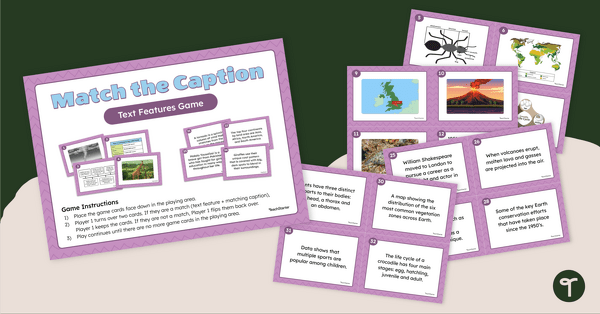
Caption Text Feature Matching Game
Teach your students about the caption text feature with this engaging and collaborative matching game.
- Plus Plan
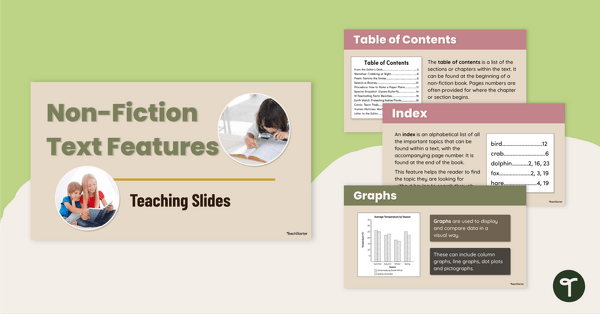
Non-Fiction Text Features Teaching Slides
Explore the features of non-fiction texts with your students using this detailed and age-appropriate slideshow for primary school literacy lessons.
- Plus Plan
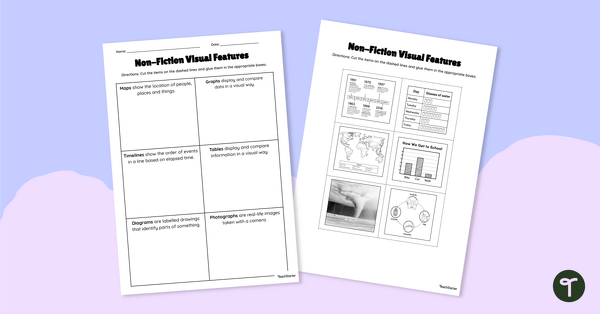
Non-Fiction Visual Features Cut and Paste Worksheet
Use this visual text features worksheet when exploring text features such as photographs, maps, charts and diagrams with your students.
- Plus Plan
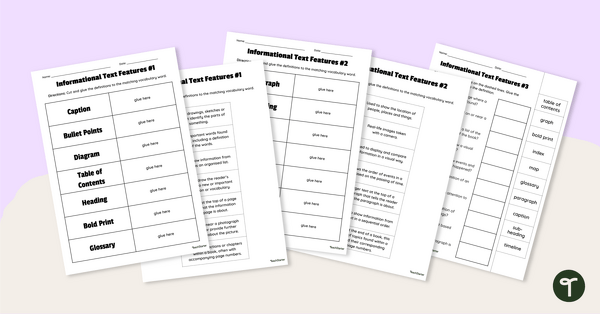
Informational Text Features Cut and Paste Worksheets
Use this text features matching worksheet when exploring the features of non-fiction texts with your students.
- Plus Plan
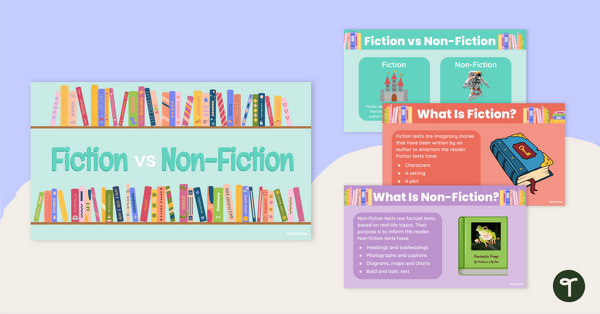
Fiction vs Non-Fiction Teaching Slides
Teach your students the difference between fiction and non-fiction books with this age-appropriate teaching presentation for early years literacy lessons.
- Plus Plan
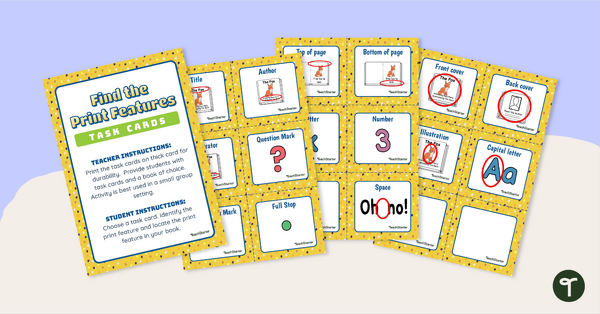
Find the Print Features Task Cards
Use these task cards with young readers to help them in recognising print features and concepts of print.
- Plus Plan
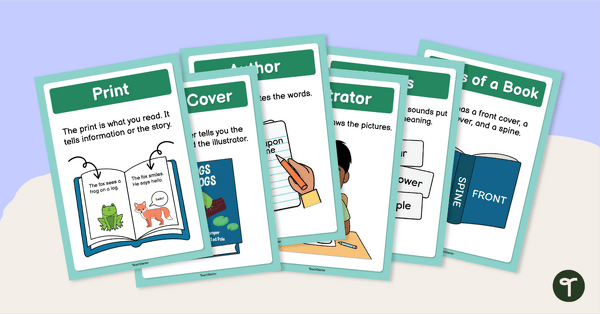
Concepts About Print Posters
Boost early literacy skills with our 13 printable Concepts of Print posters.
- Plus Plan
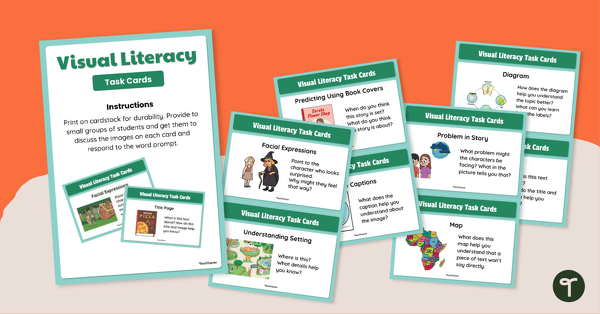
Fiction and Nonfiction Visual Literacy Cards
Help students sharpen their ability to interpret, analyse, and think critically about images in texts with this engaging set of visual literacy cards.
- Plus Plan
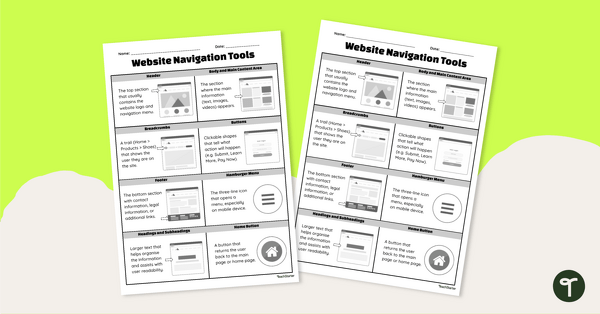
Website Navigation Tools Cheat Sheet
Teach your students about website navigation tools using this two-page cheat sheet that helps young learners easily recognise and understand the features of websites.
- Plus Plan
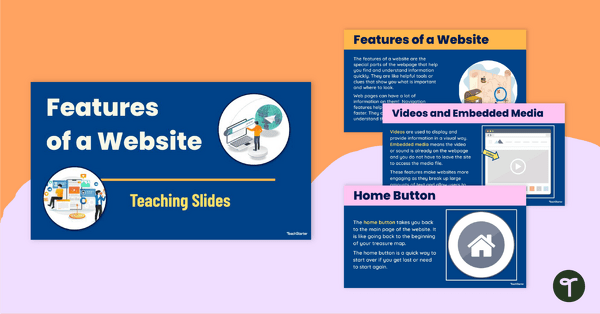
Features of a Website Teaching Slides
Teach the features of a website using this engaging 25-slide presentation designed to help students understand how different website tools improve the user experience.
- Plus Plan
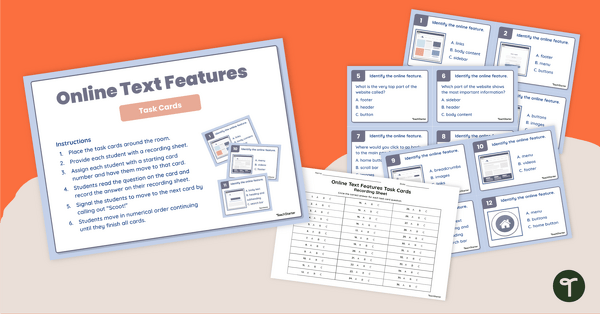
Online Text Features Task Cards
Teach online text features with ease using these multiple-choice task cards designed to strengthen students' digital reading and navigation skills.
- Plus Plan
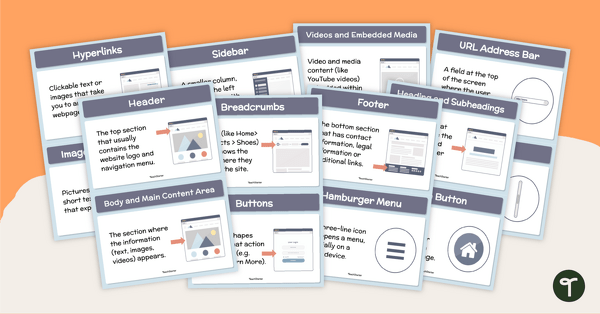
Website Features Flashcards
Support your students’ digital literacy skills by using these website features flashcards to teach website navigation tools and terminology in a fun, visual way.