Teaching Slides for Teachers
Cut your lesson planning time in half with Google Slides, PowerPoints and teaching slide templates created by teachers for teachers!
Download hundreds of ready-made lessons and presentations already formatted in Google Slides so they will integrate seamlessly with your district LMS to supplement instruction in ELA, science, math, social studies and more!
Each curriculum-aligned slide deck template in this collection has undergone rigorous review by our team of expert teachers to ensure it's classroom-ready, so you don't have to spend hours fact-checking, spell-checking, and making major edits to make it work for your students.
Curious about how to add classroom slides to your lesson plans? Read on for a primer from our teacher team!
What Is a Slide Deck?
Maybe you call them teaching presentations? Maybe you call them slideshows or classroom slides? Or maybe you're more familiar with the term PowerPoint. A slide deck is a series of slides used as a visual aid while you're teaching a lesson or to present information to parents or students.
Our teaching slides or slide decks are designed with teachers' various needs in mind so you'll find Google Slides, which can also be easily used by Microsoft PowerPoint users.
Our slide decks for elementary teachers are easy to customize to differentiate for your individual students' needs and include important definitions, explanations of key concepts, review questions and activities, links to additional worksheets, and much more.
4 Ways to Use Google Slides in Your Classroom
So how do you use Google Slides in the classroom? We realize this may sound obvious ... you use them to teach a lesson, of course.
But there are countless additional ways to make use of this tool that you may not already have in your plans, so let's dive in.
- After a lesson is complete, add your teaching slides to your students' Google Classroom. This way students who were absent can review the slides to catch up, and even students who were in class that day can use them as a reference tool.
- Send slides to parents. Parents often reach out, asking how they can help their children who are struggling to comprehend a particular topic. This is where teacher slides come in handy. You can easily email a link to parents, so they can review the content with their kids.
- Use Google Slides to flip your classroom. Are you trying a flipped classroom approach? Send your Google Slides out to students!
- Use Google Slides with small groups. You don't have to limit your slide deck presentations to whole class instruction. This format is also perfect for reviewing content with your small groups.
How Do You Use Google Slides in Google Classroom?
The best part about our step-by-step instructions for using Google Slides in Google Classroom is that there isn’t any time spent explaining the "how to" in regards to the design and creation of Google Slides. That’s because we’ve already done the hard work for you with our collection of beautifully designed Google Slides ready to go!
All you have to do is:
- Download the Google Slide resource.
- Make a copy.
- Create an assignment in Google Classroom.
- Add the Google Slide from your Google Drive.
- Make a copy for each student.
- Assign!
What Are the Benefits of Using Google Slides in the Classroom?
With templates designed by teachers and rigorously reviewed by the expert teachers on the Teach Starter team, you'll find slides for just about everything you can think of in your classroom and then some. Here are some of the great benefits you'll quickly find!
Google Slides are easy to grade — you can grade from anywhere ... even your own kids' after-school practice!
- With Google Slides, it's easy to tell when kids are missing work.
- Because of the digital nature, parents can easily see their students' assignments.
- There's increased accountability.
- There are extra supports in place for a teacher when parents question a student's grade.
- You can quickly shift from in-person to remote learning when necessary.
- Individual pages in Google Slides can be downloaded as documents, PDFs, jpgs, and in other formats so you can easily print and edit!
- Our students are growing up in an increasingly digital world, and the use of slides — along side good, old-fashioned paper and pencil — will help prepare them for using technology tools in their future.
- Plus Plan
Everyday Grammar Capitalization and Punctuation Warm-Ups – Grades 3 and 4 Interactive PowerPoint
An engaging 44 slide interactive PowerPoint to use in the middle grades classroom when learning about grammar and punctuation.
- Plus Plan
Everyday Grammar Parts of Speech Warm Ups – Grades 1 and 2
A 40-slide editable PowerPoint to use when reviewing parts of speech with your students.
- Plus Plan
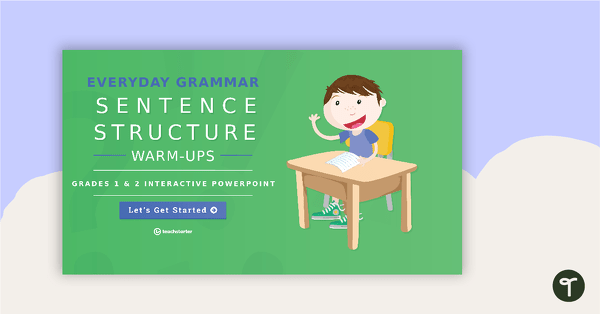
Everyday Grammar Sentence Structure Warm-Ups – Grades 1 and 2 Interactive PowerPoint
An engaging 40 slide interactive PowerPoint to use in the lower grades classroom when learning about sentence structure.
- Plus Plan
Everyday Grammar Capitalization and Punctuation Warm-Ups – Grades 1 and 2 Interactive PowerPoint
An engaging 44-slide interactive PowerPoint to use in the lower grades when learning about capitalization and punctuation.
- Plus Plan
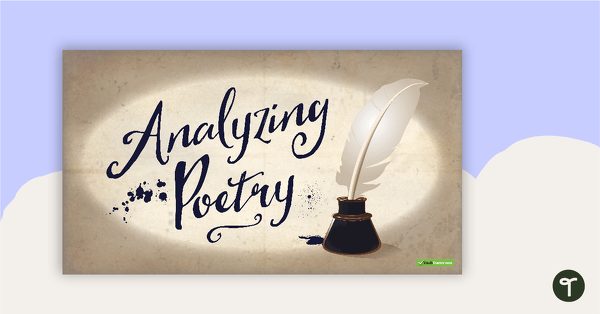
Analyzing Poetry Teaching Slides
Teach your students how to analyze poetry using the SMILE technique with this comprehensive and age-appropriate slide deck.
- Plus Plan
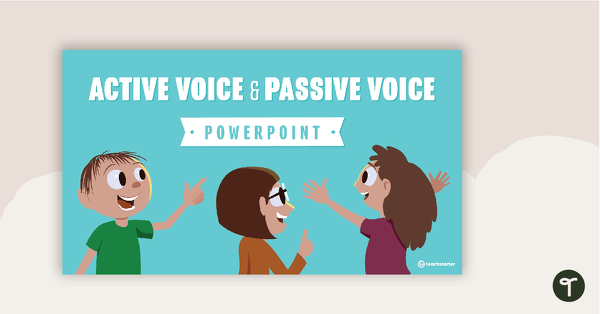
Active Voice and Passive Voice PowerPoint
A 13 slide editable PowerPoint template to use when teaching your students about active voice and passive voice.
- Plus Plan
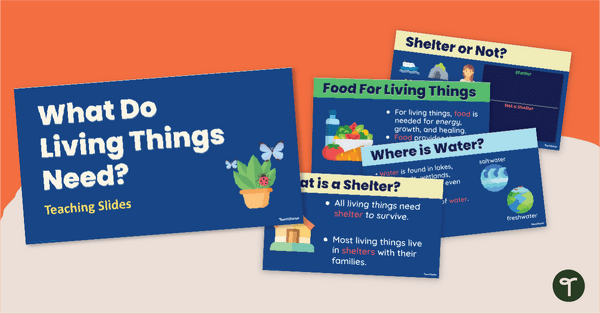
What Living Things Need to Survive - Teaching Slides
Teach your students what animals, plants, and humans need to survive with an engaging, interactive teaching slide deck.
- Free Plan
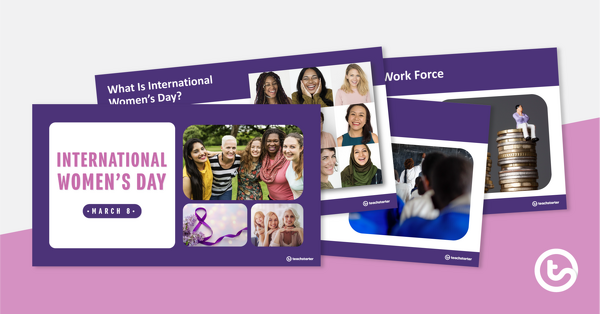
International Women's Day - PowerPoint Presentation
An 11-slide PowerPoint presentation that provides an overview of International Women’s Day.
- Plus Plan
Jack and the Beanstalk (Made Differently!) PowerPoint
A 16-slide teaching presentation to use when exploring the properties of materials.
- Plus Plan
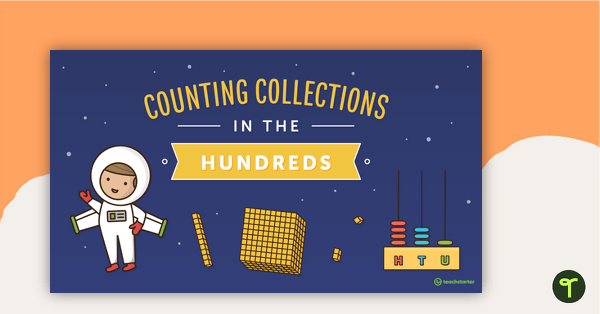
Counting Collections in the Hundreds PowerPoint
A 15-page editable PowerPoint to use in the classroom when exploring efficient ways of counting collections in the hundreds.
- Plus Plan
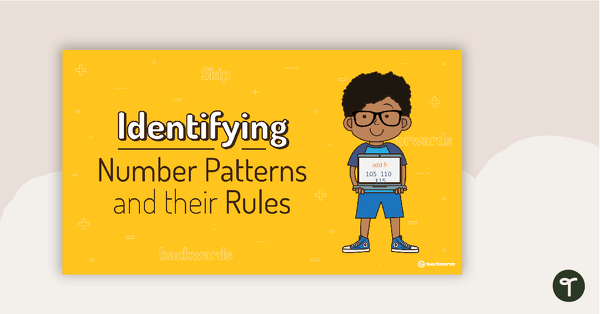
Identifying Number Patterns and their Rules - PowerPoint
A 14-slide editable PowerPoint to use in the classroom when introducing number patterns and rules.
- Plus Plan
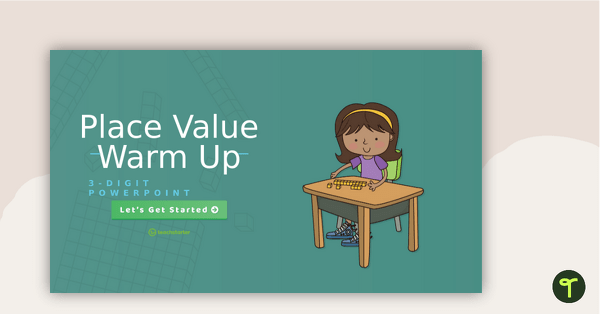
3-Digit Place Value Warm-Up - Interactive PowerPoint
An engaging 44-slide interactive PowerPoint to use when learning about place value to 3-digits.
- Plus Plan
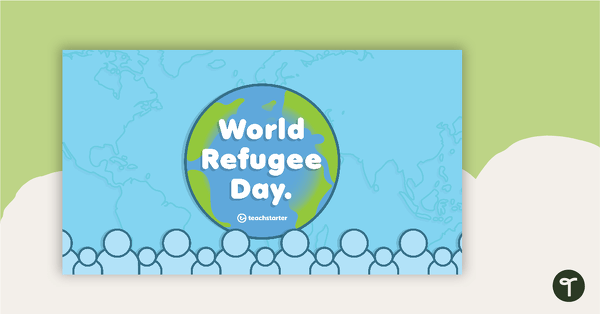
Refugee Day Teaching Presentation
A 14 page teaching presentation on World Refugee Day.
- Plus Plan
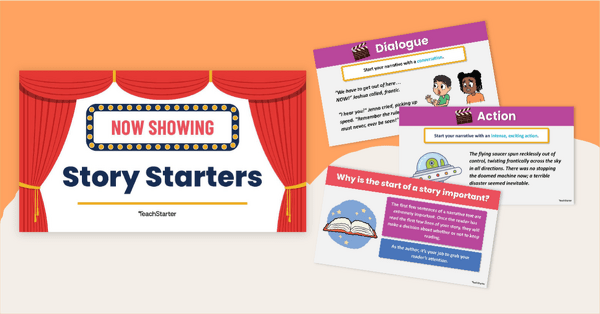
Seven Sensational Story Starters PowerPoint
A 10 slide editable PowerPoint template of story starters to use in narrative writing.
- Plus Plan
The Natural Environment of Africa PowerPoint
A 17 slide editable PowerPoint template to use when introducing students to the climate, vegetation and animals of Africa.
- Plus Plan
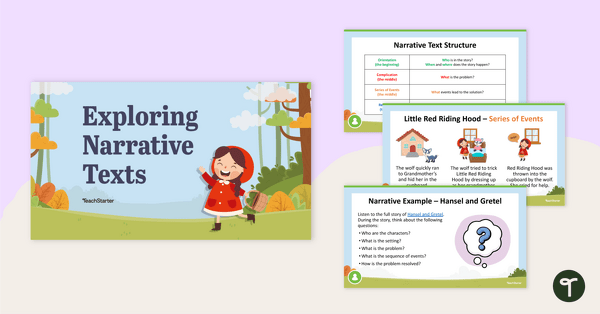
Exploring Narrative Texts Teaching Slides
A 20 slide editable PowerPoint template to use when teaching younger students about the structure of narrative texts.
- Plus Plan
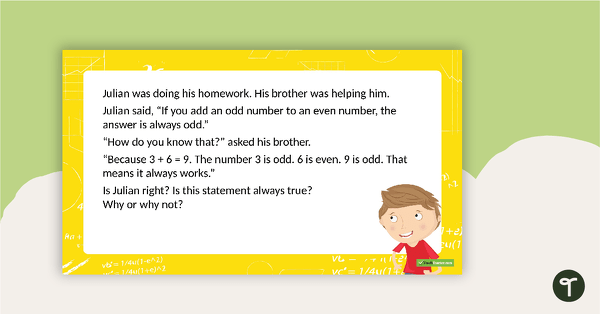
Open-Ended Math Problem Solving PowerPoint - Middle Elementary
A PowerPoint with 20 open-ended problem solving questions covering a range of mathematical concepts.
- Plus Plan
Introduction to Readers' Theater PowerPoint
An 11 slide PowerPoint template to use when introducing Readers' Theater to your students.
- Plus Plan
Exploring Informational Texts Teaching Slides
Teach your students how to write an informational text using this detailed slideshow targeted at lower elementary school students.
- Plus Plan
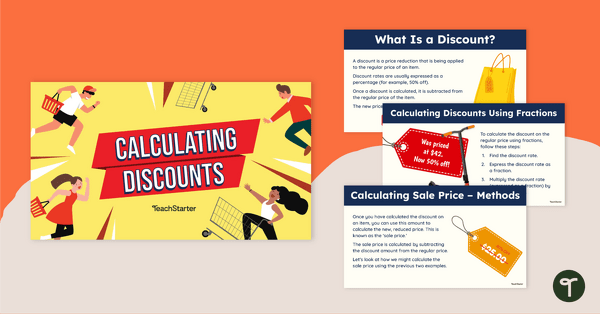
Calculating Discounts and Sale Price Teaching Slides
Teach your students how to calculate discounts and sale prices using fractions and decimals with this comprehensive teaching presentation.
- Plus Plan
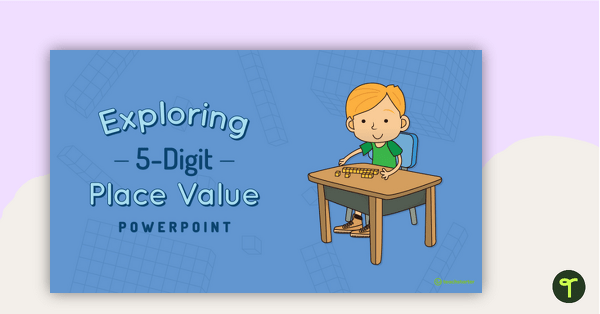
Exploring 5-Digit Place Value PowerPoint
A 38-slide PowerPoint template to use when exploring place value in the ten thousands place.
- Plus Plan
Freedom of Choice PowerPoint - Developing Scientific Lines of Questioning
A teaching presentation discussing the development of scientific lines of questioning.
- Plus Plan
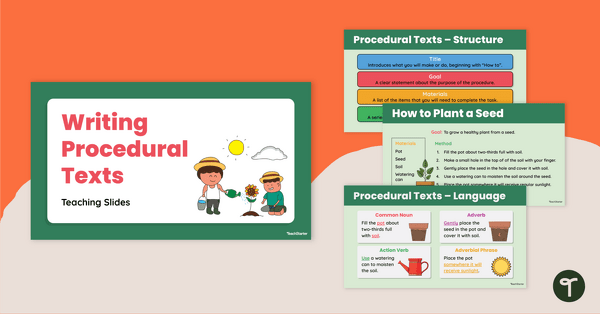
Writing Procedural Texts Teaching Slides
Use this procedural writing PowerPoint to teach your students about the purpose, structural elements and language features of procedure texts.
- Plus Plan
Introducing Percentages PowerPoint
A 12-slide editable PowerPoint to use when introducing percentages to your students.
- Plus Plan

Counting Collections and Connecting Numbers PowerPoint
A 16-page editable PowerPoint presentation to use as part of a counting lesson when teaching place value to younger students.
- Plus Plan
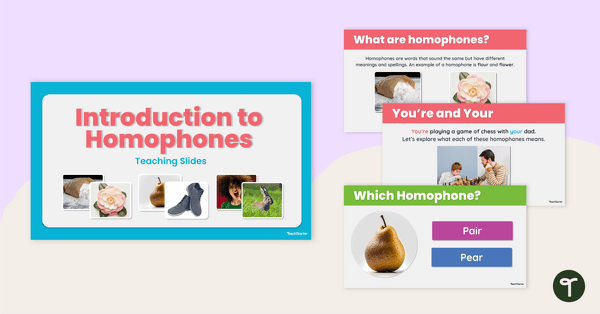
Introduction to Homophones Teaching Slides
Teach your students how to use homophones correctly in their writing with this comprehensive set of teaching slides.
- Plus Plan
Daily Math Problems - Grades 5-6
A 42-slide PowerPoint with 19 multi-step word problems.
- Plus Plan
Travel Around the World - PowerPoint Template
A travel-themed PowerPoint template to add some creativity to your classroom and professional PowerPoint presentations.
- Plus Plan
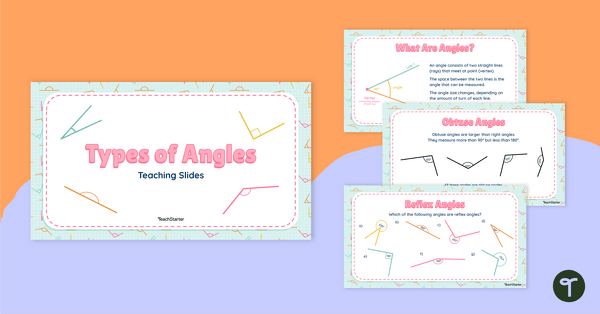
Types of Angles Teaching Slides
Teach your students about the six main angle types with this teaching presentation perfect for elementary school math lessons.
- Plus Plan
The Continent of South America PowerPoint
A 20-slide, editable PowerPoint template to use when introducing students to the geographical features of South America.
- Plus Plan
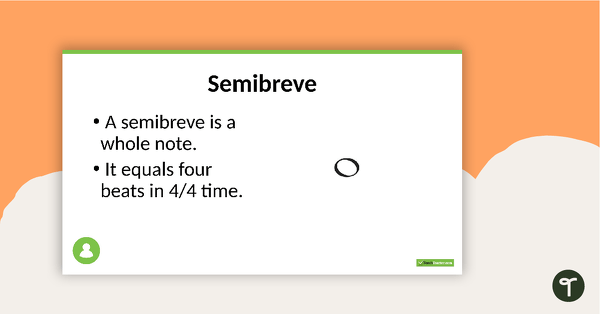
Music Symbols PowerPoint
A Microsoft PowerPoint presentation covering 15 common musical symbols.
- Plus Plan
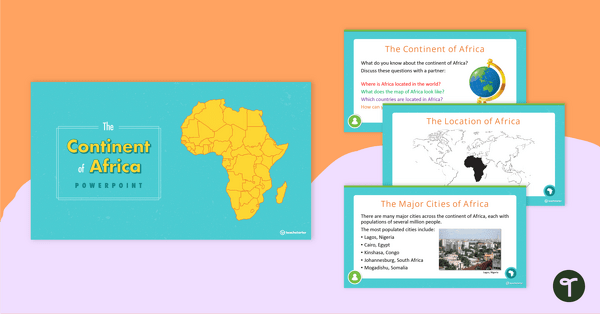
The Continent of Africa PowerPoint
A 20 slide editable PowerPoint template to use when introducing students to the geographical features of Africa.