Teaching Slides for Teachers
Cut your lesson planning time in half with Google Slides, PowerPoints and teaching slide templates created by teachers for teachers!
Download hundreds of ready-made lessons and presentations already formatted in Google Slides so they will integrate seamlessly with your district LMS to supplement instruction in ELA, science, math, social studies and more!
Each curriculum-aligned slide deck template in this collection has undergone rigorous review by our team of expert teachers to ensure it's classroom-ready, so you don't have to spend hours fact-checking, spell-checking, and making major edits to make it work for your students.
Curious about how to add classroom slides to your lesson plans? Read on for a primer from our teacher team!
What Is a Slide Deck?
Maybe you call them teaching presentations? Maybe you call them slideshows or classroom slides? Or maybe you're more familiar with the term PowerPoint. A slide deck is a series of slides used as a visual aid while you're teaching a lesson or to present information to parents or students.
Our teaching slides or slide decks are designed with teachers' various needs in mind so you'll find Google Slides, which can also be easily used by Microsoft PowerPoint users.
Our slide decks for elementary teachers are easy to customize to differentiate for your individual students' needs and include important definitions, explanations of key concepts, review questions and activities, links to additional worksheets, and much more.
4 Ways to Use Google Slides in Your Classroom
So how do you use Google Slides in the classroom? We realize this may sound obvious ... you use them to teach a lesson, of course.
But there are countless additional ways to make use of this tool that you may not already have in your plans, so let's dive in.
- After a lesson is complete, add your teaching slides to your students' Google Classroom. This way students who were absent can review the slides to catch up, and even students who were in class that day can use them as a reference tool.
- Send slides to parents. Parents often reach out, asking how they can help their children who are struggling to comprehend a particular topic. This is where teacher slides come in handy. You can easily email a link to parents, so they can review the content with their kids.
- Use Google Slides to flip your classroom. Are you trying a flipped classroom approach? Send your Google Slides out to students!
- Use Google Slides with small groups. You don't have to limit your slide deck presentations to whole class instruction. This format is also perfect for reviewing content with your small groups.
How Do You Use Google Slides in Google Classroom?
The best part about our step-by-step instructions for using Google Slides in Google Classroom is that there isn’t any time spent explaining the "how to" in regards to the design and creation of Google Slides. That’s because we’ve already done the hard work for you with our collection of beautifully designed Google Slides ready to go!
All you have to do is:
- Download the Google Slide resource.
- Make a copy.
- Create an assignment in Google Classroom.
- Add the Google Slide from your Google Drive.
- Make a copy for each student.
- Assign!
What Are the Benefits of Using Google Slides in the Classroom?
With templates designed by teachers and rigorously reviewed by the expert teachers on the Teach Starter team, you'll find slides for just about everything you can think of in your classroom and then some. Here are some of the great benefits you'll quickly find!
Google Slides are easy to grade — you can grade from anywhere ... even your own kids' after-school practice!
- With Google Slides, it's easy to tell when kids are missing work.
- Because of the digital nature, parents can easily see their students' assignments.
- There's increased accountability.
- There are extra supports in place for a teacher when parents question a student's grade.
- You can quickly shift from in-person to remote learning when necessary.
- Individual pages in Google Slides can be downloaded as documents, PDFs, jpgs, and in other formats so you can easily print and edit!
- Our students are growing up in an increasingly digital world, and the use of slides — along side good, old-fashioned paper and pencil — will help prepare them for using technology tools in their future.
- Plus Plan
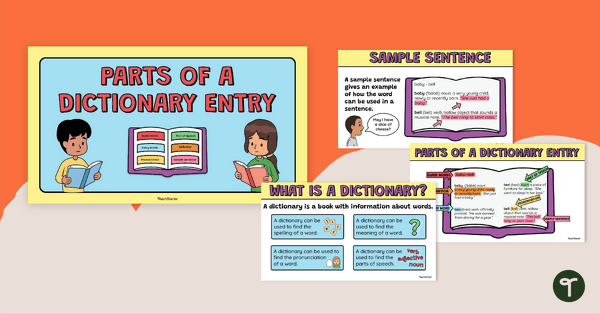
Parts of a Dictionary Entry Instructional Slide Deck
Learn about the different parts of a dictionary with this Instruction Slide Deck.
- Plus Plan
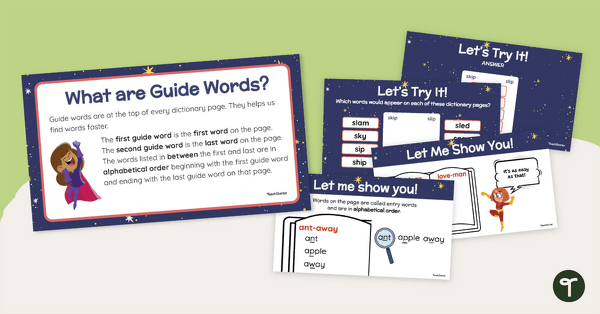
Guide Words Instructional Slide Deck
Learn how to use guide words to find words in a dictionary with this Instructional Slide Deck.
- Plus Plan
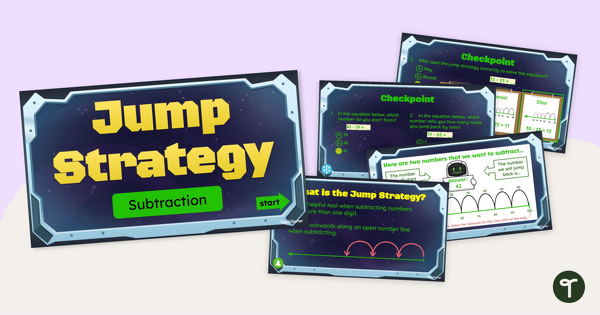
Jump Strategy for Subtraction – Interactive Teaching Slides
Teach your students to subtract two-digit numbers using the jump strategy with an instructional teaching presentation.
- Plus Plan
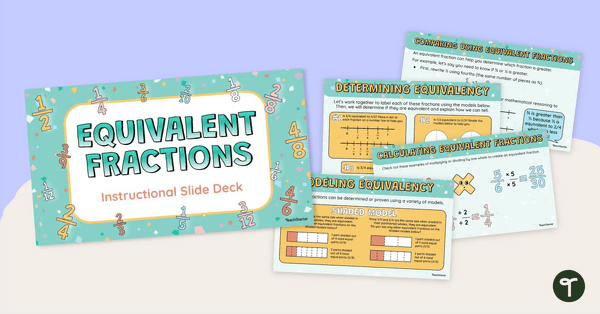
Equivalent Fractions – Instructional Slide Deck
Teach your students how to find equivalent fractions by using a number line, shaded models, or a fraction chart with this instructional slide deck.
- Plus Plan
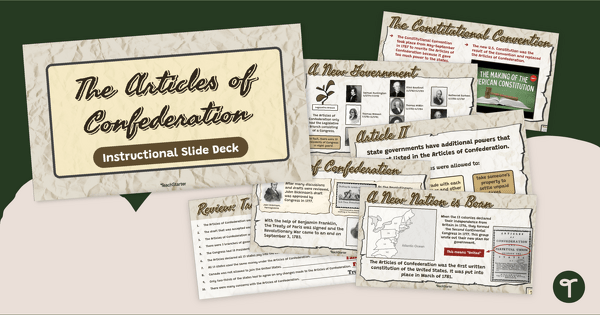
Articles of Confederation - Lesson Plan Slide Presentation
Investigate the document made by those who wanted a "just right" government with an interactive teaching slide deck about the Articles of Confederation.
- Plus Plan
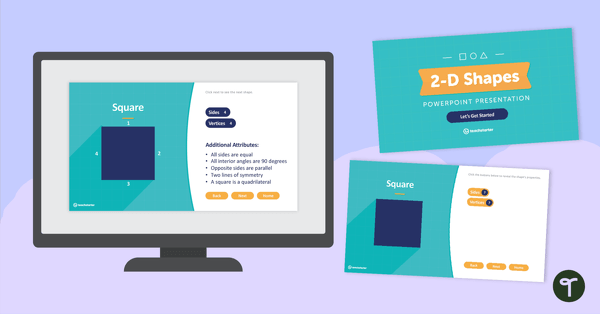
2-D Shapes and Their Attributes - Interactive PowerPoint
Practice identifying the attributes of different 2D shapes with this 90-slide interactive PowerPoint.
- Plus Plan
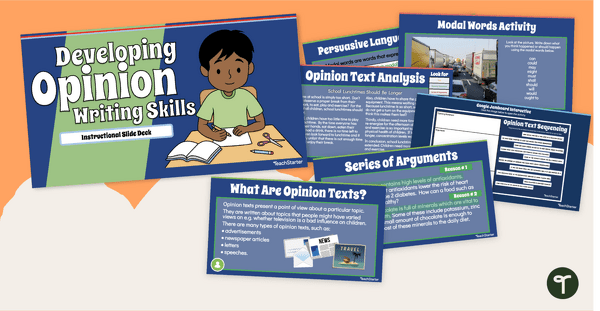
Developing Opinion Writing Skills Teaching Slides
Teach your students how to write an opinion piece with these interactive teaching slides specifically created for 3rd and 4th grade students.
- Plus Plan
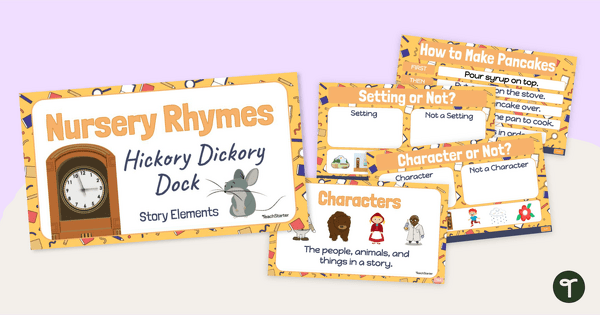
Hickory Dickory Dock - Story Elements Slide Deck
Engage young readers in texts and discover parts of a story with an interactive version of Hickory Dickory Dock.
- Plus Plan
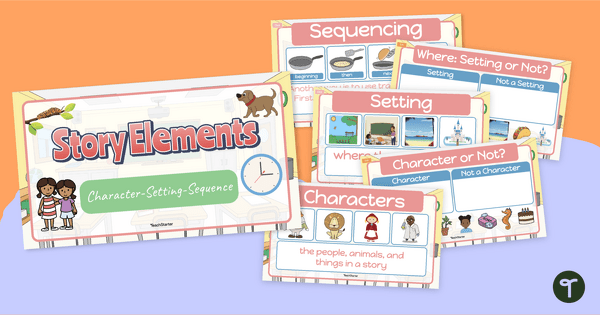
Kindergarten Story Elements - Instructional Slides
Introduce your kindergarten and first-grade students to the elements of a story using this interactive Google Slides teaching presentation.
- Plus Plan
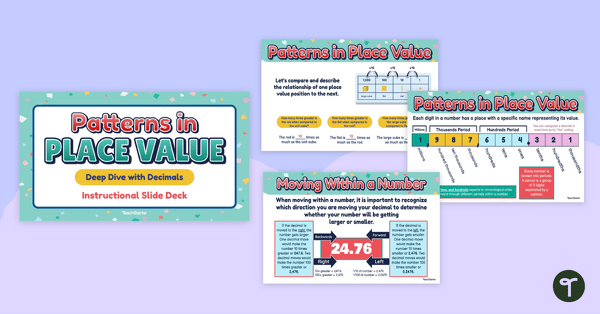
Patterns in Place Value Teaching Slides
Strengthen student understanding of decimal place value and the relationship between place value positions with this instructional slide deck.
- Plus Plan
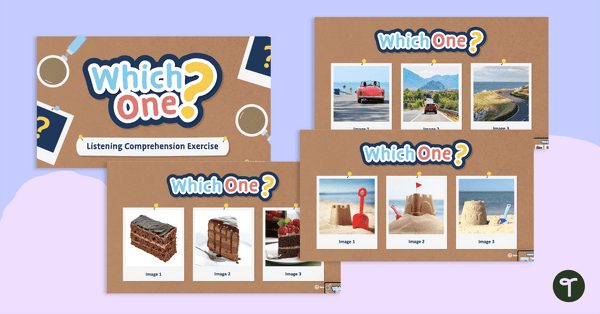
Which One? – Listening Comprehension Exercise
An Interactive PowerPoint where students listen to a description and choose the matching image.
- Plus Plan
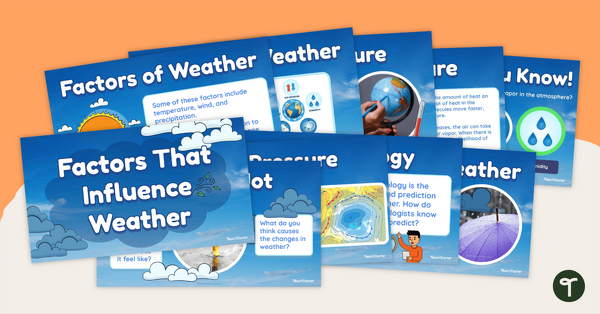
Factors That Influence Weather – Teaching Slide Deck
Teach your students how temperature, wind, humidity, cloud coverage, and air pressure influence weather with this 18-slide instructional slide deck.
- Plus Plan
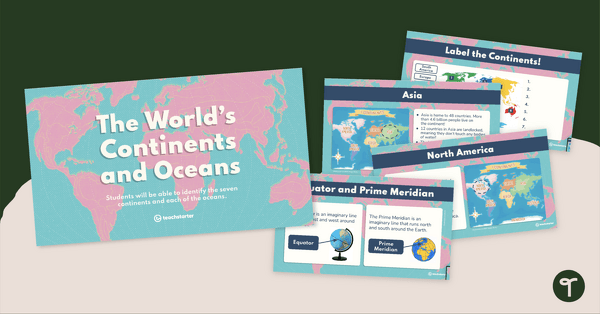
The World's Continents and Oceans Instructional Slide Deck
Explore the seven continents and five oceans of the world with this comprehensive teaching presentation.
- Plus Plan
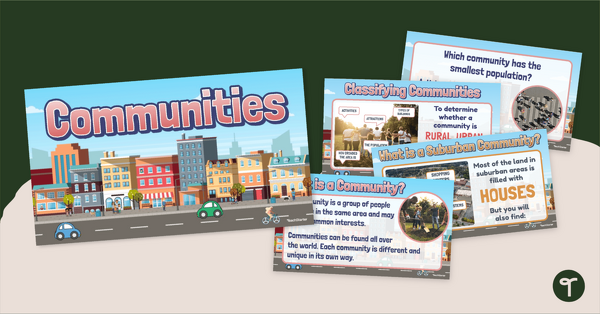
Rural, Urban, and Suburban Communities Slide Deck
Study the characteristics different types of communities (urban, rural, suburban) with an instructional slide deck.
- Plus Plan
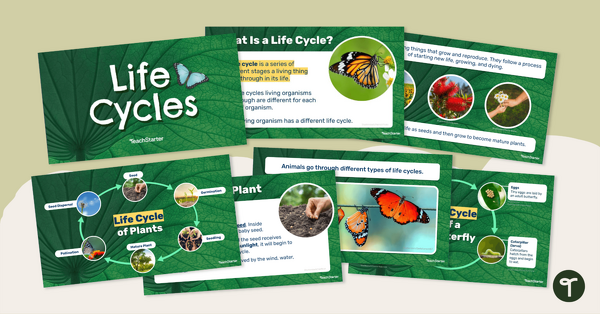
Life Cycles – Instructional Slide Deck
Teach your students about the life cycle of plants and animals with this 19-slide instructional slide deck.
- Plus Plan
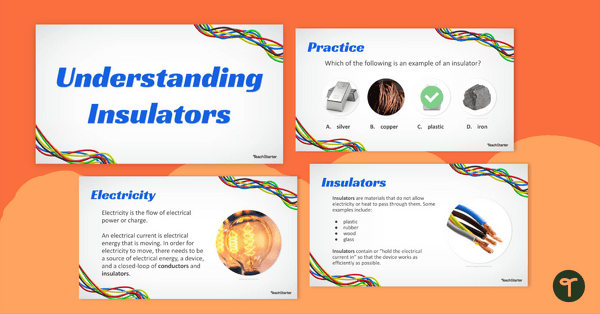
Understanding Insulators Teaching Slides
Teach your students about electrical and thermal insulators with this teaching presentation.
- Plus Plan
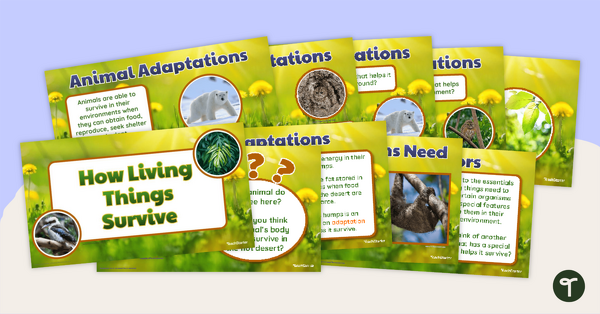
How Living Things Survive – Teaching Presentation
Use this 13-slide teaching presentation to teach your students about the physical characteristics of animals and plants, which help them meet their basic needs.
- Plus Plan
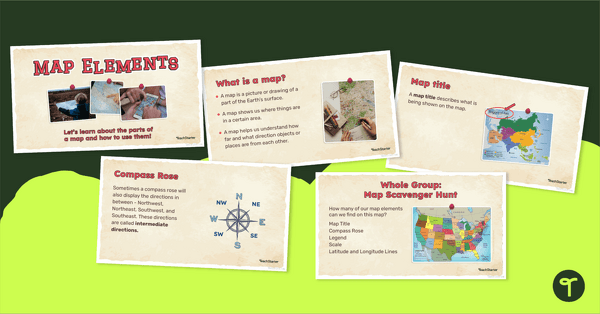
Me on the Map - Map Elements Presentation
Teach the components of a map with a map elements teaching presentation.
- Plus Plan
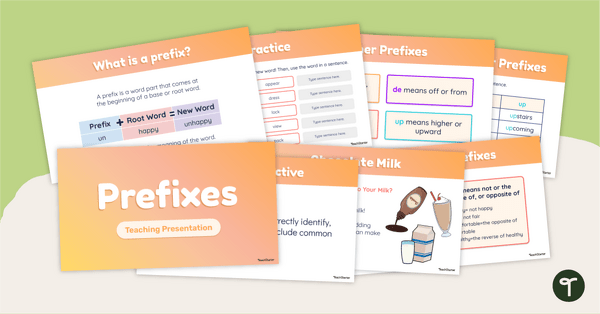
Prefixes PowerPoint
Use this Prefix PowerPoint to help students understand what prefixes are and confidently use common prefixes related to opposites, time, place and position, numbers and size.
- Plus Plan
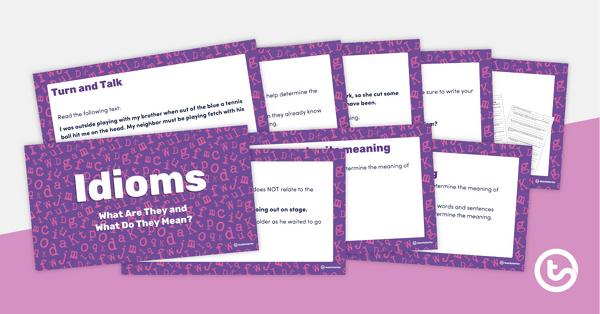
Idioms: What Are They and What Do They Mean? PowerPoint
An editable PowerPoint presentation to use when teaching idioms.
- Plus Plan
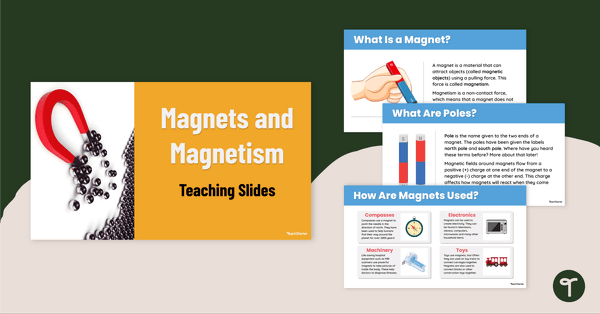
Magnets and Magnetism Teaching Slides
Teach your students how magnets and magnetism work with this comprehensive and age-appropriate teaching presentation for elementary school science lessons.
- Plus Plan
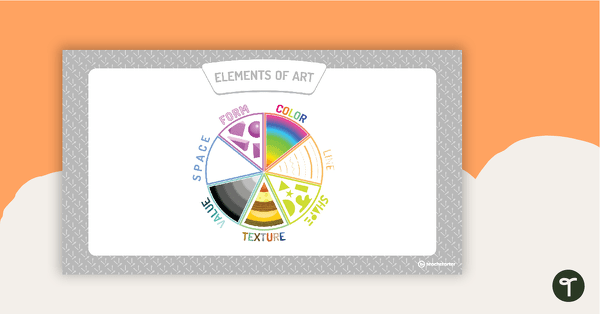
Visual Art Elements PowerPoint Presentation
A PowerPoint including eight slides explaining the different visual art elements.
- Plus Plan
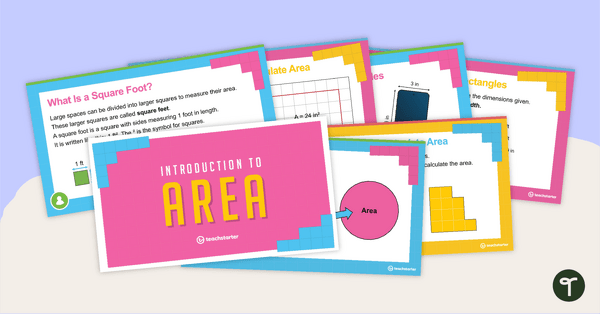
Introduction to Area Instructional Slide Deck
Introduce the concept of measuring the area of regular shapes with this 22-slide instructional slide deck.
- Plus Plan
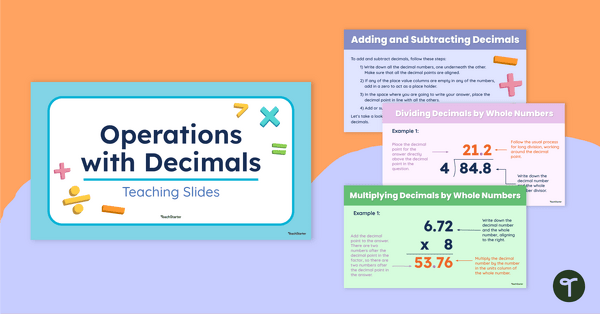
Operations with Decimals Teaching Slides
Teach your students how to add, subtract, multiply and divide using decimal numbers with this comprehensive teaching presentation perfect for upper elementary math lessons.
- Plus Plan
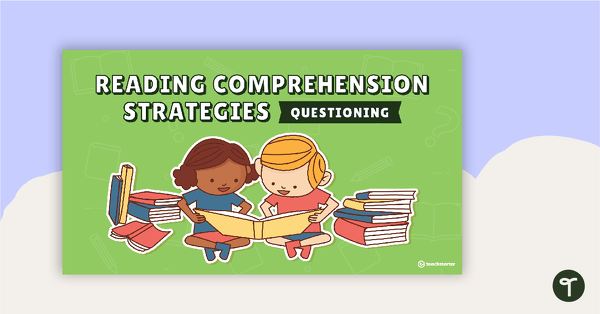
Questioning Comprehension Strategy Teaching Slides
Teach the questioning comprehension strategy to your class with this engaging slide deck that explores how to ask purposeful questions to deepen understanding of texts.
- Plus Plan
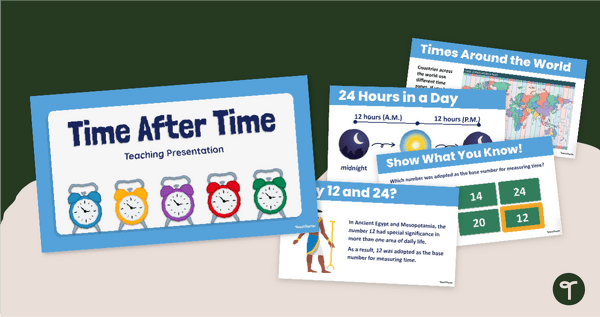
Time After Time Teaching Slides
Introduce your students to the history of the clock, time zones, and telling time with an interactive teaching presentation.
- Plus Plan
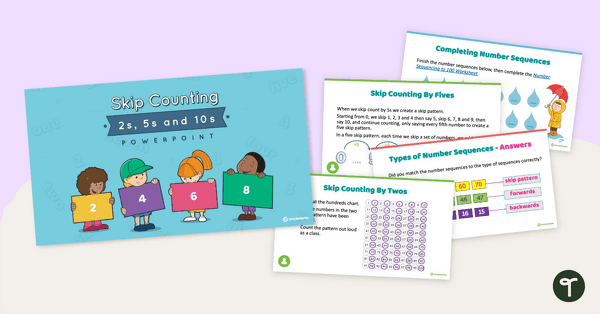
Skip Counting by 2s, 5s, and 10s PowerPoint
A 28-page editable PowerPoint to use in the classroom when introducing skip counting by 2s, 5s, and 10s.
- Plus Plan

Counting Collections and Connecting Numbers PowerPoint
A 16-page editable PowerPoint presentation to use as part of a counting lesson when teaching place value to younger students.
- Plus Plan
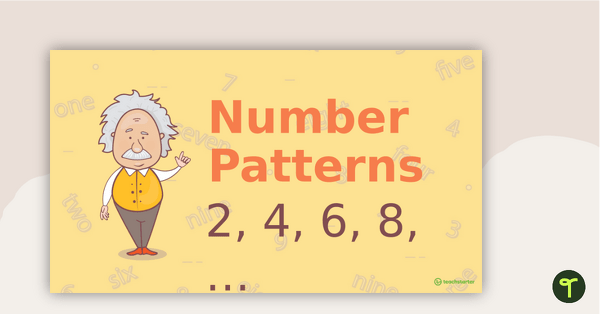
Number Patterns PowerPoint
A 12 page editable PowerPoint presentation to use as part of a numeracy lesson when teaching place value and number patterns to younger students.
- Plus Plan
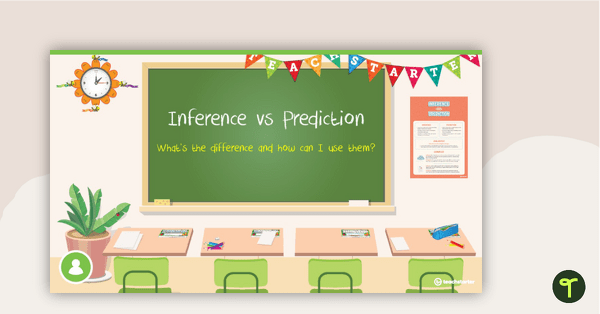
Prediction vs Inference Teaching Slides
Use this prediction vs inference teaching presentation to help your students tell the difference between these two essential reading comprehension strategies.
- Plus Plan
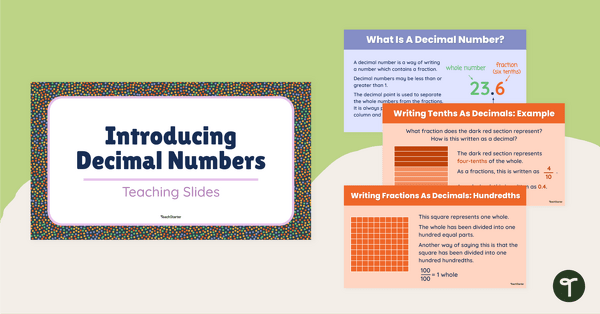
Introducing Decimal Numbers Teaching Slides
Help students understanding decimal place value and the relationship between fractions and decimals with this comprehensive teaching presentation.
- Plus Plan
Developing Report Writing Skills Teaching Slides
Use this slide deck to teach your students about the purpose, structural elements and language features of informational texts.