Teaching Slides for Teachers
Cut your lesson planning time in half with Google Slides, PowerPoints and teaching slide templates created by teachers for teachers!
Download hundreds of ready-made lessons and presentations already formatted in Google Slides so they will integrate seamlessly with your district LMS to supplement instruction in ELA, science, math, social studies and more!
Each curriculum-aligned slide deck template in this collection has undergone rigorous review by our team of expert teachers to ensure it's classroom-ready, so you don't have to spend hours fact-checking, spell-checking, and making major edits to make it work for your students.
Curious about how to add classroom slides to your lesson plans? Read on for a primer from our teacher team!
What Is a Slide Deck?
Maybe you call them teaching presentations? Maybe you call them slideshows or classroom slides? Or maybe you're more familiar with the term PowerPoint. A slide deck is a series of slides used as a visual aid while you're teaching a lesson or to present information to parents or students.
Our teaching slides or slide decks are designed with teachers' various needs in mind so you'll find Google Slides, which can also be easily used by Microsoft PowerPoint users.
Our slide decks for elementary teachers are easy to customize to differentiate for your individual students' needs and include important definitions, explanations of key concepts, review questions and activities, links to additional worksheets, and much more.
4 Ways to Use Google Slides in Your Classroom
So how do you use Google Slides in the classroom? We realize this may sound obvious ... you use them to teach a lesson, of course.
But there are countless additional ways to make use of this tool that you may not already have in your plans, so let's dive in.
- After a lesson is complete, add your teaching slides to your students' Google Classroom. This way students who were absent can review the slides to catch up, and even students who were in class that day can use them as a reference tool.
- Send slides to parents. Parents often reach out, asking how they can help their children who are struggling to comprehend a particular topic. This is where teacher slides come in handy. You can easily email a link to parents, so they can review the content with their kids.
- Use Google Slides to flip your classroom. Are you trying a flipped classroom approach? Send your Google Slides out to students!
- Use Google Slides with small groups. You don't have to limit your slide deck presentations to whole class instruction. This format is also perfect for reviewing content with your small groups.
How Do You Use Google Slides in Google Classroom?
The best part about our step-by-step instructions for using Google Slides in Google Classroom is that there isn’t any time spent explaining the "how to" in regards to the design and creation of Google Slides. That’s because we’ve already done the hard work for you with our collection of beautifully designed Google Slides ready to go!
All you have to do is:
- Download the Google Slide resource.
- Make a copy.
- Create an assignment in Google Classroom.
- Add the Google Slide from your Google Drive.
- Make a copy for each student.
- Assign!
What Are the Benefits of Using Google Slides in the Classroom?
With templates designed by teachers and rigorously reviewed by the expert teachers on the Teach Starter team, you'll find slides for just about everything you can think of in your classroom and then some. Here are some of the great benefits you'll quickly find!
Google Slides are easy to grade — you can grade from anywhere ... even your own kids' after-school practice!
- With Google Slides, it's easy to tell when kids are missing work.
- Because of the digital nature, parents can easily see their students' assignments.
- There's increased accountability.
- There are extra supports in place for a teacher when parents question a student's grade.
- You can quickly shift from in-person to remote learning when necessary.
- Individual pages in Google Slides can be downloaded as documents, PDFs, jpgs, and in other formats so you can easily print and edit!
- Our students are growing up in an increasingly digital world, and the use of slides — along side good, old-fashioned paper and pencil — will help prepare them for using technology tools in their future.
- Plus Plan
Daily Math Problems - Grade 2
A 44 slide editable PowerPoint template for problem solving in Mathematics.
- Plus Plan
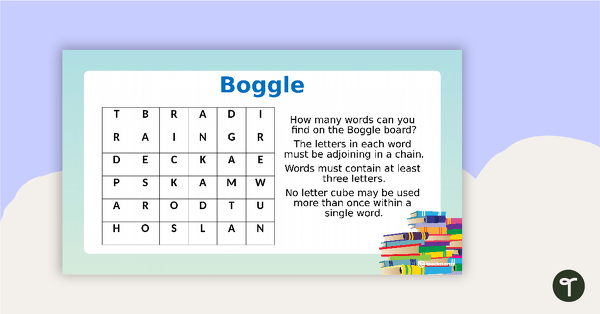
Middle Grades Morning Work PowerPoint
An engaging 77-slide PowerPoint to use in the classroom for independent morning work.
- Plus Plan
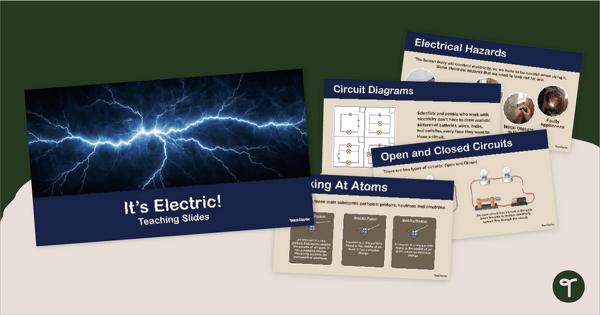
It's Electric! - PowerPoint Presentation
Teach your students about electricity with this editable 23-slide Electricity PowerPoint.
- Plus Plan
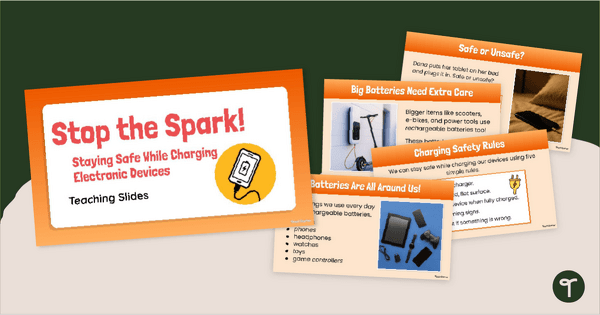
Stop the Spark! Safe Charging PowerPoint
Promote fire safety and safe charging practices during Fire Prevention Week with an interactive Stop the Spark! Safe Charging PowerPoint.
- Plus Plan
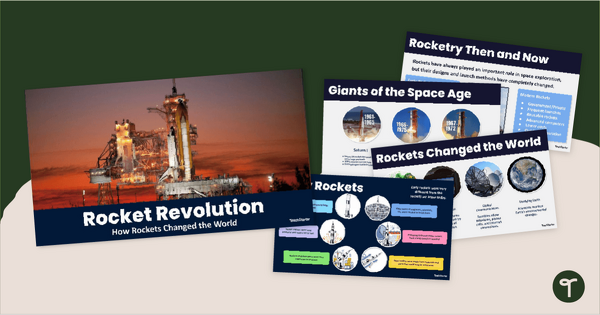
Rocket Revolution PowerPoint
Discover the history and future of space exploration and rocket science with an engaging Rocket Revolution PowerPoint!
- Plus Plan
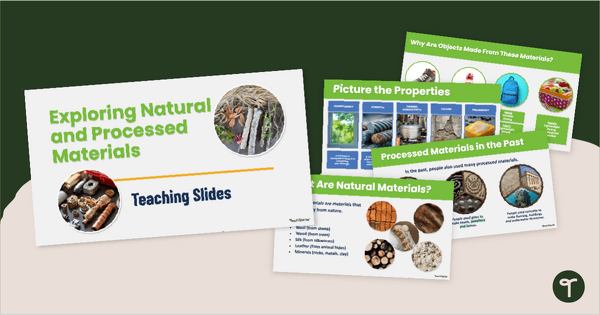
Exploring Natural and Processed Materials PowerPoint
Explore natural and manmade materials with an interactive Natural and Processed Materials PowerPoint presentation.
- Plus Plan
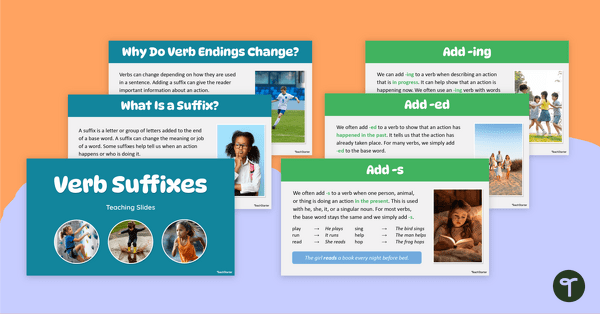
Verb Suffixes Teaching Slides (s, ed, ing)
Teach verb suffixes to your class with ease using this engaging slide deck that helps students understand when to apply the suffixes -s, -ed and -ing to change verb tense.
- Plus Plan
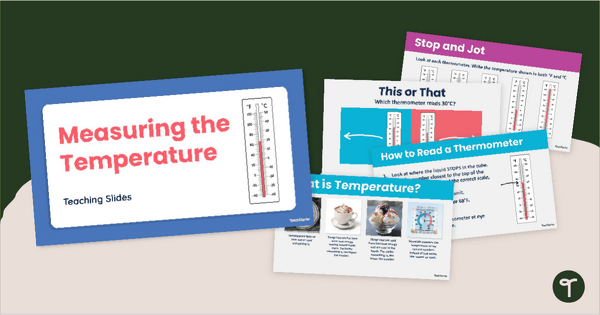
Measuring the Temperature PowerPoint
Teach your students how to read the temperature with an interactive Measuring the Temperature PowerPoint.
- Plus Plan
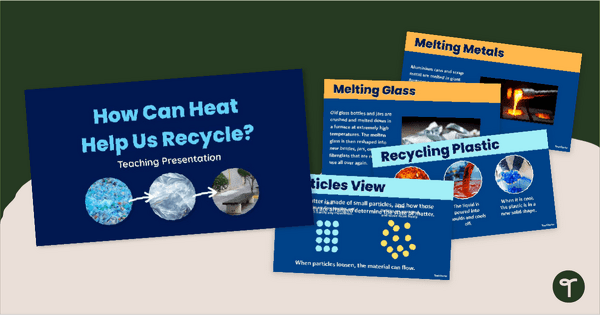
Heat, State Changes & Recycling PowerPoint
Explore how heat contributes to the recycling process with an interactive State Changes and Recycling PowerPoint.
- Plus Plan
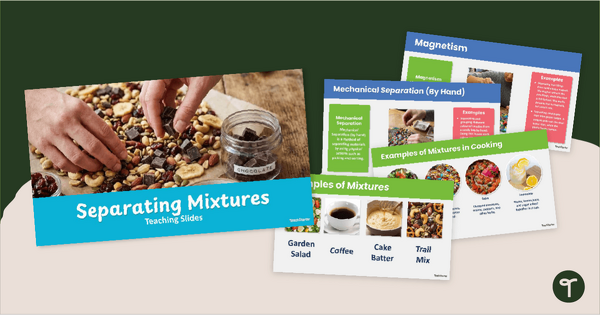
Separating Mixtures PowerPoint
Explore types of mixtures and how to separate them with an interactive Separating Mixtures PowerPoint Presentation.
- Plus Plan
Google Slides Meet the Teacher Slideshow Template
Use this editable back to school Google Slides template for your Meet the Teacher or Back-to-School Parent Information event!
- Plus Plan
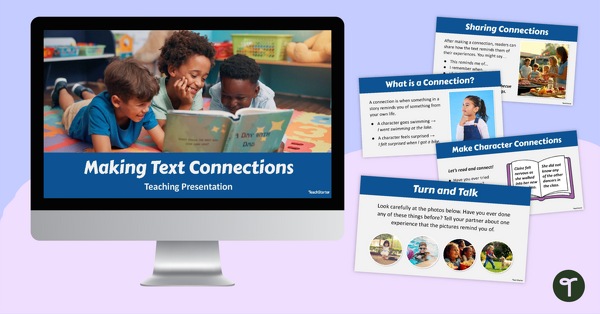
Making Text Connections PowerPoint - 1st Grade
Help your students become stronger, more thoughtful readers with this Making Text Connections PowerPoint.
- Plus Plan
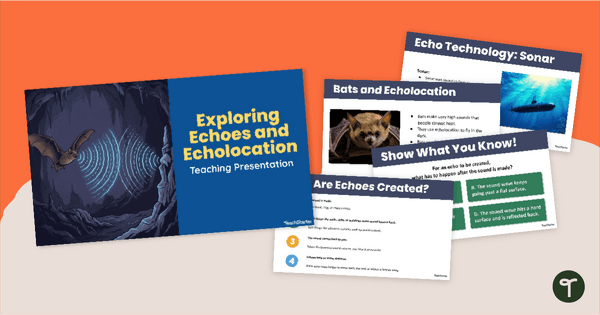
Echoes and Echolocation PowerPoint
Explore sound energy and how it is used with an engaging interactive Echoes and Echolocation PowerPoint Presentation.
- Plus Plan
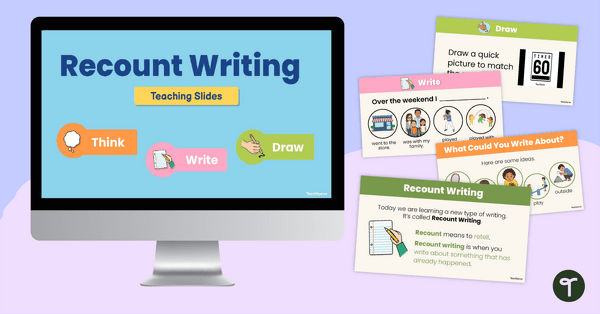
Simple Recount Writing Teaching Slides
Build early writing confidence with this engaging Recount Writing PowerPoint for Kindergarten.
- Plus Plan
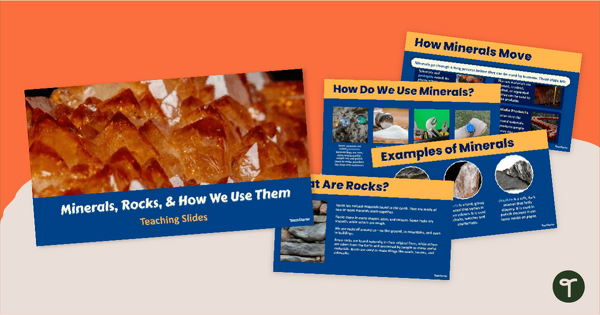
How We Use Rocks and Minerals PowerPoint
Explore rocks and minerals and how we use them with our How We Use Rocks and Minerals PowerPoint.
- Plus Plan
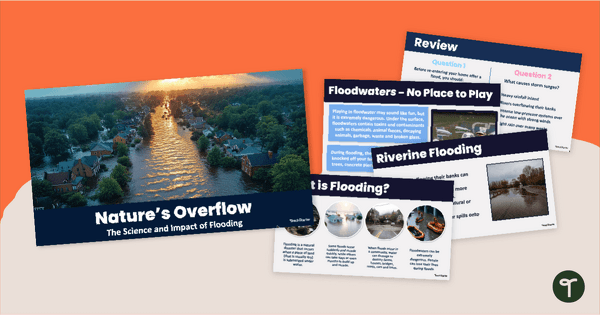
Nature's Overflow - Impacts of Flooding PowerPoint
Learn about floods and their impact on communities with our Impacts of Flooding PowerPoint.
- Plus Plan
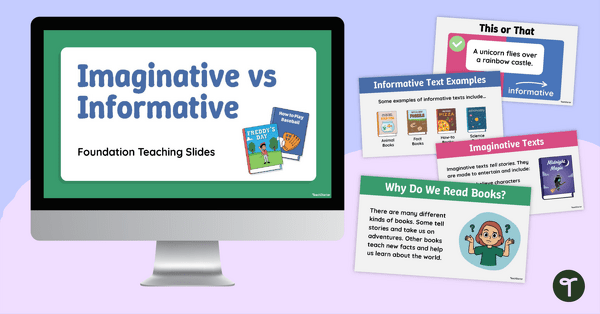
Imaginative vs Informative PowerPoint
Build strong comprehension skills with this engaging Imaginative vs Informative Texts PowerPoint.
- Plus Plan
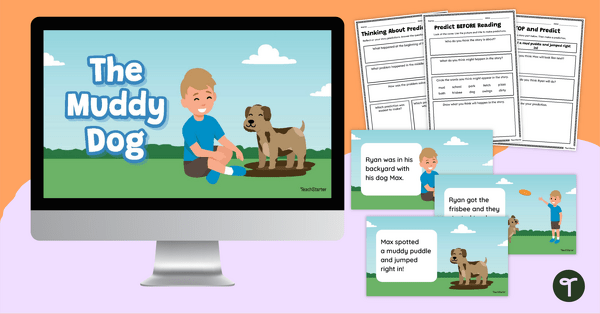
Digital Predicting Story Activity
Use this digital story of The Muddy Dog and matching prediction worksheets to explore how to make predictions before, during and after a story as a class.
- Plus Plan
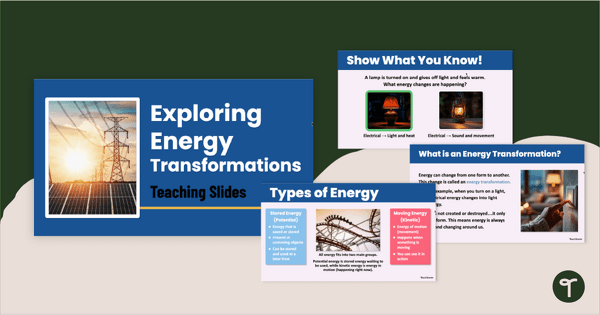
Energy Transformations PowerPoint
Explore how energy changes forms with our Energy Transformations PowerPoint Presentation.
- Plus Plan
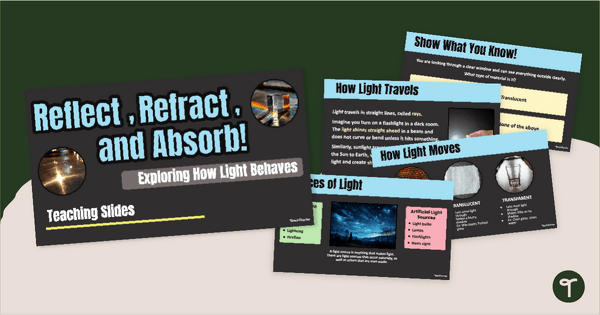
Reflection, Refraction & Absorption PowerPoint
Teach your students how light behaves with an engaging Reflection, Refraction and Absorption PowerPoint Presentation.
- Plus Plan
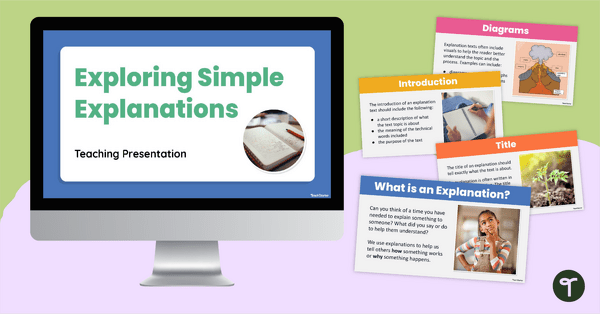
Exploring Simple Explanations PowerPoint
Use this Exploring Simple Explanations PowerPoint to teach your students about what explanation texts are, why they are written, and how they are structured.
- Plus Plan
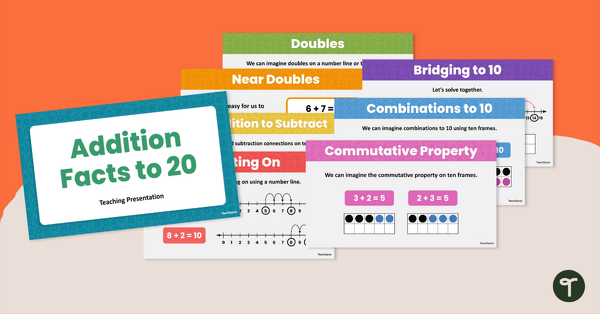
Addition Facts to 20 Teaching Slides
Build confidence with addition facts to 20 using this structured and engaging teaching slide deck.
- Plus Plan
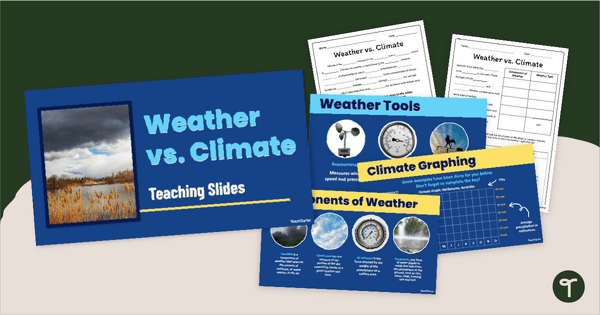
Weather vs Climate PowerPoint and Guided Notes
Teach your students the difference between climate and weather with this Weather vs Climate PowerPoint and accompanying guided notes.
- Plus Plan
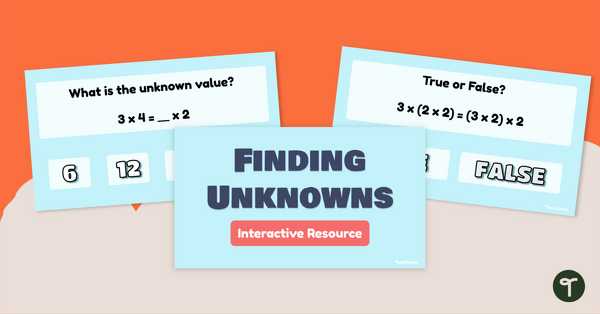
Finding Unknown Values Interactive Task Cards
Strengthen student understanding of finding unknown values with this interactive task card resource.
- Plus Plan
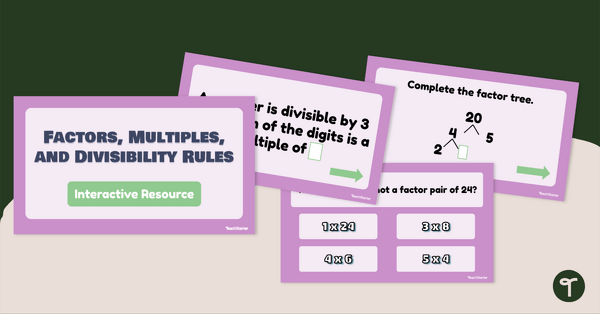
Factors, Multiples, and Divisibility Rules Interactive Task Cards
Explore factors, multiples, and divisibility rules with these interactive task cards.
- Plus Plan
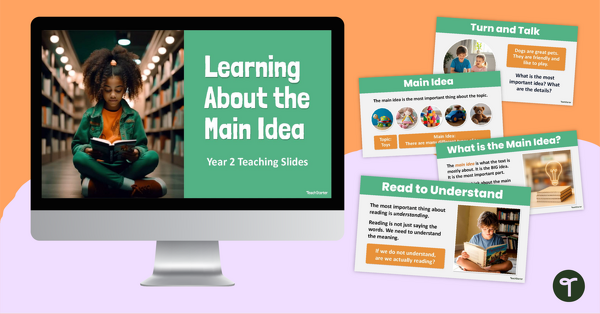
Learning About the Main Idea Teaching Slides - 3rd Grade
Help students understand how to work out the main idea in texts with this set of teaching slides.
- Plus Plan
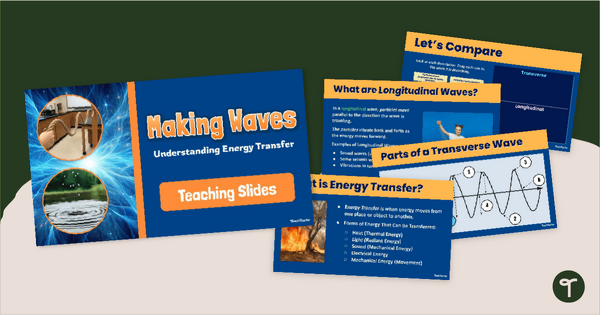
Making Waves! Energy Transfer PowerPoint
Explore energy transfer through longitudinal and transverse waves with an interactive Energy Transfer PowerPoint.
- Plus Plan
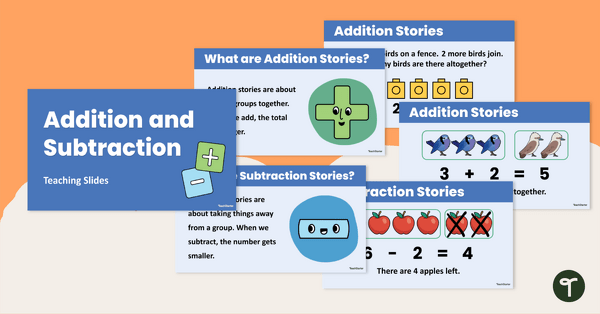
Addition and Subtraction Teaching Slides
Support students’ understanding of addition and subtraction with an engaging slide deck that helps Kindergarten learners explore real‑life math.
- Plus Plan
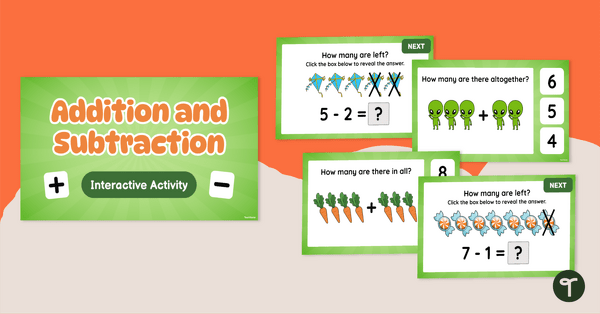
Addition and Subtraction Interactive Slides
Support addition and subtraction learning with interactive slides that help teachers build student confidence through clear, engaging practice.
- Plus Plan
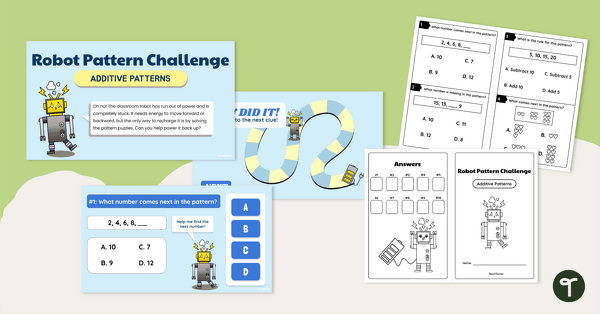
Robot Pattern Challenge - Additive Patterns Interactive Slides
Engage students with additive patterns interactive slides that offer teachers a ready‑to‑use digital resource for recognizing, extending, and explaining additive number patterns.
- Plus Plan

Exploring Sound Energy PowerPoint (2nd Grade)
Explore sound energy, how it is produced, and more with our Year 2 Exploring Sound Energy PowerPoint teaching presentation.
- Plus Plan
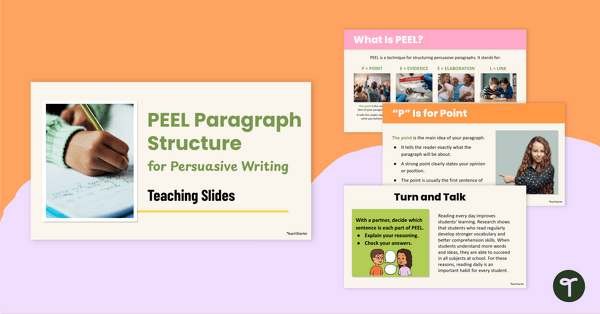
PEEL Paragraph Structure for Persuasive Writing Teaching Slides
Support students to master PEEL paragraph structure in their persuasive writing with this comprehensive slide deck perfect for direct instruction.