Technologies
Technologies enrich and impact on the lives of people and societies globally. Australia needs enterprising individuals who can make discerning decisions about the development and use of technologies and who can independently and collaboratively develop solutions to complex challenges and contribute to sustainable patterns of living. Technologies can play an important role in transforming, restoring and sustaining societies and natural, managed and constructed environments.
The Australian Curriculum: Technologies ensures that all students benefit from learning about and working with traditional, contemporary and emerging technologies that shape the world in which we live. By applying their knowledge and practical skills and processes when using technologies and other resources to create innovative solutions, independently and collaboratively, they develop knowledge, understanding and skills to respond creatively to current and future needs.
The practical nature of the Technologies learning area engages students in critical and creative thinking, including understanding interrelationships in systems when solving complex problems. A systematic approach to experimentation, problem-solving, prototyping and evaluation instils in students the value of planning and reviewing processes to realise ideas.
All young Australians should develop capacity for action and a critical appreciation of the processes through which technologies are developed and how technologies can contribute to societies. Students need opportunities to consider the use and impact of technological solutions on equity, ethics, and personal and social values. In creating solutions, as well as responding to the designed world, students consider desirable sustainable patterns of living, and contribute to preferred futures for themselves and others.
This rationale is extended and complemented by specific rationales for each Technologies subject.
- Plus Plan
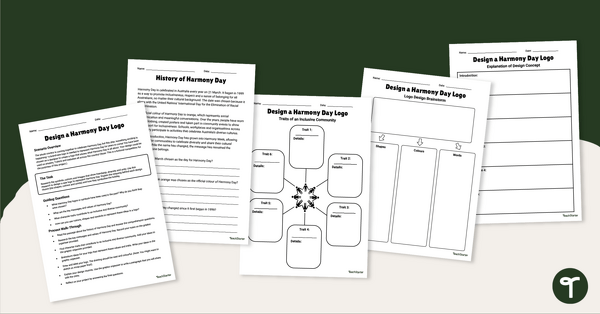
Design a Harmony Day Logo Project
Design a Harmony Day logo with your students using our inquiry-based learning project.
- Free Plan
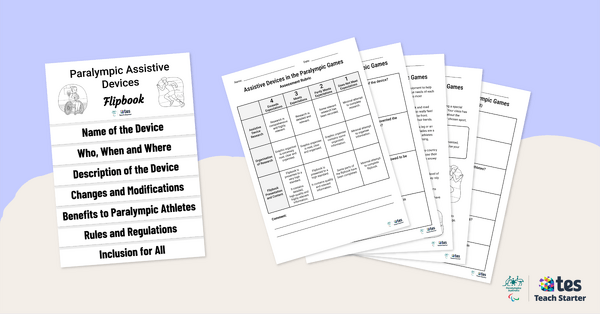
Assistive Devices in the Paralympic Games – Inquiry-Based Project
Have your students investigate the assistive devices used by Paralympians with this inquiry-based learning project.
- Plus Plan
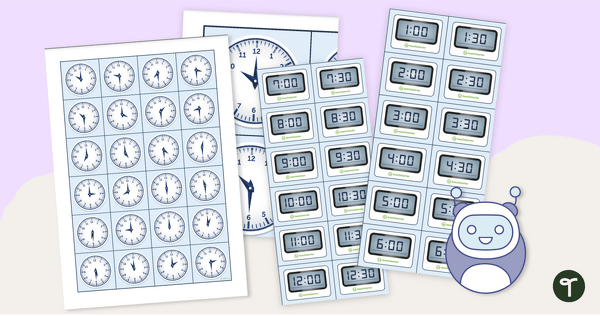
Analogue and Digital Clock Coding Robot Mat
Practise telling time on analogue and digital clocks with coding robots!
- Plus Plan
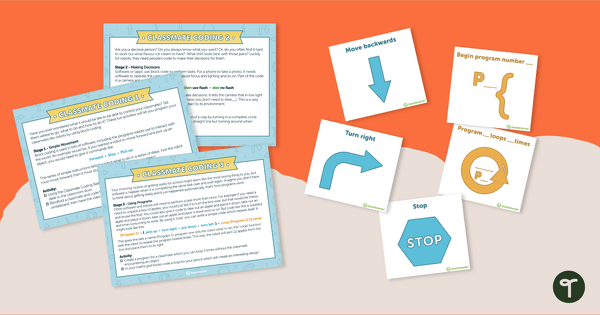
Classmate Coding - Flashcards and Activities
Introduce your students to the concept of coding by having them "program" a classmate using coding cards.
- Plus Plan
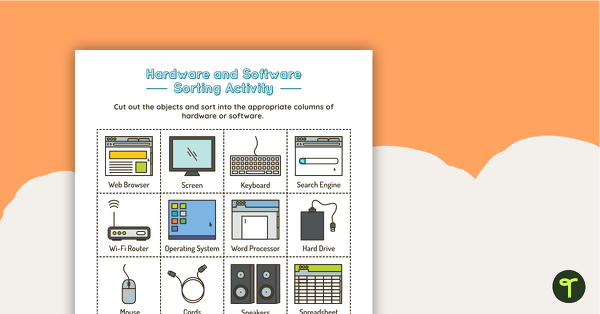
Introduction to Hardware and Software Sorting Activity
Guide students in understanding the difference between hardware and software with this cut and sort activity.
- Plus Plan
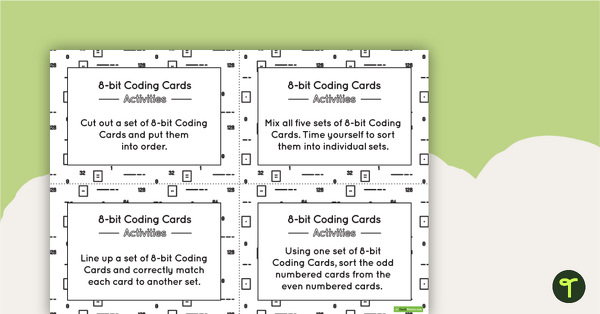
8-bit Coding Card Packs with Activities
A set of 8-bit coding cards with associated activities to assist students in understanding 8-bit coding.
- Free Plan
Directional Arrows Algorithm Game
A game to help teach your students directional instructions in sequencing (algorithms).
- Plus Plan
Blank Algorithm Grid - Colour
An activity for students to use when learning about algorithms (directions).
- Plus Plan
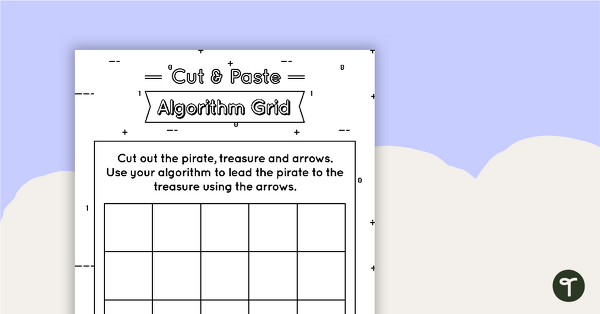
Cut and Paste Algorithm Grid - Black and White
An activity for students to use when learning about algorithms (directions).
- Plus Plan
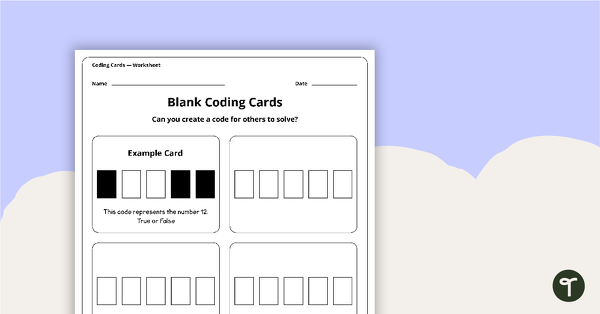
Blank Binary Coding Cards - Worksheet
A worksheet to assist students in creating their own binary codes.
- Plus Plan
Binary Coding Cards
Use these binary coding cards to demonstrate how to ‘switch’ a ‘digit’ on or off.
- Plus Plan
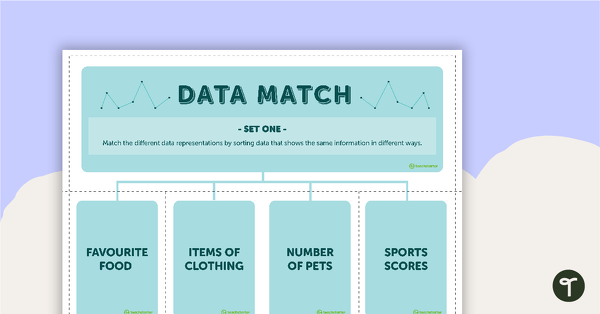
Data Match-Up Cards (Set 1)
A match-up activity for students to use when exploring data.
- Plus Plan
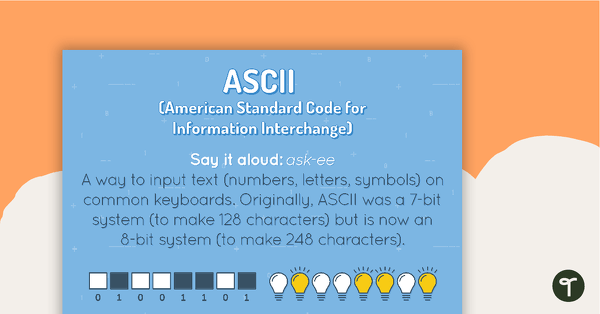
ASCII Poster
A poster showing the definition and an example of ASCII.
- Plus Plan
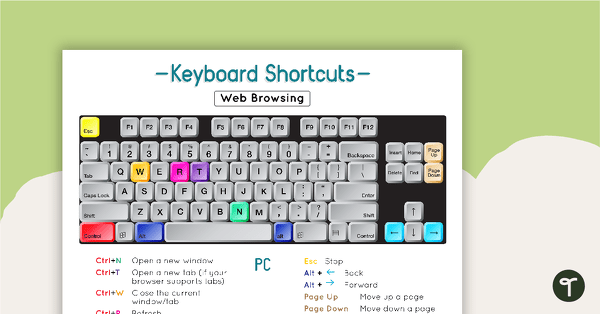
Using a PC Keyboard Poster
A set of 4 posters to remind students of the correct shortcuts for a PC keyboard.
- Plus Plan
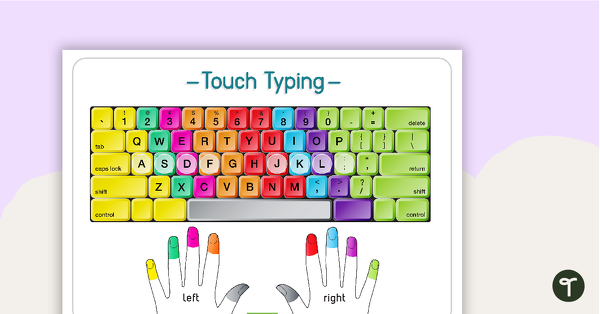
Touch Typing Poster
A poster to remind students of correct fingers when touch typing.
- Free Plan
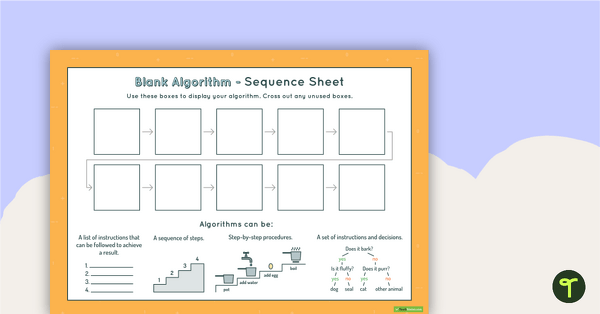
10-Step Algorithm Sequence Sheet - Middle Primary
A worksheet for students to use when writing an algorithm.
- Plus Plan
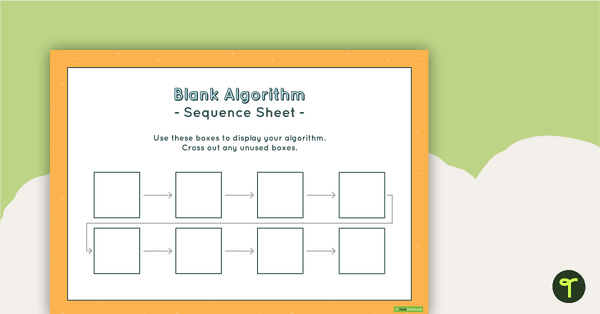
8-Step Algorithm Sequence Sheet - Lower Primary
A worksheet for students to use when writing an algorithm.
- Plus Plan
Coding Word Wall Definitions
A set of definition word wall cards to display in your classroom when learning about computer coding.
- Plus Plan
Coding Word Wall Vocabulary
A set of vocabulary word wall cards and a poster about computer coding, to display in your classroom.
- Free Plan
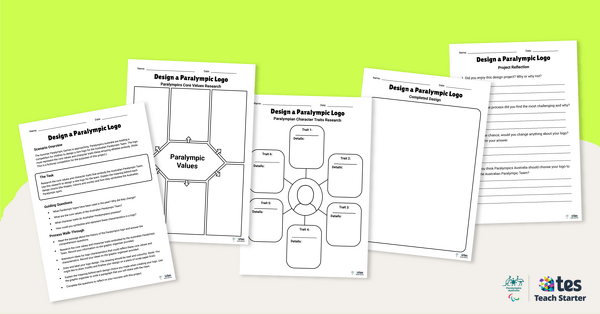
Design a Paralympic Logo – Inquiry-Based Project
Have your students design a new logo for the Australian Paralympic Team with this inquiry-based learning project.
- Plus Plan
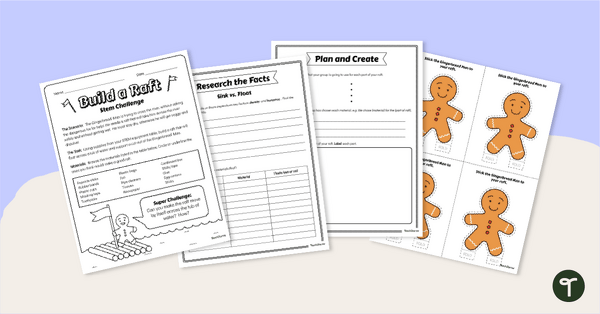
Gingerbread STEM Investigation - Build A Gingerbread Boat
Explore floating and waterproof materials in this Gingerbread STEM investigation embedded in a fun fairy tale story.
- Plus Plan
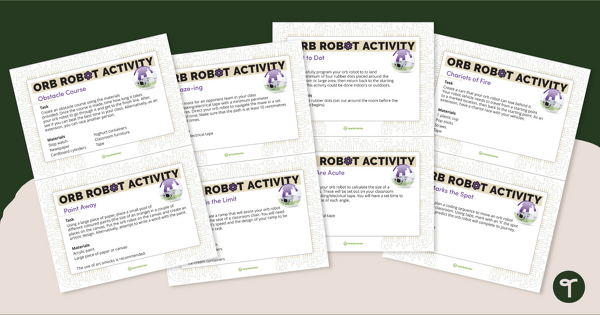
Orb Robot Task Cards
Practice coding concepts with orb robot task cards for students, suitable for middle and upper years.
- Plus Plan
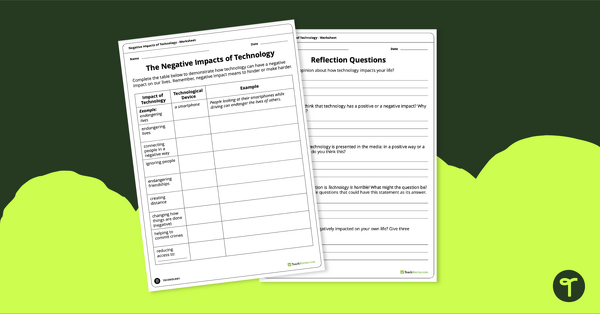
Negative Impacts of Technology Worksheet
Explore the negative impacts of technology in the community with a pair of printable worksheets.
- Plus Plan
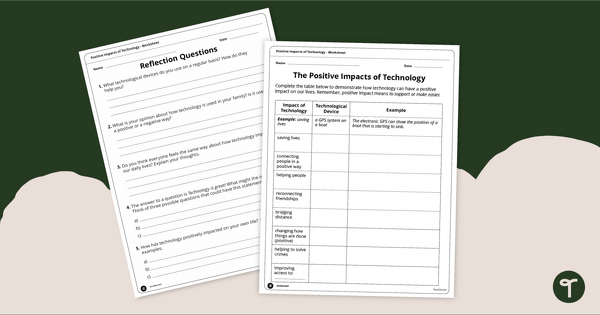
Positive Impacts of Technology Worksheet
Exploring the positive impacts of technology in the community with a pair of printable worksheets.
- Plus Plan
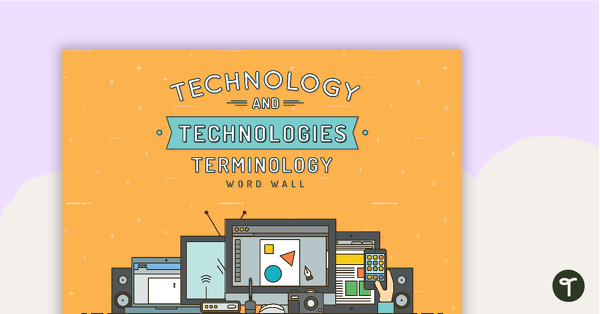
Technology and Technologies Terminology - Word Wall
96 vocabulary word wall cards and a poster about technology, to display in your classroom.
- Plus Plan
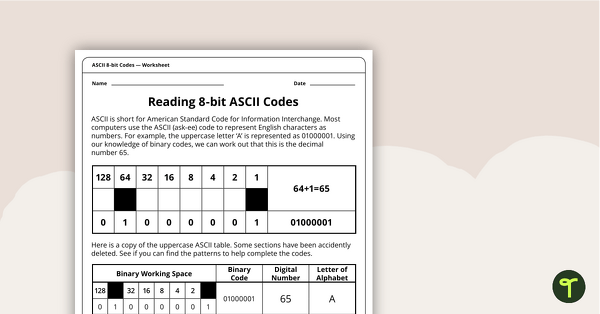
Reading 8-bit ASCII Codes - Worksheet
A worksheet to assist students in understanding what actual computer code (ASCII- current 8-bit version) looks like.
- Plus Plan
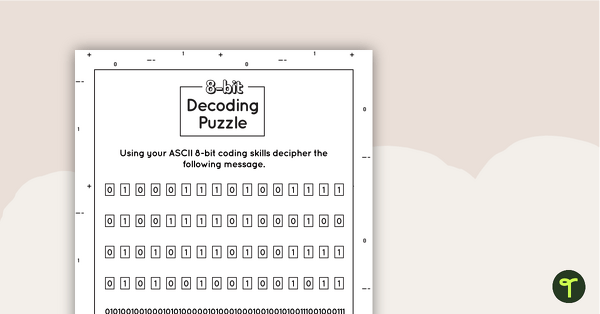
8-bit Decoding Puzzle
A puzzle for students to solve when consolidating their understanding of coding.
- Free Plan
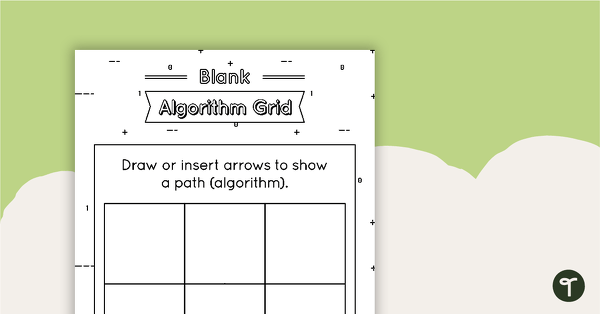
Blank Algorithm Grid - Black and White
An activity for students to use when learning about algorithms (directions).
- Plus Plan
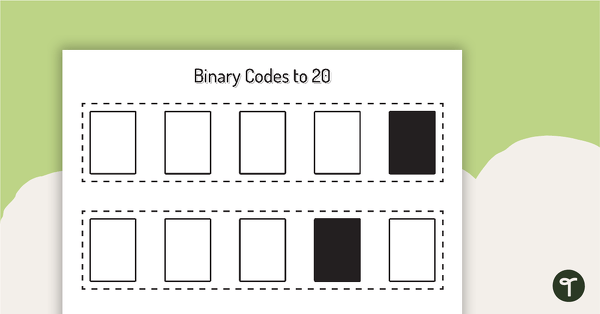
Binary Codes without Guide Dots to 20 Cards
Coding cards for teachers to use when teaching about the total numeric value of a bit code.
- Plus Plan
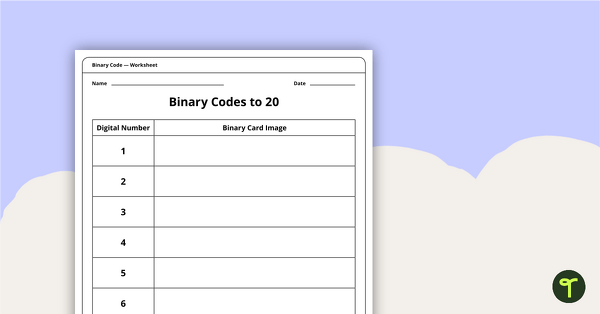
Binary Codes to 20 without Guide Dots - Worksheet
An activity for students to complete when learning how to read and write in code.
- Plus Plan
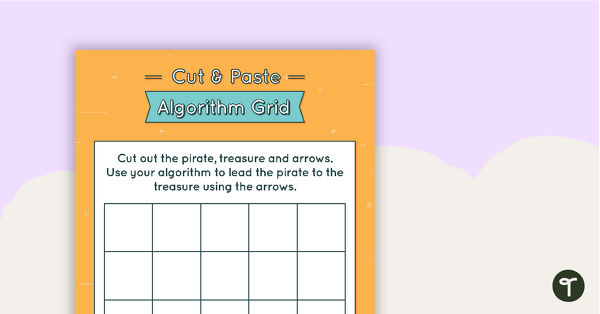
Cut and Paste Algorithm Grid - Colour
An activity for students to use when learning about algorithms (directions).
- Plus Plan
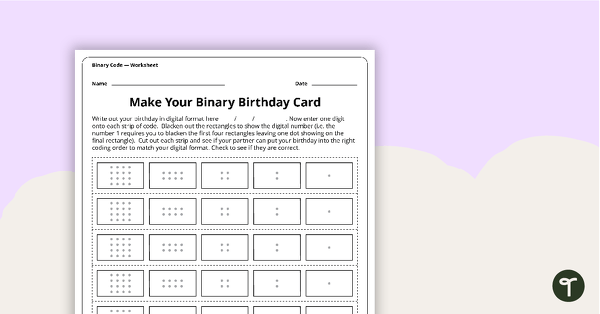
Make Your Binary Code Birthday Card Activity
A worksheet for students to use when learning about the total numeric value of a bit code.