Technologies
Technologies enrich and impact on the lives of people and societies globally. Australia needs enterprising individuals who can make discerning decisions about the development and use of technologies and who can independently and collaboratively develop solutions to complex challenges and contribute to sustainable patterns of living. Technologies can play an important role in transforming, restoring and sustaining societies and natural, managed and constructed environments.
The Australian Curriculum: Technologies ensures that all students benefit from learning about and working with traditional, contemporary and emerging technologies that shape the world in which we live. By applying their knowledge and practical skills and processes when using technologies and other resources to create innovative solutions, independently and collaboratively, they develop knowledge, understanding and skills to respond creatively to current and future needs.
The practical nature of the Technologies learning area engages students in critical and creative thinking, including understanding interrelationships in systems when solving complex problems. A systematic approach to experimentation, problem-solving, prototyping and evaluation instils in students the value of planning and reviewing processes to realise ideas.
All young Australians should develop capacity for action and a critical appreciation of the processes through which technologies are developed and how technologies can contribute to societies. Students need opportunities to consider the use and impact of technological solutions on equity, ethics, and personal and social values. In creating solutions, as well as responding to the designed world, students consider desirable sustainable patterns of living, and contribute to preferred futures for themselves and others.
This rationale is extended and complemented by specific rationales for each Technologies subject.
- Plus Plan
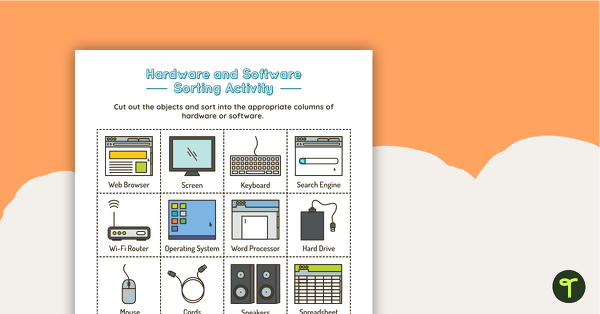
Introduction to Hardware and Software Sorting Activity
Guide students in understanding the difference between hardware and software with this cut and sort activity.
- Free Plan
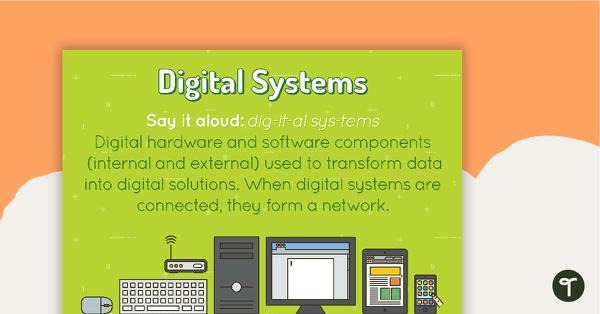
Digital Systems Poster
A poster showing the definition and an example of a digital system.
- Free Plan
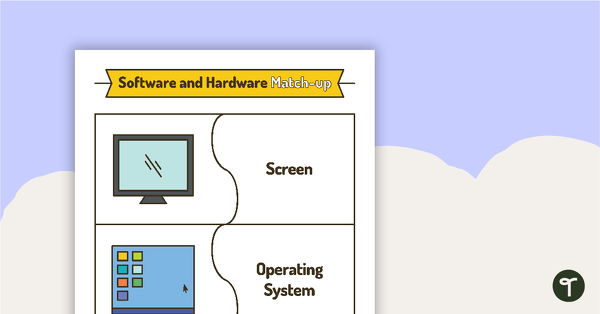
Software and Hardware Match-Up Activity
Consolidate students’ understanding of various software and hardware with this word and image match-up activity.
- Free Plan
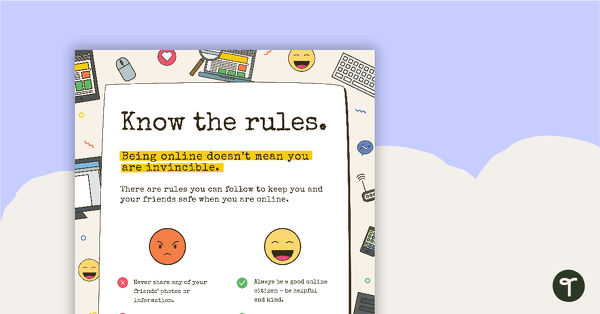
Cyber Safety Poster - Know the Rules
A cyber safety poster to help the students understand correct online behaviour.
- Free Plan
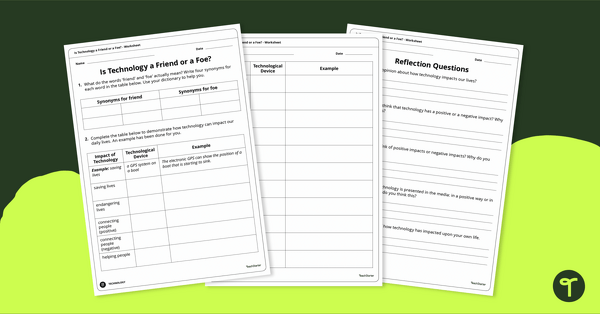
Friend or Foe? Positive and Negative Effects of Technology Worksheet
Exploring the positive and negative effects of technology in the community with classroom discussion and worksheets.
- Free Plan
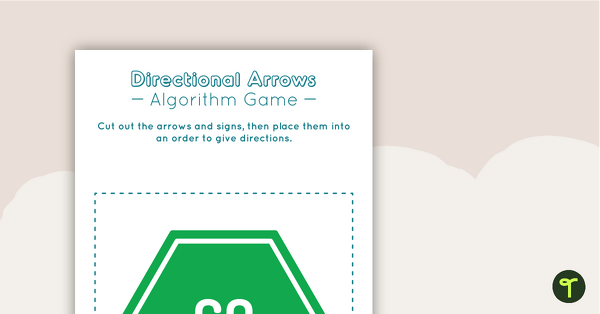
Directional Arrows Algorithm Game
A game to help teach your students directional instructions in sequencing (algorithms).
- Plus Plan
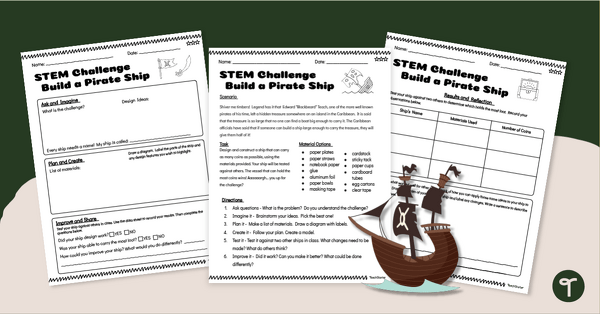
Pirate Ship Building STEM Challenge (5-6)
Challenge upper years classes to build a pirate ship with a fun (and engaging) STEM Building challenge created by teachers, for teachers.
- Plus Plan
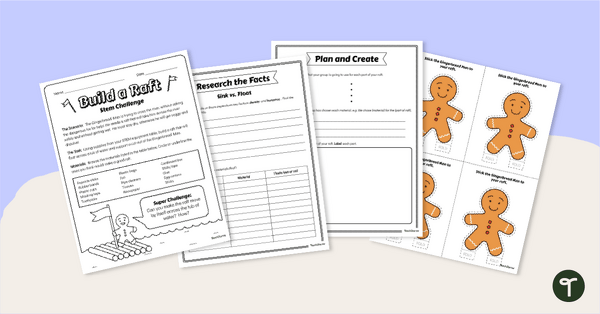
Gingerbread STEM Investigation - Build A Gingerbread Boat
Explore floating and waterproof materials in this Gingerbread STEM investigation embedded in a fun fairy tale story.
- Plus Plan
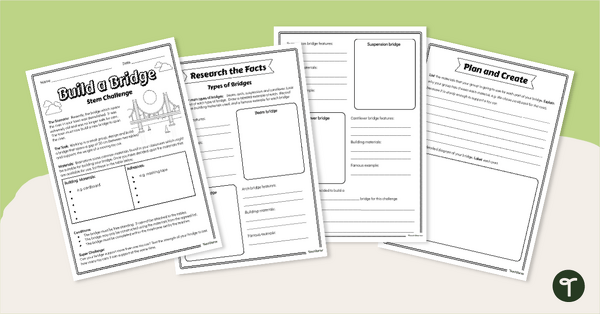
STEM Investigation Build A Bridge
Explore this STEM investigation about the construction of bridges using everyday materials, embedded in a real-life situation.
- Plus Plan
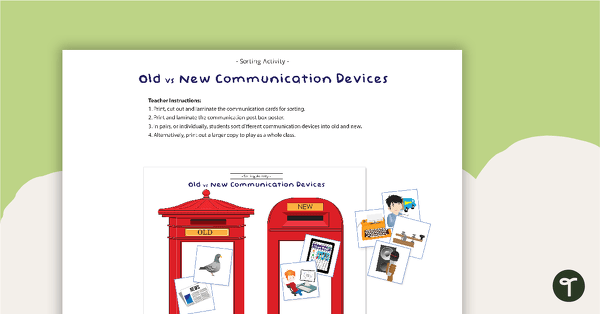
Old vs New Communication Devices - Sorting Activity
A fun sorting activity for students to identify old and new communication devices.
- Plus Plan
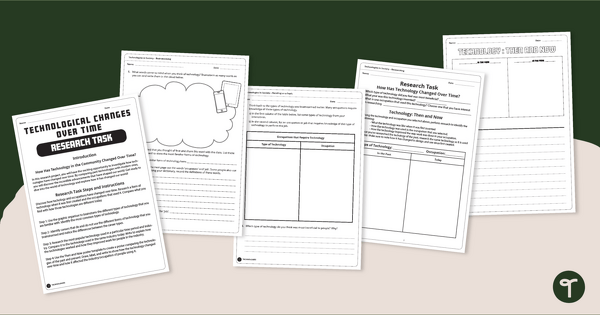
The Evolution of Technology - Research Project
Explores the evolution of technology over time with a handy research project.
- Plus Plan
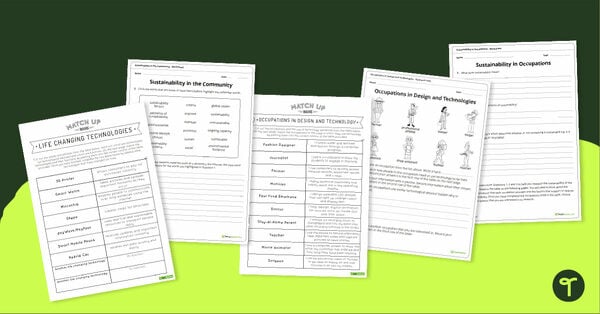
Occupations and Sustainability in Technologies Activity Pack
A set of four resources exploring life changing technologies, occupations, research, and sustainability in the community.
- Free Plan
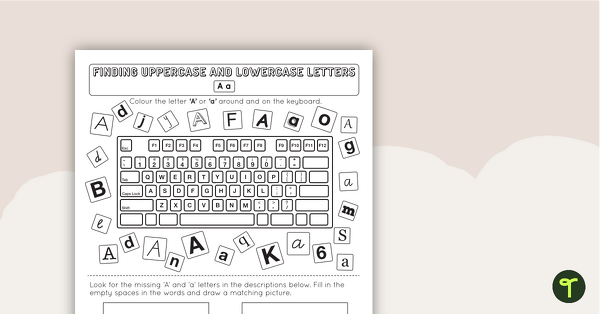
Recognising Uppercase and Lowercase Letters on a Keyboard Worksheet
A 26 page collection of worksheets (1 for each letter of the alphabet) to help students recognise uppercase and lowercase letters on a keyboard.
- Free Plan
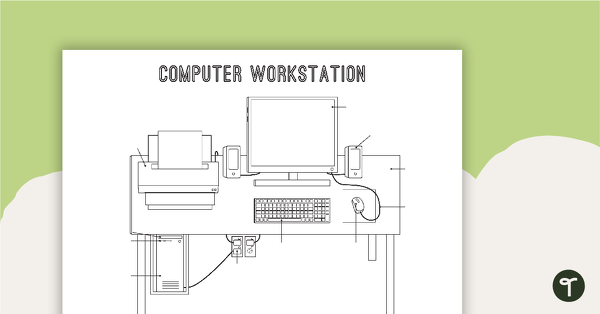
Technology Workstation Worksheet - Desktop Computer
A worksheet for students to label the key components of a desktop computer workstation.
- Plus Plan
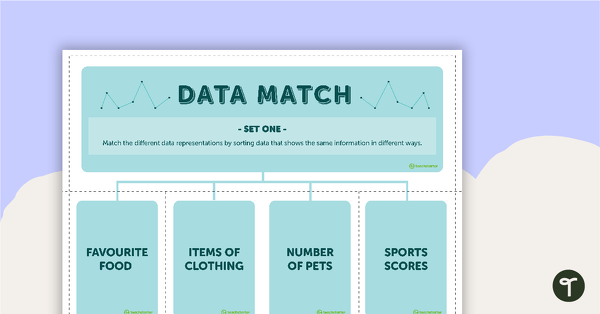
Data Match-Up Cards (Set 1)
A match-up activity for students to use when exploring data.
- Free Plan
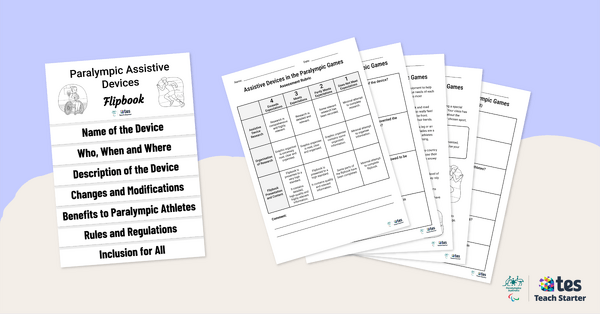
Assistive Devices in the Paralympic Games – Inquiry-Based Project
Have your students investigate the assistive devices used by Paralympians with this inquiry-based learning project.
- Plus Plan
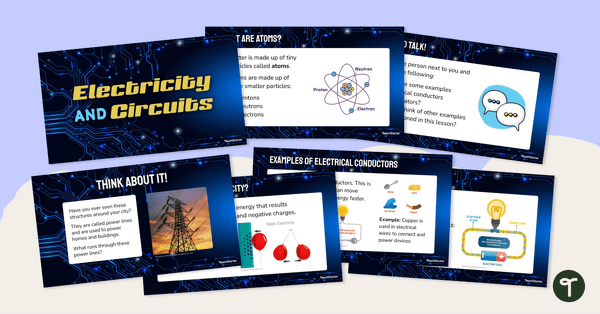
Electricity and Circuits Teaching Slides for Year 6
Use our editable teaching slides to break down the fundamentals of electricity and circuits for your students.
- Plus Plan
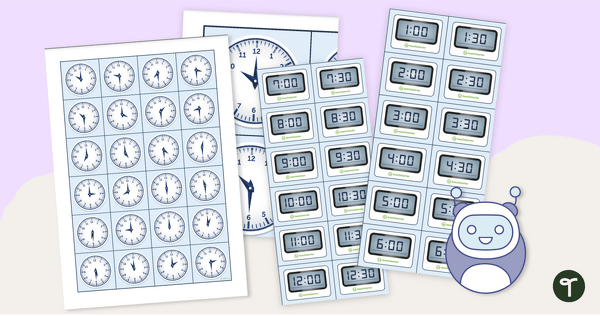
Analogue and Digital Clock Coding Robot Mat
Practise telling time on analogue and digital clocks with coding robots!
- Plus Plan
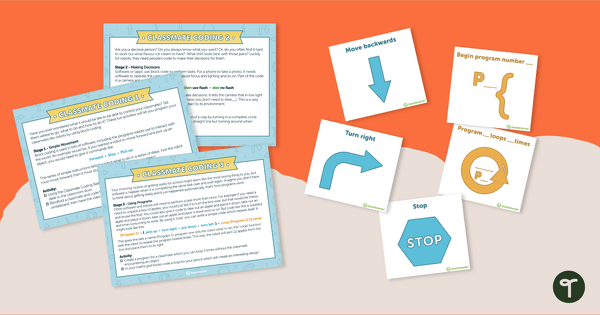
Classmate Coding - Flashcards and Activities
Introduce your students to the concept of coding by having them "program" a classmate using coding cards.
- Free Plan
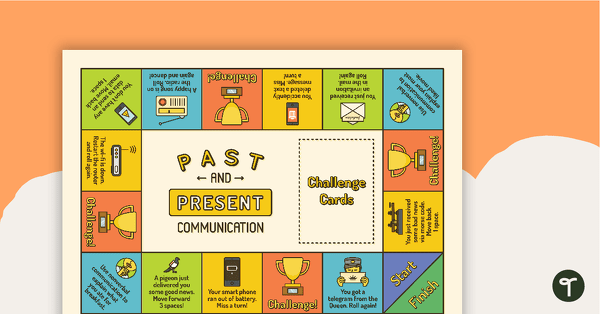
Past and Present Communication Board Game
A fun and engaging board game to consolidate students' understanding of past and present communication devices.
- Plus Plan
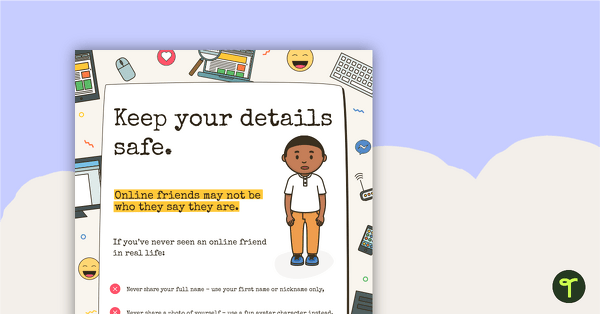
Cyber Safety Poster – Keep Your Details Safe
A cyber safety poster to help the students understand correct online behaviour.
- Plus Plan
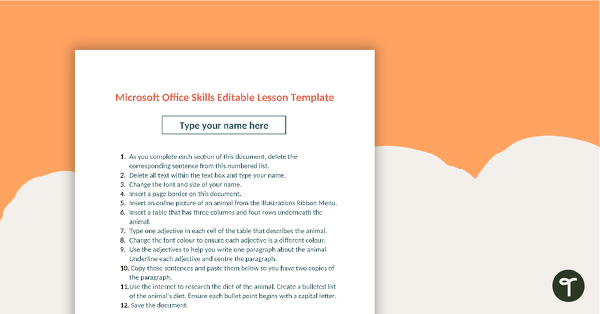
Editable Word Processing Template
An editable template for students to consolidate word processing skills.
- Plus Plan
Class 'We Can' Statements - Technology and Technologies (Lower Primary)
A set of 7 class 'We can' statement cards linked to the Australian Digital Technologies Curriculum.
- Plus Plan
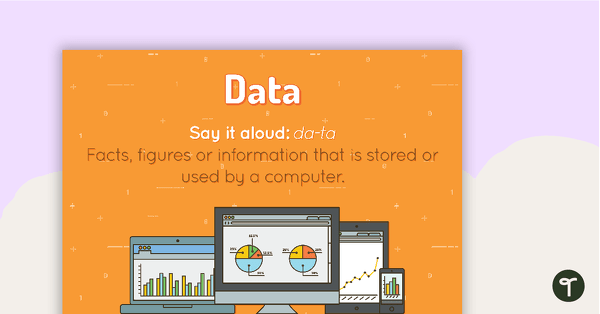
Data Poster
A poster showing the definition and an example of data.
- Plus Plan
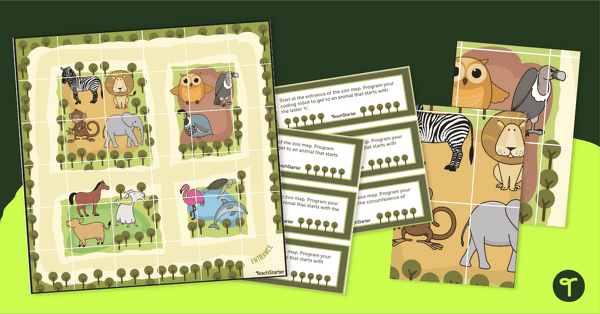
Coding Robot Zoo Mat
Implement coding for kids with coding robots and a printable coding robot map activity.
- Plus Plan
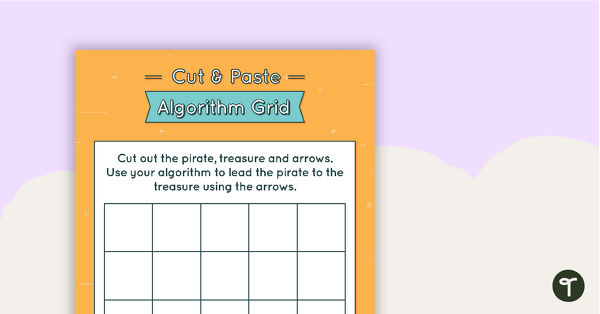
Cut and Paste Algorithm Grid - Colour
An activity for students to use when learning about algorithms (directions).
- Plus Plan
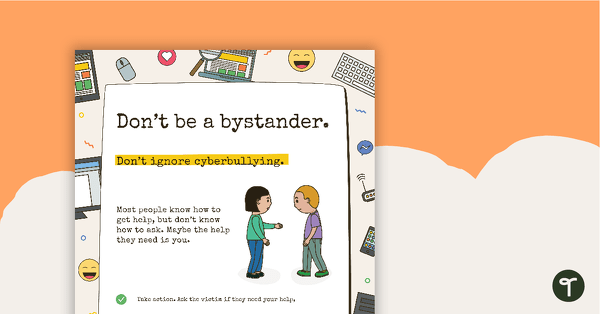
Cyber Safety Poster - Don't Be a Bystander
A cyber safety poster to help the students understand correct online behaviour.
- Plus Plan
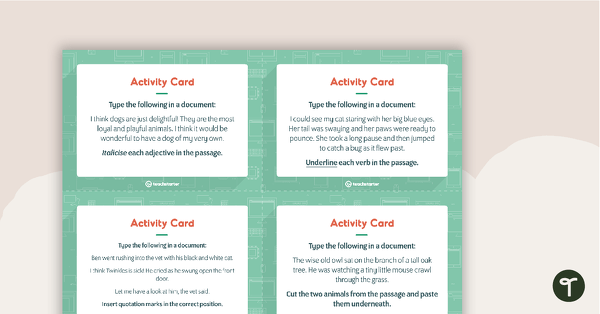
Word Processing Activity Cards
16 activity cards for students to use to practise their word processing skills.
- Plus Plan
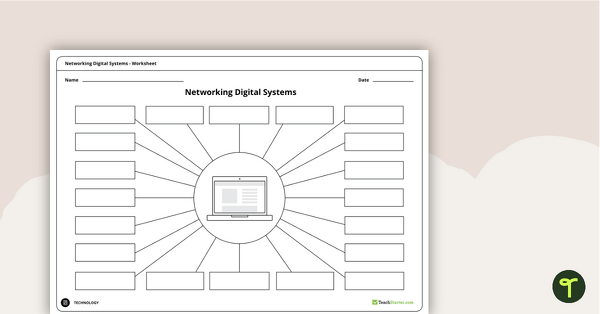
Networking Digital Systems Brainstorming Worksheets
A brainstorming sheet that encourages students to consider all possible devices that can be networked with a laptop, a computer and a tablet.
- Plus Plan
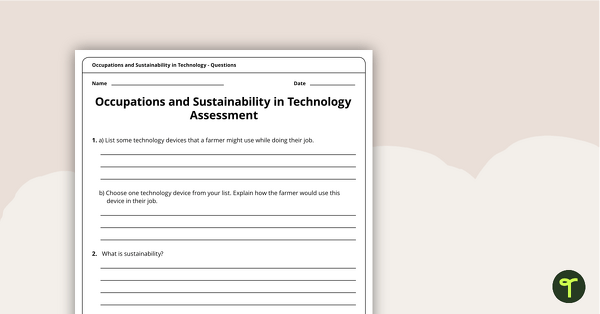
Occupations and Sustainability in Technology Assessment
A four-page assessment task covering occupations and sustainability in technology.
- Free Plan
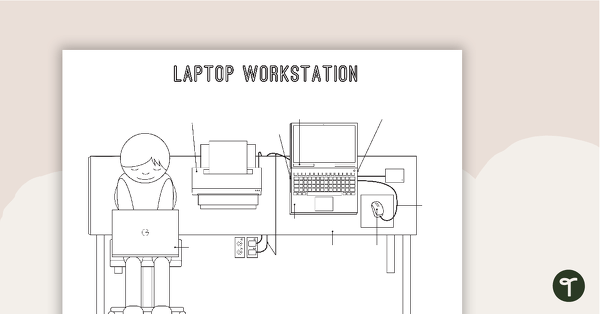
Technology Workstation Worksheet - Laptop Computer
A worksheet for students to label the key components of a laptop workstation.
- Plus Plan
'I Can' Statements - Technology and Technologies (Lower Primary)
A set of 44 'I can' statement cards linked to the Australian Digital Technologies Curriculum.