Teaching Slides for Teachers
Cut your lesson planning time in half with Google Slides, PowerPoints and teaching slide templates created by teachers for teachers!
Download hundreds of ready-made lessons and presentations already formatted in Google Slides so they will integrate seamlessly with your district LMS to supplement instruction in ELA, science, math, social studies and more!
Each curriculum-aligned slide deck template in this collection has undergone rigorous review by our team of expert teachers to ensure it's classroom-ready, so you don't have to spend hours fact-checking, spell-checking, and making major edits to make it work for your students.
Curious about how to add classroom slides to your lesson plans? Read on for a primer from our teacher team!
What Is a Slide Deck?
Maybe you call them teaching presentations? Maybe you call them slideshows or classroom slides? Or maybe you're more familiar with the term PowerPoint. A slide deck is a series of slides used as a visual aid while you're teaching a lesson or to present information to parents or students.
Our teaching slides or slide decks are designed with teachers' various needs in mind so you'll find Google Slides, which can also be easily used by Microsoft PowerPoint users.
Our slide decks for elementary teachers are easy to customize to differentiate for your individual students' needs and include important definitions, explanations of key concepts, review questions and activities, links to additional worksheets, and much more.
4 Ways to Use Google Slides in Your Classroom
So how do you use Google Slides in the classroom? We realize this may sound obvious ... you use them to teach a lesson, of course.
But there are countless additional ways to make use of this tool that you may not already have in your plans, so let's dive in.
- After a lesson is complete, add your teaching slides to your students' Google Classroom. This way students who were absent can review the slides to catch up, and even students who were in class that day can use them as a reference tool.
- Send slides to parents. Parents often reach out, asking how they can help their children who are struggling to comprehend a particular topic. This is where teacher slides come in handy. You can easily email a link to parents, so they can review the content with their kids.
- Use Google Slides to flip your classroom. Are you trying a flipped classroom approach? Send your Google Slides out to students!
- Use Google Slides with small groups. You don't have to limit your slide deck presentations to whole class instruction. This format is also perfect for reviewing content with your small groups.
How Do You Use Google Slides in Google Classroom?
The best part about our step-by-step instructions for using Google Slides in Google Classroom is that there isn’t any time spent explaining the "how to" in regards to the design and creation of Google Slides. That’s because we’ve already done the hard work for you with our collection of beautifully designed Google Slides ready to go!
All you have to do is:
- Download the Google Slide resource.
- Make a copy.
- Create an assignment in Google Classroom.
- Add the Google Slide from your Google Drive.
- Make a copy for each student.
- Assign!
What Are the Benefits of Using Google Slides in the Classroom?
With templates designed by teachers and rigorously reviewed by the expert teachers on the Teach Starter team, you'll find slides for just about everything you can think of in your classroom and then some. Here are some of the great benefits you'll quickly find!
Google Slides are easy to grade — you can grade from anywhere ... even your own kids' after-school practice!
- With Google Slides, it's easy to tell when kids are missing work.
- Because of the digital nature, parents can easily see their students' assignments.
- There's increased accountability.
- There are extra supports in place for a teacher when parents question a student's grade.
- You can quickly shift from in-person to remote learning when necessary.
- Individual pages in Google Slides can be downloaded as documents, PDFs, jpgs, and in other formats so you can easily print and edit!
- Our students are growing up in an increasingly digital world, and the use of slides — along side good, old-fashioned paper and pencil — will help prepare them for using technology tools in their future.
- Plus Plan
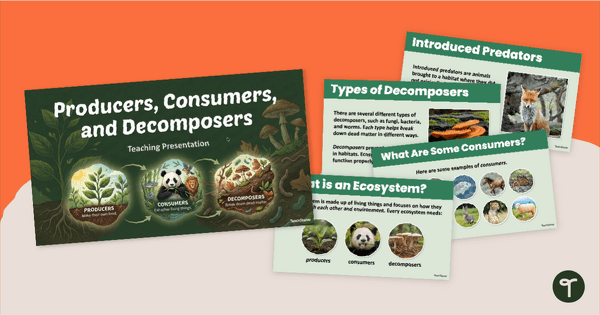
Producers, Consumers, and Decomposers PowerPoint
Explore habitat roles, food chains, and the effects of environmental change on ecosystems with an interactive Producers, Consumers, and Decomposers PowerPoint presentation.
- Plus Plan
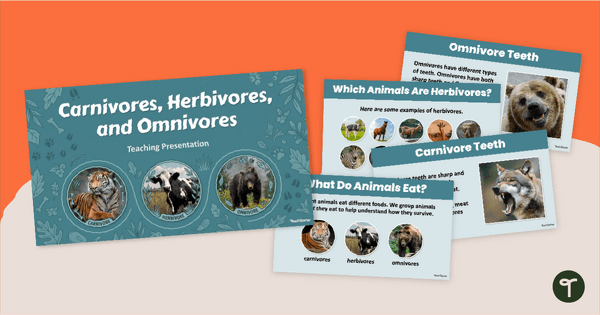
Carnivores, Herbivores, and Omnivores PowerPoint
Explore types of consumers and how they get their food with an engaging Carnivores, Herbivores, and Omnivores PowerPoint.
- Plus Plan
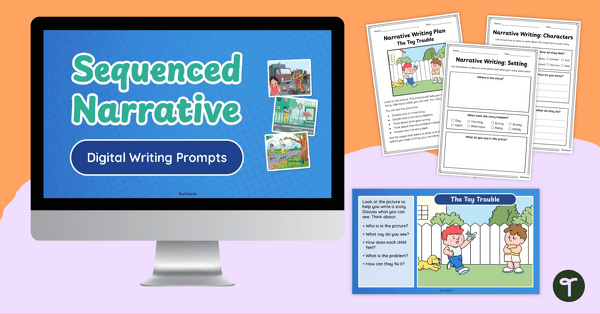
Guided Narrative Writing Prompts for Beginning Writers
Help your young writers build confidence with this set of engaging narrative writing prompts, available as both printable worksheets and digital slides.
- Plus Plan
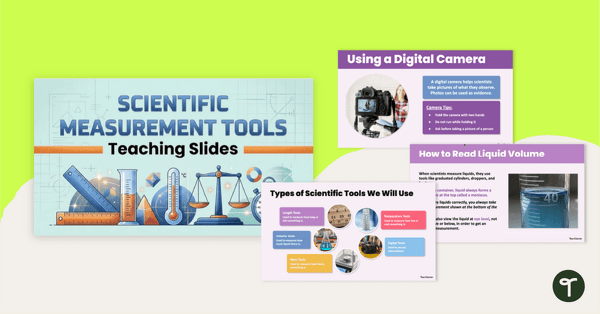
Scientific Measurement PowerPoint - Using Science Tools
Explore and use a variety of scientific measurement tools with an interactive Scientific Measurement PowerPoint.
- Plus Plan
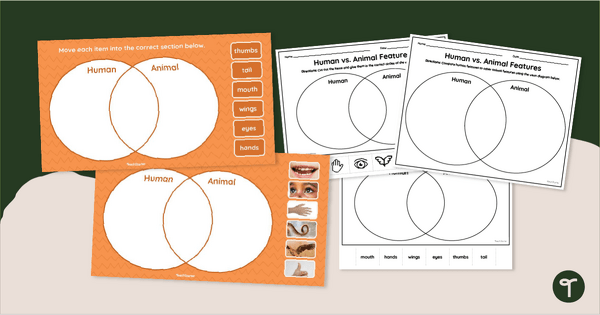
Humans vs. Animals Venn Diagram Activity
Compare human and animal characteristics with our printable and digital Human vs. Animal Features Venn Diagram activity.
- Plus Plan
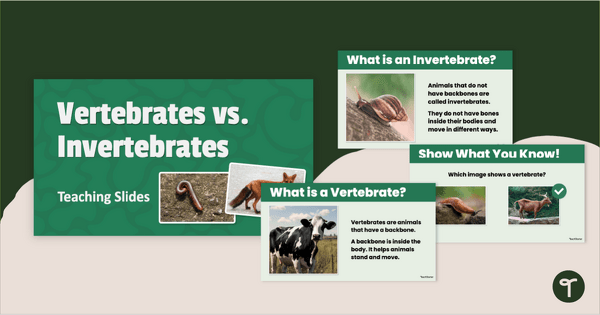
Vertebrate vs. Invertebrates PowerPoint (K-1)
Explore animals with and without backbones with a Vertebrates vs. Invertebrates PowerPoint for early learners.
- Plus Plan
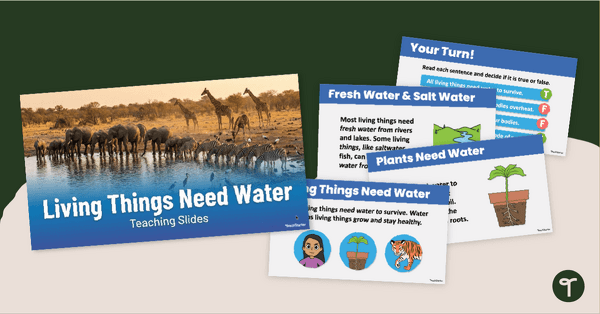
Living Things Need Water PowerPoint
Teach your students the importance of water to living things with an engaging Living Things Need Water PowerPoint Presentation.
- Plus Plan
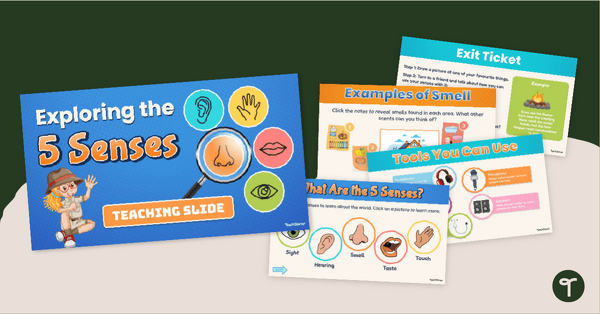
Exploring the Five Senses PowerPoint
Explore the five senses, how we use them, and more with an engaging 5 Senses PowerPoint Presentation.
- Plus Plan

Science Lab Safety Rules PowerPoint
Explore and teach science safety rules with an interactive Science Lab Safety Rules PowerPoint Presentation for early elementary students.
- Plus Plan
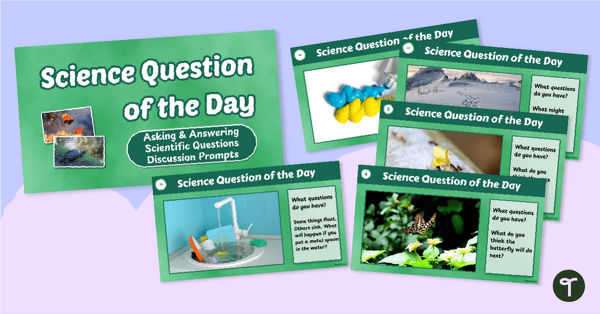
Science Question of the Day Discussion Prompts
Teach your students to ask questions, observe the world, and make scientific predictions with our Science Question of the Day Discussion Prompt Slide Deck.
- Plus Plan
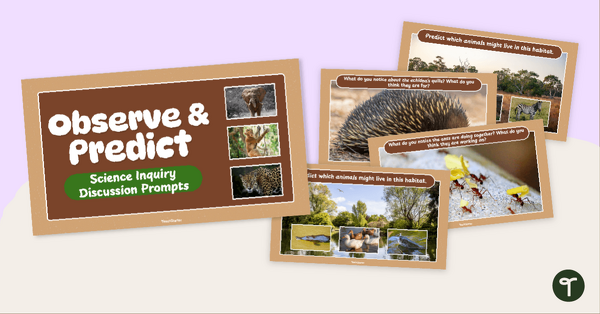
Science Inquiry Discussion Prompts - The Natural World
Practice making observations and scientific predictions about the natural world with engaging Science Inquiry Discussion Prompts.
- Plus Plan
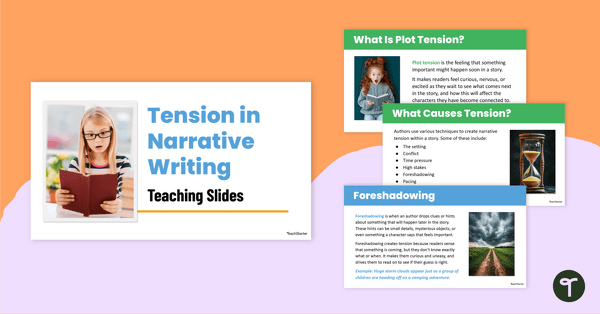
Building Tension in Narrative Writing Teaching Slides
Teach how to build tension in narrative writing with this interactive presentation that explains eight author techniques for creating suspense and excitement in stories.
- Plus Plan

Develop a Character Teaching Slides
Teach your students how to develop a character using the STEAL technique and other characterisation methods with this comprehensive teaching presentation.
- Plus Plan
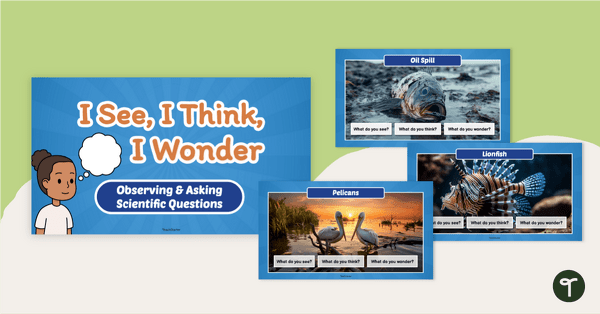
I See, I Think, I Wonder - Science Inquiry PowerPoint
Teach students to ask scientific questions, make observations, and inspire discussions with this ‘I See, I Think, I Wonder’ Science Inquiry PowerPoint.
- Plus Plan
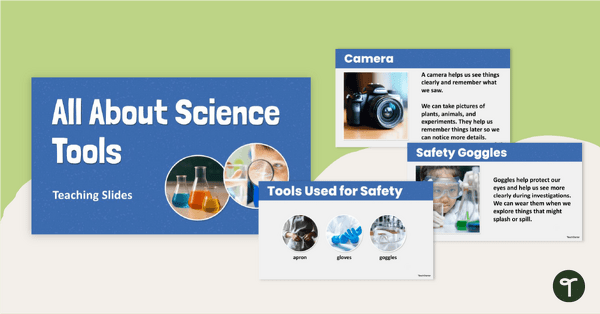
Science Tools and Safety PowerPoint (K-2)
Explore science safety gear and science equipment with an interactive Science Tools PowerPoint Presentation.
- Plus Plan
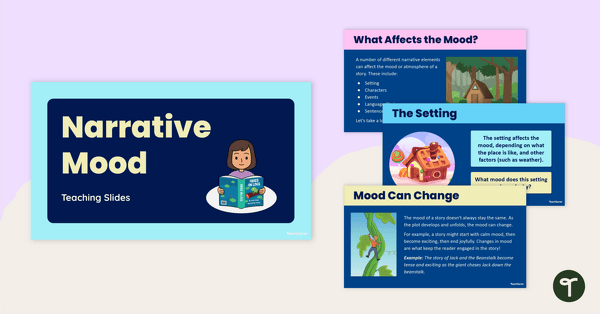
Narrative Mood Teaching Slides
Explore narrative mood with this interactive presentation that helps students understand what mood is, why it matters and how to create it in their own writing.
- Plus Plan
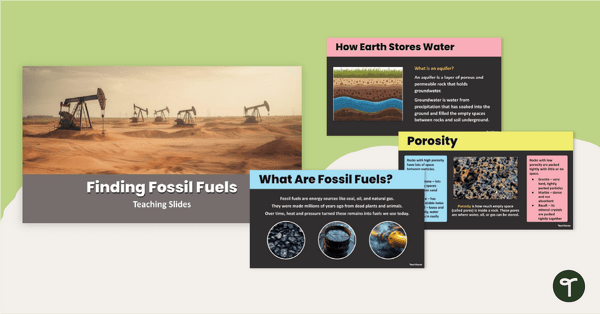
Finding Fossil Fuels PowerPoint
Use an interactive ‘Finding Fossil Fuels’ PowerPoint to teach your students about how and where the Earth stores fossil fuels.
- Plus Plan
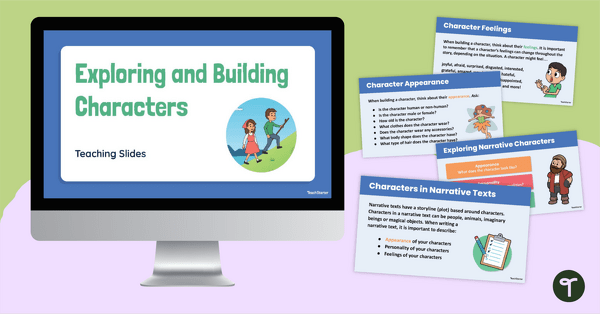
Exploring and Building Narrative Characters PowerPoint
Use this editable PowerPoint template when teaching younger students about how to build a character for a narrative text.
- Plus Plan
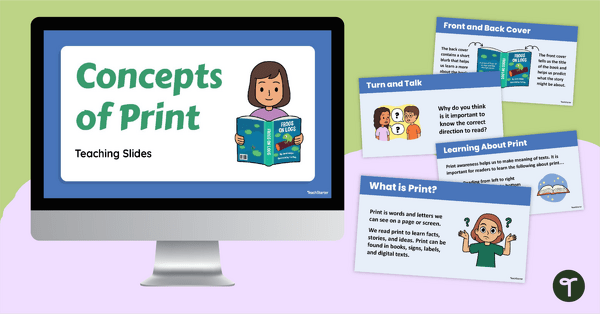
Concepts About Print Teaching Slides
Learn about the different elements of both print and digital print with this set of teaching slides.
- Plus Plan
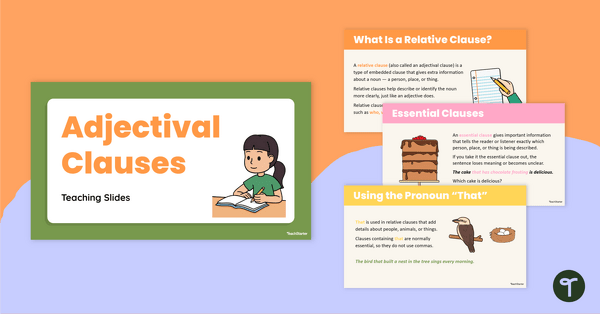
Adjectival Clause Teaching Slides
Teach the power of the adjectival clause with this engaging slide deck designed to help elementary school students boost their descriptive writing.
- Plus Plan
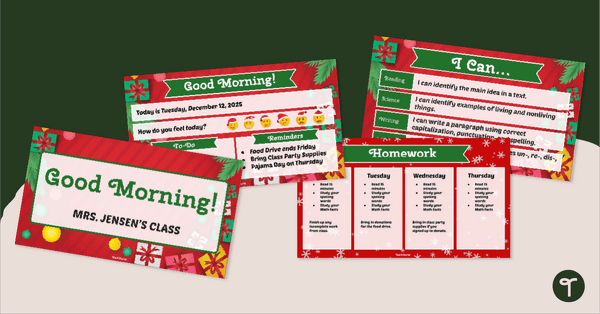
Christmas Slides Template for Teachers
Organize your students and classroom during the holiday season with a fun Christmas Slides Template for Teachers.
- Plus Plan
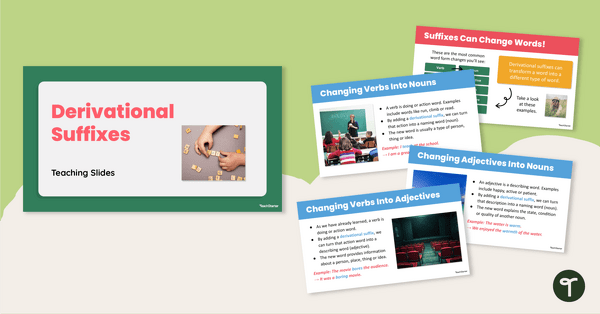
Derivational Suffixes Teaching Slides
Teach how derivational suffixes can transform words and their meanings with this comprehensive teaching presentation for upper elementary students.
- Plus Plan
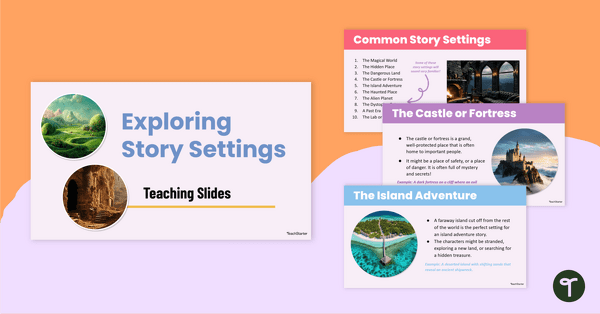
Examples of Story Settings Teaching Slides
Discover engaging examples of story settings with this teaching presentation that introduces students to ten classic settings in children’s literature.
- Plus Plan
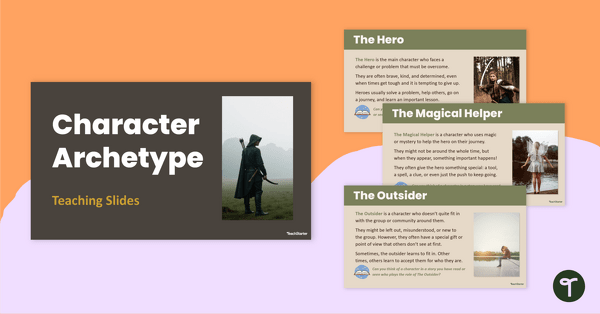
Character Archetypes Teaching Slides
Download this character archetypes slide deck to help your students identify and analyze common character types in literature.
- Plus Plan
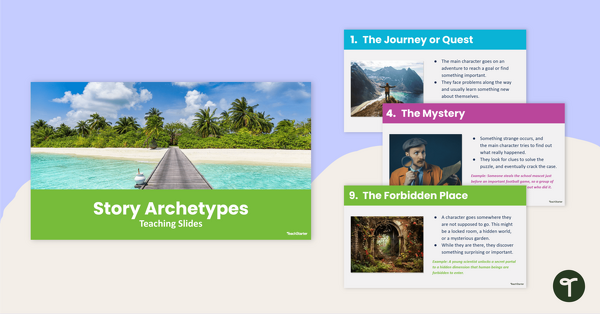
Story Archetypes Teaching Slides
Teach story archetypes with this engaging slide deck that introduces students to ten of the most common plot patterns in literature.
- Plus Plan
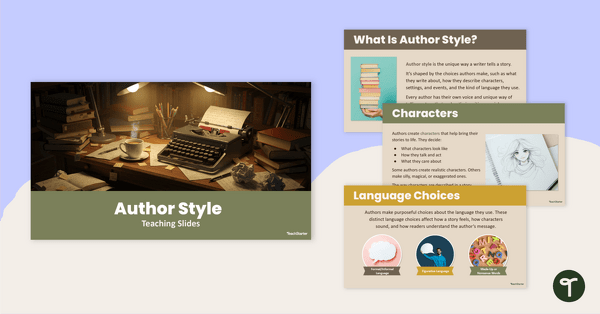
Author's Writing Style Teaching Slides
Teach your students about an author’s writing style with this engaging slide deck that helps students understand the elements that make up an author’s unique voice.
- Plus Plan
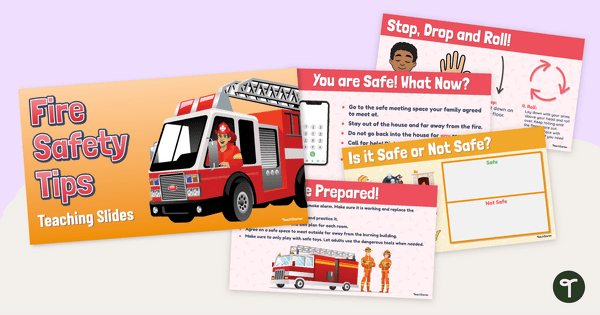
Tips For Fire Safety PowerPoint
Teach your students about fire prevention and what to do in an emergency with an engaging Fire Safety PowerPoint / Google slideshow.
- Plus Plan
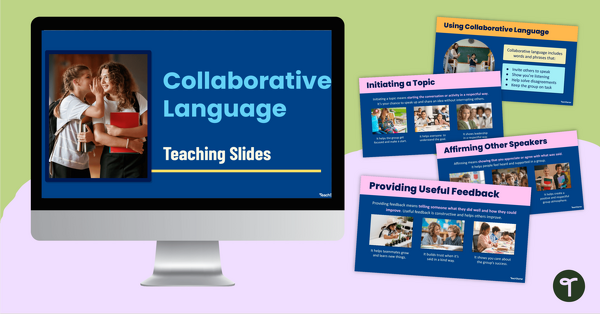
Collaborative Language Teaching Slides
Introduce collaborative language to your students with this easy-to-use slide deck that provides practical examples for developing confident, respectful communication.
- Plus Plan
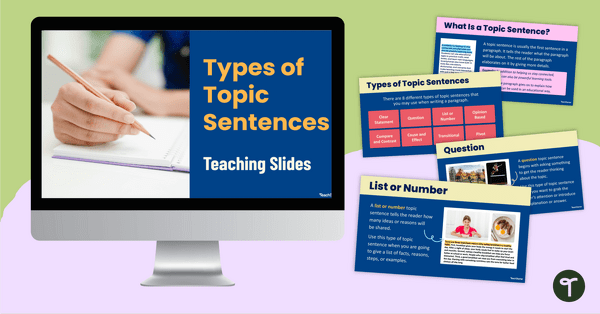
Types of Topic Sentences Teaching Slides
Teach your students about types of topic sentences with this engaging slide deck that explores eight different topic sentence variations and their purposes.
- Plus Plan
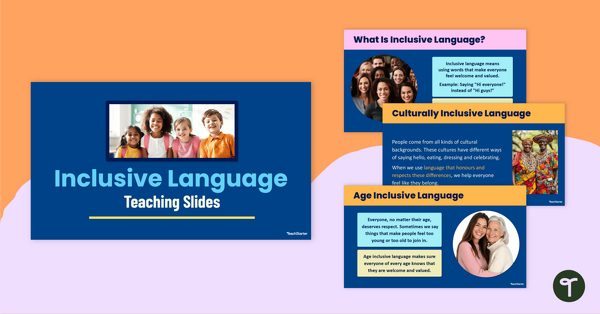
What Is Inclusive Language? Teaching Slides
Teach inclusive language to help your students embrace diversity with this engaging slide deck packed with examples and review activities.
- Plus Plan
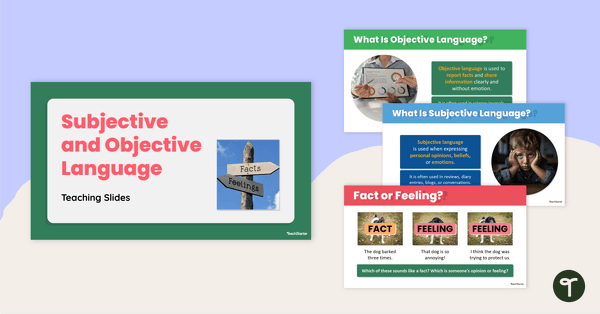
Subjective and Objective Language Teaching Slides
Teach your students how to confidently identify subjective and objective language in texts with this engaging, age-appropriate slide deck.
- Plus Plan
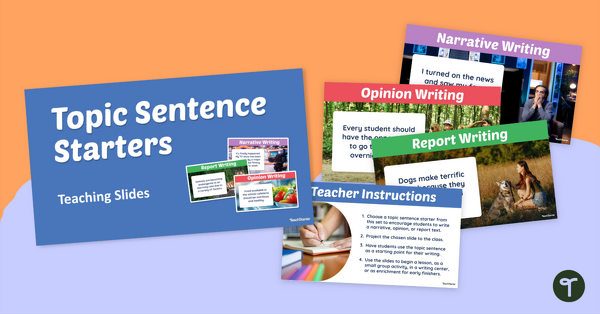
Sentence Starters for Writing Slides
Spark creativity with our sentence starters for writing slides that provide your students writing prompts across three writing genres.