Teaching Slides for Teachers
Cut your lesson planning time in half with Google Slides, PowerPoints and teaching slide templates created by teachers for teachers!
Download hundreds of ready-made lessons and presentations already formatted in Google Slides so they will integrate seamlessly with your district LMS to supplement instruction in ELA, science, math, social studies and more!
Each curriculum-aligned slide deck template in this collection has undergone rigorous review by our team of expert teachers to ensure it's classroom-ready, so you don't have to spend hours fact-checking, spell-checking, and making major edits to make it work for your students.
Curious about how to add classroom slides to your lesson plans? Read on for a primer from our teacher team!
What Is a Slide Deck?
Maybe you call them teaching presentations? Maybe you call them slideshows or classroom slides? Or maybe you're more familiar with the term PowerPoint. A slide deck is a series of slides used as a visual aid while you're teaching a lesson or to present information to parents or students.
Our teaching slides or slide decks are designed with teachers' various needs in mind so you'll find Google Slides, which can also be easily used by Microsoft PowerPoint users.
Our slide decks for elementary teachers are easy to customize to differentiate for your individual students' needs and include important definitions, explanations of key concepts, review questions and activities, links to additional worksheets, and much more.
4 Ways to Use Google Slides in Your Classroom
So how do you use Google Slides in the classroom? We realize this may sound obvious ... you use them to teach a lesson, of course.
But there are countless additional ways to make use of this tool that you may not already have in your plans, so let's dive in.
- After a lesson is complete, add your teaching slides to your students' Google Classroom. This way students who were absent can review the slides to catch up, and even students who were in class that day can use them as a reference tool.
- Send slides to parents. Parents often reach out, asking how they can help their children who are struggling to comprehend a particular topic. This is where teacher slides come in handy. You can easily email a link to parents, so they can review the content with their kids.
- Use Google Slides to flip your classroom. Are you trying a flipped classroom approach? Send your Google Slides out to students!
- Use Google Slides with small groups. You don't have to limit your slide deck presentations to whole class instruction. This format is also perfect for reviewing content with your small groups.
How Do You Use Google Slides in Google Classroom?
The best part about our step-by-step instructions for using Google Slides in Google Classroom is that there isn’t any time spent explaining the "how to" in regards to the design and creation of Google Slides. That’s because we’ve already done the hard work for you with our collection of beautifully designed Google Slides ready to go!
All you have to do is:
- Download the Google Slide resource.
- Make a copy.
- Create an assignment in Google Classroom.
- Add the Google Slide from your Google Drive.
- Make a copy for each student.
- Assign!
What Are the Benefits of Using Google Slides in the Classroom?
With templates designed by teachers and rigorously reviewed by the expert teachers on the Teach Starter team, you'll find slides for just about everything you can think of in your classroom and then some. Here are some of the great benefits you'll quickly find!
Google Slides are easy to grade — you can grade from anywhere ... even your own kids' after-school practice!
- With Google Slides, it's easy to tell when kids are missing work.
- Because of the digital nature, parents can easily see their students' assignments.
- There's increased accountability.
- There are extra supports in place for a teacher when parents question a student's grade.
- You can quickly shift from in-person to remote learning when necessary.
- Individual pages in Google Slides can be downloaded as documents, PDFs, jpgs, and in other formats so you can easily print and edit!
- Our students are growing up in an increasingly digital world, and the use of slides — along side good, old-fashioned paper and pencil — will help prepare them for using technology tools in their future.
- Plus Plan
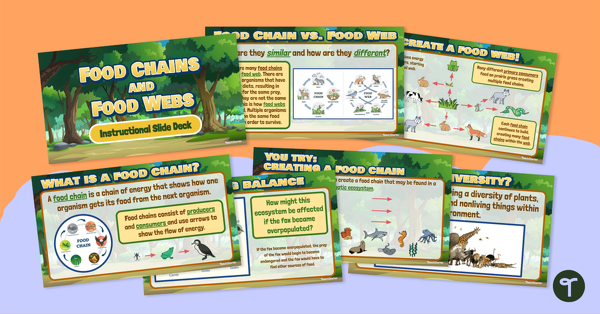
Food Webs vs. Food Chains – Instructional Slide Deck
Learn the difference between a food chain and a food web with this 18-slide instructional slide deck.
- Plus Plan
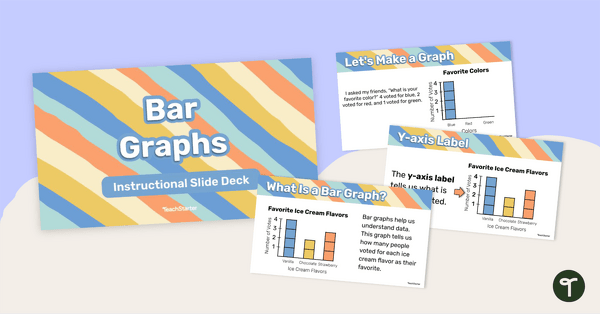
Bar Graphs – Instructional Slide Deck
Learn about the features and how to create a bar graph with this 25-page instructional slide deck.
- Plus Plan
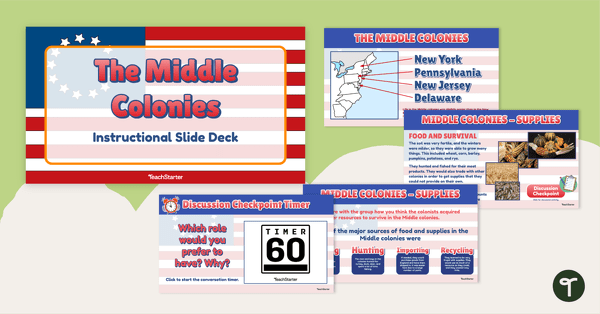
The Middle Colonies Instructional Slide Deck
Guide your students on a trip through American history with an instructional slide deck depicting life in the Middle Colonies.
- Plus Plan
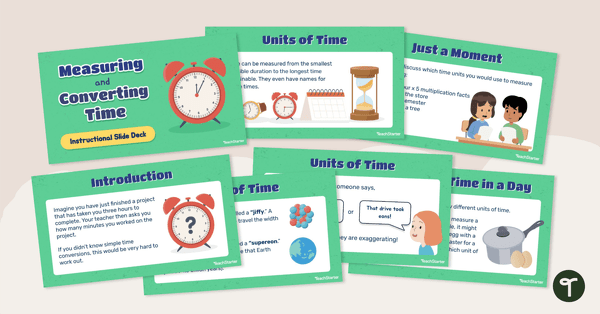
Measuring and Converting Time – Instructional Slide Deck
Learn how to measure and convert time with this 14-slide instructional slide deck.
- Plus Plan
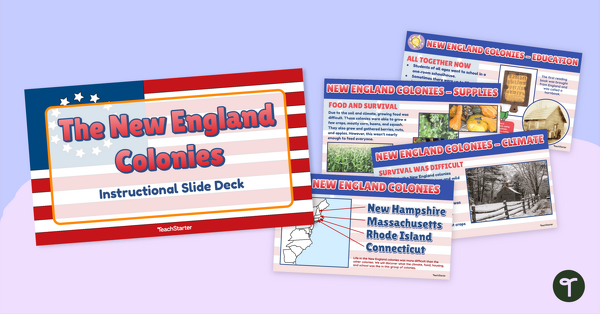
The New England Colonies - Instructional Slide Deck
Guide your students on a trip through American history with an instructional slide deck depicting life in the New England Colonies.
- Plus Plan
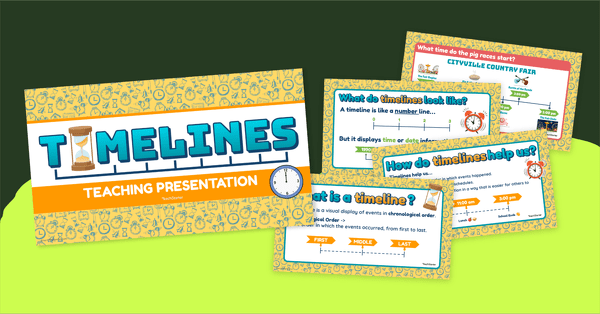
What is a Timeline? Instructional Slide Deck
Use this slide deck and accompanying materials to teach your students how to read, understand, and identify timelines.
- Plus Plan
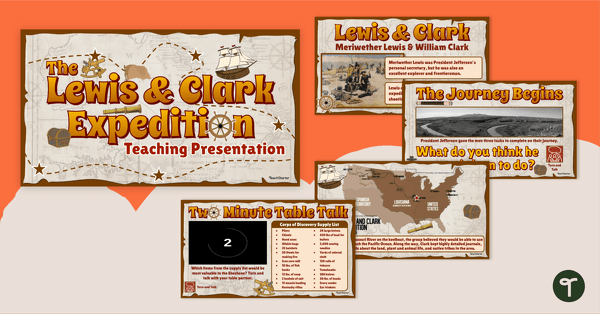
The Lewis and Clark Expedition - PowerPoint
Guide your students on a trip through American history with an instructional slide deck on the Lewis and Clark expedition.
- Plus Plan
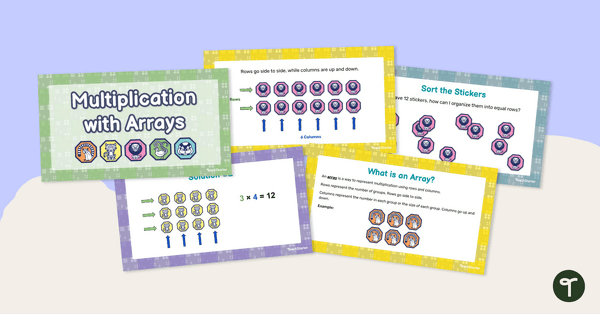
Multiplication With Arrays Teaching Slides
Teach your students how to connect multiplication with arrays with this 16-slide teaching presentation.
- Plus Plan
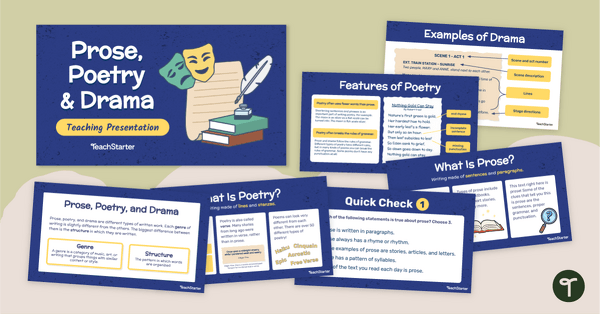
Prose, Poetry, and Drama Teaching Presentation
Teach your students the difference between poetry, prose, and drama with an interactive Google Slides teaching presentation.
- Plus Plan
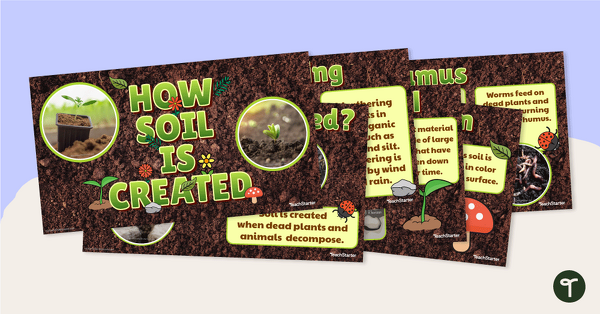
How Soil Is Created – Teaching Presentation
Learn about how soil is made with this 15-slide teaching presentation.
- Plus Plan
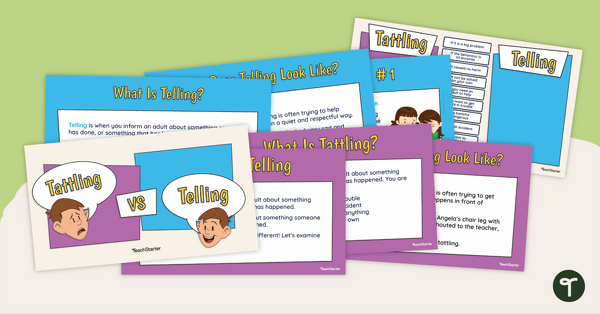
Tattling vs. Telling Teaching Presentation
Teach your students the difference between “tattling” and “telling” with this comprehensive teaching presentation.
- Plus Plan
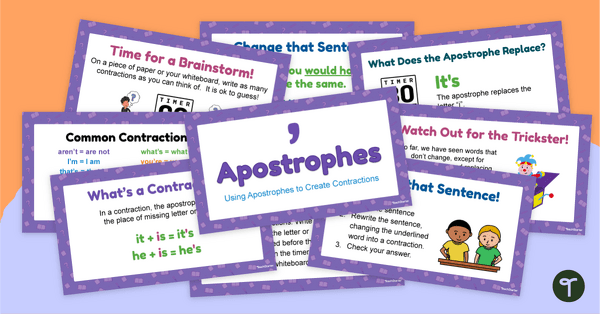
Apostrophes in Contractions Teaching Presentation
Teach your students to use apostrophes to form contractions with an Apostrophe teaching presentation.
- Plus Plan
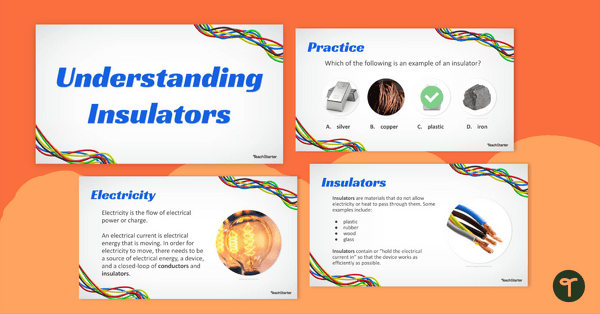
Understanding Insulators Teaching Slides
Teach your students about electrical and thermal insulators with this teaching presentation.
- Plus Plan
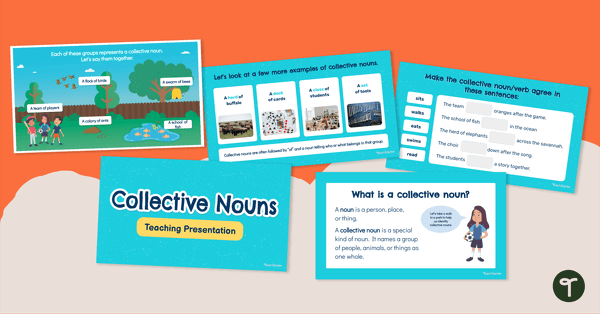
Collective Nouns Teaching Presentation
Teach your students to recognize and use collective nouns with a teaching presentation.
- Plus Plan
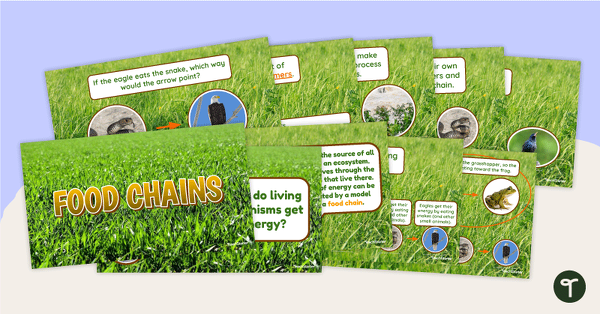
Food Chains – Teaching Presentation
Learn about the flow of energy in a food chain with this 12-slide teaching presentation.
- Plus Plan
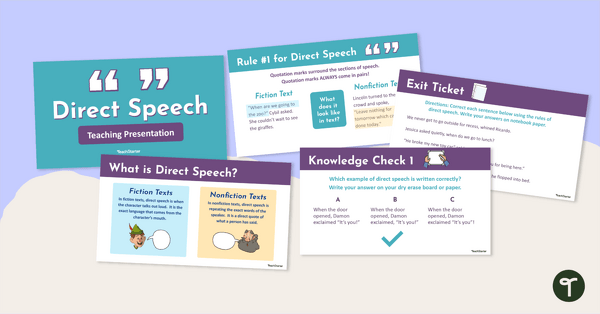
Direct Speech - Teaching Presentation
Teach the rules of punctuating direct speech in texts with an interactive teaching presentation
- Plus Plan
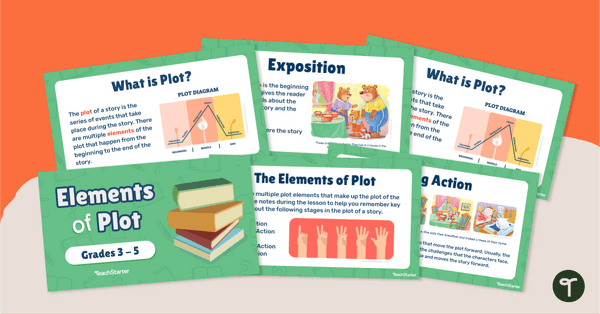
Elements of Plot Teaching Presentation
Teach them to your students with a Plot Elements Teaching presentation.
- Plus Plan
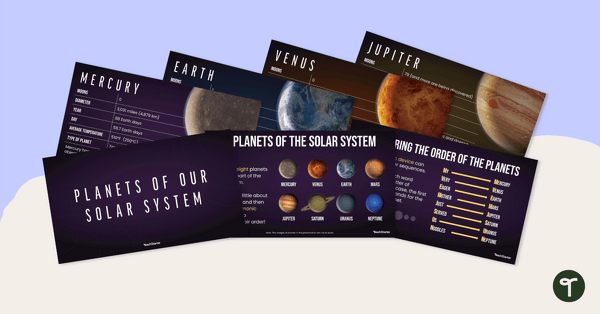
Planets of Our Solar System – Teaching Presentation
Practice identifying the planets in Earth's solar system and their position in relation to the Sun with this 21-slide presentation.
- Plus Plan
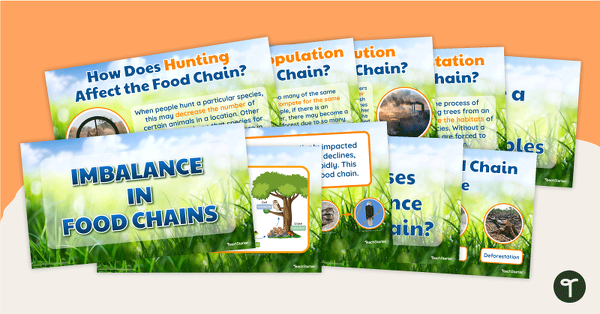
Imbalance in Food Chains – Teaching Presentation
Explore how different factors can cause a break in a food chain and may affect an ecosystem with this 16-slide teaching presentation.
- Plus Plan
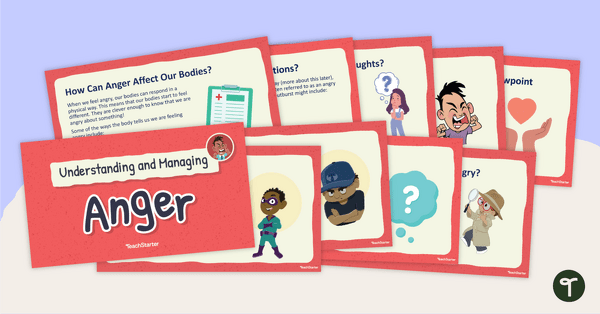
Understanding and Managing Anger Teaching Presentation
Teach your students about angry feelings with this comprehensive guide to understanding and managing anger.
- Plus Plan
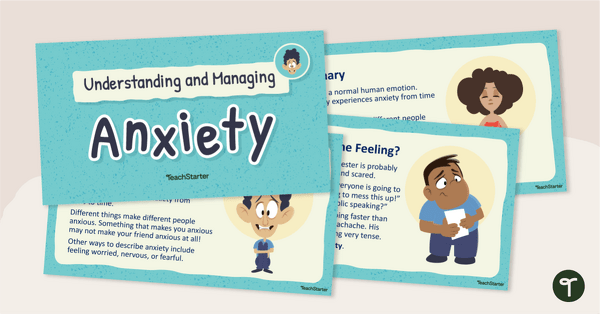
Understanding and Managing Anxiety Teaching Presentation
Teach your students about anxious feelings with this comprehensive guide to understanding and managing anxiety.
- Plus Plan
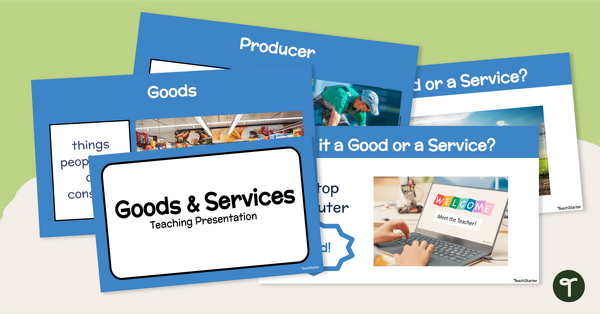
Teaching Goods and Services Presentation
Teach your students to identify and describe examples of goods and services with an interactive teaching presentation.
- Plus Plan
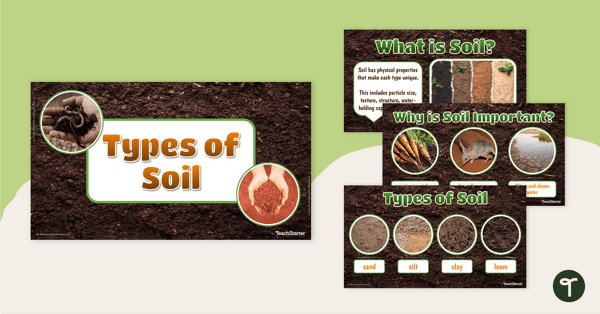
Types of Soil – Teaching Presentation
Practice identifying different types of soil with this 18-slide teaching presentation.
- Plus Plan
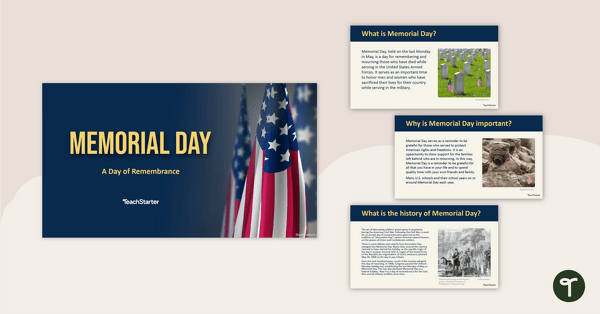
Memorial Day Teaching Presentation
Reflect and show respect on Memorial Day with this informative teaching presentation.
- Plus Plan
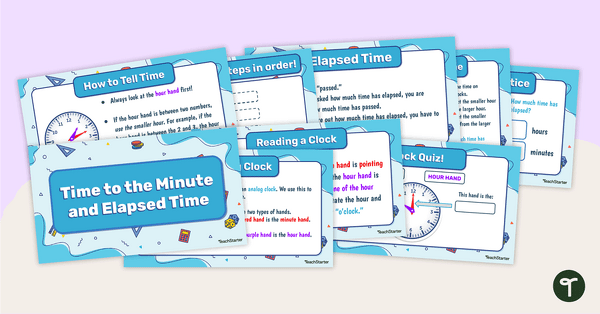
Time to the Minute and Elapsed Time – Teaching Presentation
Practice telling time to the nearest minute and calculating elapsed time with this 18-slide teaching presentation.
- Plus Plan
Well-Being Self-Reflection Prompts PowerPoint
Make mental wellness check-ins a regular part of your day with our collection of 50 student self-reflection prompts.
- Plus Plan
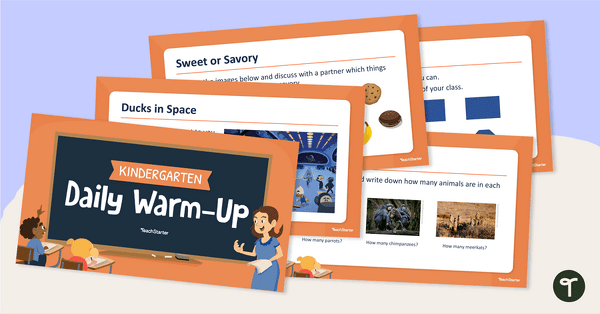
Kindergarten Daily Warm-Up – PowerPoint 1
Display this collection of warm-up activities for kindergarten with tasks related to literacy, math, art, and more.
- Plus Plan
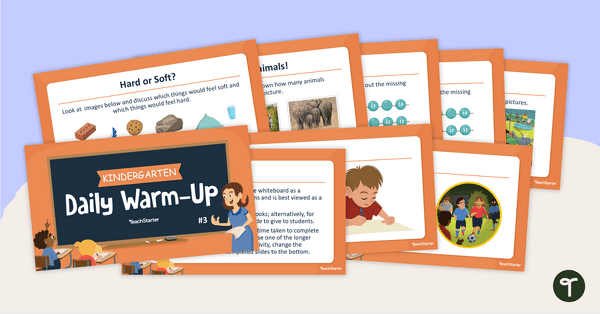
Kindergarten Daily Warm-Up - PowerPoint 3
Wake up kindergarten-level students with a new Math or English activity each day.
- Plus Plan
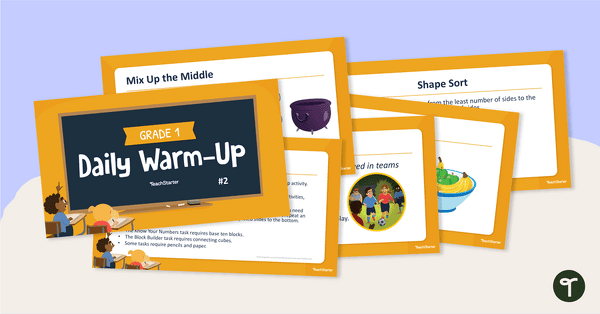
Grade 1 Daily Warm-Up – PowerPoint 2
Bring on the day’s lessons with math and English activities that get students excited about learning.
- Plus Plan
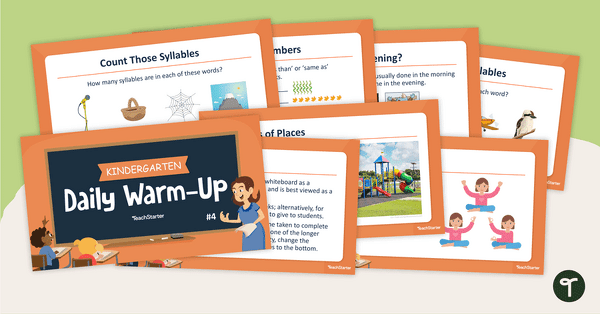
Kindergarten Daily Warm-Up – PowerPoint 4
Start the school day with this 81-slide PowerPoint presentation containing a variety of Reading and Math warm-up activities.
- Plus Plan
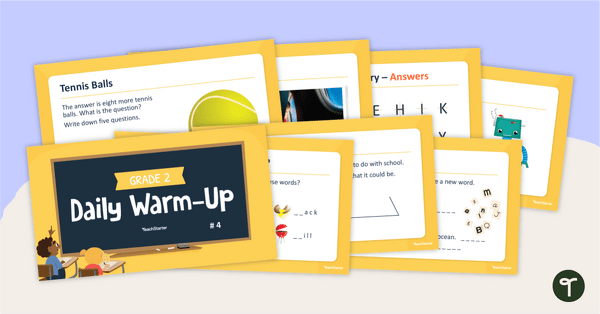
Grade 2 Daily Warm-Up - PowerPoint 4
Warm-up your students' brains each day with this 68-slide PowerPoint containing a variety of quick activities.
- Plus Plan
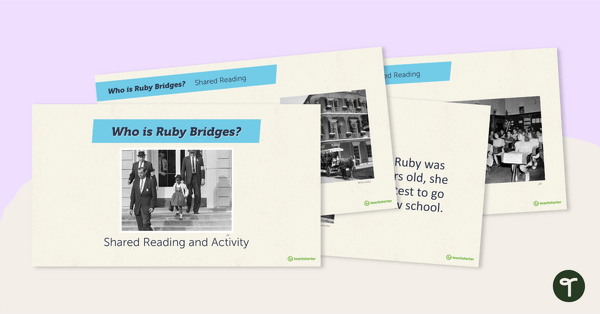
Who Is Ruby Bridges? – Shared Reading and Activity
Read along to learn about Ruby Bridges and her role in desegregation with this 14-slide PowerPoint presentation.